Get 10% back in Relic Coins on every order
RPG Maker VX Ace - DS+ Resource Pack DLC cover

SteamGlobal· DLC

RPG Maker VX Ace - DS+ Resource Pack DLC

€5.22

+€0.52 cashback eligibility in Relic Coins

Check before you play

Platform
Steam
Region
Global
Product type
DLC

Check the required base game and edition before purchasing this add-on.

Developer
Kuusou Kagaku
Publisher
Enterbrain
Supplier release date
2013-10-22

About this product

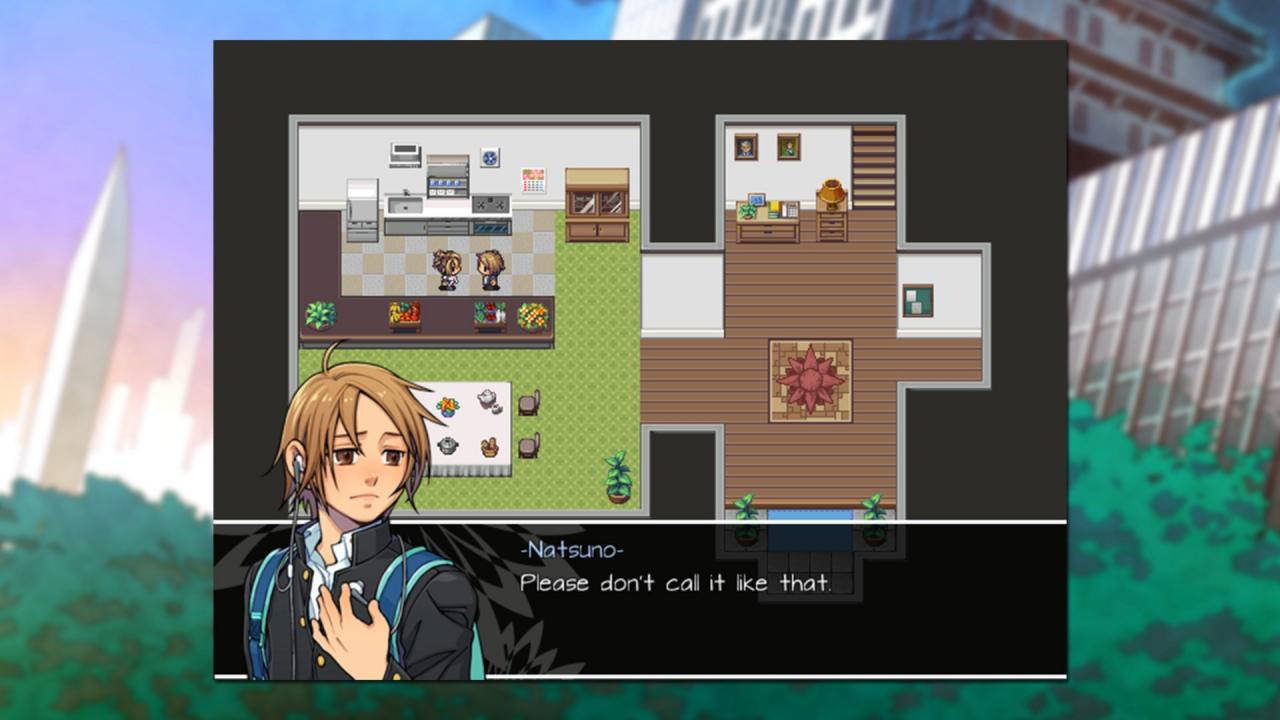
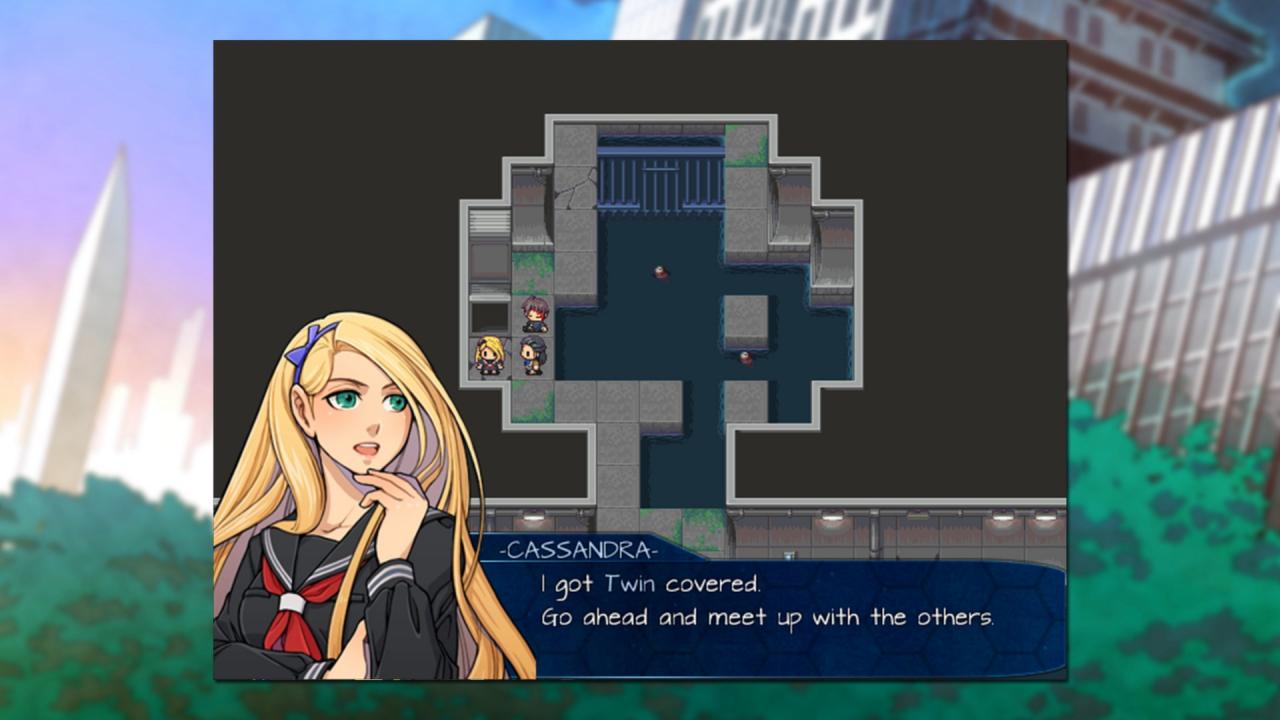
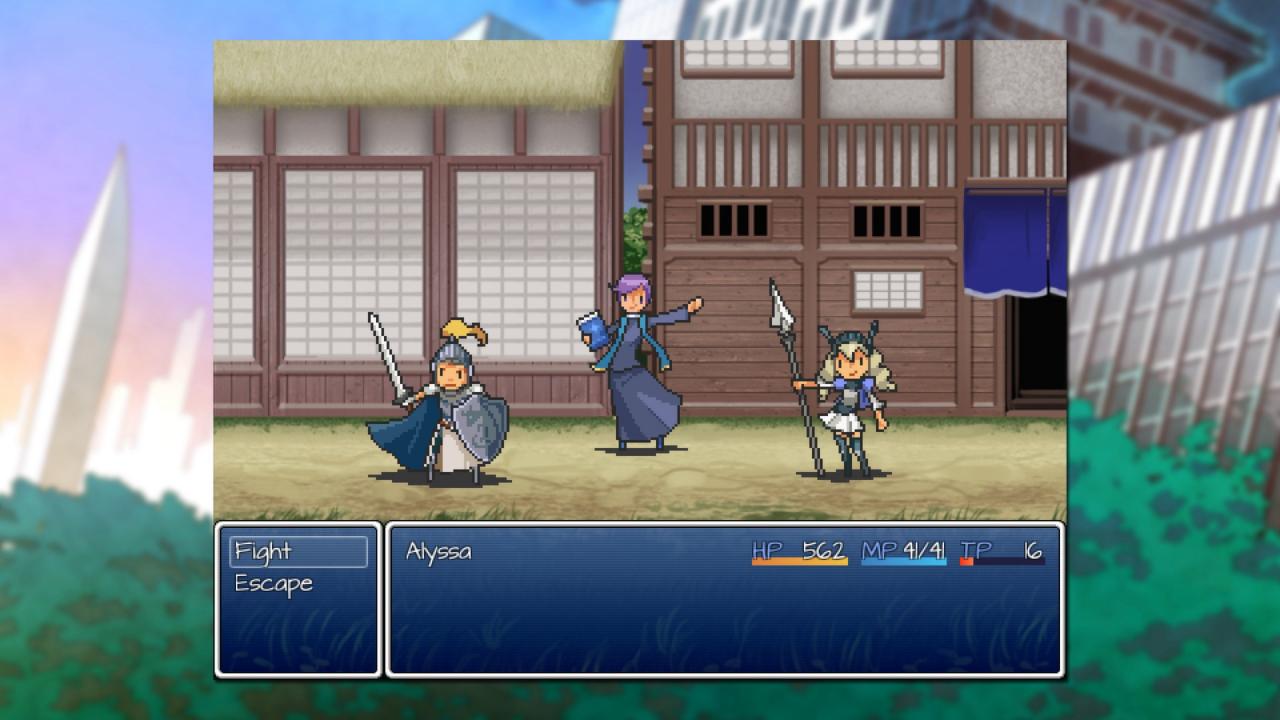
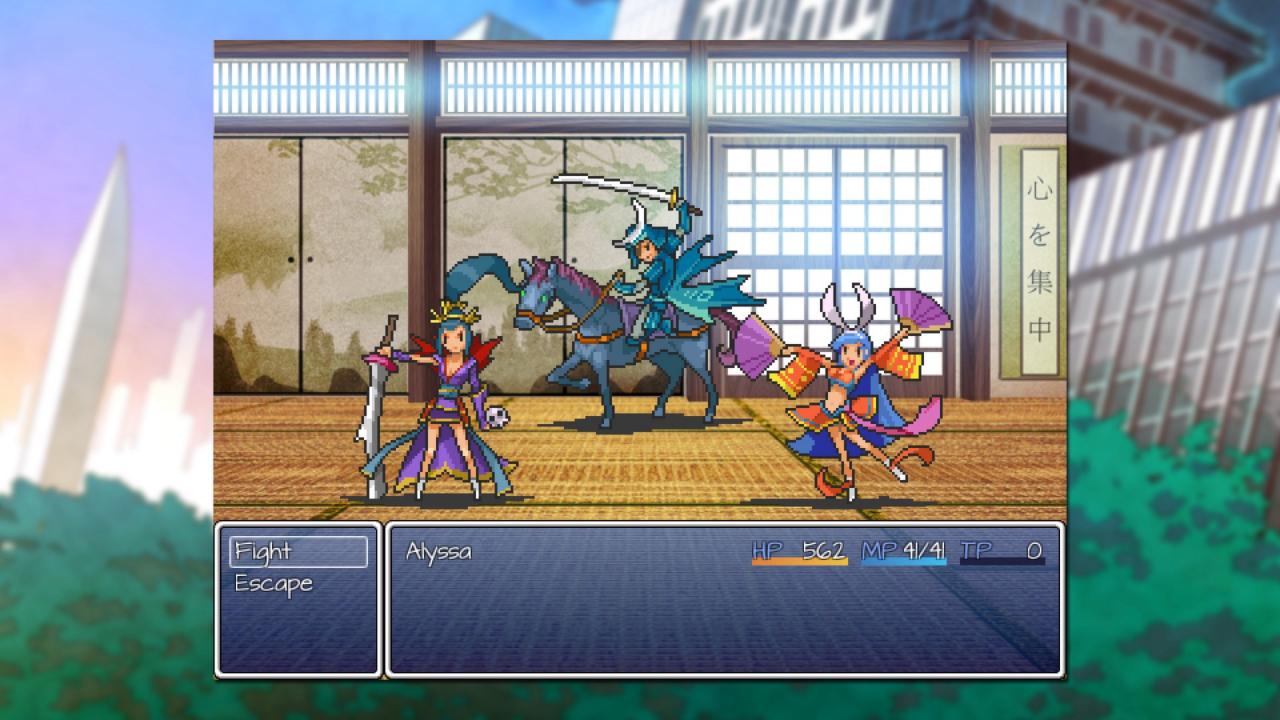
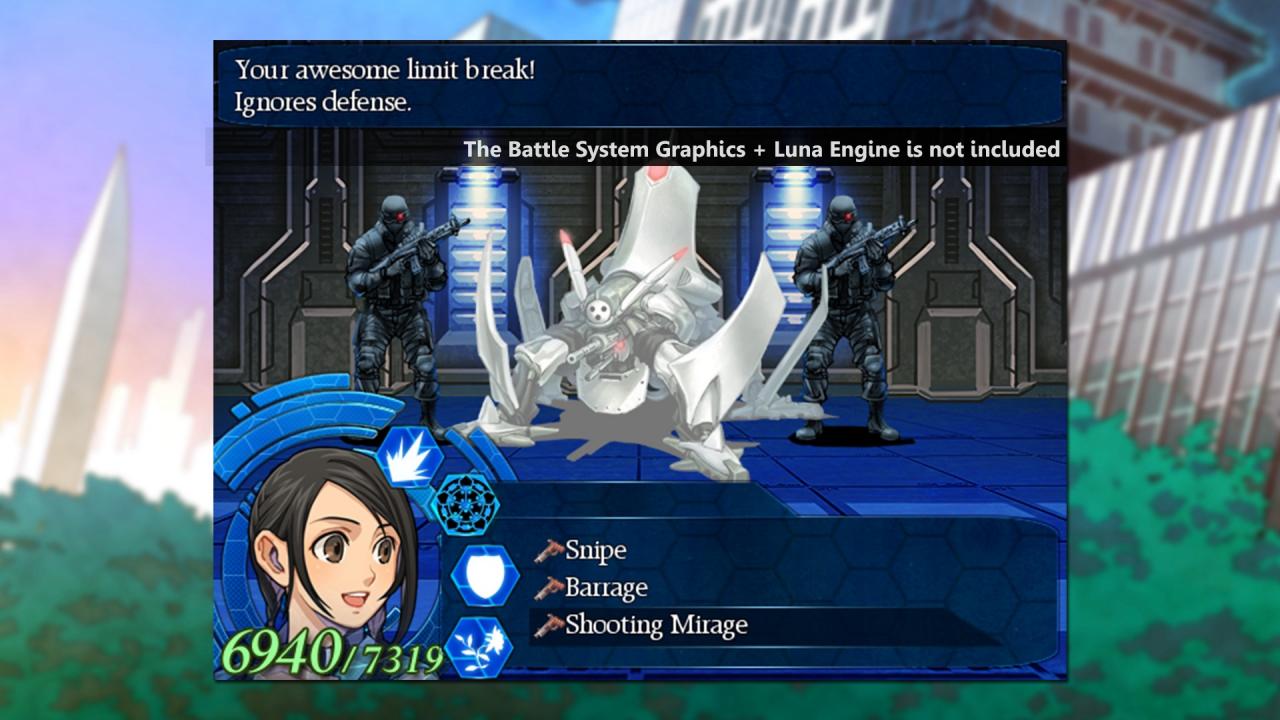
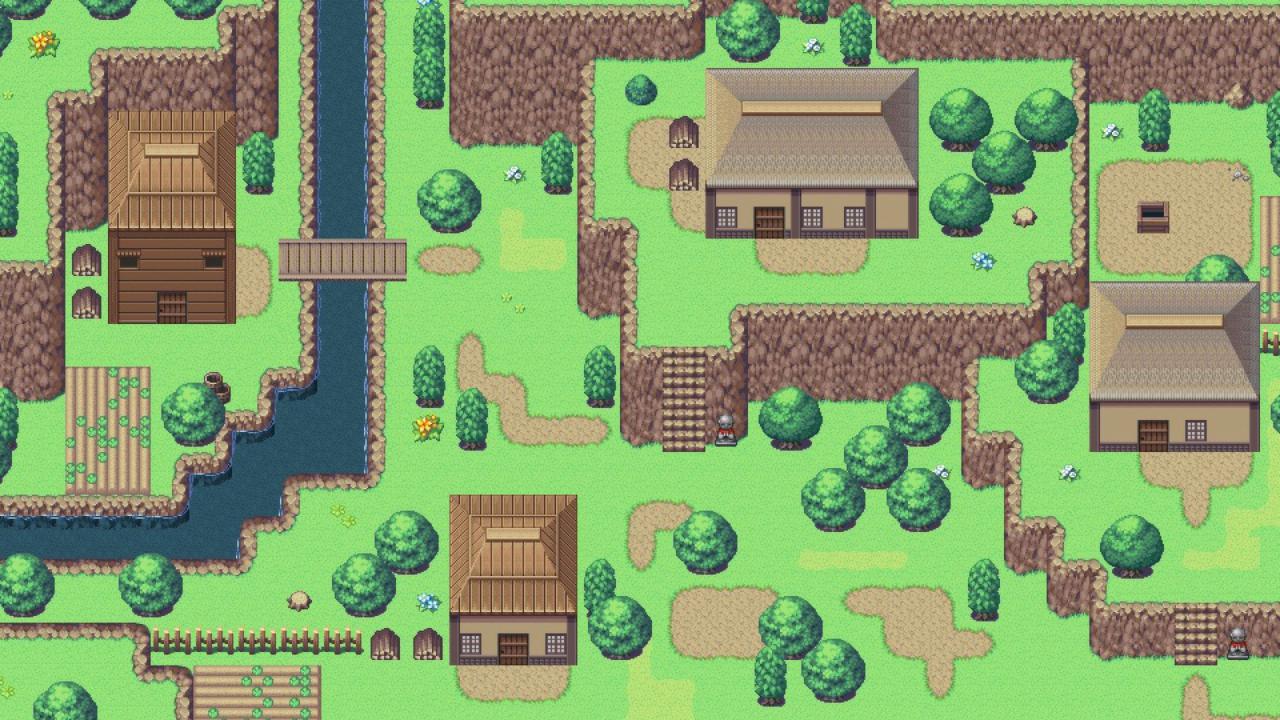
Explore the mysteries of Japanese Sengoku era, authentic with objects and feudal characters. Enjoy the modern world with cities, schools and offices. Or take a trip to a long-away future, brimming with robots, spaceships and high-tech devices.This long-awaited resource pack is a companion set to the RMDS Resource Pack, created in the same general style. It contains materials from the original RMDS+ product, from the popular game Corpse Party as well as unique custom material created by our artists. It's one resource pack you do not want to miss! This pack contains: Over 30 tilesets (A1-TileD) and over 15 character sheets to create 4 distinct areas (feudal Japan, modern, futuristic and custom ship) 20 BGM variety songs 43 large battlers, as well as 124 "chibi" pixel battlers 23 battlebacks (10 floor, 13 wall) 146 bust portraits (with emotions!) & 23 face sheets 2 system balloons Character generator, importing guide and 2 video tutorials Sample project with 120 maps, complete with passabilities and custom material! Bonus: high definition images of full battlers and battlebacks

RPG Maker VX Ace - DS+ Resource Pack DLC screenshotRPG Maker VX Ace - DS+ Resource Pack DLC screenshotRPG Maker VX Ace - DS+ Resource Pack DLC screenshotRPG Maker VX Ace - DS+ Resource Pack DLC screenshotRPG Maker VX Ace - DS+ Resource Pack DLC screenshotRPG Maker VX Ace - DS+ Resource Pack DLC screenshot

How to redeem

  1. 1Check the required base game, platform and edition before purchasing.
  2. 2Find the code or supplier activation instructions in your confirmed order.
  3. 3Redeem on Steam using the supplied instructions, then install the add-on with the compatible base game.

Supplier instructions

Go to: http://store.steampowered.com/ and download STEAM client Click "Install Steam" (from the upper right corner) Install and start application, login with your Account name and Password (create one if you don't have). Please follow these instructions to activate a new retail purchase on Steam: Launch Steam and log into your Steam account. Click the Games Menu. Choose Activate a Product on Steam... Follow the onscreen instructions to complete the process. After successful code verification go to the "MY GAMES" tab and start downloading.

You might also like