Get 10% back in Relic Coins on every order
RPG Maker MV - Beast man Generator DLC cover

Steam Europe - All Countries· DLC

RPG Maker MV - Beast man Generator DLC

€8.41

+€0.84 cashback eligibility in Relic Coins

Check before you play

Platform
Steam
Region
Europe - All Countries
Product type
DLC

Check the required base game and edition before purchasing this add-on.

Developer
Kuusou Kagaku
Publisher
Enterbrain
Supplier release date
2019-02-28

About this product

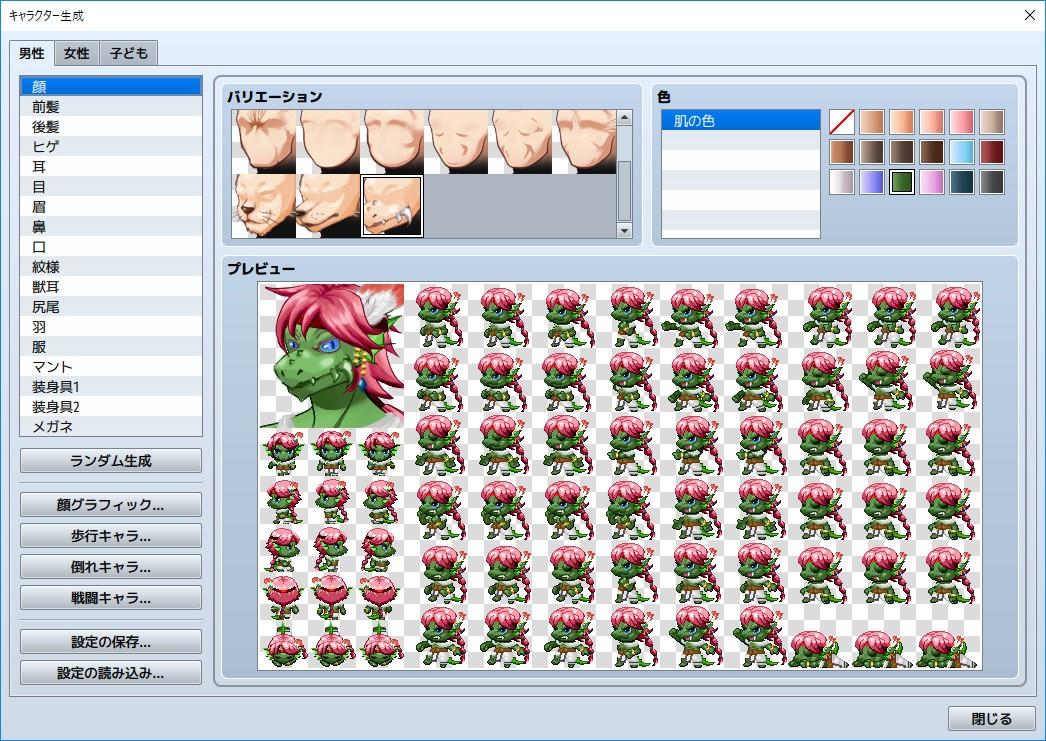
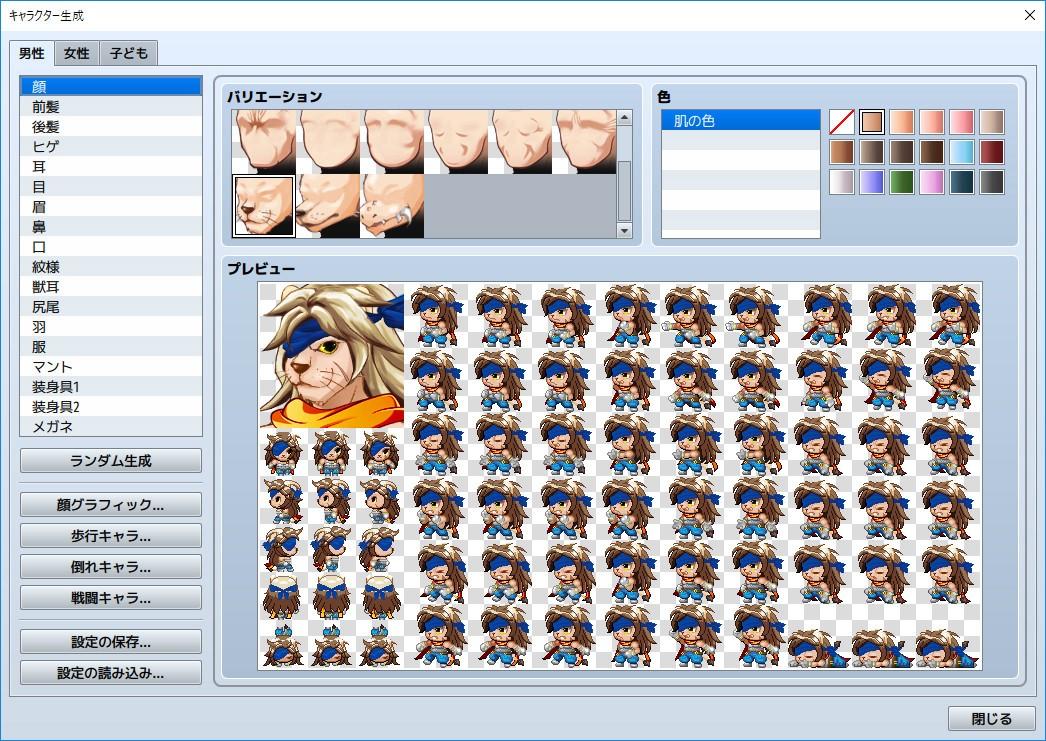
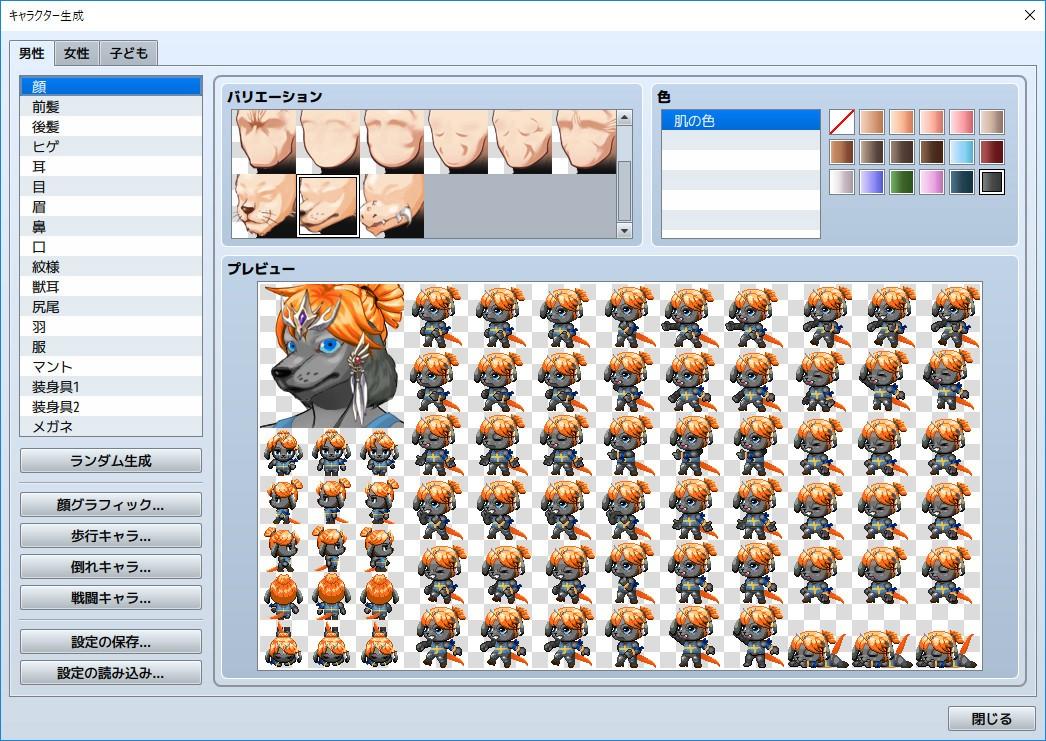
Let your animalistic tendencies come to life with this new Beast man Generator pack! Now you can create mean, tough, snarling man-creatures and enemies with all the usual features of badness: horns, tusks, snouts, ears, teeth, body sprites and lots more! Features: Clothes: 20 Male Accessories or antlers: 10 Male Beast ears: 5 sets Set of eyes: 3 sets Beast face: 3 shapes (Leo / lion, Lizardman, Werewolf) Beast tail: 4 Front hair: 4 male Rear hair: 4 male Beast body: 3 male (Leo / lion, Lizardman, Werewolf) ** In order to use the contents in this pack firstly it is very important for you to make a backup of the original normal-body templates such as SV_body_p01.png, SV_body_p01_c.png, TV_Body_p01.png, TV_Body_p01_c.png, TVD_Body_p01.png, TVD_Body_p01_c.png . After successfully saving the original body templates into other folder you can swap in the beast body templates by clicking "body" folder in each SV, TV, TVD folders.

RPG Maker MV - Beast man Generator DLC screenshotRPG Maker MV - Beast man Generator DLC screenshotRPG Maker MV - Beast man Generator DLC screenshotRPG Maker MV - Beast man Generator DLC screenshot

How to redeem

  1. 1Check the required base game, platform and edition before purchasing.
  2. 2Find the code or supplier activation instructions in your confirmed order.
  3. 3Redeem on Steam using the supplied instructions, then install the add-on with the compatible base game.

Supplier instructions

Go to: http://store.steampowered.com/ and download STEAM client Click "Install Steam" (from the upper right corner) Install and start application, login with your Account name and Password (create one if you don't have). Please follow these instructions to activate a new retail purchase on Steam: Launch Steam and log into your Steam account. Click the Games Menu. Choose Activate a Product on Steam... Follow the onscreen instructions to complete the process. After successful code verification go to the "MY GAMES" tab and start downloading.

You might also like