Get 10% back in Relic Coins on every order
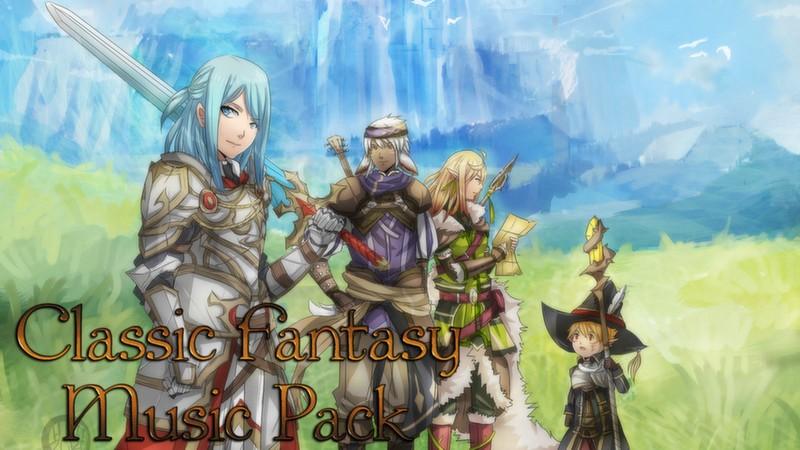
RPG Maker MV - Classic Fantasy Music Pack DLC cover

Steam Europe - All Countries· DLC

RPG Maker MV - Classic Fantasy Music Pack DLC

€10.50

+€1.05 cashback eligibility in Relic Coins

Check before you play

Platform
Steam
Region
Europe - All Countries
Product type
DLC

Check the required base game and edition before purchasing this add-on.

Developer
Kuusou Kagaku
Publisher
Enterbrain
Supplier release date
2018-03-01

About this product

Games we grew up with often hold a special place in our hearts, and hearing the familiar melodies takes us back to a happy place.Created by Murray Atkinson from VGM Library, Classic Fantasy Music pack contains a variety of songs that will find a home in any fantasy-based game. Inspired heavily by favorite RPGs such as Final Fantasy, this pack is a familiar trip down memory lane.This pack contains: 16 BGM tracks suitable for dungeons, character themes, town themes and more. Inspired by classic RPG games. .ogg, .mp3 and .m4a formats included. Royalty free music to use in your commercial and non-commercial RPG Maker MV projects. Tracklist:1 - Castle in the Sky2 - The Pregame3 - Spanish Theme4 - Sunday Meadows5 - Adventure Time!6 - Tears of Sorrow7 - The Adventurer8 - The Chase9 - The Final Battle10 - Village in the Valley11 - Township Celebration12 - The Heart Years For Home13 - Pregame 214 - The Realm of Battle (Conquest)15 - The Realm of Battle (Regret)16 - War Games

RPG Maker MV - Classic Fantasy Music Pack DLC screenshot

How to redeem

  1. 1Check the required base game, platform and edition before purchasing.
  2. 2Find the code or supplier activation instructions in your confirmed order.
  3. 3Redeem on Steam using the supplied instructions, then install the add-on with the compatible base game.

Supplier instructions

Go to: http://store.steampowered.com/ and download STEAM client Click "Install Steam" (from the upper right corner) Install and start application, login with your Account name and Password (create one if you don't have). Please follow these instructions to activate a new retail purchase on Steam: Launch Steam and log into your Steam account. Click the Games Menu. Choose Activate a Product on Steam... Follow the onscreen instructions to complete the process. After successful code verification go to the "MY GAMES" tab and start downloading.

You might also like