Get 10% back in Relic Coins on every order
RPG Maker MV - RMBoy Graphics Pack DLC cover

Steam Europe - All Countries· DLC

RPG Maker MV - RMBoy Graphics Pack DLC

€5.21

+€0.52 cashback eligibility in Relic Coins

Check before you play

Platform
Steam
Region
Europe - All Countries
Product type
DLC

Check the required base game and edition before purchasing this add-on.

Developer
Kuusou Kagaku
Publisher
Enterbrain
Supplier release date
2018-11-22

About this product

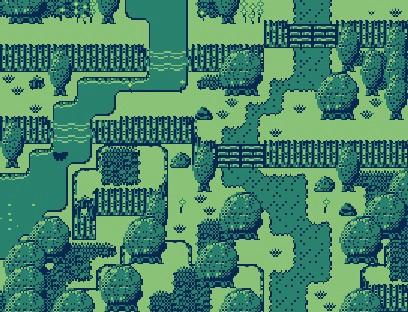
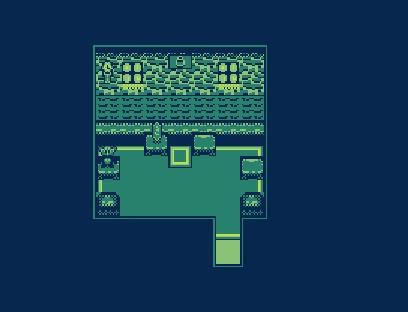
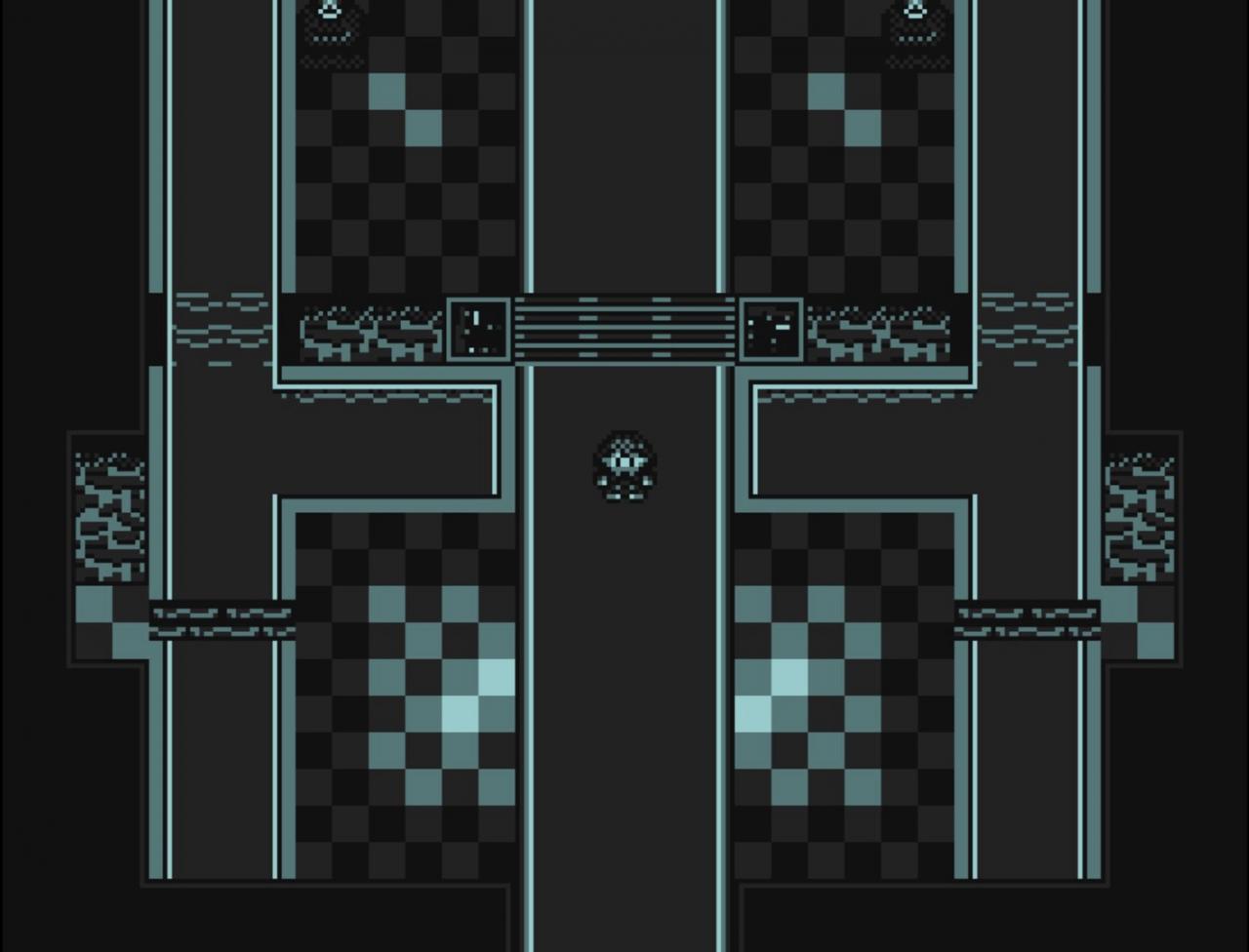
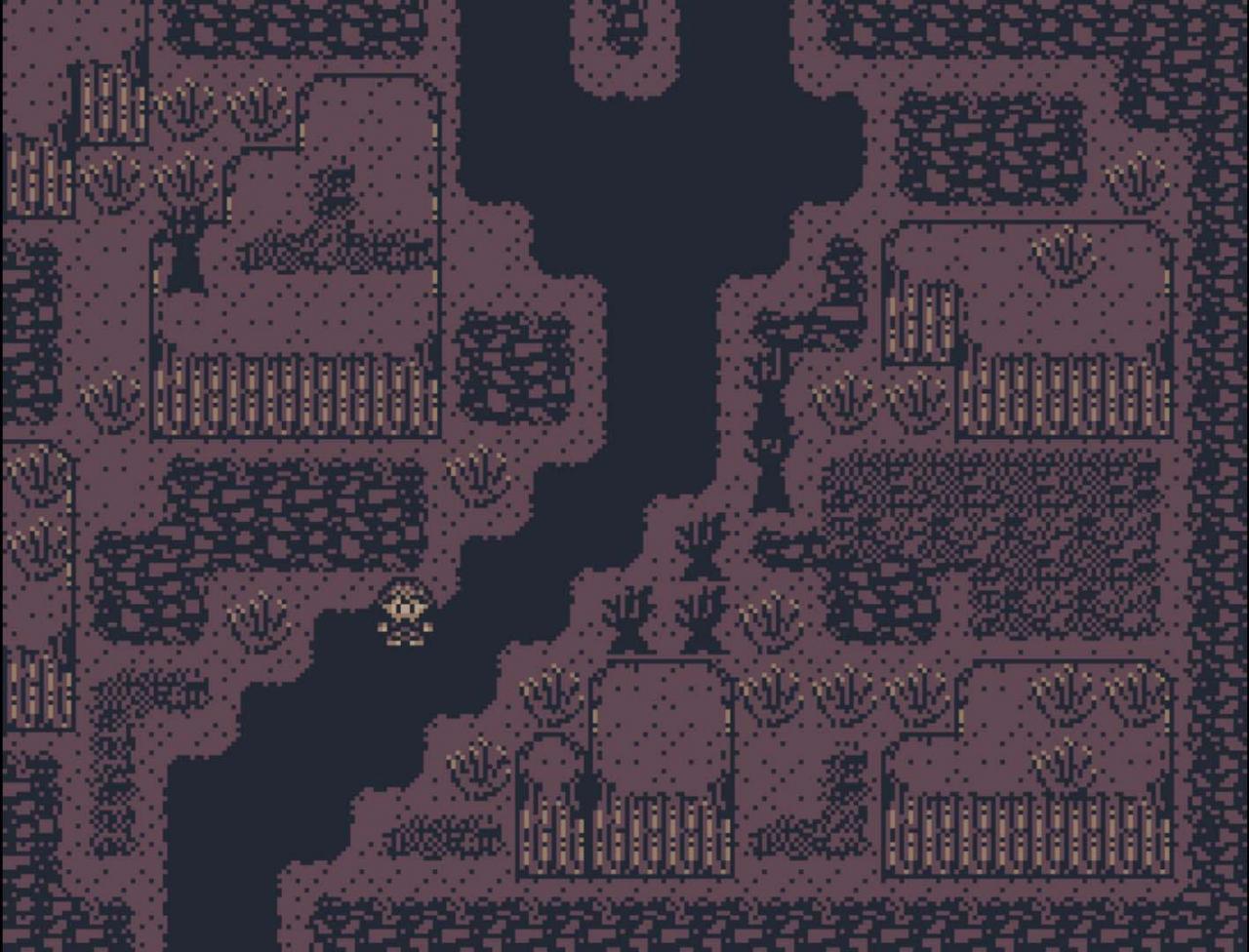
Create games with an original retro feel! With this 4 color palette, including a really cool plugin that lets you limit the screen to 4 colors, each map can have its own unique palette! Featuring retro tilesets, animations, walking sprites, sideview battlers and 31 vintage-sounding SFX! This super vintage, super cool, well rounded pack will help you start or add onto your retro themed RPG game! Features 7 attacking-effect animations 4 animation sprites: (Balloon, Boat, Crystal, Door) 4 Front-view / 4 Side-view battlers (Bat, Bee, Slimes) 6 Walking sprites (4 people, 2 thieves) Tile A1, A2, A3 (ground tiles, floor tiles, water tiles, cave tiles etc.) Tile A4, A5 (wall tiles, cliff tiles etc.) Tile B (Exterior tiles of trees, grass, signs, castles and more!) Tile C, Tile D, Tile E (Interior tiles of bed and furniture, gate for a jail / prison for dungeon setup, teddy bears for table decor.) Extras for parallax mapping or control over certain auto tiles without needing shift mapping. Basic system graphics such as retro-style icons and window! "RMB cover" and more! 7 Example maps and Pallete plugin files for convienient use. 31 Retro style SE (sound effects) in .ogg and .m4a format.

RPG Maker MV - RMBoy Graphics Pack DLC screenshotRPG Maker MV - RMBoy Graphics Pack DLC screenshotRPG Maker MV - RMBoy Graphics Pack DLC screenshotRPG Maker MV - RMBoy Graphics Pack DLC screenshot

How to redeem

  1. 1Check the required base game, platform and edition before purchasing.
  2. 2Find the code or supplier activation instructions in your confirmed order.
  3. 3Redeem on Steam using the supplied instructions, then install the add-on with the compatible base game.

Supplier instructions

Go to: http://store.steampowered.com/ and download STEAM client Click "Install Steam" (from the upper right corner) Install and start application, login with your Account name and Password (create one if you don't have). Please follow these instructions to activate a new retail purchase on Steam: Launch Steam and log into your Steam account. Click the Games Menu. Choose Activate a Product on Steam... Follow the onscreen instructions to complete the process. After successful code verification go to the "MY GAMES" tab and start downloading.

You might also like