Get 10% back in Relic Coins on every order
RPG Maker MV - Time Fantasy DLC cover

SteamGlobal· DLC

RPG Maker MV - Time Fantasy DLC

€8.42

+€0.84 cashback eligibility in Relic Coins

Check before you play

Platform
Steam
Region
Global
Product type
DLC

Check the required base game and edition before purchasing this add-on.

Developer
Kuusou Kagaku
Publisher
Enterbrain
Supplier release date
2018-06-21

About this product

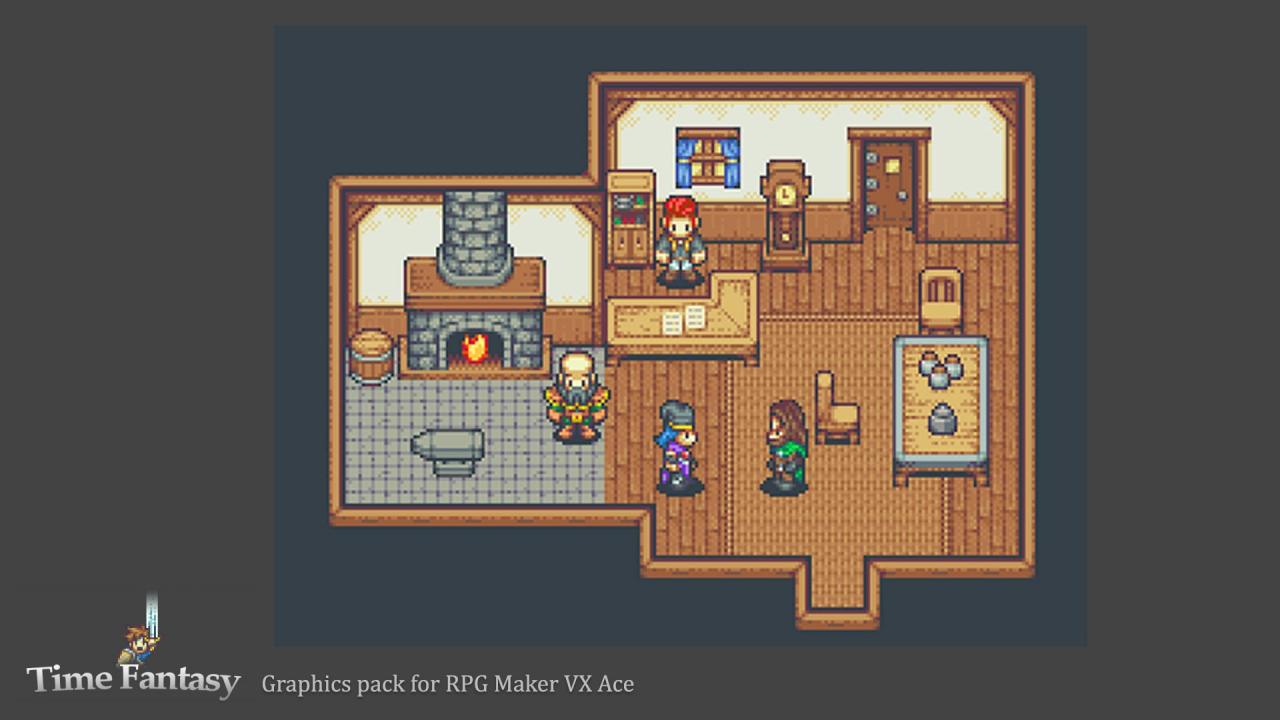
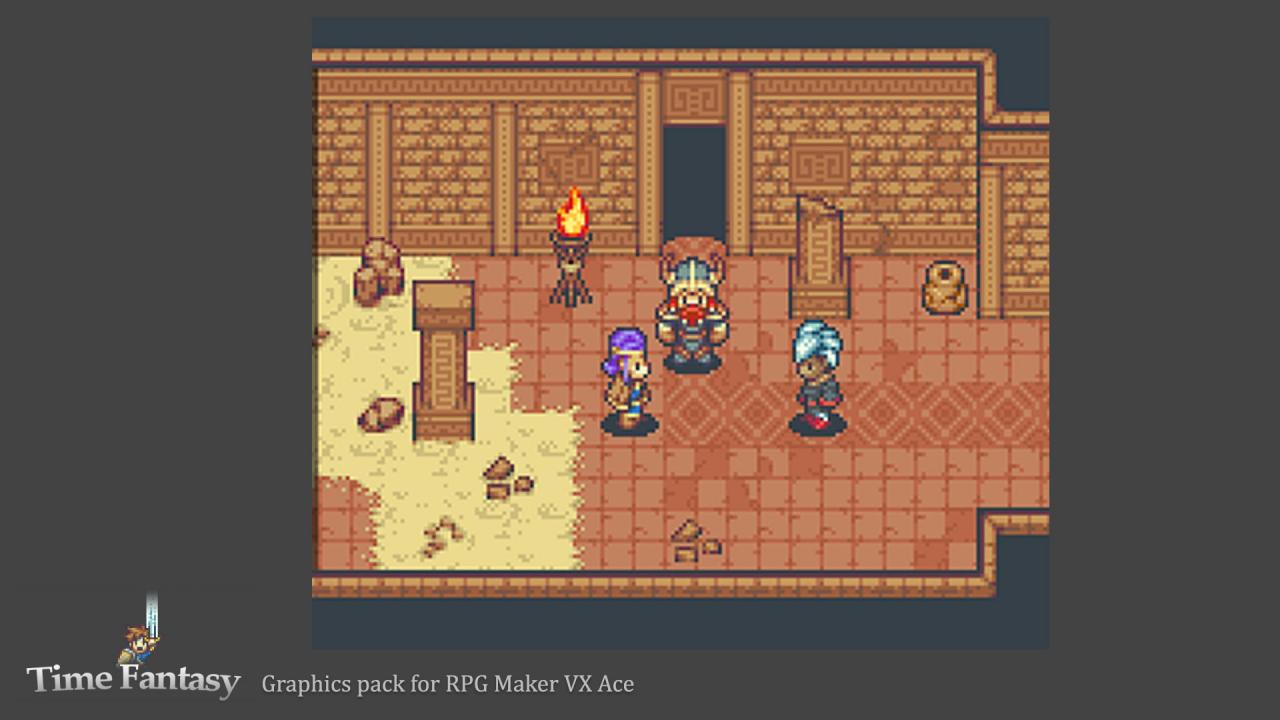
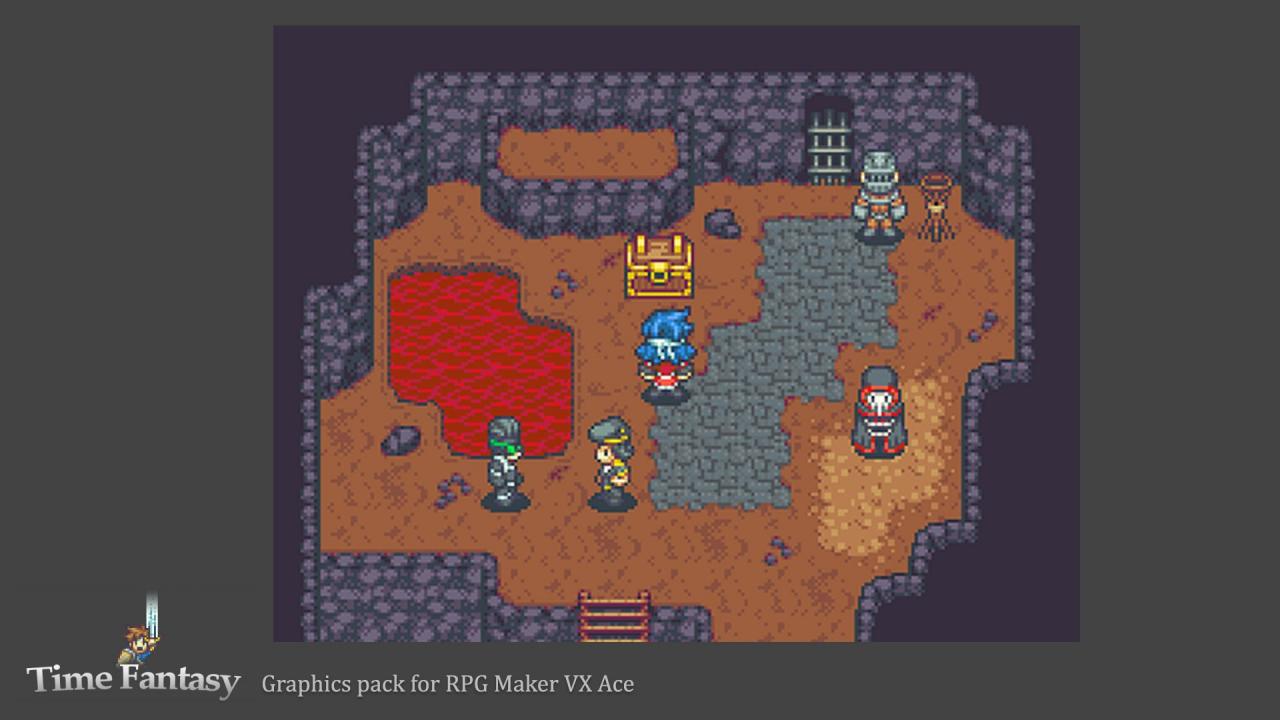
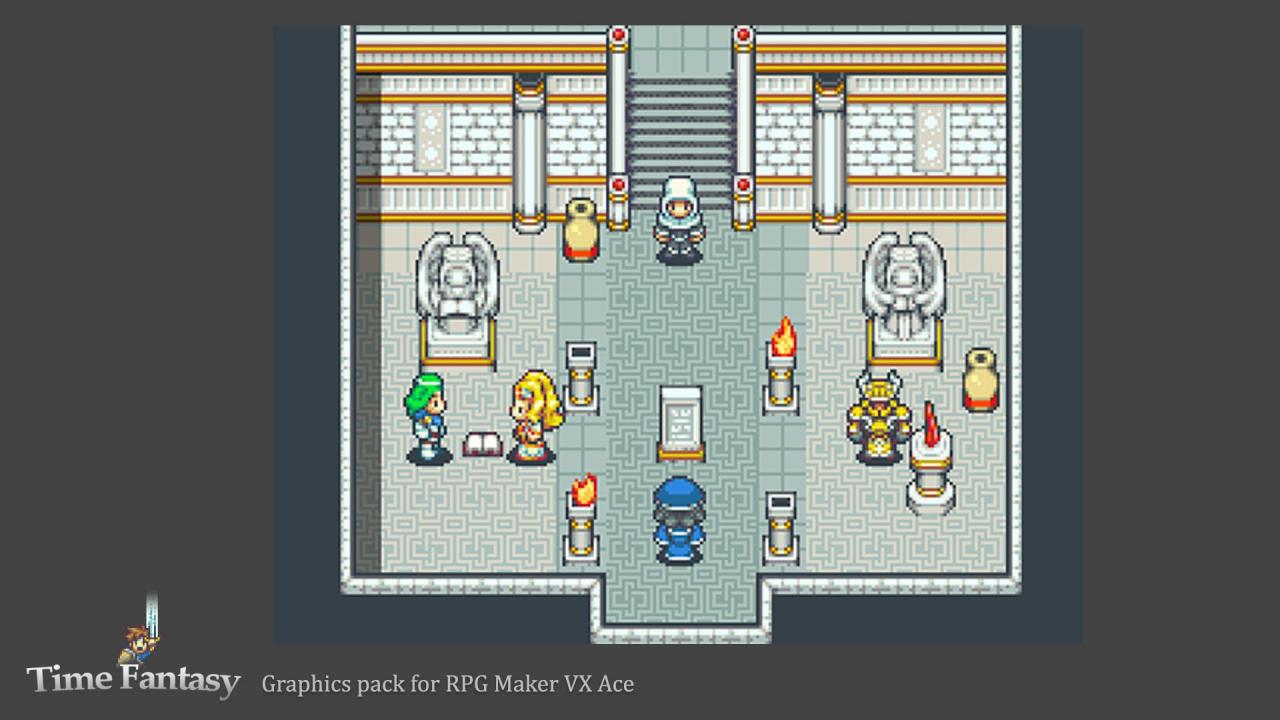
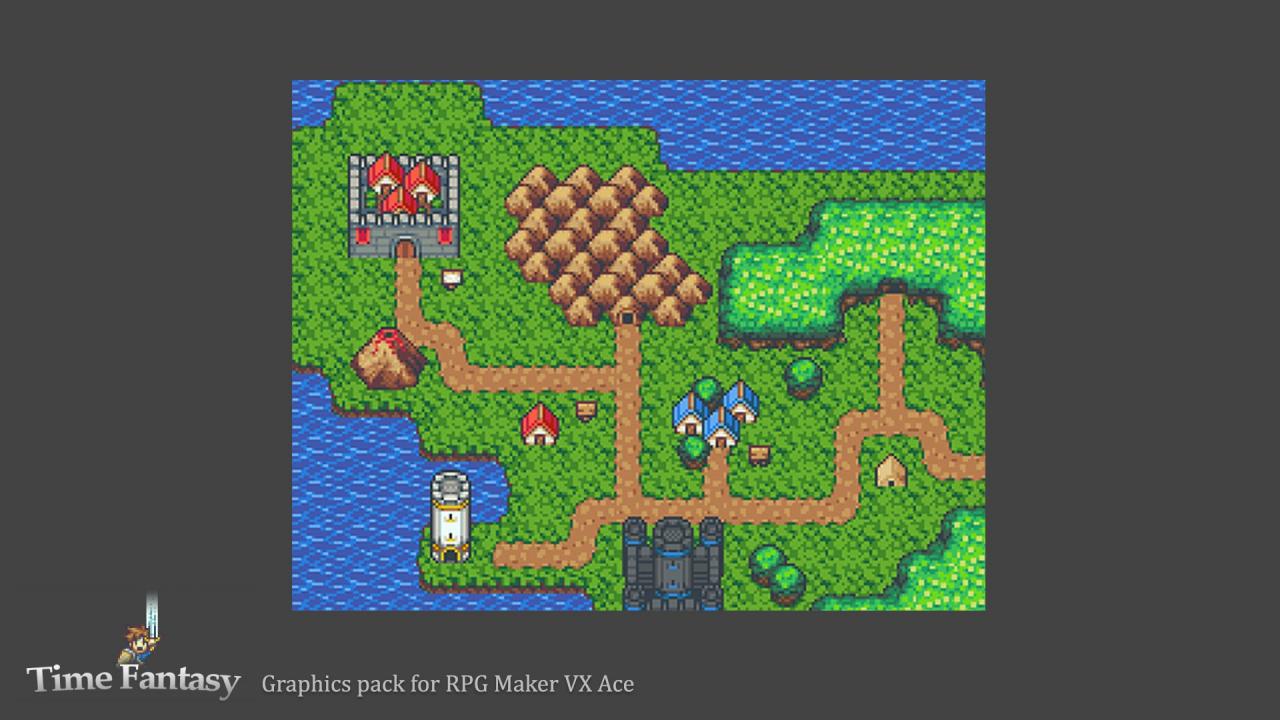
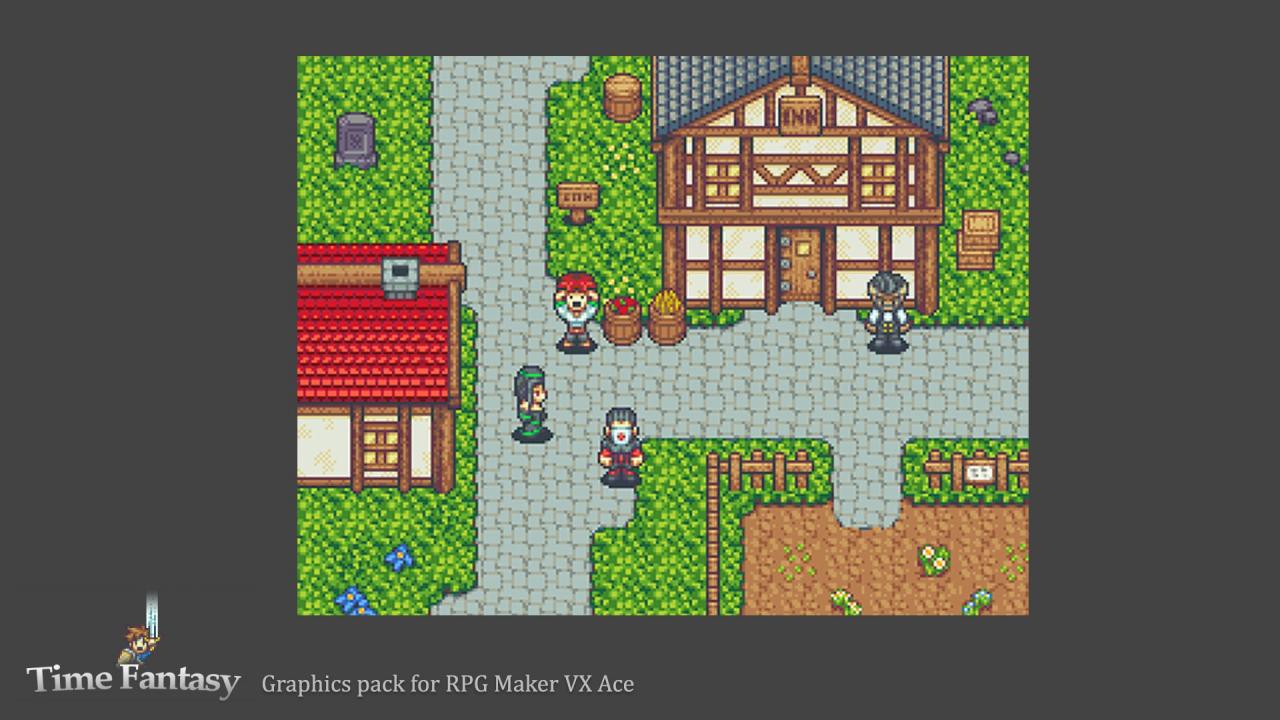
Create your game's world in crisp pixel art with this new style. The first Time Fantasy graphics pack includes a wide variety of characters and tiles that feel like the classic RPGs of the SNES era.The massive collection of tilesets allows you to create all sorts of locations in your fantasy world: create wilderness areas in the forest, mountains or desert. Build villages, towns, or cities around a strong castle. Explore dungeons like caves or ruins and temples. Populate your world with characters: unique heroes and villains to drive your stories, multiple military factions to provide conflict, and NPCs to bring your locations to life. Features New style that includes character and tiles to create a whole game world. Retro pixel art like your favorite RPG classics. Over 80 unique character sprites. Heroes, villains, soldiers and more! 5 full sheets of emotion animations for 40 characters. 29 tilesets! Autotiles and objects for forests, mountains, towns, dungeons and more. Animated doors, fires, and treasure chests. 9 page PDF file with tips and tricks to get the most out of these graphics.

RPG Maker MV - Time Fantasy DLC screenshotRPG Maker MV - Time Fantasy DLC screenshotRPG Maker MV - Time Fantasy DLC screenshotRPG Maker MV - Time Fantasy DLC screenshotRPG Maker MV - Time Fantasy DLC screenshotRPG Maker MV - Time Fantasy DLC screenshot

How to redeem

  1. 1Check the required base game, platform and edition before purchasing.
  2. 2Find the code or supplier activation instructions in your confirmed order.
  3. 3Redeem on Steam using the supplied instructions, then install the add-on with the compatible base game.

Supplier instructions

Go to: http://store.steampowered.com/ and download STEAM client Click "Install Steam" (from the upper right corner) Install and start application, login with your Account name and Password (create one if you don't have). Please follow these instructions to activate a new retail purchase on Steam: Launch Steam and log into your Steam account. Click the Games Menu. Choose Activate a Product on Steam... Follow the onscreen instructions to complete the process. After successful code verification go to the "MY GAMES" tab and start downloading.

You might also like