Get 10% back in Relic Coins on every order
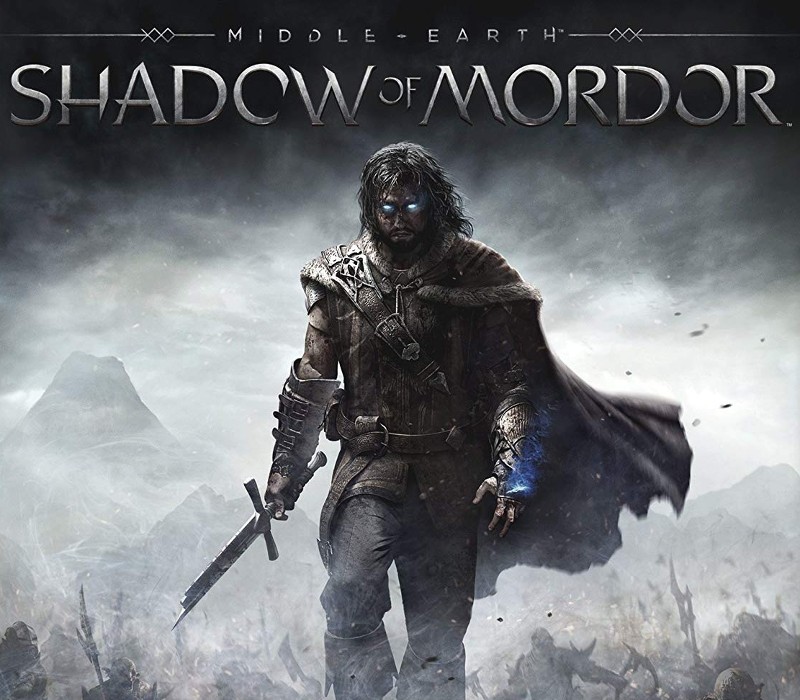
Middle-Earth: Shadow of Mordor LATAM cover

SteamLatin America (LATAM)· Key

Middle-Earth: Shadow of Mordor LATAM

€2.93

+€0.29 cashback eligibility in Relic Coins

Check before you play

Platform
Steam
Region
Latin America (LATAM)
Product type
Key
Developer
Monolith Productions
Publisher
WB Games
Supplier release date
2014-09-30
Genres
Action, Adventure, RPG, Story rich

About this product

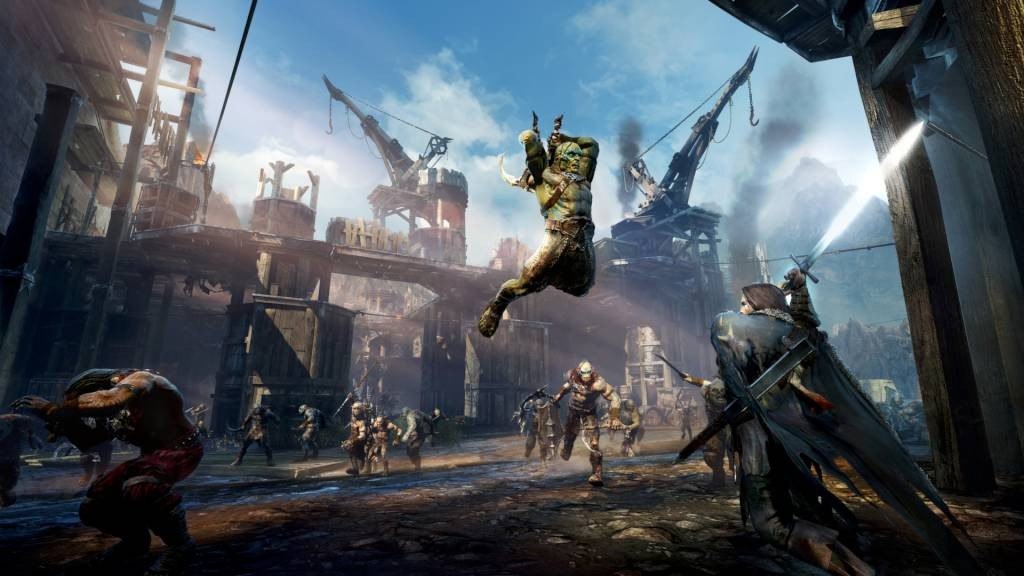
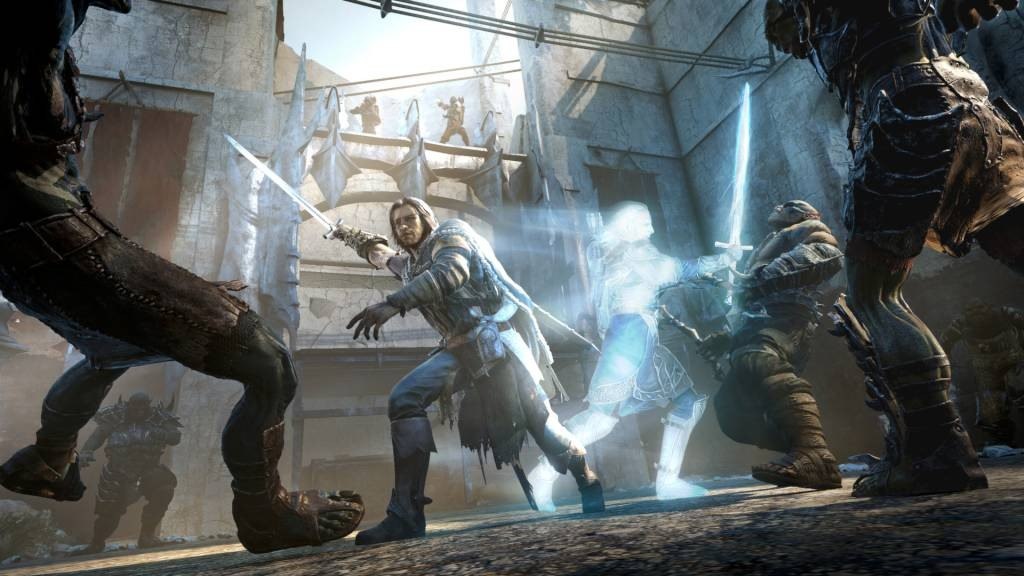
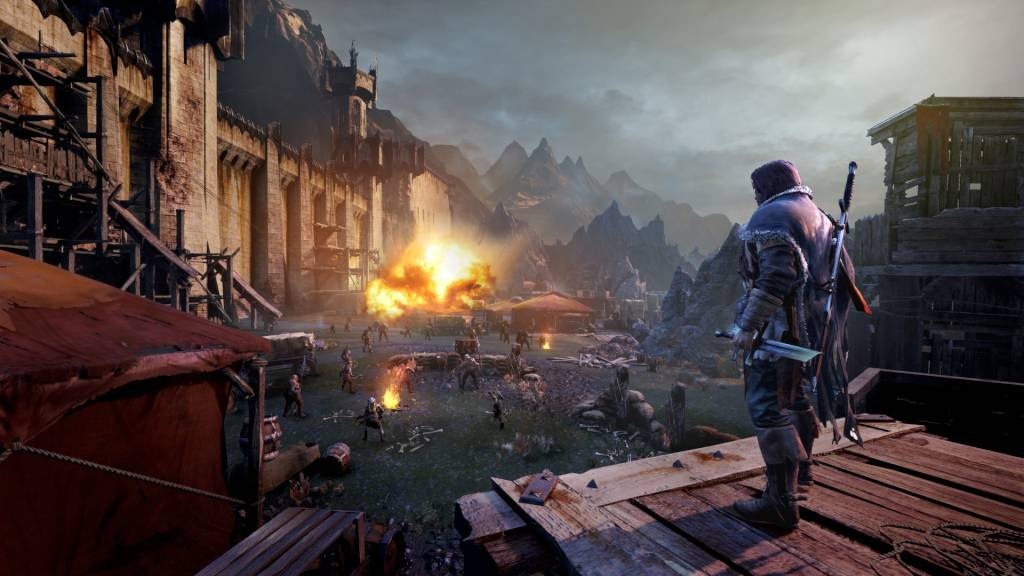
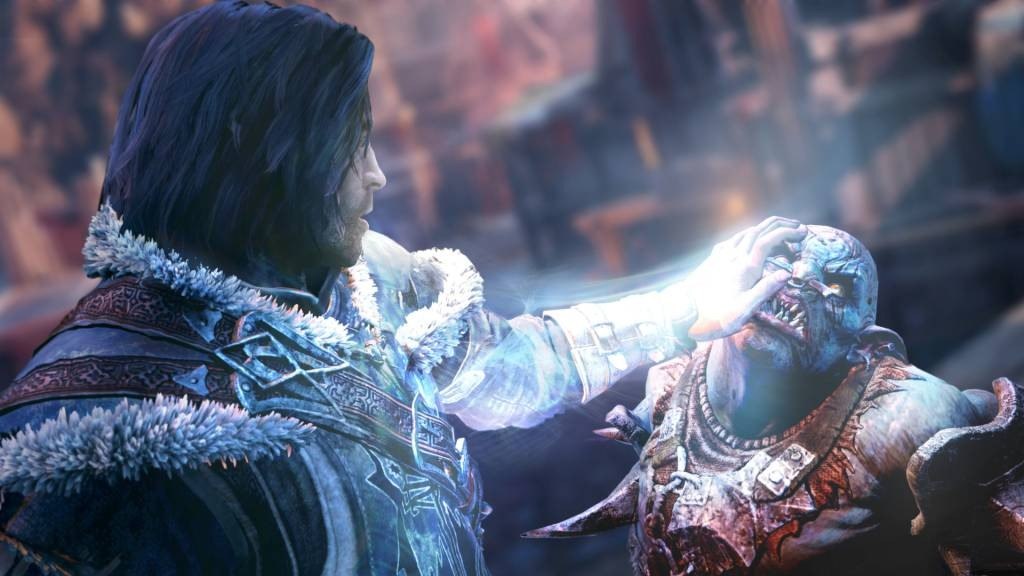
In Middle-earth: Shadow of Mordor, gamers take on the role of Talion, a valiant ranger whose family is slain in front of him the night Sauron and his army return to Mordor, moments before his own life is taken. Resurrected by a Spirit of vengeance and empowered with Wraith abilities, Talion ventures into Mordor and vows to destroy those who have wronged him. Through the course of his personal vendetta, Talion uncovers the truth of the Spirit that compels him, learns the origins of the Rings of Power and ultimately confronts his true nemesis. Every enemy that players face is a unique individual, differentiated by their personality, strengths and weaknesses. Through the Nemesis System, enemy relationships and characteristics are shaped by player actions and decisions to create personal archenemies that remember and adapt to the player and are distinct to every gameplay session. Gamers are able to craft their own battles, enemies and rewards within the dynamic world that remembers and adapts to their choices, delivering a unique experience to every player.

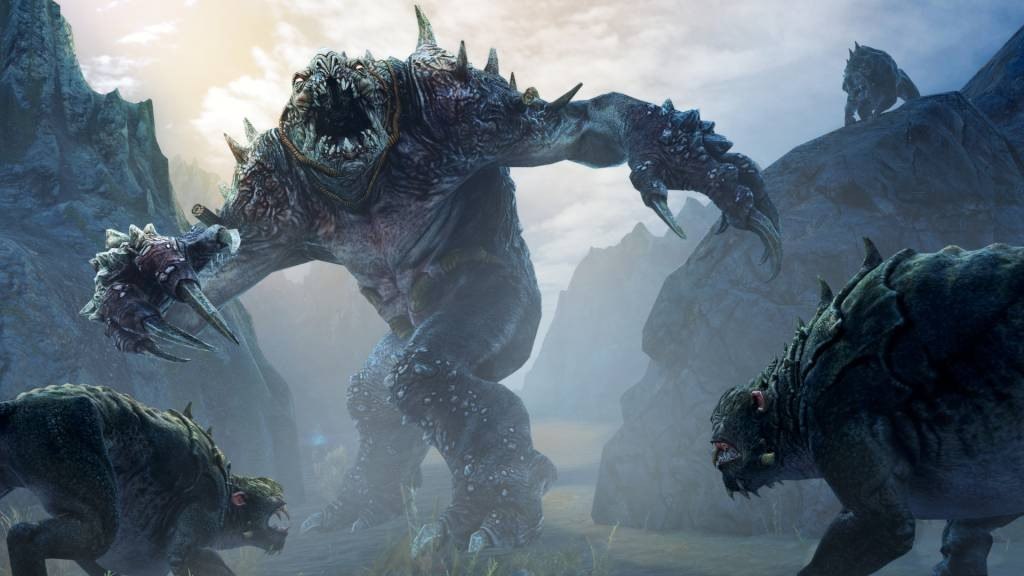
Middle-Earth: Shadow of Mordor LATAM screenshotMiddle-Earth: Shadow of Mordor LATAM screenshotMiddle-Earth: Shadow of Mordor LATAM screenshotMiddle-Earth: Shadow of Mordor LATAM screenshotMiddle-Earth: Shadow of Mordor LATAM screenshot

How to redeem

  1. 1Check your Steam account and the listed region before purchasing.
  2. 2Find your code and supplier activation instructions in your confirmed order.
  3. 3Open the redeem-code section on Steam, enter the code and follow the platform’s prompts.

Supplier instructions

Go to: http://store.steampowered.com/ and download STEAM client Click "Install Steam" (from the upper right corner) Install and start application, login with your Account name and Password (create one if you don't have). Please follow these instructions to activate a new retail purchase on Steam: Launch Steam and log into your Steam account. Click the Games Menu. Choose Activate a Product on Steam... Follow the onscreen instructions to complete the process. After successful code verification go to the "MY GAMES" tab and start downloading.

You might also like