Get 10% back in Relic Coins on every order
Coffee Talk cover

SteamGlobal· Key

Coffee Talk

€5.03

+€0.50 cashback eligibility in Relic Coins

Check before you play

Platform
Steam
Region
Global
Product type
Key
Developer
Toge Productions
Publisher
Toge Productions
Supplier release date
2020-01-29
Genres
Adventure, Indie, Casual, Visual Novel

About this product

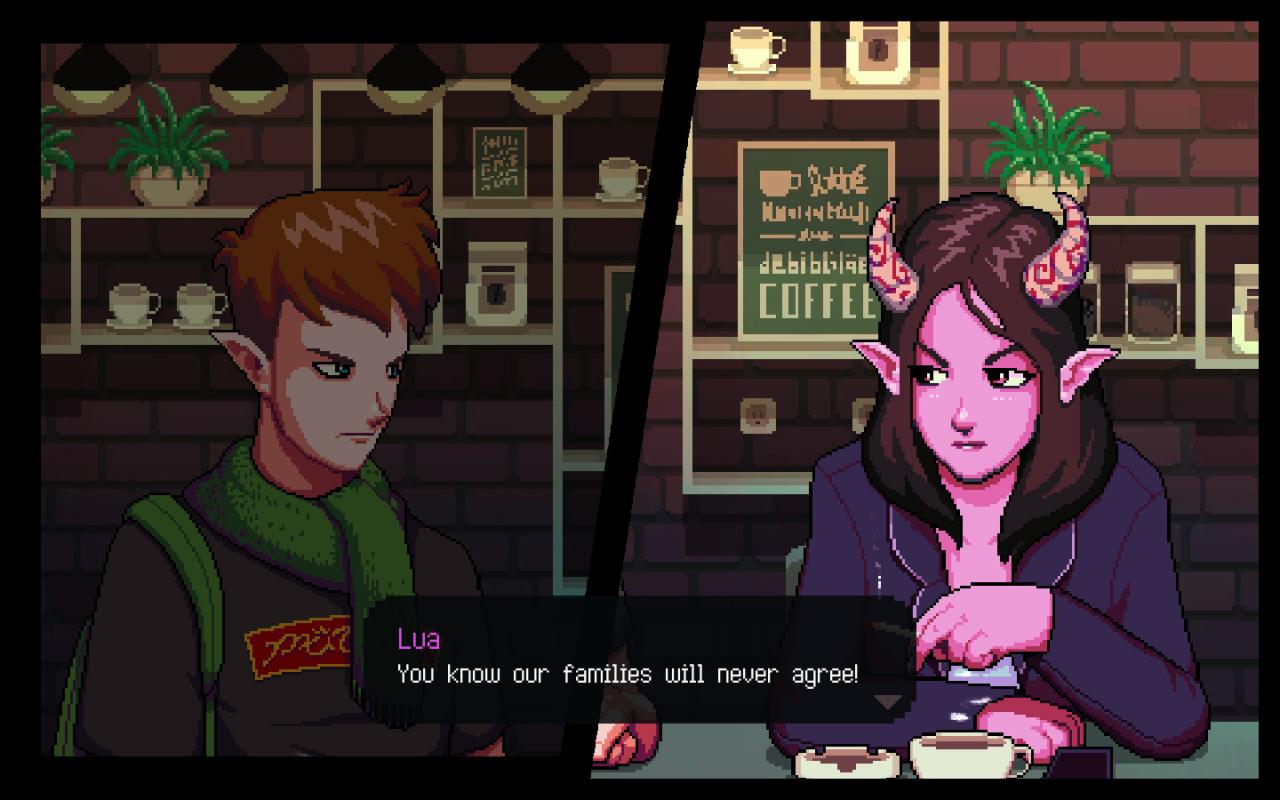
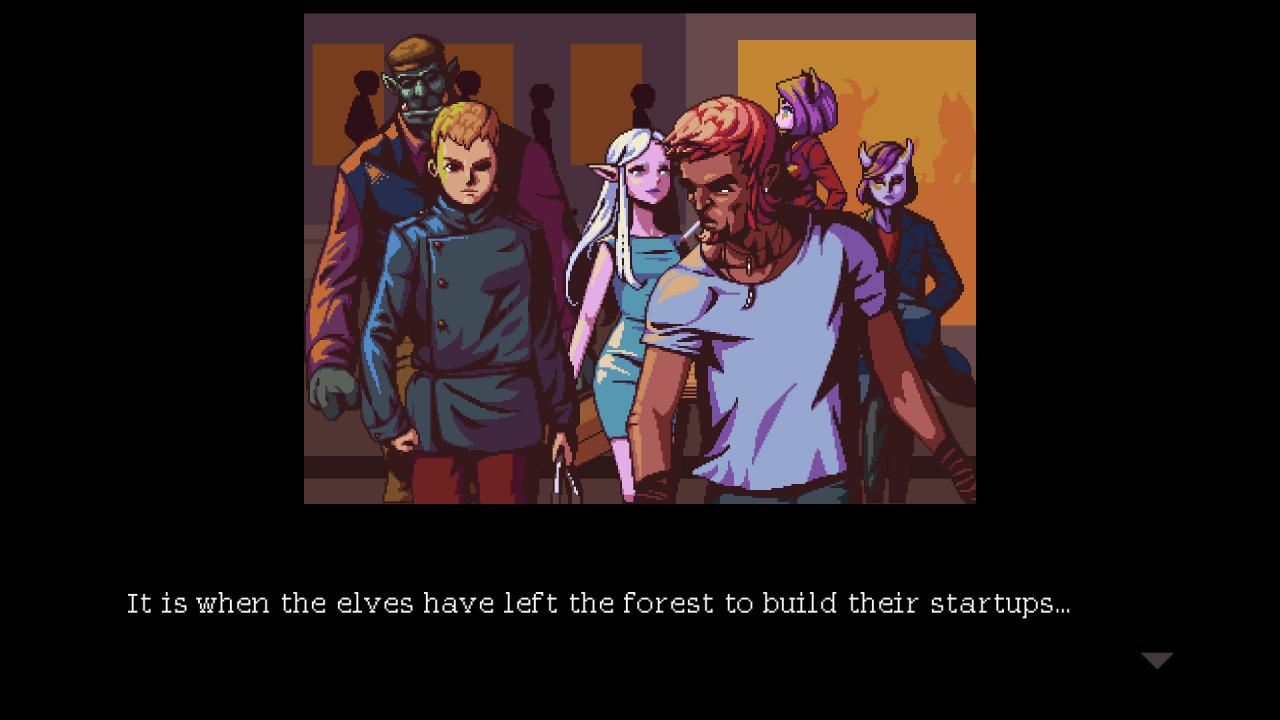
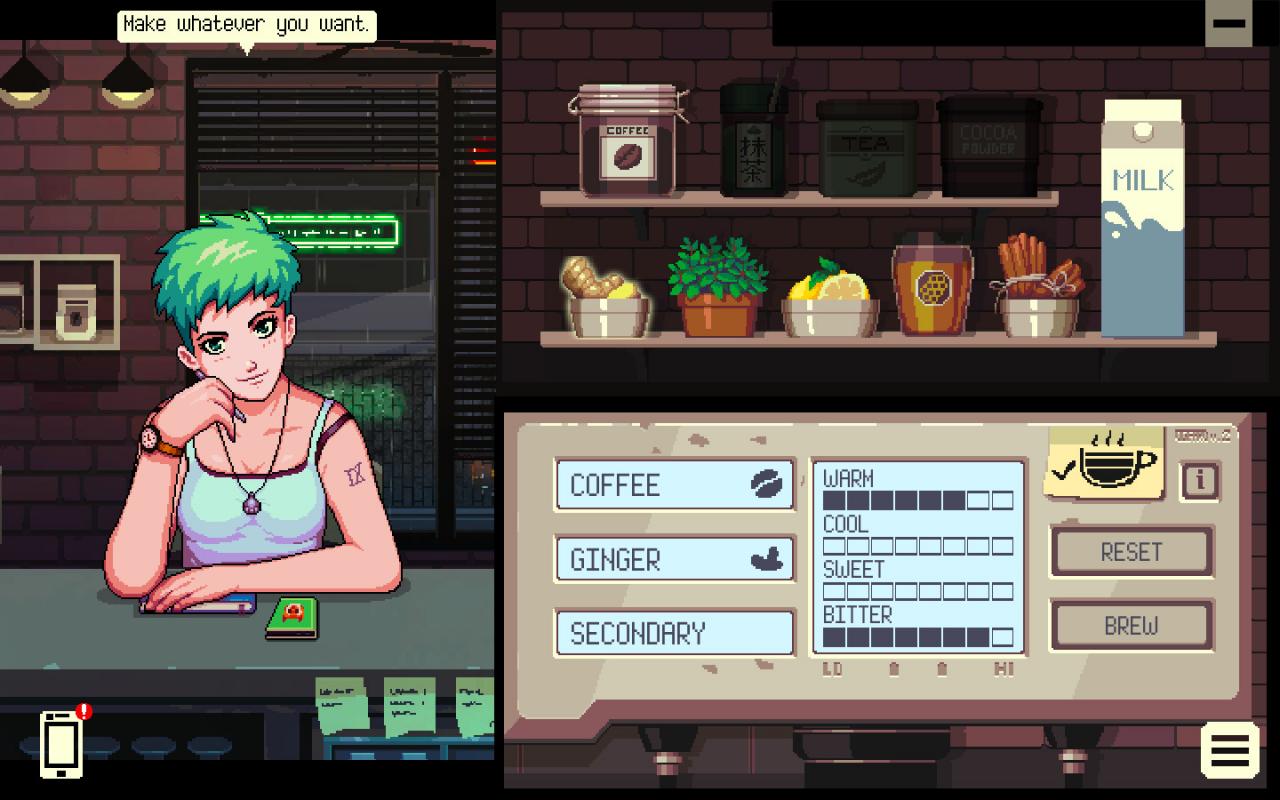
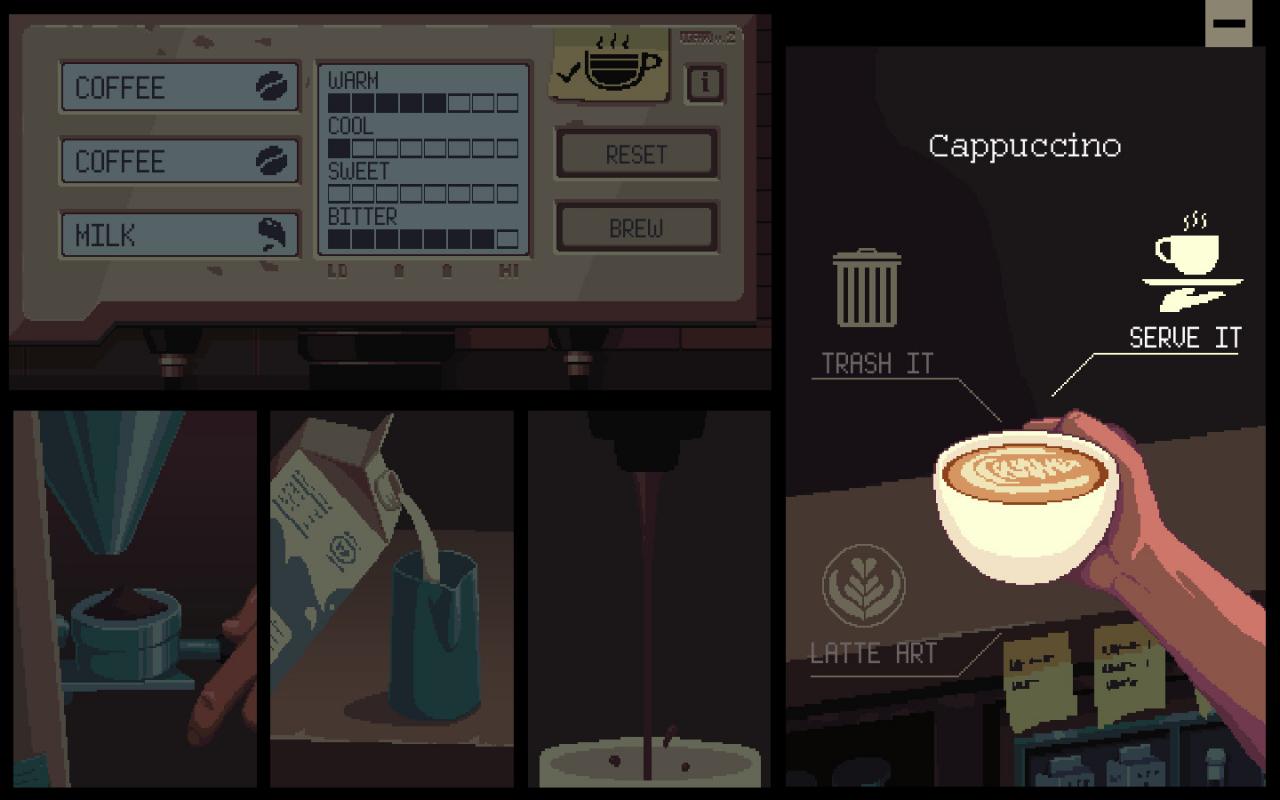
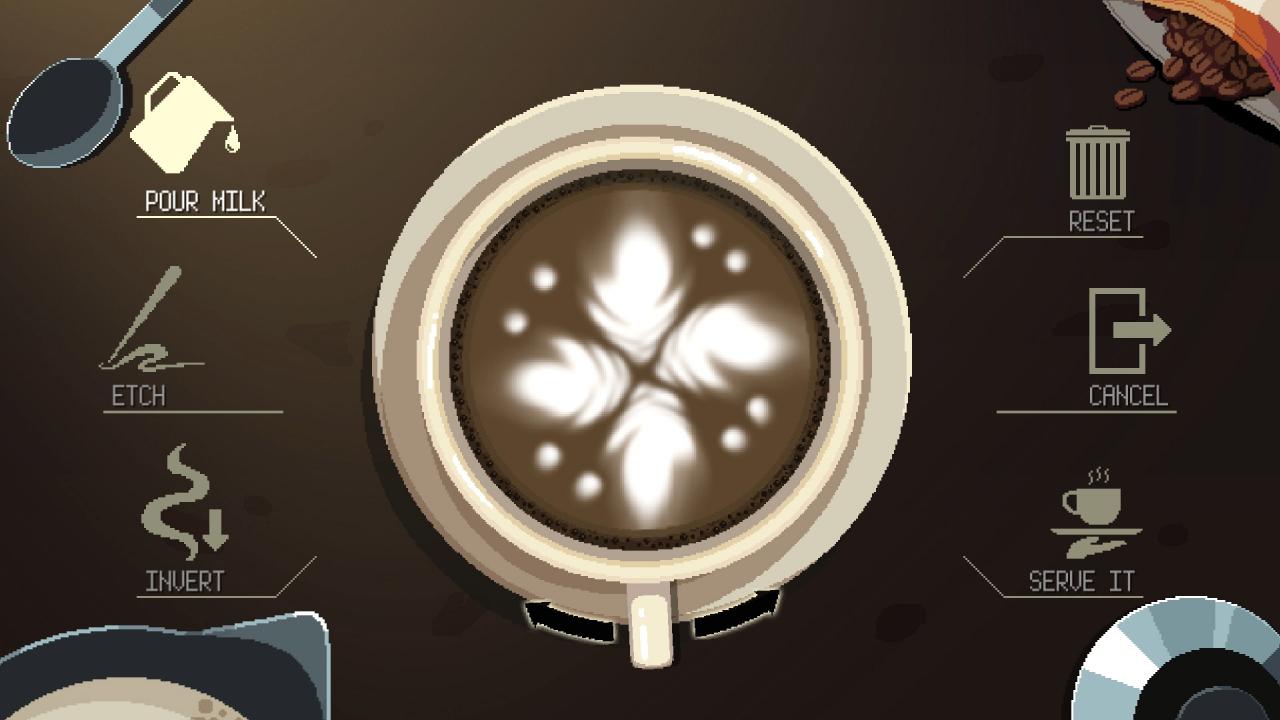
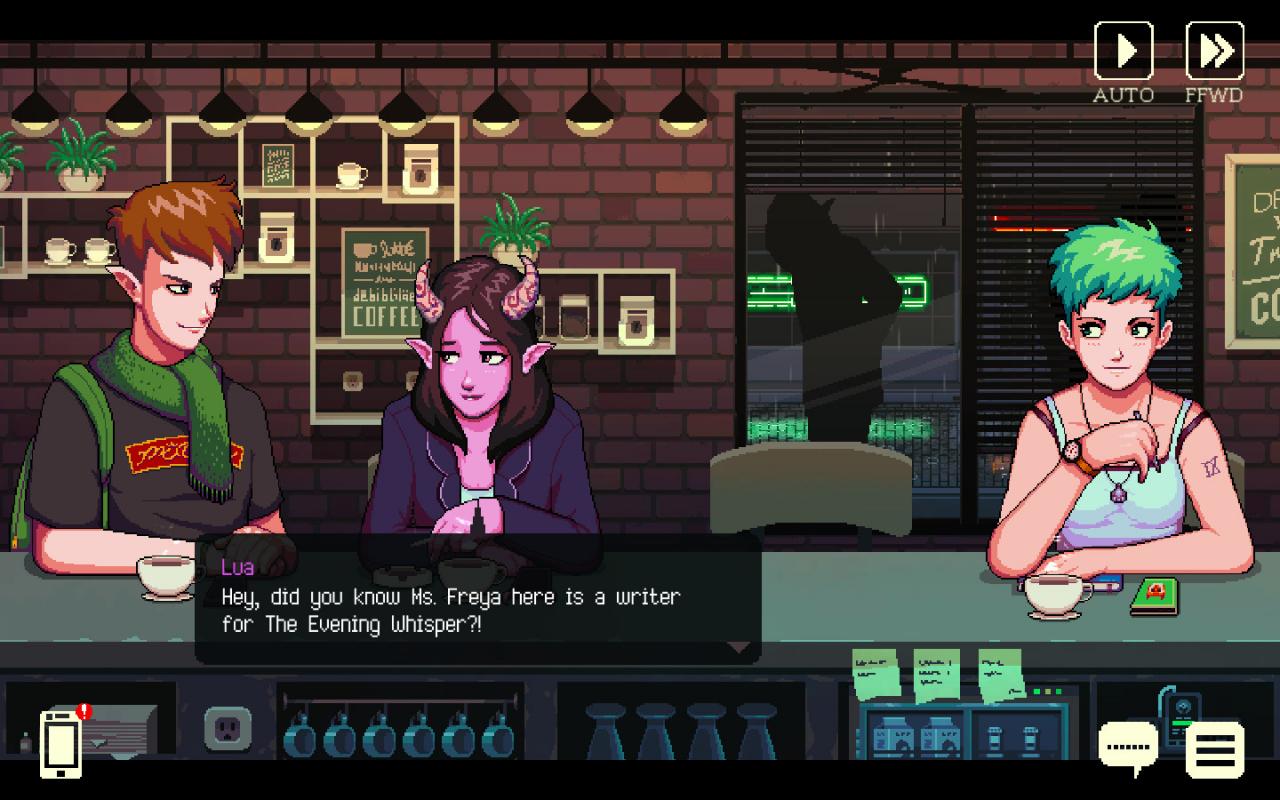
Coffee Talk is a game about listening to people’s problems and helping them by serving up a warm drink out of the ingredients you have in stock. It is a game that depicts lives as humanly as possible, while having a cast that is more than just humans.Immerse yourself in the stories of alternative-Seattle inhabitants, ranging from a dramatic love story between an elf and a succubus, an alien trying to understand humans’ lives, and many others modern readers will find strongly echo the world around them. Features Tales of people from an alternative-Seattle, a city where elves, orcs, mermaids, and many other fantasy races live together with humans in a modern world we will all find familiar Branching storylines, where the branches are determined not by the dialogue options you choose, but from how you serve your café customers 90’s anime-inspired pixel art visuals and chill vibes-inducing color palette help to immerse you in the game’s world Selection of jazzy and lo-fi music to accompany the late night warm drinks and conversations An experience to make you think, feel, and rest both your body and your soul

Coffee Talk screenshotCoffee Talk screenshotCoffee Talk screenshotCoffee Talk screenshotCoffee Talk screenshotCoffee Talk screenshot

How to redeem

  1. 1Check your Steam account and the listed region before purchasing.
  2. 2Find your code and supplier activation instructions in your confirmed order.
  3. 3Open the redeem-code section on Steam, enter the code and follow the platform’s prompts.

Supplier instructions

Go to: http://store.steampowered.com/ and download STEAM client Click "Install Steam" (from the upper right corner) Install and start application, login with your Account name and Password (create one if you don't have). Please follow these instructions to activate a new retail purchase on Steam: Launch Steam and log into your Steam account. Click the Games Menu. Choose Activate a Product on Steam... Follow the onscreen instructions to complete the process. After successful code verification go to the "MY GAMES" tab and start downloading.

You might also like