

SteamGlobal· Key
Smile To Fly
€3.27
+€0.33 cashback eligibility in Relic Coins
Check before you play
- Platform
- Steam
- Region
- Global
- Product type
- Key
- Supplier release date
- 2019-11-08
- Genres
- Strategy, Simulation, Indie, Casual
SteamGlobal· Key
€3.27
+€0.33 cashback eligibility in Relic Coins
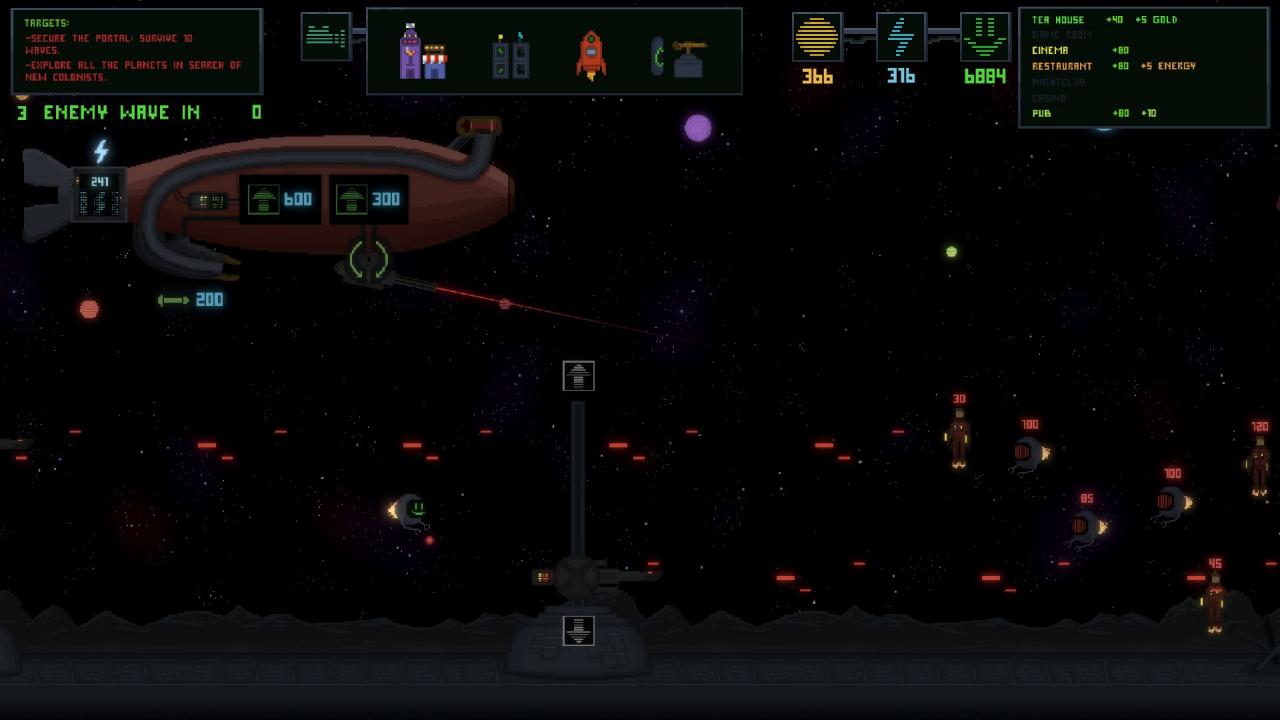
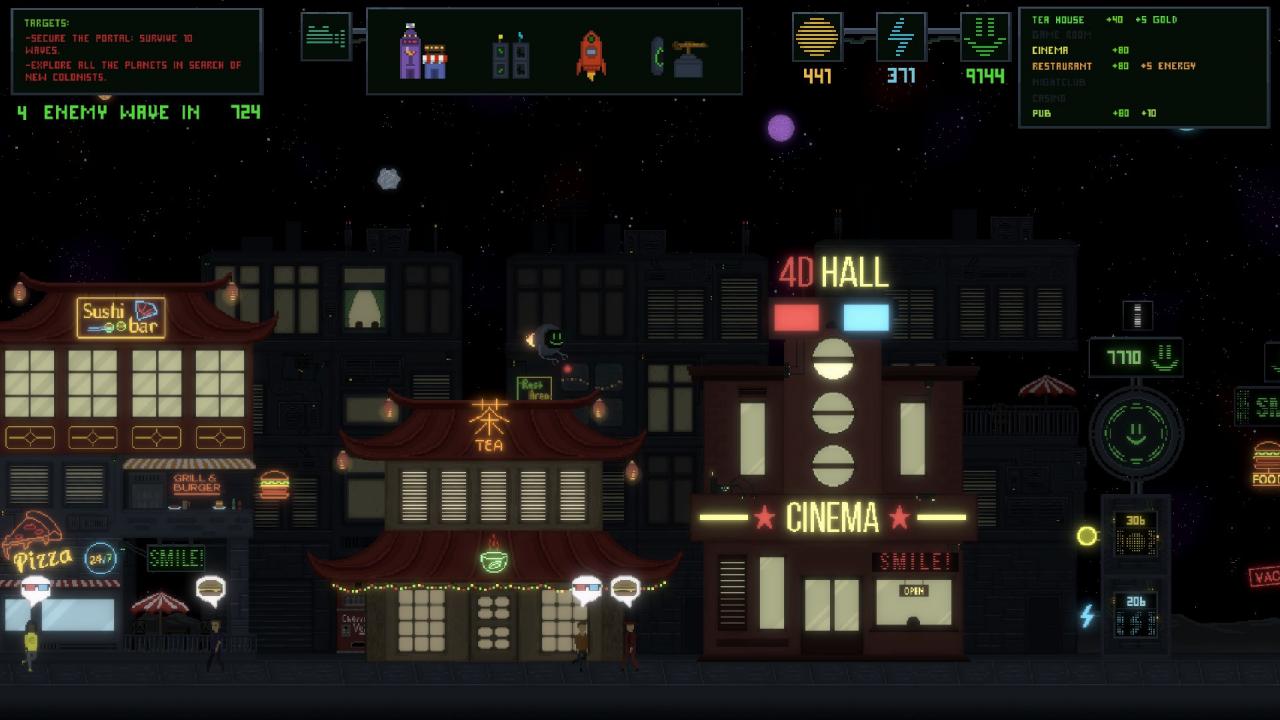
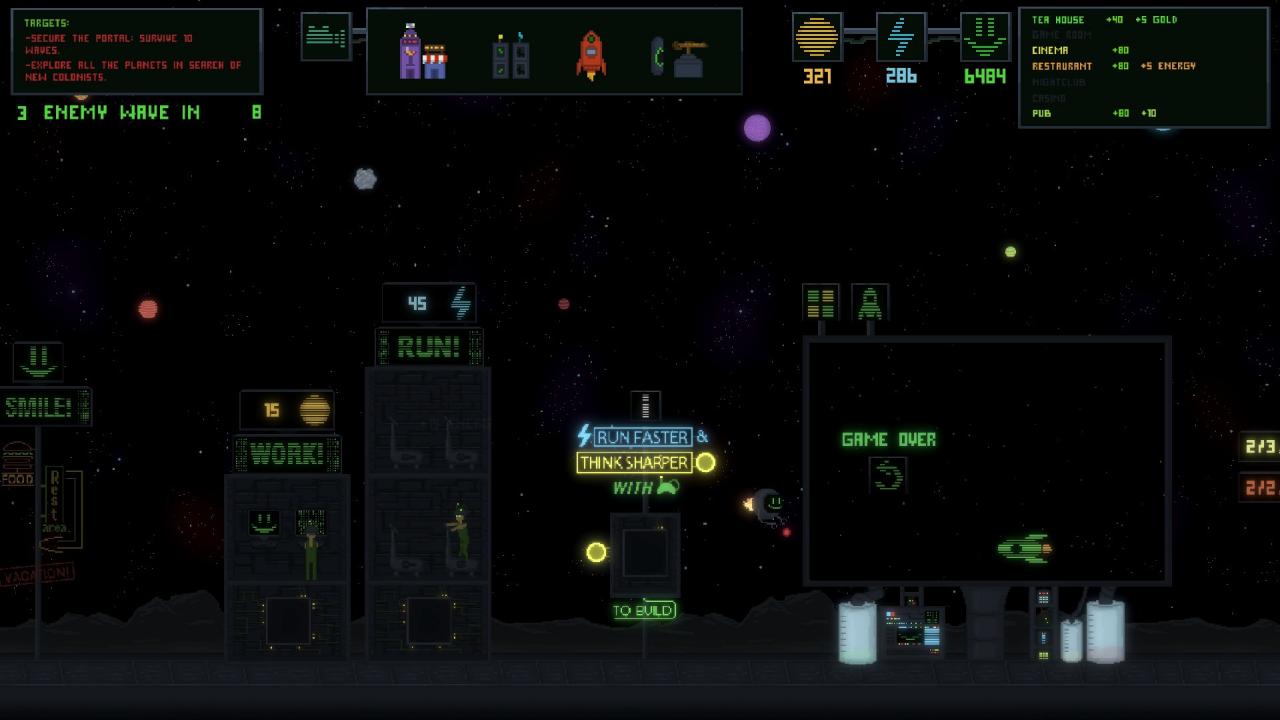
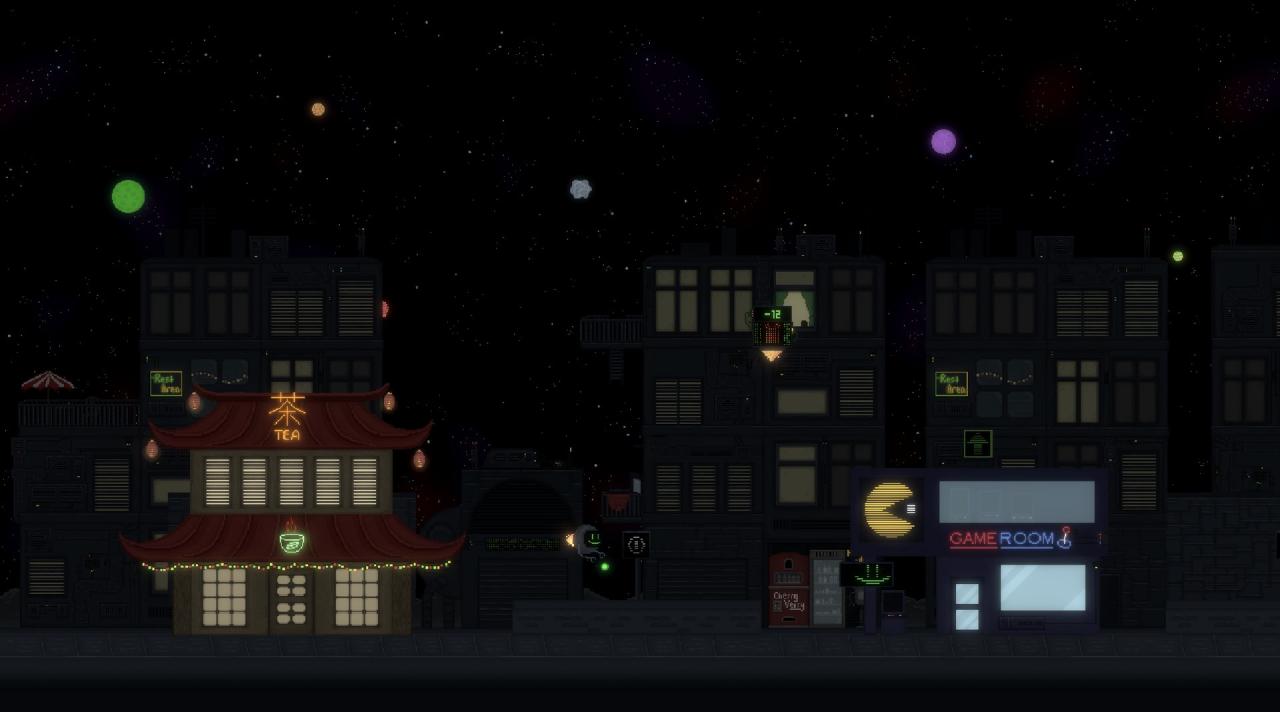
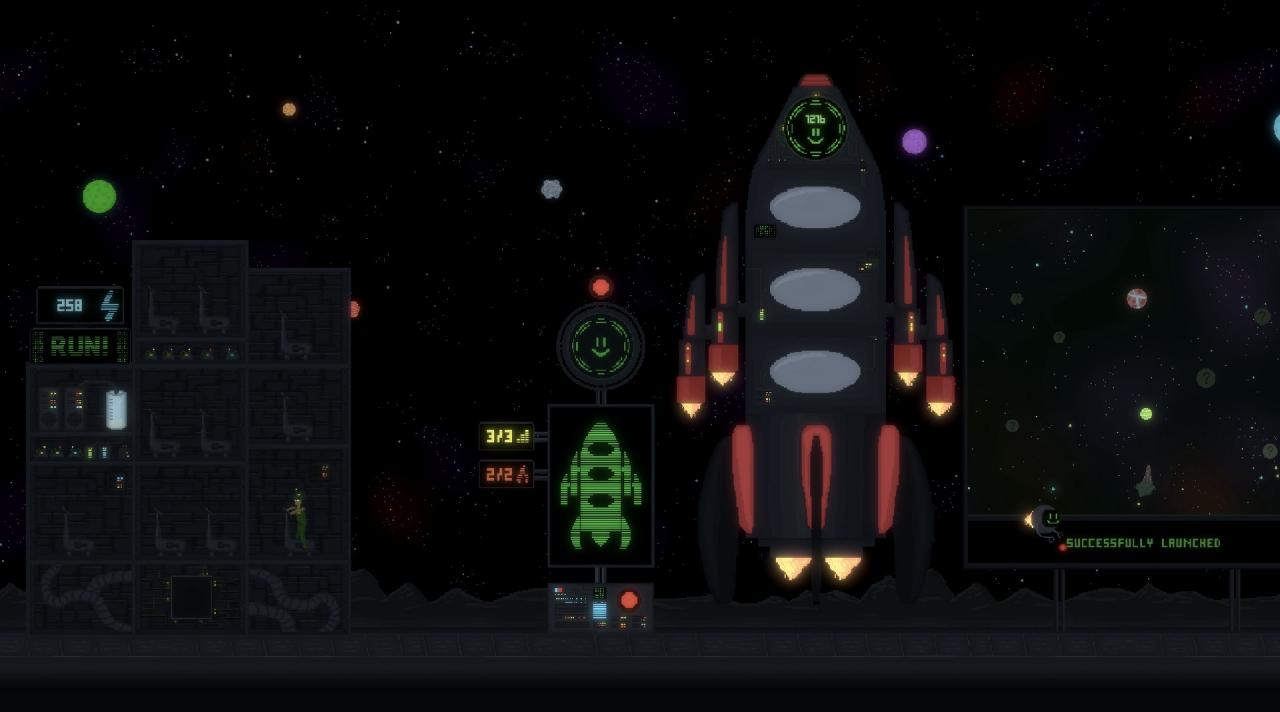
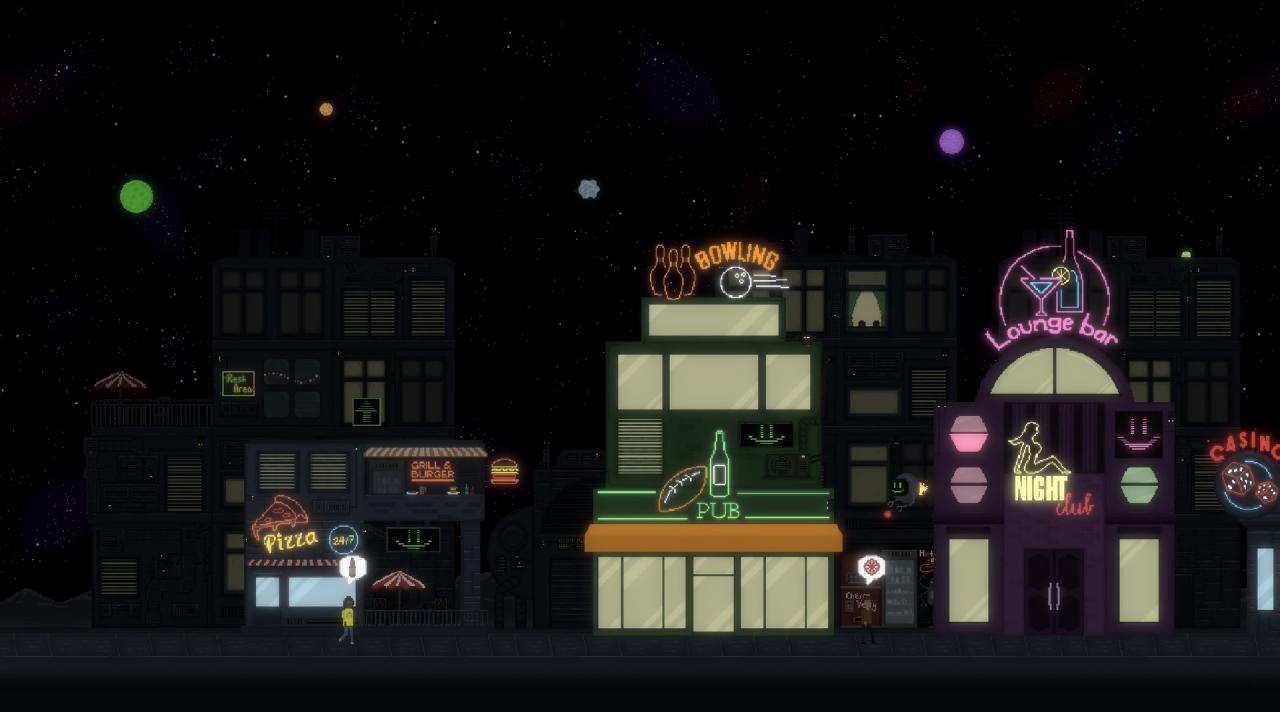
The Earth and the Sun were destroyed, and the remnants of humanity extended their lives in space colonies. All colonies live by the energy of happiness, which with the help of the latest smile-to-fly technology can be used as rocket fuel.On the way of developing your own settlement, you will have to produce resources: virtual gold, electricity and happiness, and proper dispose of them for the benefit of the entire colony.Before you are endless expanses of space, exploration of which can open up new resources and new acquaintances for you. However, beware, space is a place of fierce competition, with enough looters and spies.Develop your own space colony, explore space, defend yourself, and finally bring success and happiness to your people! However, do not forget - your true purpose is to find a habitable planet for life and the rebirth of all humanity. Features: 3 types of resources: virtual gold, electricity and happiness. Use them to manage and expand your space colony. 9 upgradeable buildings with unique parameters and bonuses. Explore space with your own rocket in search of new planets with unique bonus resources and new colonists. Be ready to defend your resources from looters. Simple "click" and "drag and drop" mechanics. Can be played without keyboard! [UPDATED] Defend your colony against the invaders in classic tower defence gameplay!
Go to: http://store.steampowered.com/ and download STEAM client Click "Install Steam" (from the upper right corner) Install and start application, login with your Account name and Password (create one if you don't have). Please follow these instructions to activate a new retail purchase on Steam: Launch Steam and log into your Steam account. Click the Games Menu. Choose Activate a Product on Steam... Follow the onscreen instructions to complete the process. After successful code verification go to the "MY GAMES" tab and start downloading.