Get 10% back in Relic Coins on every order
Swords & Souls: Neverseen cover

SteamEurope· Gift

Swords & Souls: Neverseen

€17.80

+€1.78 cashback eligibility in Relic Coins

Check before you play

Platform
Steam
Region
Europe
Product type
Gift
Developer
Pandora Box
Publisher
Zamuse
Supplier release date
2019-07-22
Genres
Action, Adventure, RPG, Indie

About this product

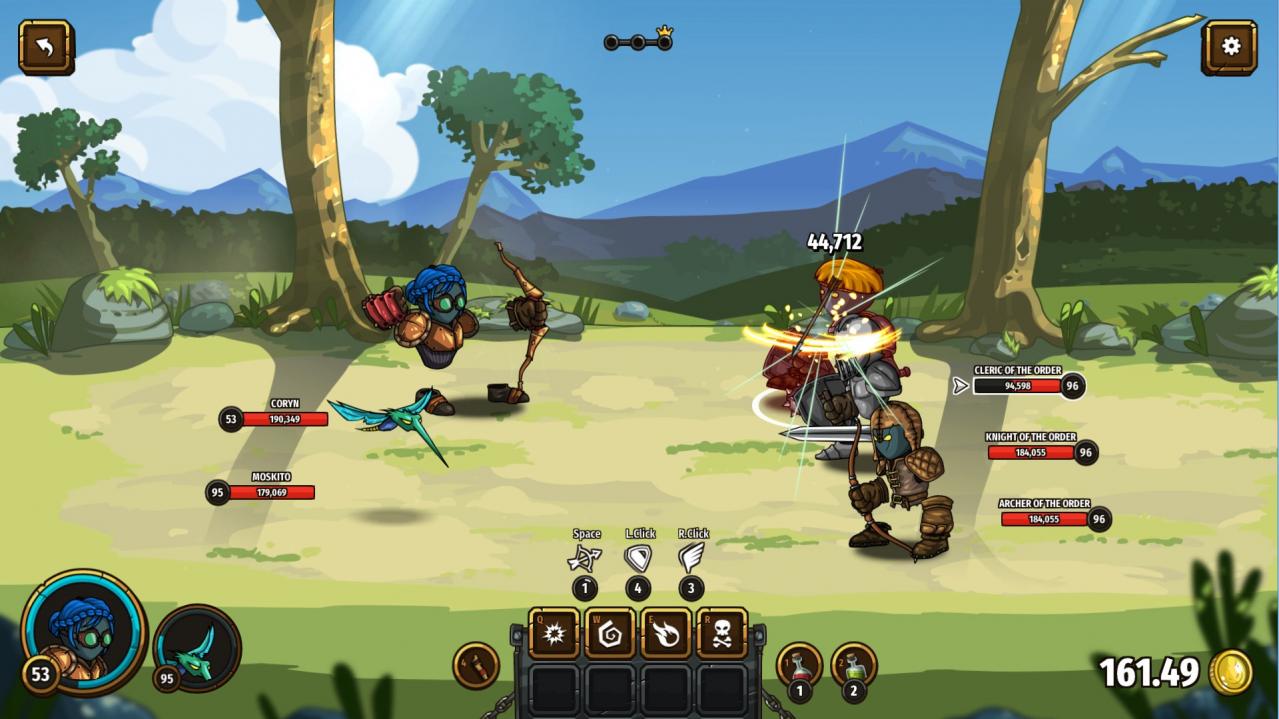
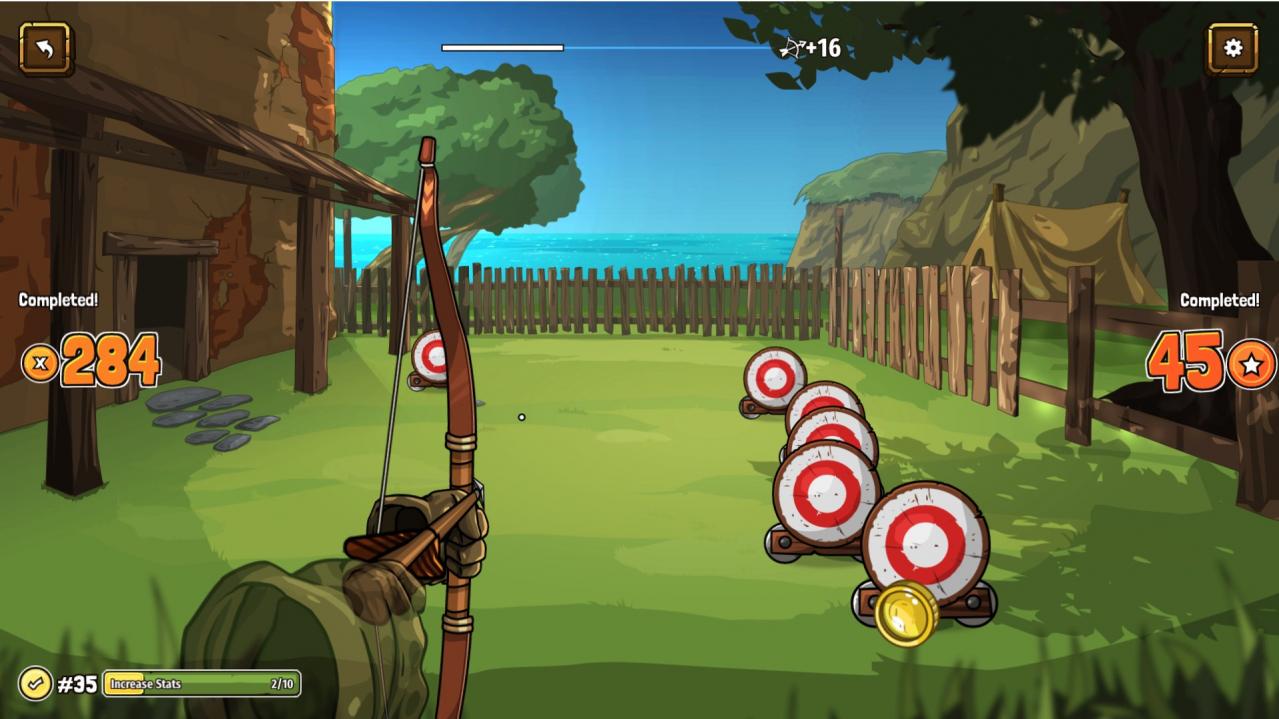
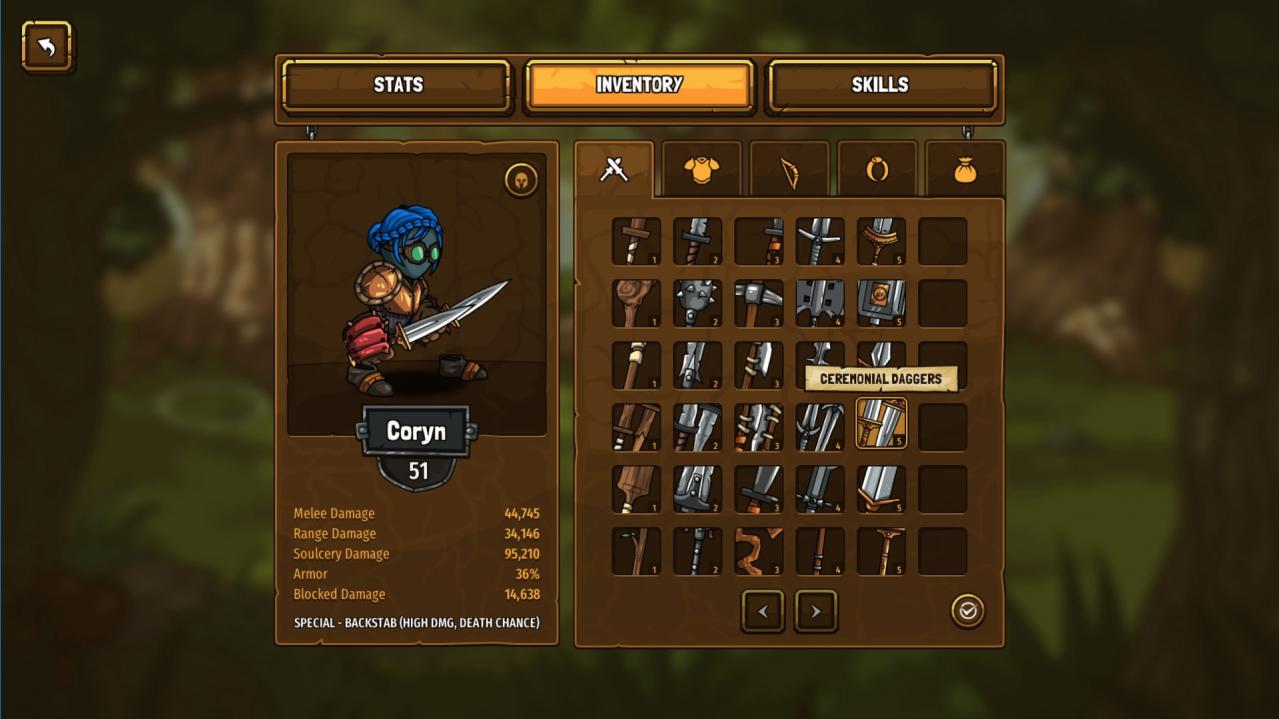
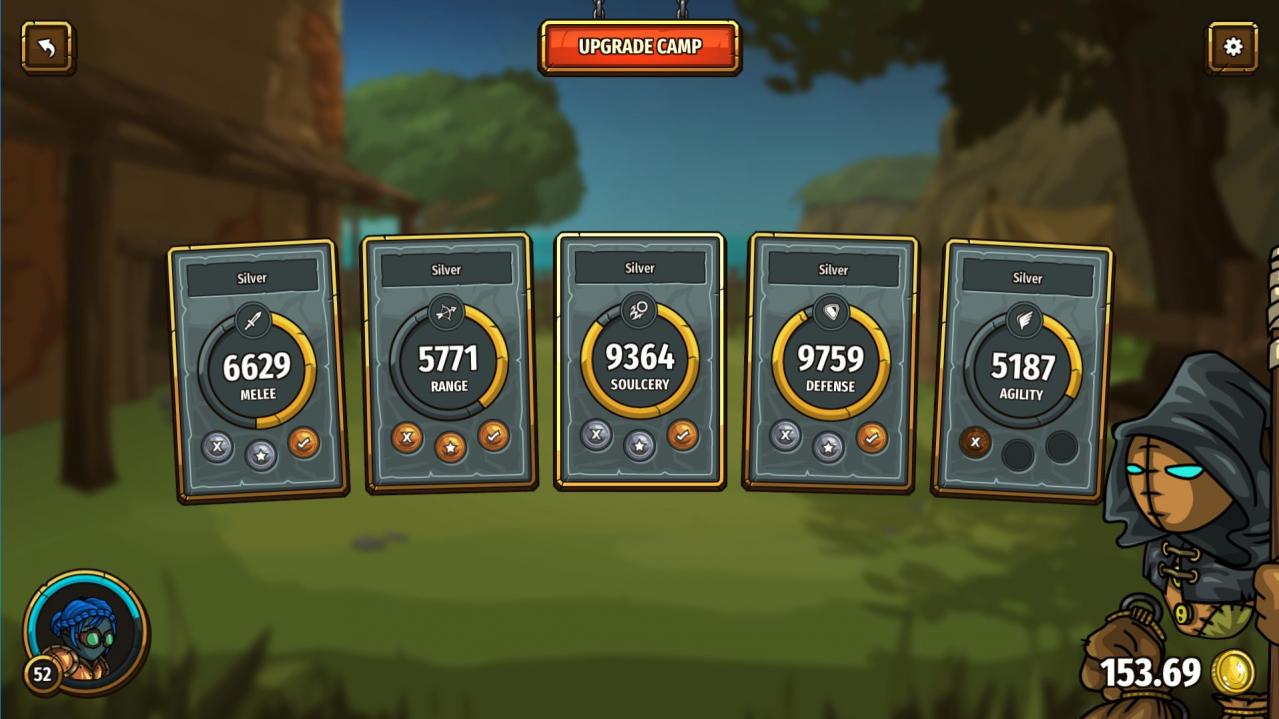
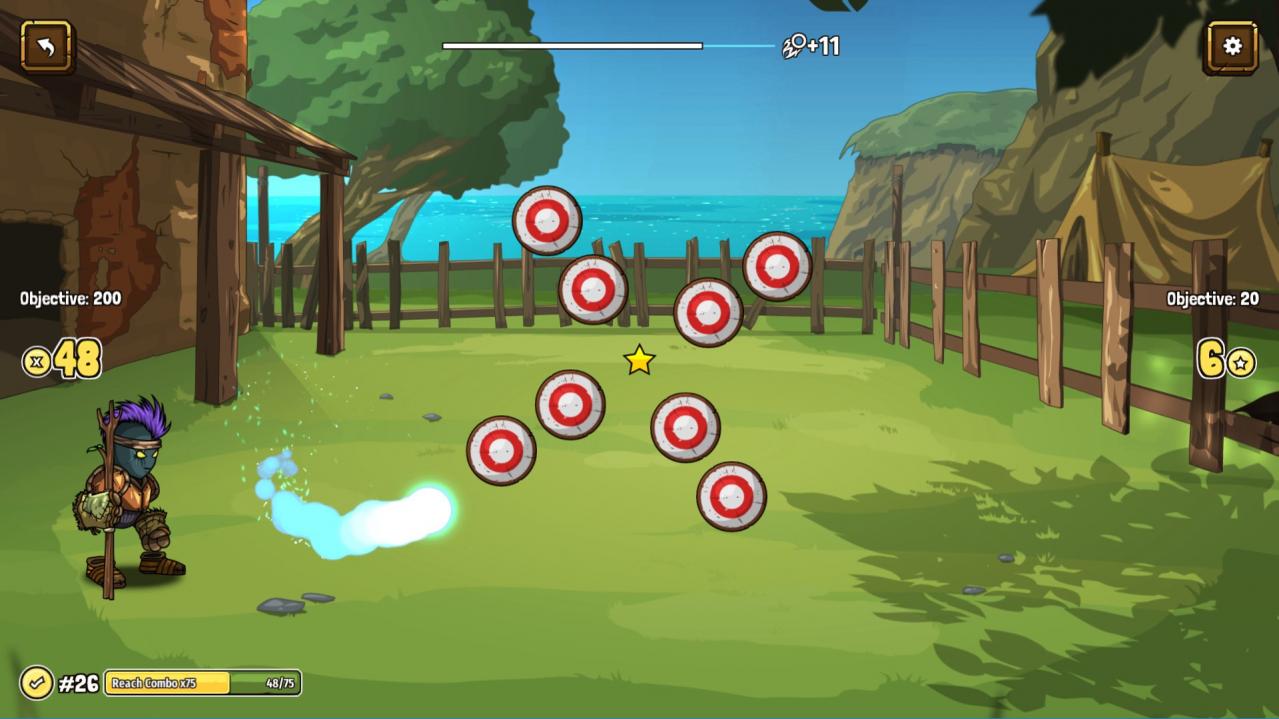
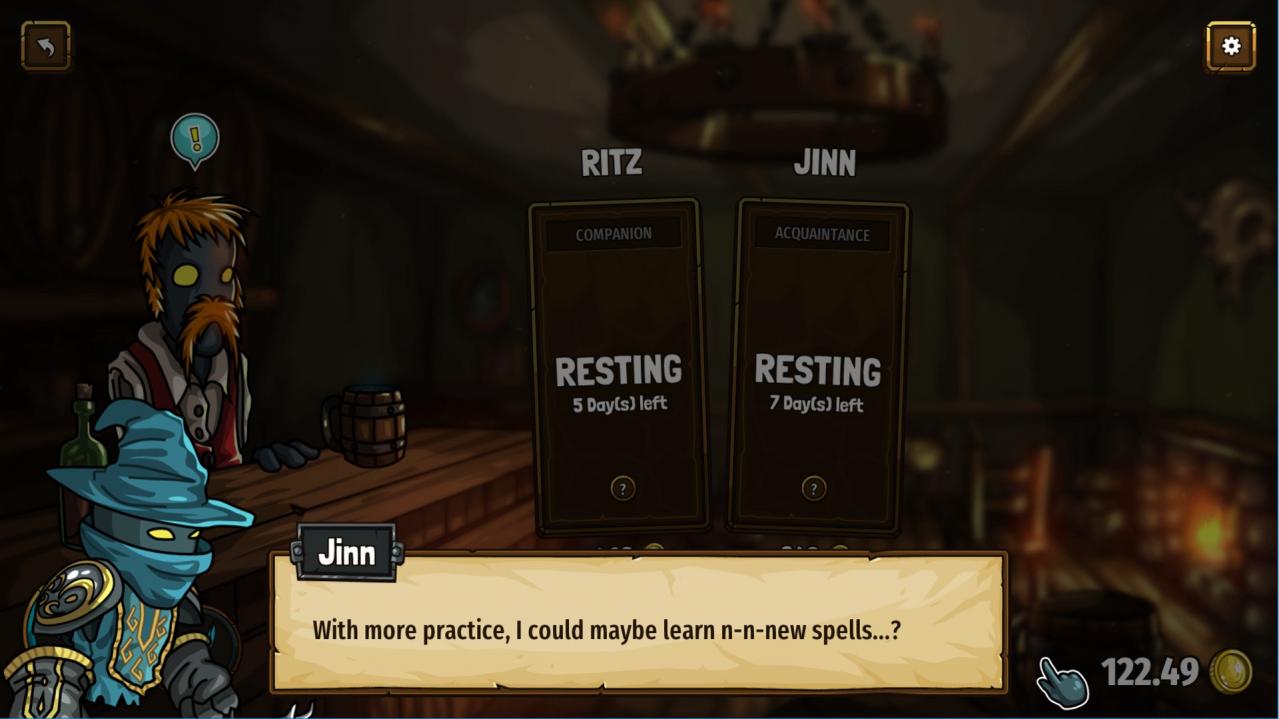
From SoulGame Studio, creators of the wildly popular Swords & Souls, comes an all new, even bigger standalone adventure to an island far across the sea. In Swords & Souls: Neverseen you find yourself shipwrecked and caught up in a struggle between a dangerous witch and some decidedly kooky townsfolk. To stop the witch, you'll need to train, fight, train, and fight some more in this addictive single-player combat-focused game that rewards player skill and juicy progression. Features Addictive and evolving training minigames to train your character's stats A fast-paced blend of real-time and turn-based combat Face hordes of enemies across the Neverseen and its wild environments Tame pets and meet colorful mercenaries, both to fight beside you Vary your playstyle with six types of weapons, passive skills, and unique rings Upgrade your home and training grounds for stat and experience gain Buy equipment, invest in the local museum, go shopping, fishing and more! Keep playing in the post-game endless mode with randomized encounters Online leaderboard to share your high scores A light-hearted story filled with surprises and humor

Swords & Souls: Neverseen screenshotSwords & Souls: Neverseen screenshotSwords & Souls: Neverseen screenshotSwords & Souls: Neverseen screenshotSwords & Souls: Neverseen screenshotSwords & Souls: Neverseen screenshot

How to redeem

  1. 1Check that your Steam account can receive gifts in the listed region.
  2. 2Open the confirmed order and follow the supplier’s gift-delivery instructions.
  3. 3Accept the gift on the required platform account and add it to your library.

Supplier instructions

Go to: http://store.steampowered.com/ and download STEAM client Click "Install Steam" (from the upper right corner) Install and start application, login with your Account name and Password (create one if you don't have). Please follow these instructions to activate a new retail purchase on Steam: Launch Steam and log into your Steam account. Click the Games Menu. Choose Activate a Product on Steam... Follow the onscreen instructions to complete the process. After successful code verification go to the "MY GAMES" tab and start downloading.

You might also like