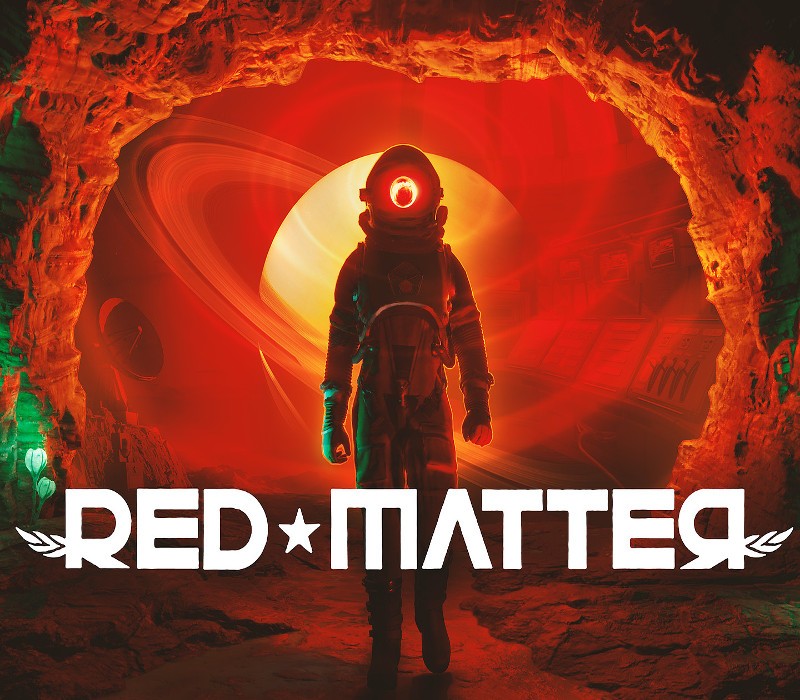
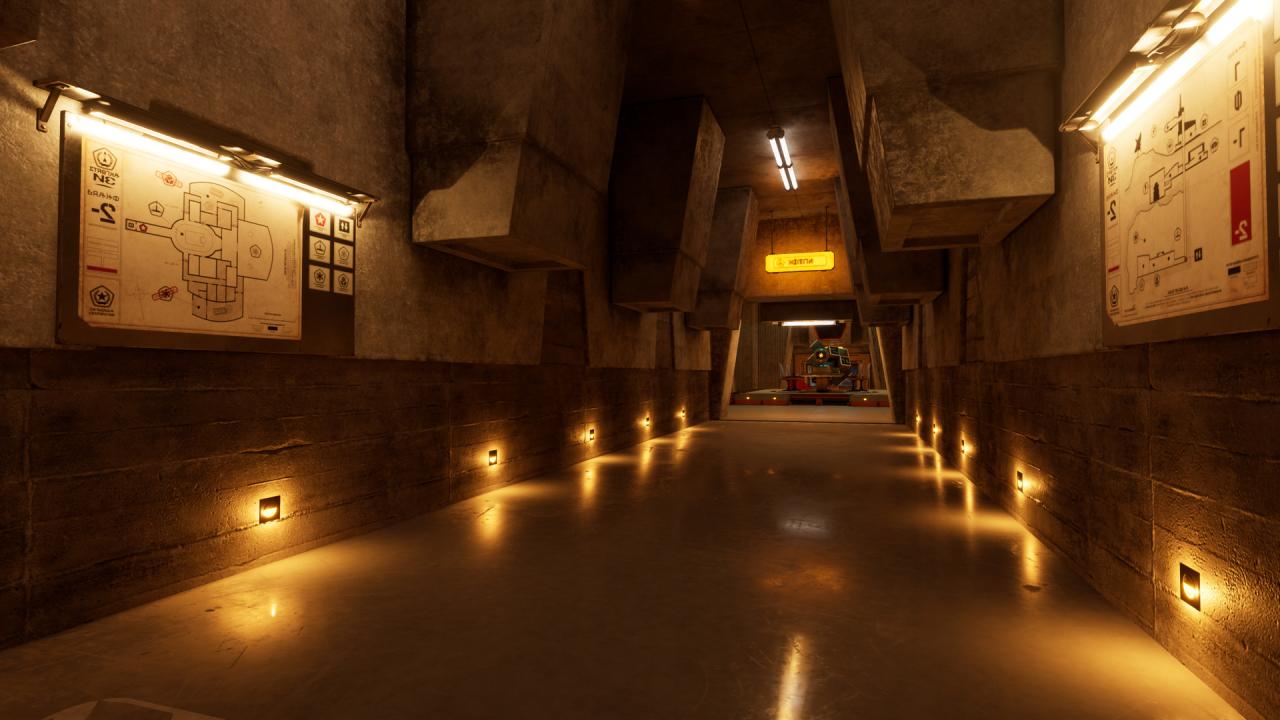
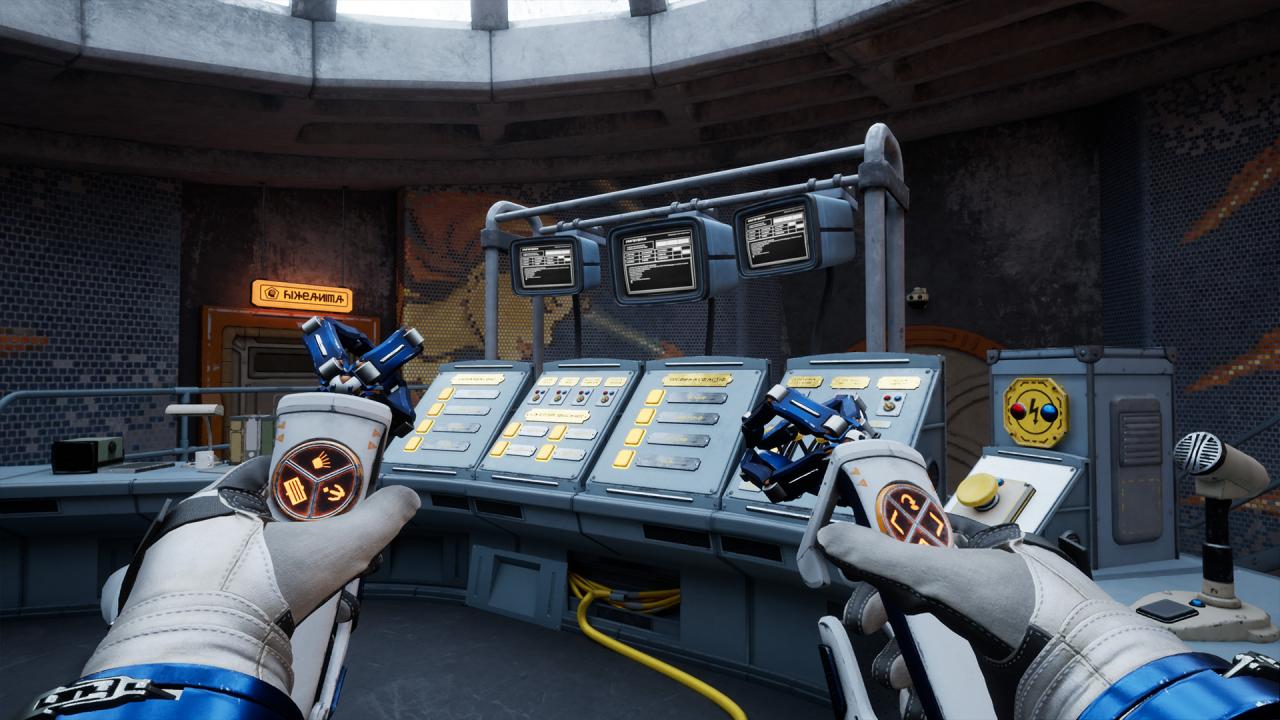
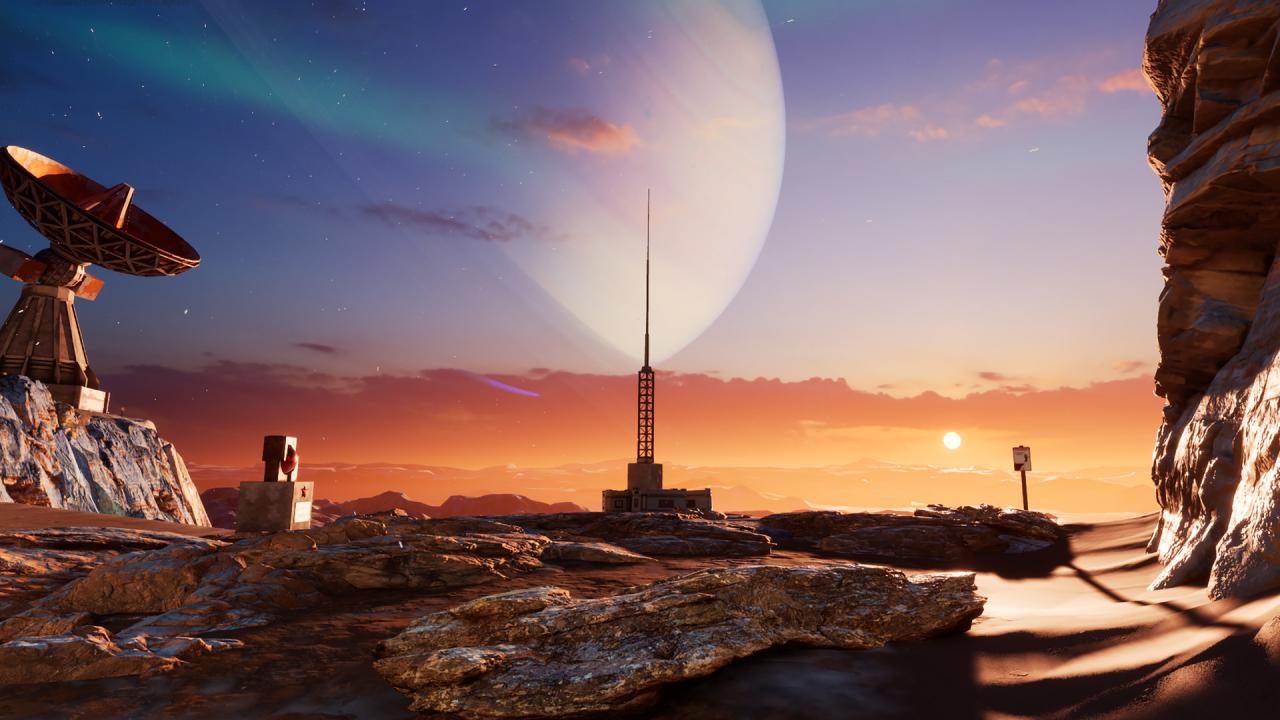
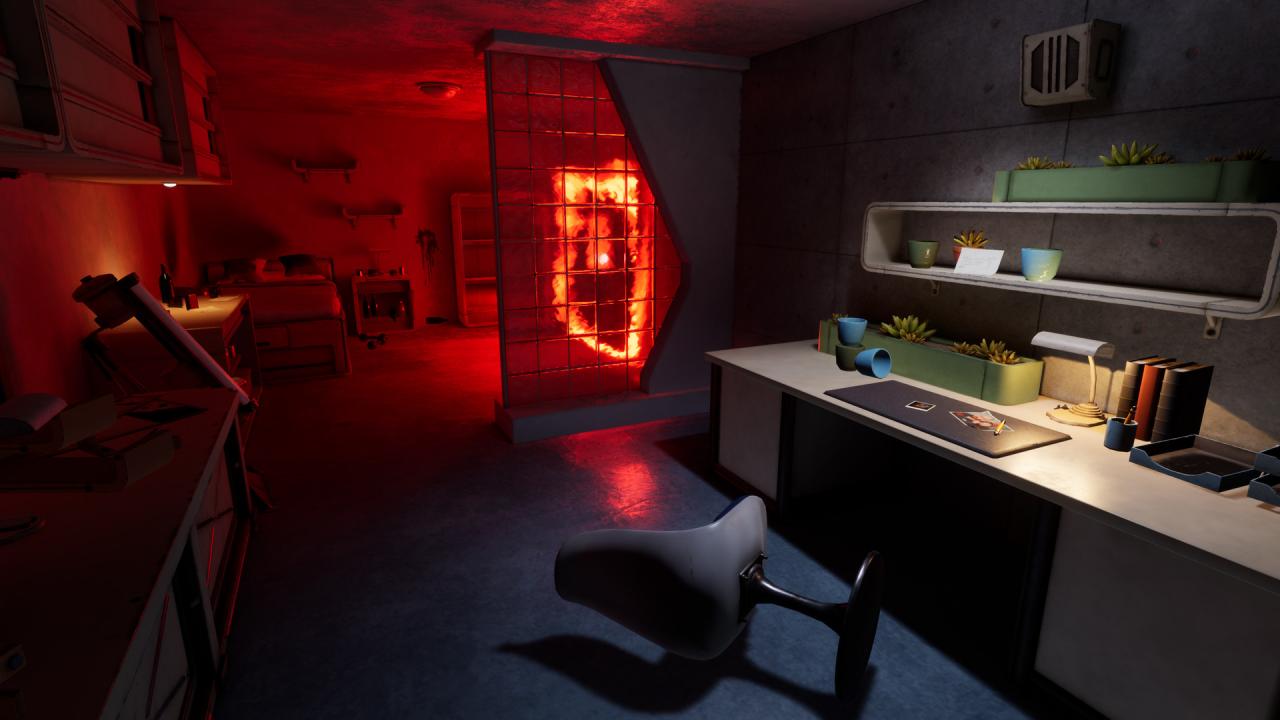
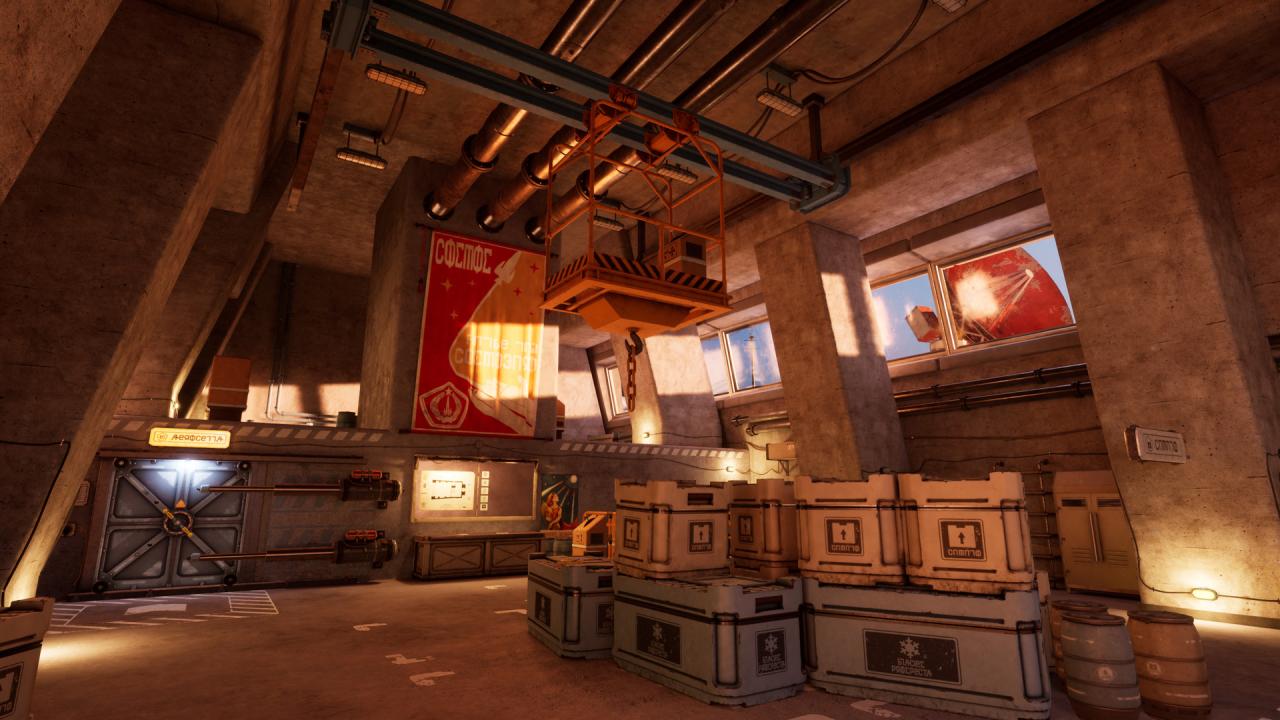
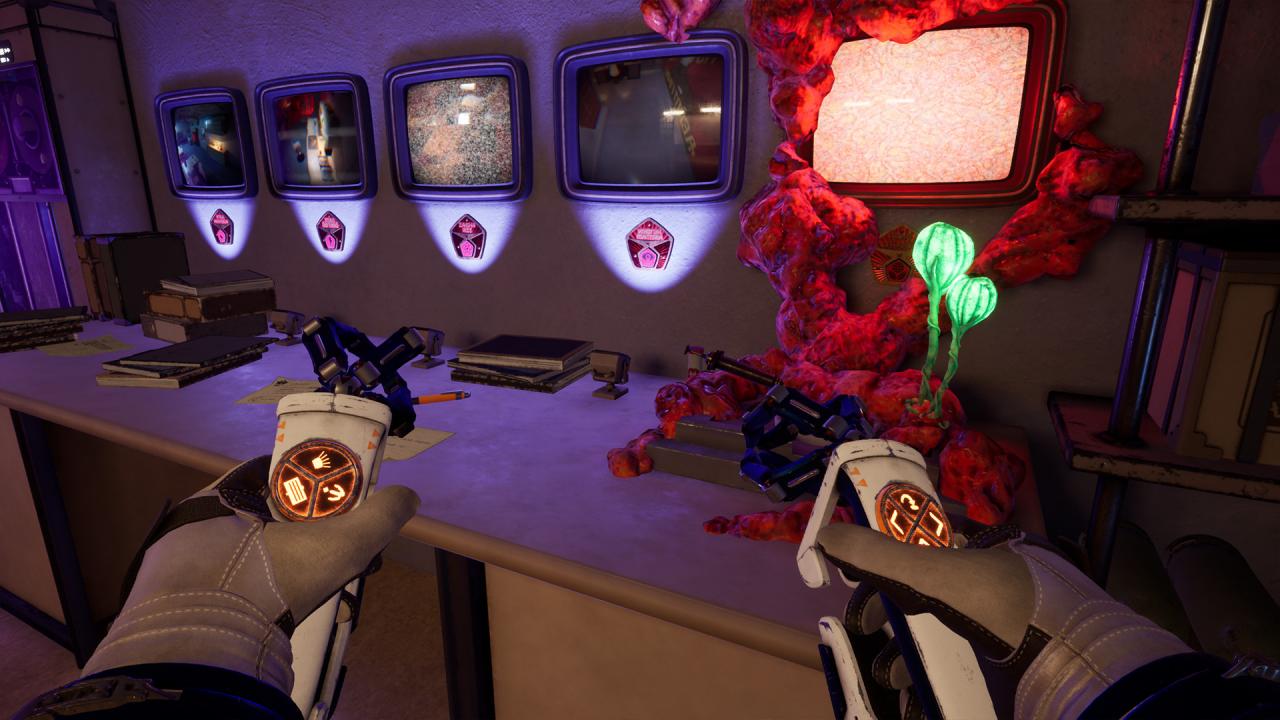
Red Matter is a story-driven VR puzzle adventure game set during a dystopian Sci-Fi Cold War. Take on the role of Agent Epsilon, an astronaut of the Atlantic Union dispatched to an abandoned Volgravian base on Rhea, one of Saturn’s moons. Your mission: to investigate a shady top secret research project. Solve puzzles in a beautiful, high-detail brutalist environment which only becomes more and more surreal as the story progresses. Use an array of hi-tech tools to decipher hidden messages and mechanisms and uncover ever deeper and darker secrets of the facility. But beware of what you may find... Once you discover the truth, will you be able to stomach it? Features An interesting story that you will need to help unravel as you solve puzzles, scan objects and progress through the Volgravian space station. Explore very detailed environments, such as the rocky landscapes of Rhea, underground space stations or even top secret laboratories. Don't miss any clues, take your time, and decipher the secrets that Red Matter holds. Enjoy some of the best graphics in VR with high poly models, high res textures and incredible lighting. Custom made controllers for Vive and Oculus Rift that will make you feel like your holding otherworldly high-tech tools. Different types of locomotion such as teleport, dash or smooth locomotion are included to help you explore the game in the most immersive way possible. Oh! and did we mention puzzles? Good luck Agent!