Get 10% back in Relic Coins on every order
Toasterball cover

SteamGlobal· Key

Toasterball

€1.93

+€0.19 cashback eligibility in Relic Coins

Check before you play

Platform
Steam
Region
Global
Product type
Key
Developer
Couch Game Crafters
Publisher
Couch Game Crafters
Supplier release date
2020-01-15
Genres
Sport, Indie

About this product

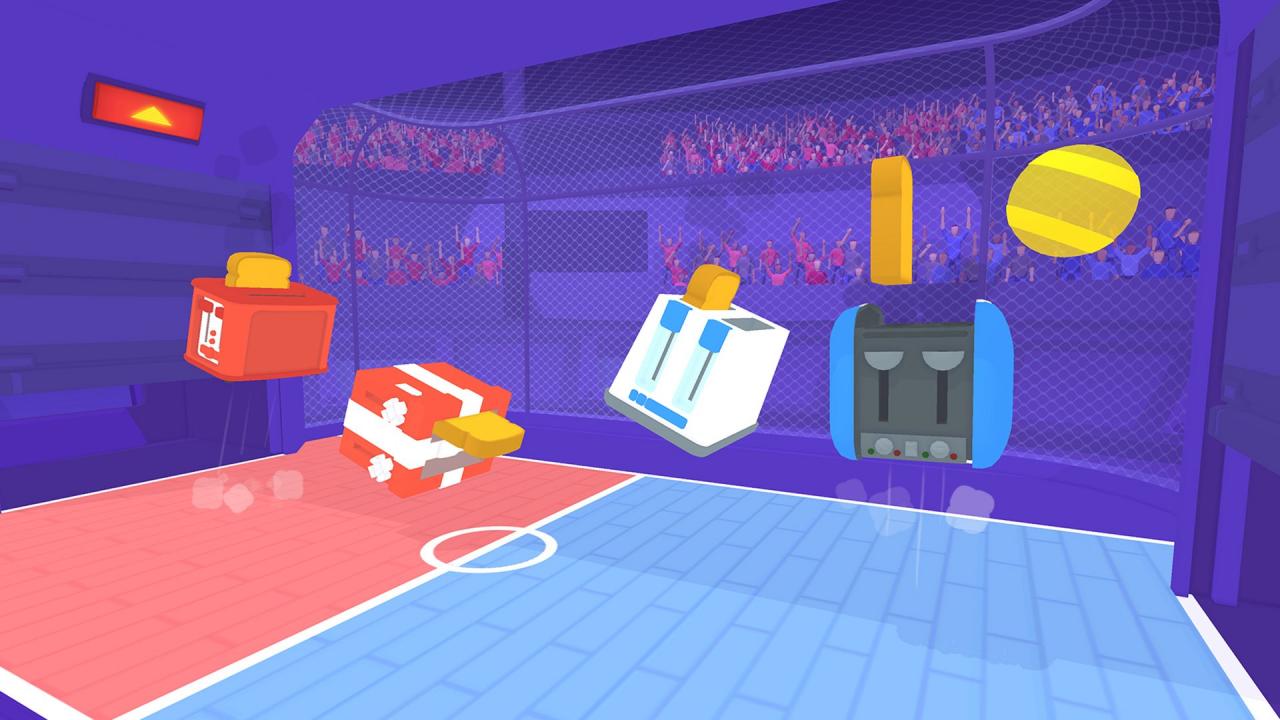
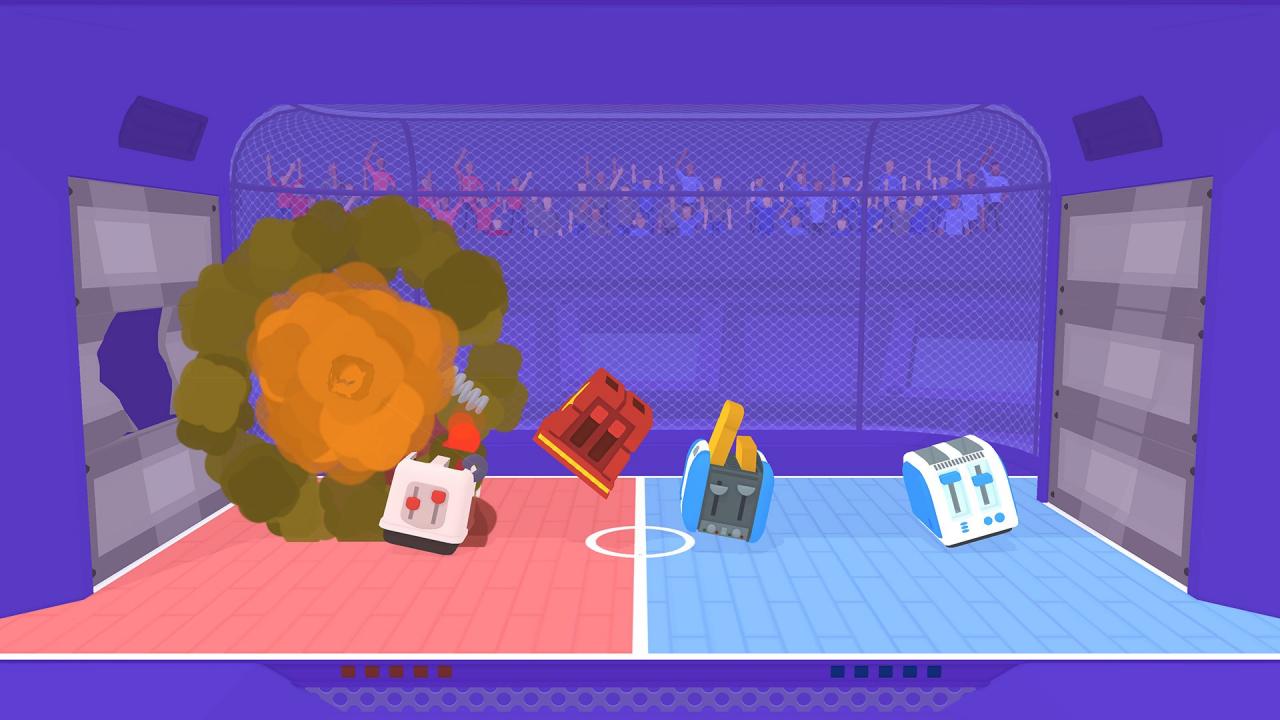
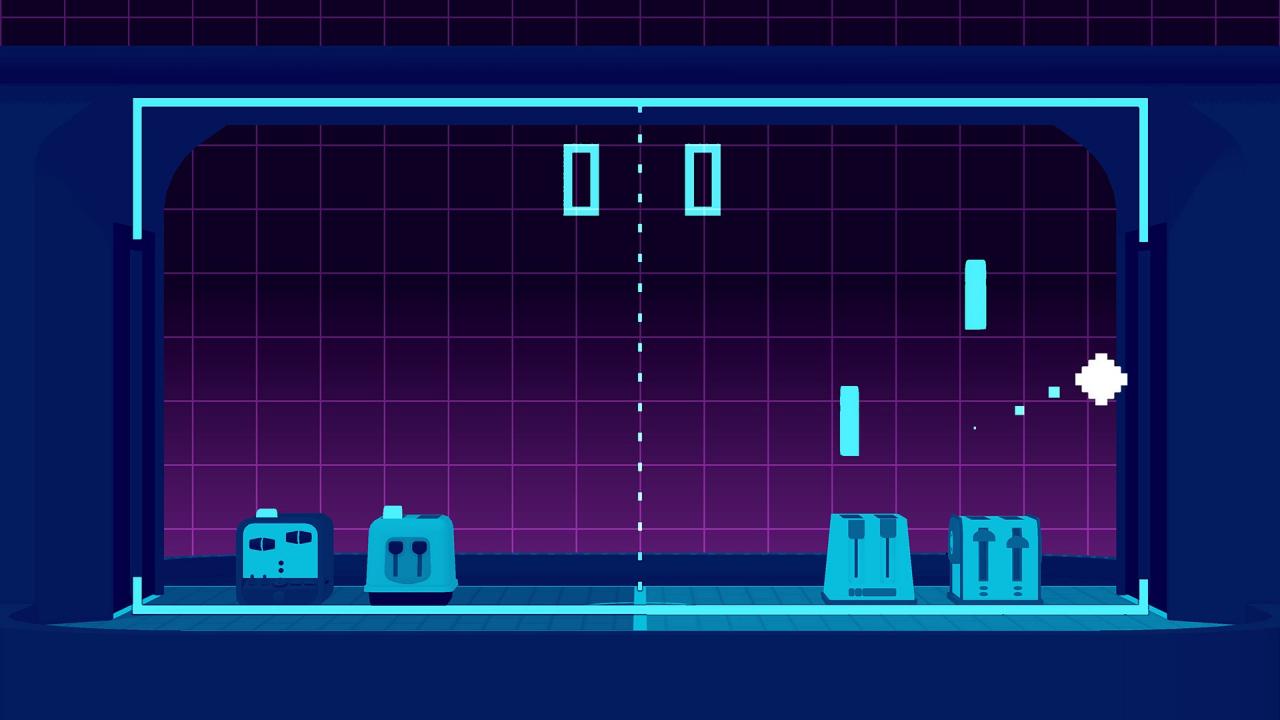
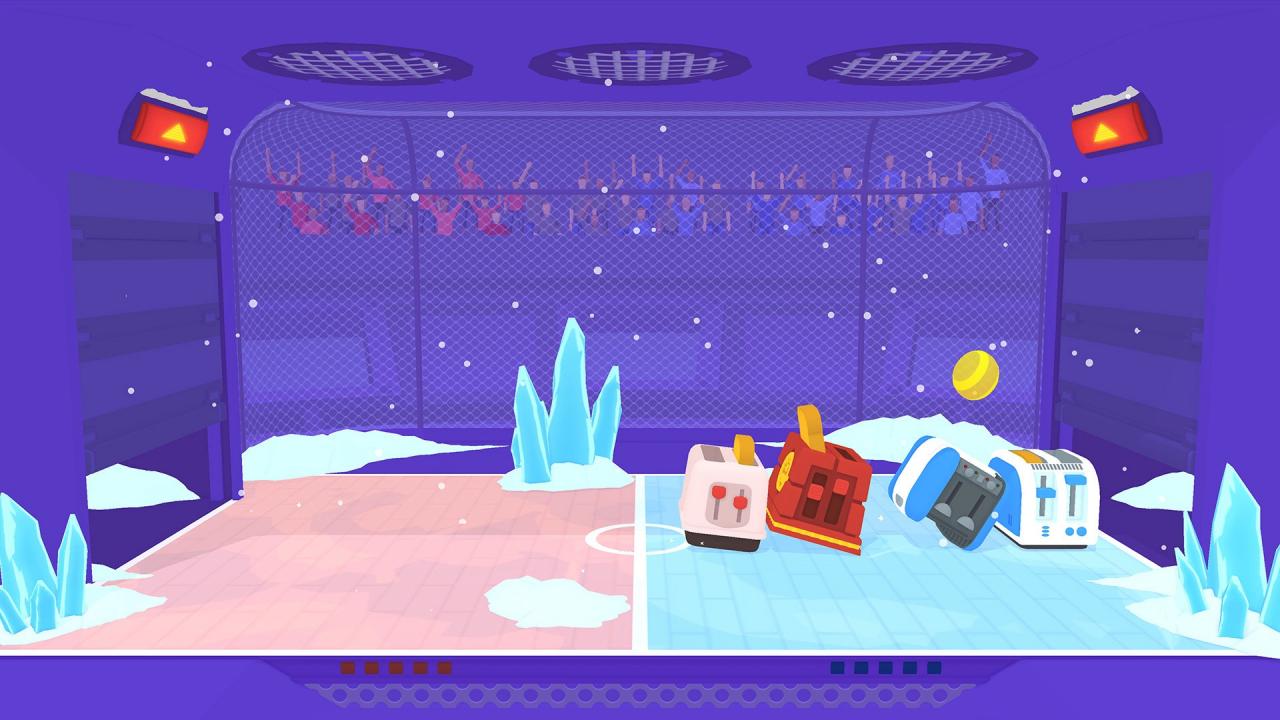
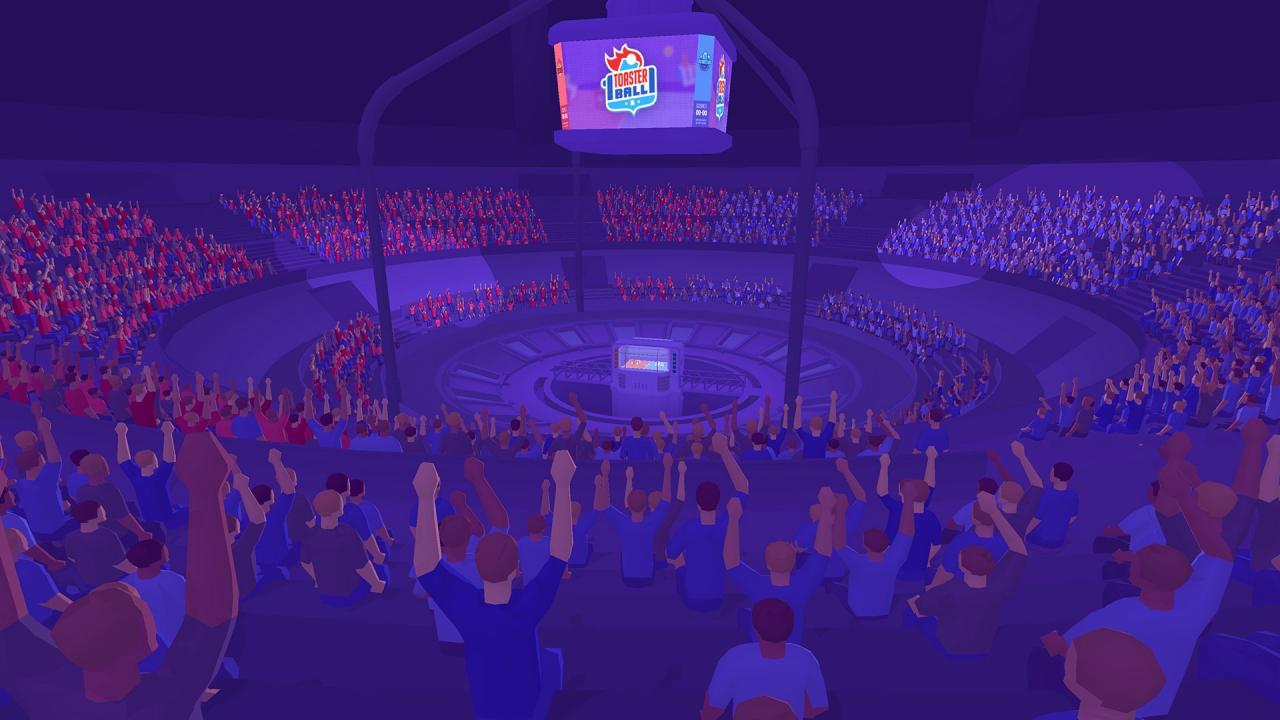
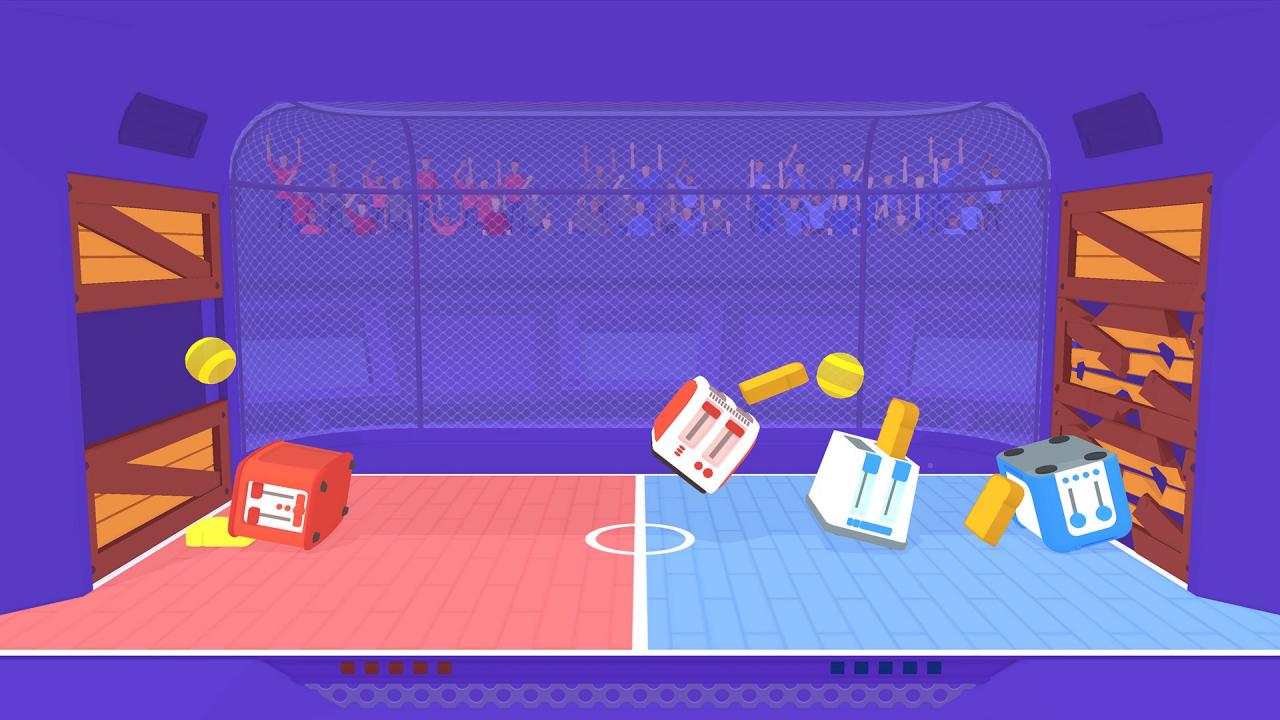
A ball, two goals, and... toasters : Welcome to Toasterball.Toasterball is a multiplayer sport game (2-4 players), where you play as toasters.The game is based on physics, and packed with lots of random gameplay variants, explosions, and a bunch of toasts for you to burn! How do you play? Hold down one of the buttons on your toaster for a short time... release it, and that's it! Your toast flies through the air! The longer you hold the button, the higher your toast will go. Each ejection also makes you jump, allowing you to hop around the field in both directions. With only these two buttons, you can now move, jump and throw toasts everywhere. From there, any means are allowed to put the ball inside your opponent's goal! Athlete toasters You can already choose from one of the 15 different toasters present in the initial line-up of athletes. Each toaster has it's unique backstory, with four colors available and it's own locker. Random variants After each point, a new random gameplay variants is chosen. There are more than 20 different variants, including the ones you see in the screenshots of this page (ice rink, explosive ball, pong mode, etc.). All of these variants can be played with giant and small toasters, with or without toasts: like variants of variants (whoa dude).

Toasterball screenshotToasterball screenshotToasterball screenshotToasterball screenshotToasterball screenshotToasterball screenshot

How to redeem

  1. 1Check your Steam account and the listed region before purchasing.
  2. 2Find your code and supplier activation instructions in your confirmed order.
  3. 3Open the redeem-code section on Steam, enter the code and follow the platform’s prompts.

Supplier instructions

Go to: http://store.steampowered.com/ and download STEAM client Click "Install Steam" (from the upper right corner) Install and start application, login with your Account name and Password (create one if you don't have). Please follow these instructions to activate a new retail purchase on Steam: Launch Steam and log into your Steam account. Click the Games Menu. Choose Activate a Product on Steam... Follow the onscreen instructions to complete the process. After successful code verification go to the "MY GAMES" tab and start downloading.

You might also like