Get 10% back in Relic Coins on every order
Relaxing VR Games: Mahjong cover

SteamGlobal· Key

Relaxing VR Games: Mahjong

€1.12

+€0.11 cashback eligibility in Relic Coins

Check before you play

Platform
Steam
Region
Global
Product type
Key
Publisher
Daedalic Entertainment
Supplier release date
2017-03-02
Genres
Indie, Casual, VR Games

About this product

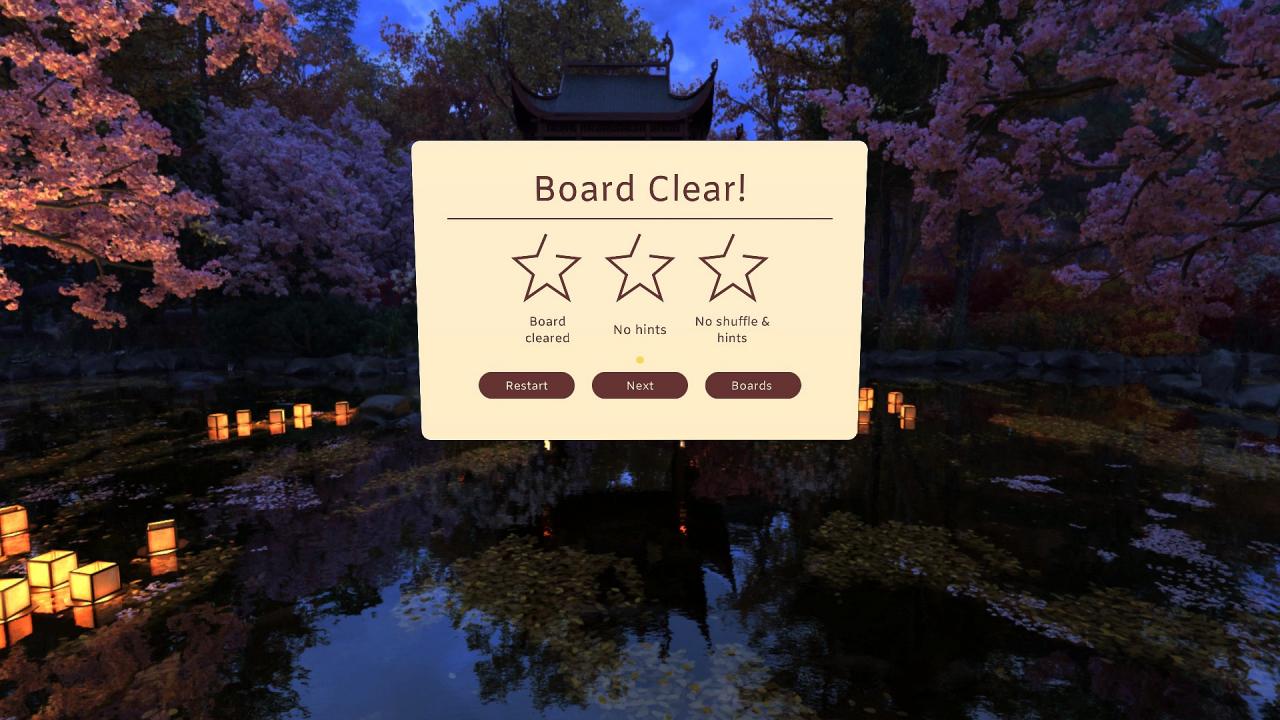
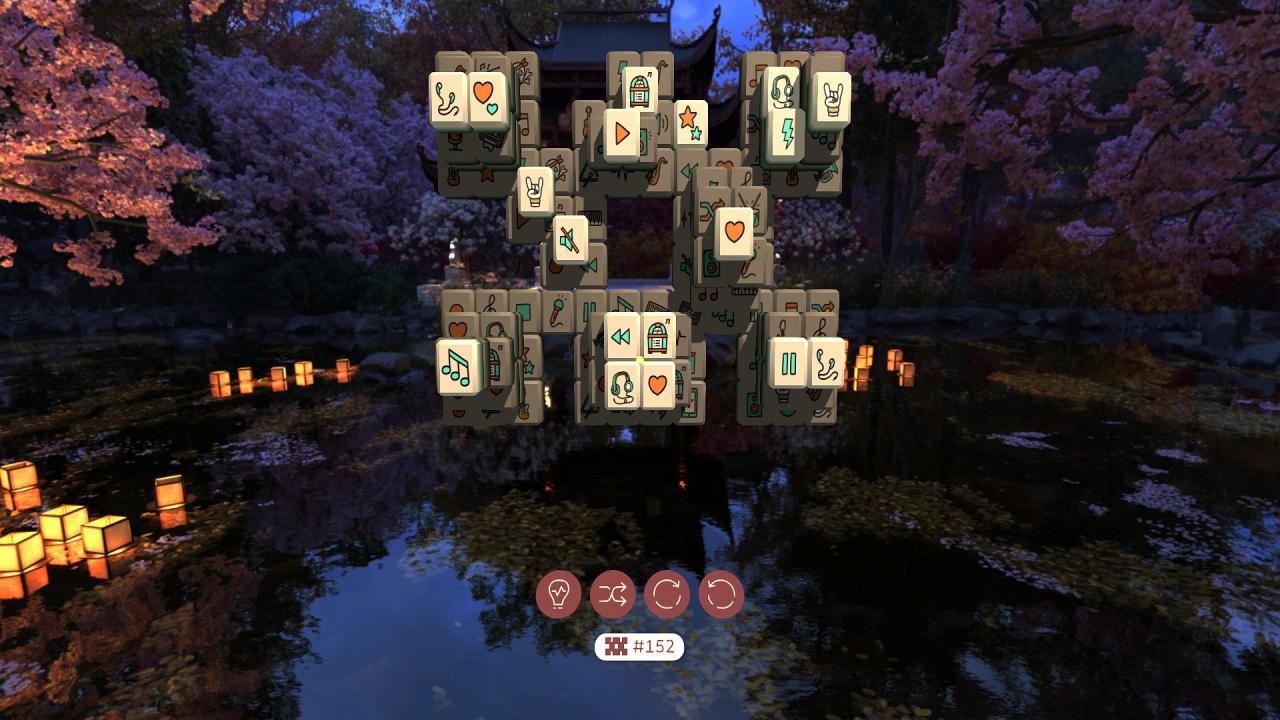
The Dawn of A New Mahjong Age!Rediscover this Chinese classic in a completely new gaming environment. The most important thing in this game is the right combination of tokens. The game's core principle is as simple as it is brilliant: exposed pairs of tokens have to be removed until the whole board is cleared.Relaxing VR games: Mahjong brings this classic to new dimensions. With your Oculus Rift you can manipulate tokens in a photorealistic 360° environment. Thanks to the intuitive One-Click controls, playing is convenient and enhances this truly unequaled virtual reality experience. A total of 162 boards can be played and solved in a deeply relaxing atmosphere. Features High replay value One of the most popular game classics, finally optimized for virtual reality 162 different templates on photo-realistic 360° backgrounds Easy gameplay due to intuitive one-click-operation Relaxing game atmosphere


Relaxing VR Games: Mahjong screenshotRelaxing VR Games: Mahjong screenshotRelaxing VR Games: Mahjong screenshotRelaxing VR Games: Mahjong screenshotRelaxing VR Games: Mahjong screenshotRelaxing VR Games: Mahjong screenshot

How to redeem

  1. 1Check your Steam account and the listed region before purchasing.
  2. 2Find your code and supplier activation instructions in your confirmed order.
  3. 3Open the redeem-code section on Steam, enter the code and follow the platform’s prompts.

Supplier instructions

Go to: http://store.steampowered.com/ and download STEAM client Click "Install Steam" (from the upper right corner) Install and start application, login with your Account name and Password (create one if you don't have). Please follow these instructions to activate a new retail purchase on Steam: Launch Steam and log into your Steam account. Click the Games Menu. Choose Activate a Product on Steam... Follow the onscreen instructions to complete the process. After successful code verification go to the "MY GAMES" tab and start downloading.

You might also like