Get 10% back in Relic Coins on every order
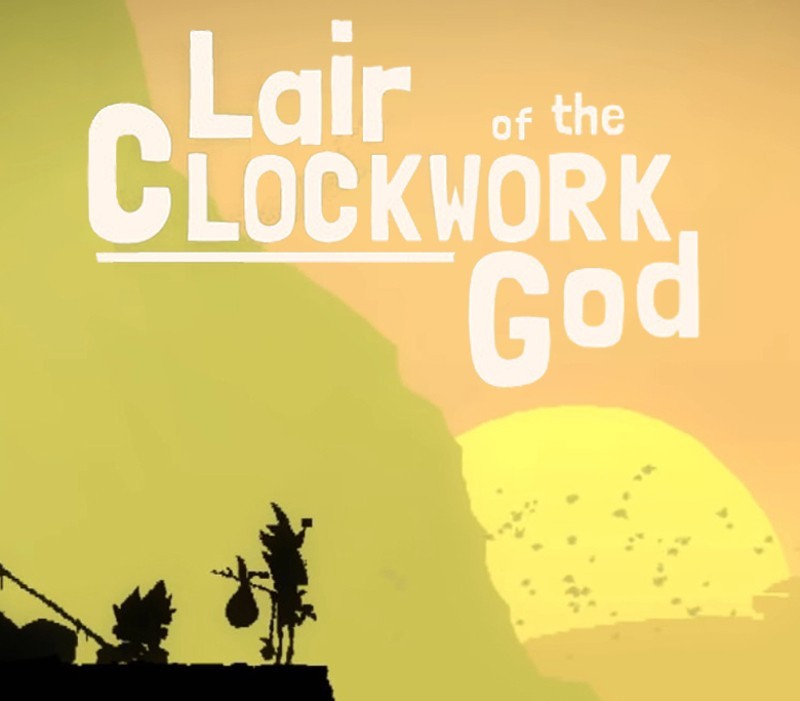
Lair of the Clockwork God cover

SteamGlobal· Key

Lair of the Clockwork God

€0.63

+€0.06 cashback eligibility in Relic Coins

Check before you play

Platform
Steam
Region
Global
Product type
Key
Developer
Size Five Games
Publisher
Size Five Games
Supplier release date
2020-02-21
Genres
Action, Adventure, Indie, Casual, Puzzle, Platformer

About this product

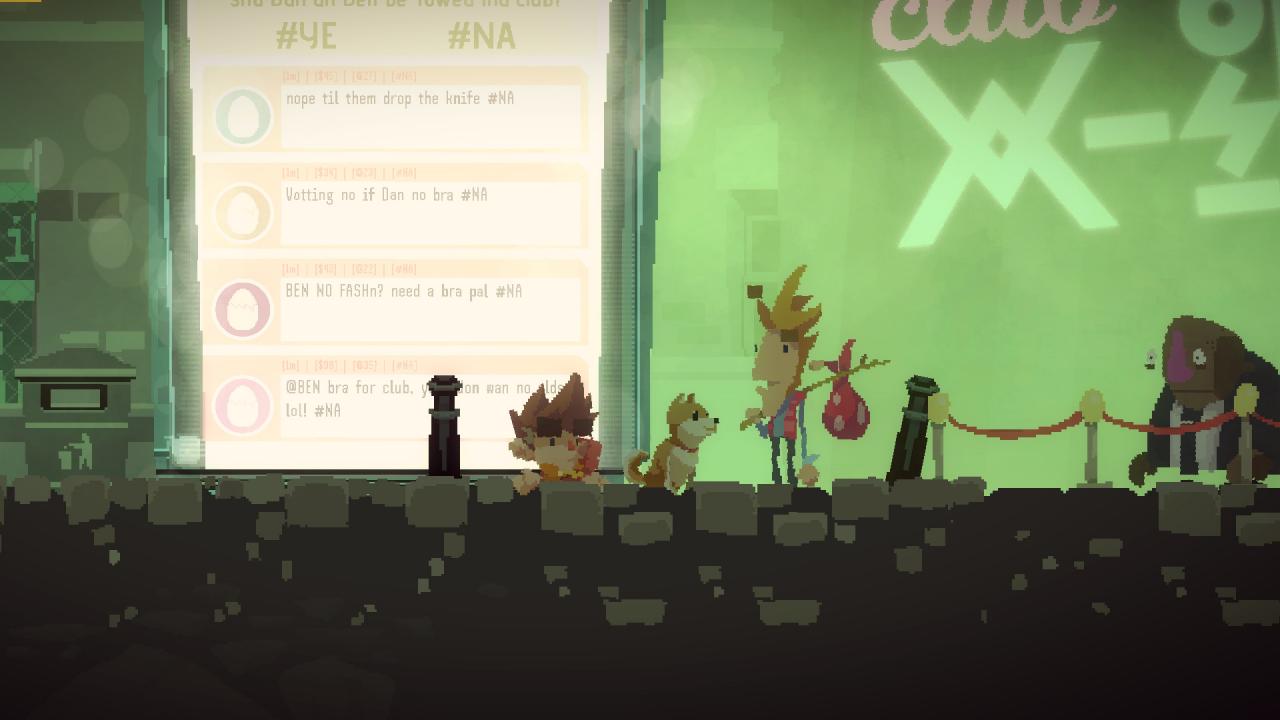
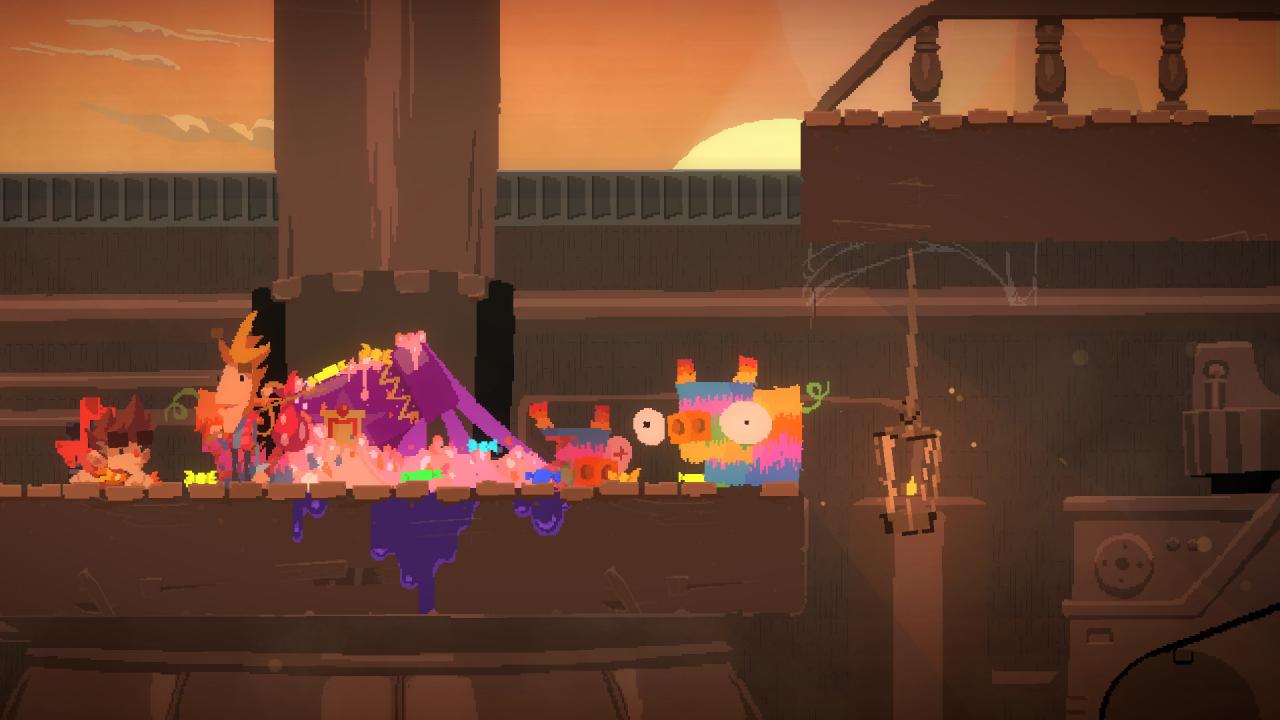
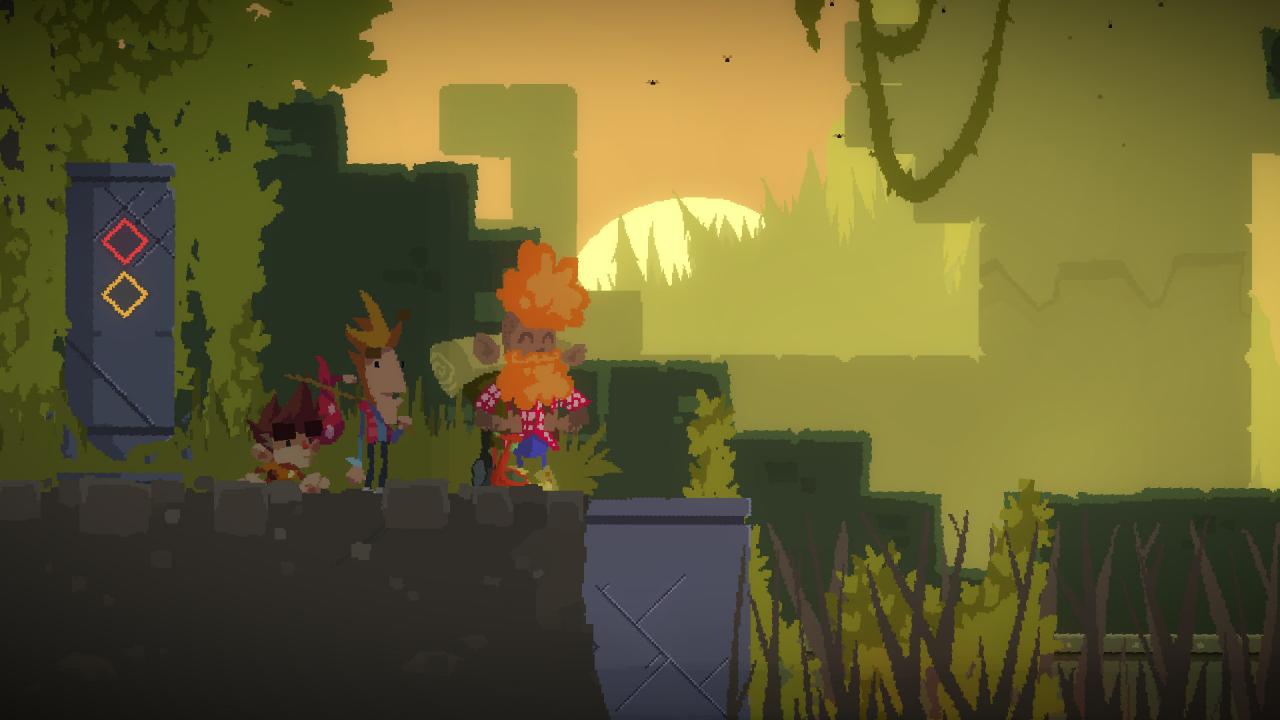
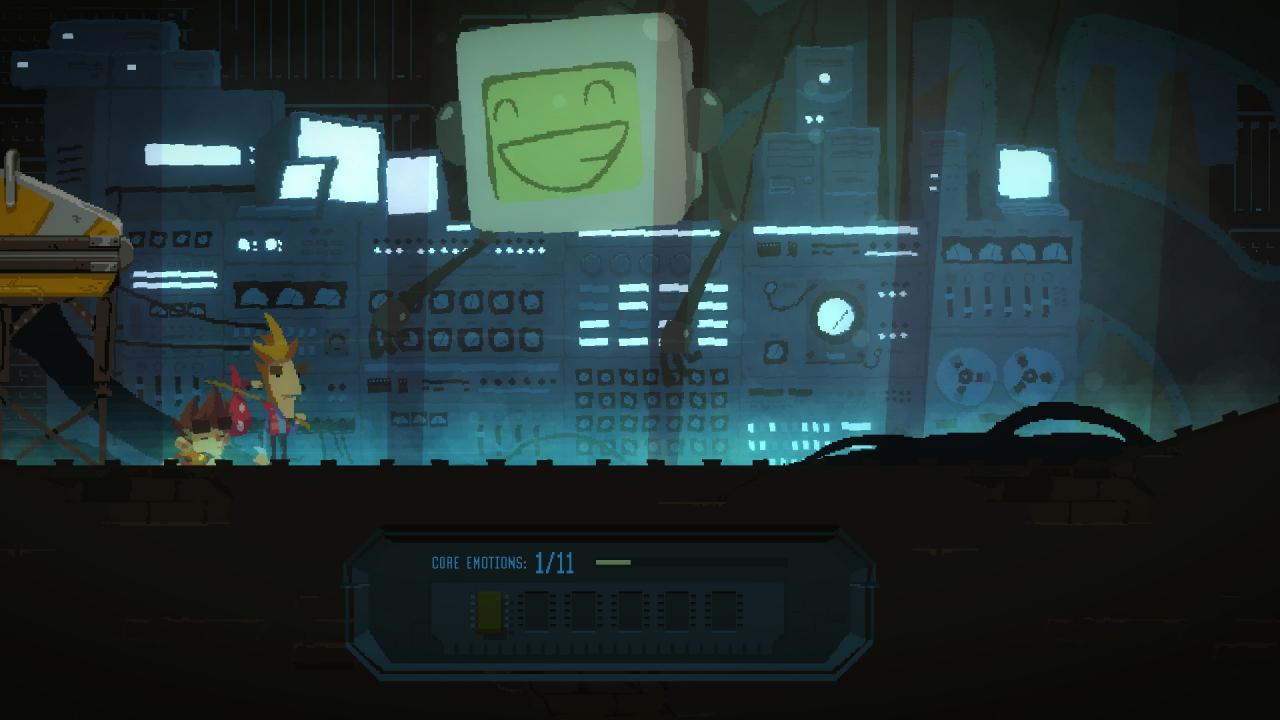
WHY PLAY ONLY ONE GENRE OF GAME when you could be playing two slightly different ones at the exact same time? BEN is a die-hard, old-school LucasArts Adventure fan.He has one foot stuck in the 90s, his feet never leave the floor, and he’s happiest collecting any old junk he can lay his hands on, in the hopes of combining it all together to solve a satisfying puzzle. His cohort and sidekick DAN...has aspirations to be the next big hit indie platform character. He's got everything he needs: he's hip, he's sensitive, and his nose is a different colour to the rest of his face.LAIR OF THE CLOCKWORK GOD sees you switching between both characters and using their unique abilities together in a race-against-time effort to stop all the Apocalypses happening simultaneously, by teaching an old computer about feelings.Solve classic point-and-click style puzzles as Ben to create unique upgrade items for Dan, so he can jump higher, run faster and blast away at everything with a shiny new gun. Then, run and jump as Dan to unlock new areas and exciting new puzzles for Ben!

Lair of the Clockwork God screenshotLair of the Clockwork God screenshotLair of the Clockwork God screenshotLair of the Clockwork God screenshotLair of the Clockwork God screenshotLair of the Clockwork God screenshot

How to redeem

  1. 1Check your Steam account and the listed region before purchasing.
  2. 2Find your code and supplier activation instructions in your confirmed order.
  3. 3Open the redeem-code section on Steam, enter the code and follow the platform’s prompts.

Supplier instructions

Go to: http://store.steampowered.com/ and download STEAM client Click "Install Steam" (from the upper right corner) Install and start application, login with your Account name and Password (create one if you don't have). Please follow these instructions to activate a new retail purchase on Steam: Launch Steam and log into your Steam account. Click the Games Menu. Choose Activate a Product on Steam... Follow the onscreen instructions to complete the process. After successful code verification go to the "MY GAMES" tab and start downloading.

You might also like