Get 10% back in Relic Coins on every order
Visual Novel Maker - Japanese School Girls Vol.1 DLC cover

SteamGlobal· DLC

Visual Novel Maker - Japanese School Girls Vol.1 DLC

€0.61

+€0.06 cashback eligibility in Relic Coins

Check before you play

Platform
Steam
Region
Global
Product type
DLC

Check the required base game and edition before purchasing this add-on.

Developer
Joel Steudler
Publisher
Degica
Supplier release date
2017-11-17
Genres
Software, Visual Novel, Music / Soundtrack

About this product

Now you can add female voices to your game! Japanese School Girls Vol 1 brings you 273 common / general sayings, sounds and sentences. Short, punctual and useful phrases to make your visual novel come alive! Performed by a professional voice actress with 273 clips covering the whole spectrum of emotion. Features Track List: Pleasure (giggle, laugh, victory ...) 23 clips Angry (huh, No..) 27 clips Sorrow (cry, sign) 24 cips Happy (like you, feels good ...) 24 clips Moe (moew, kawaii ...) 24 clips Suprised (scream, why? ...) 20 clips Greetings (Morning, Hey ...) 24 clips Shy (Ooo, oops...) 23 clips Responses (Yes, yeah, no ...) 20 clips Sweet (hug, kiss ...) 25 clips Shock (oh no!, depressed...) 22 clips Breathing 17 clips

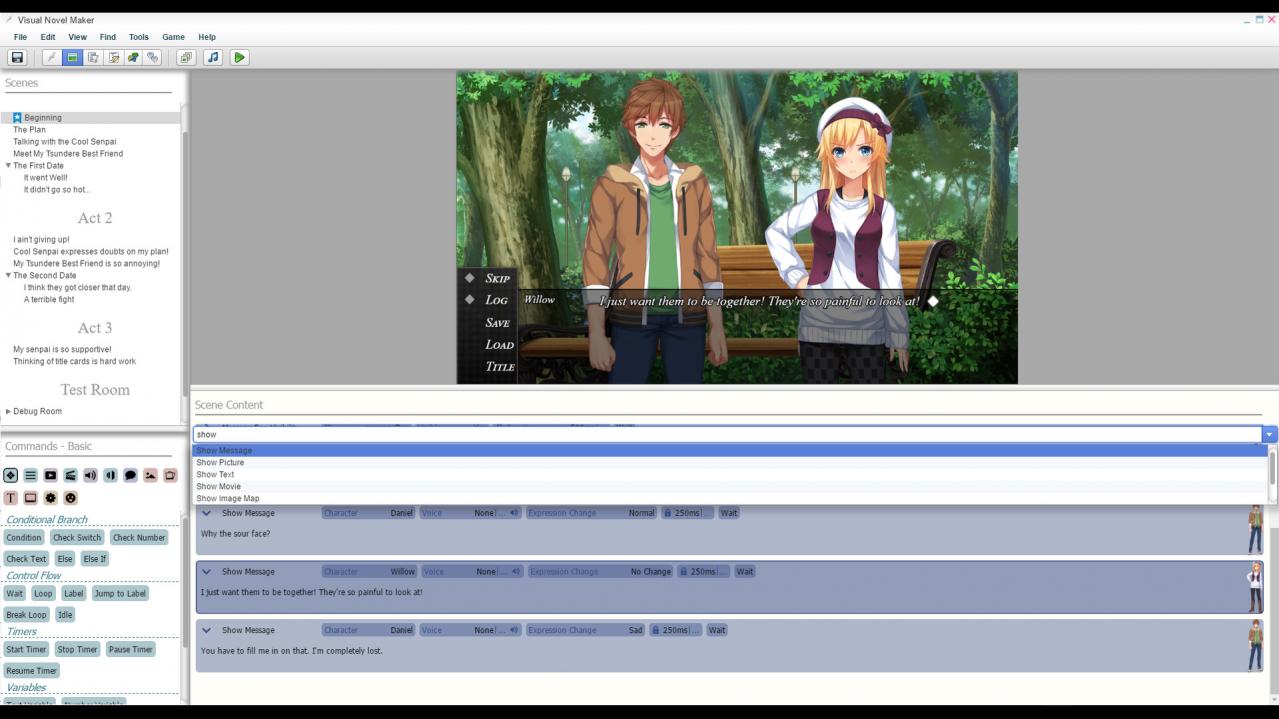
Visual Novel Maker - Japanese School Girls Vol.1 DLC screenshotVisual Novel Maker - Japanese School Girls Vol.1 DLC screenshotVisual Novel Maker - Japanese School Girls Vol.1 DLC screenshotVisual Novel Maker - Japanese School Girls Vol.1 DLC screenshotVisual Novel Maker - Japanese School Girls Vol.1 DLC screenshotVisual Novel Maker - Japanese School Girls Vol.1 DLC screenshot

How to redeem

  1. 1Check the required base game, platform and edition before purchasing.
  2. 2Find the code or supplier activation instructions in your confirmed order.
  3. 3Redeem on Steam using the supplied instructions, then install the add-on with the compatible base game.

Supplier instructions

Go to: http://store.steampowered.com/ and download STEAM client Click "Install Steam" (from the upper right corner) Install and start application, login with your Account name and Password (create one if you don't have). Please follow these instructions to activate a new retail purchase on Steam: Launch Steam and log into your Steam account. Click the Games Menu. Choose Activate a Product on Steam... Follow the onscreen instructions to complete the process. After successful code verification go to the "MY GAMES" tab and start downloading.

You might also like