Get 10% back in Relic Coins on every order
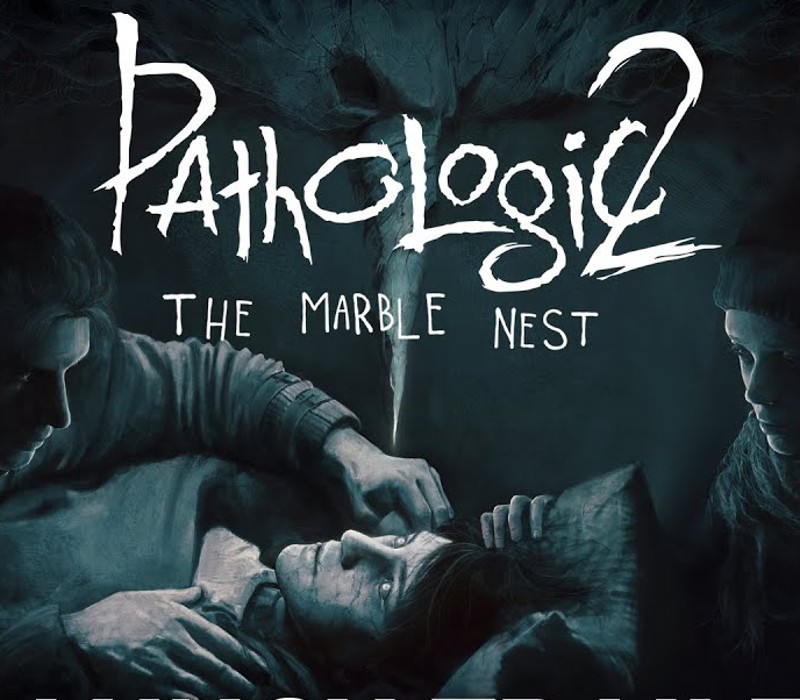
Pathologic 2 - Marble Nest DLC cover

SteamGlobal· DLC

Pathologic 2 - Marble Nest DLC

€2.54

+€0.25 cashback eligibility in Relic Coins

Check before you play

Platform
Steam
Region
Global
Product type
DLC

Check the required base game and edition before purchasing this add-on.

Developer
Ice-Pick Lodge
Publisher
tinyBuild
Supplier release date
2019-10-28
Genres
Adventure, RPG, Indie, Story rich

About this product

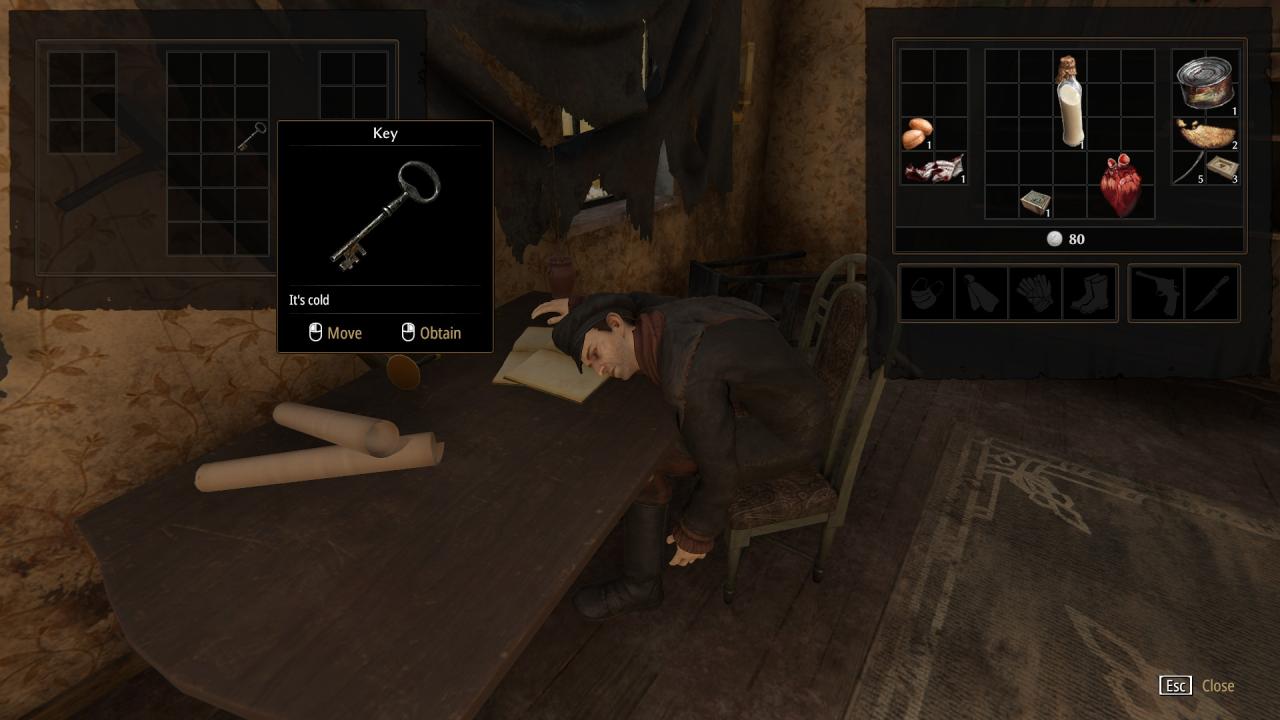
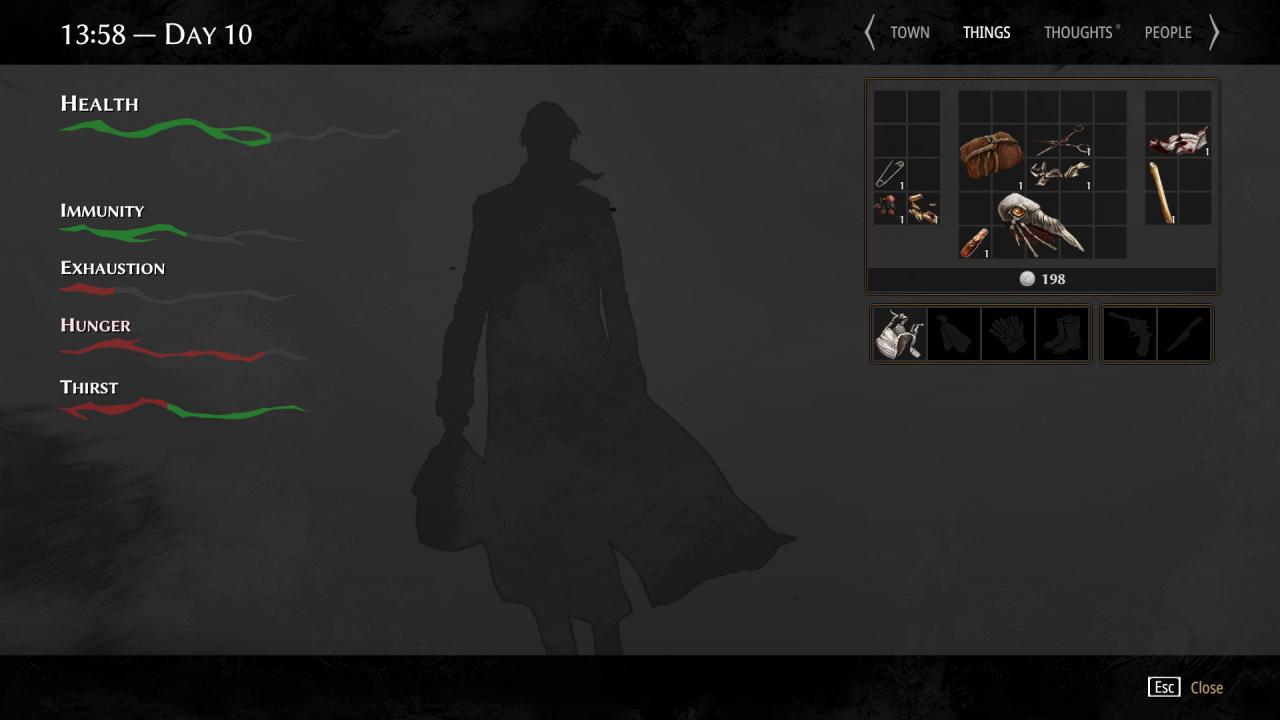
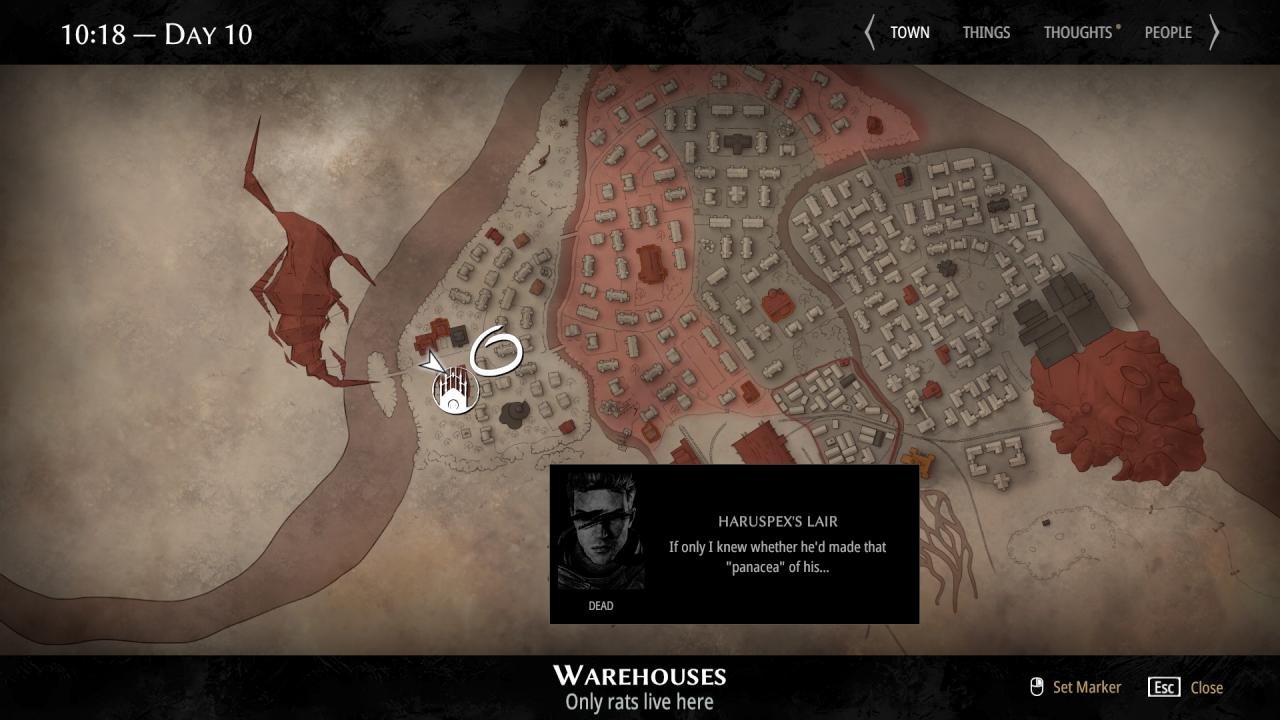
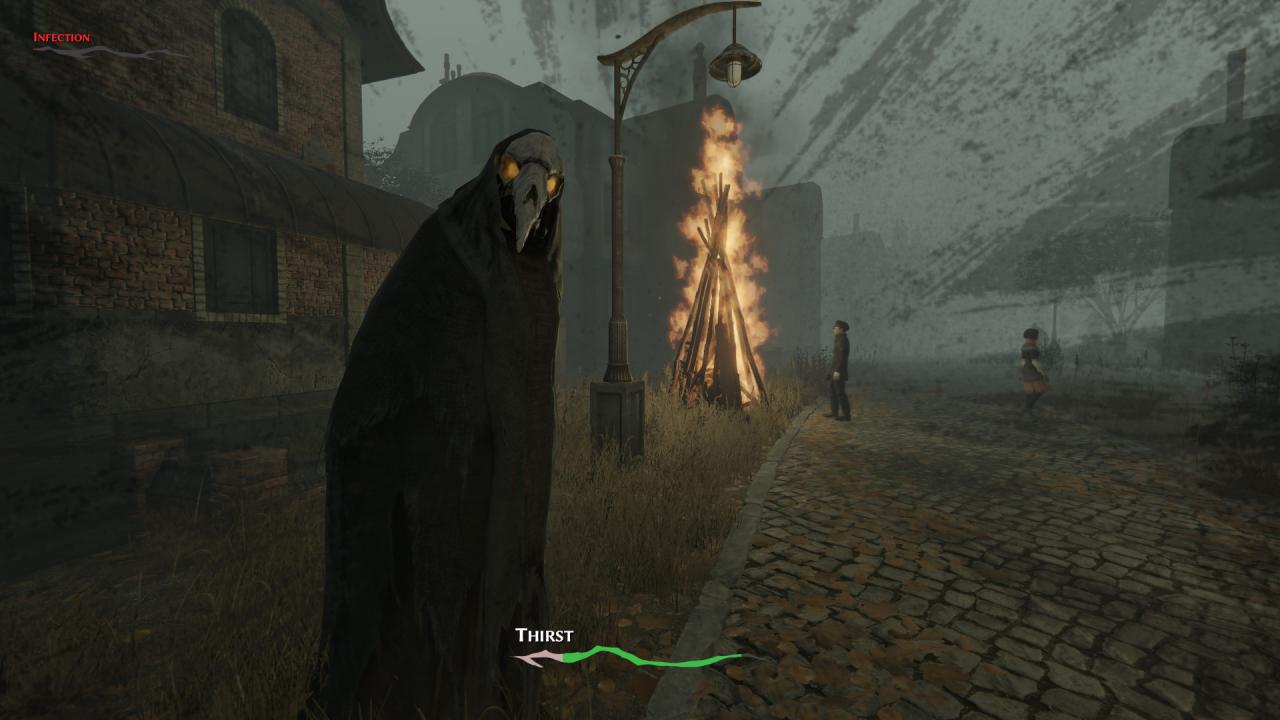
Marble Nest is a DLC for Pathologic 2, offering a self-contained story. Play for a single day as Dr. Daniil Dankovsky, a scientist from the Capital, who is trying to save the Town alongside Haruspex. Uncover the missing pieces and attempt to solve the riddle offered to you by Death itself.The Town is doomed. But what if Death knocked on your door and offered a chance to do it all once again? Would you still struggle, or accept your fate? Features A 2-3-hour self-contained story that you can play separately. No need to refresh your memory if you played the main game a while ago. Lenient survival compared to the main game. While you still need to manage your body, it’s less pressing. It’s almost as if the Bachelor didn’t try to cling to life too much… Time flies by with grim persistence, and new events happen, with or without you. Two districts of a ravaged town. It’s almost over. You’ve almost lost. Or have you? Piece together the blurred details and find the answer to Death’s riddle… or don’t.

Pathologic 2 - Marble Nest DLC screenshotPathologic 2 - Marble Nest DLC screenshotPathologic 2 - Marble Nest DLC screenshotPathologic 2 - Marble Nest DLC screenshotPathologic 2 - Marble Nest DLC screenshotPathologic 2 - Marble Nest DLC screenshot

How to redeem

  1. 1Check the required base game, platform and edition before purchasing.
  2. 2Find the code or supplier activation instructions in your confirmed order.
  3. 3Redeem on Steam using the supplied instructions, then install the add-on with the compatible base game.

Supplier instructions

Go to: http://store.steampowered.com/ and download STEAM client Click "Install Steam" (from the upper right corner) Install and start application, login with your Account name and Password (create one if you don't have). Please follow these instructions to activate a new retail purchase on Steam: Launch Steam and log into your Steam account. Click the Games Menu. Choose Activate a Product on Steam... Follow the onscreen instructions to complete the process. After successful code verification go to the "MY GAMES" tab and start downloading.

You might also like