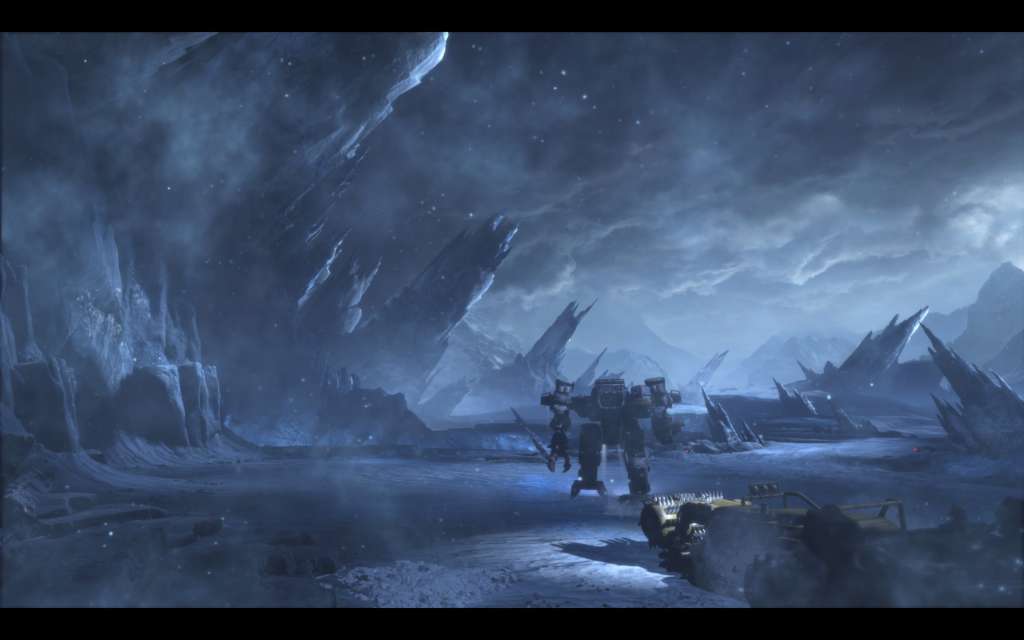
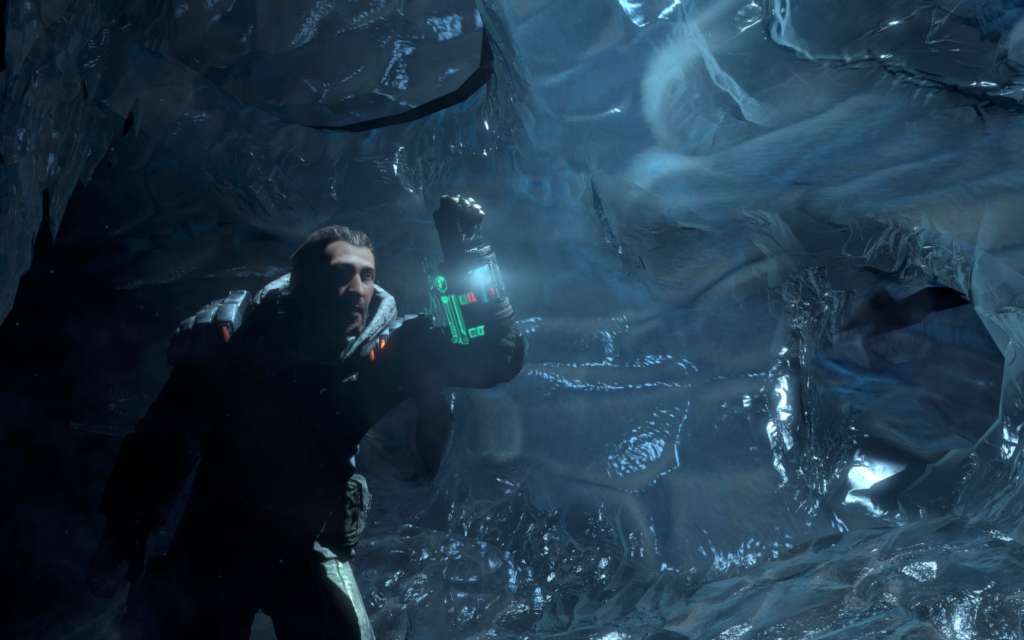
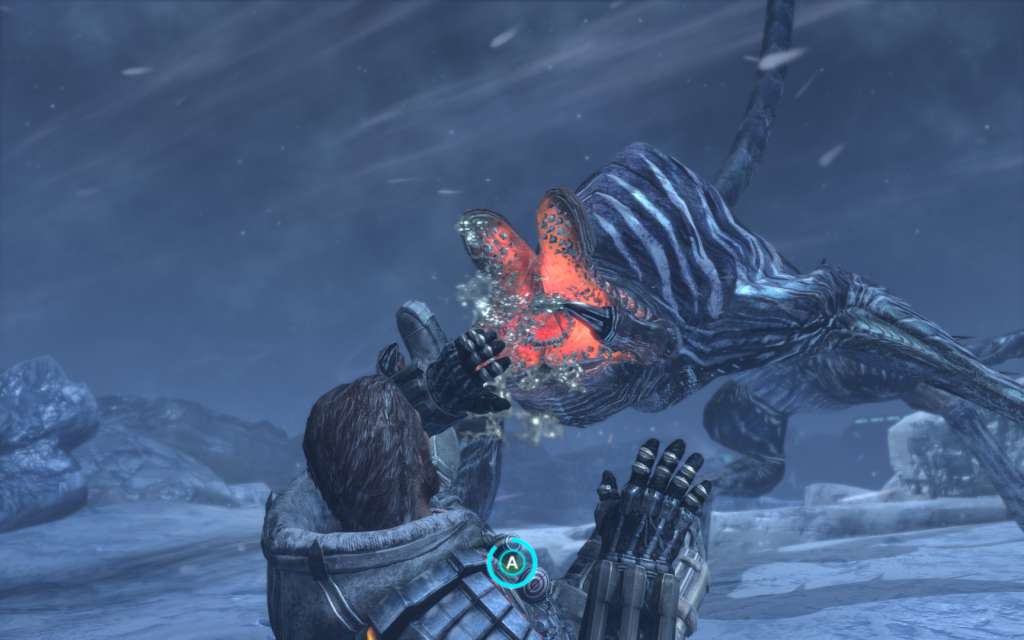
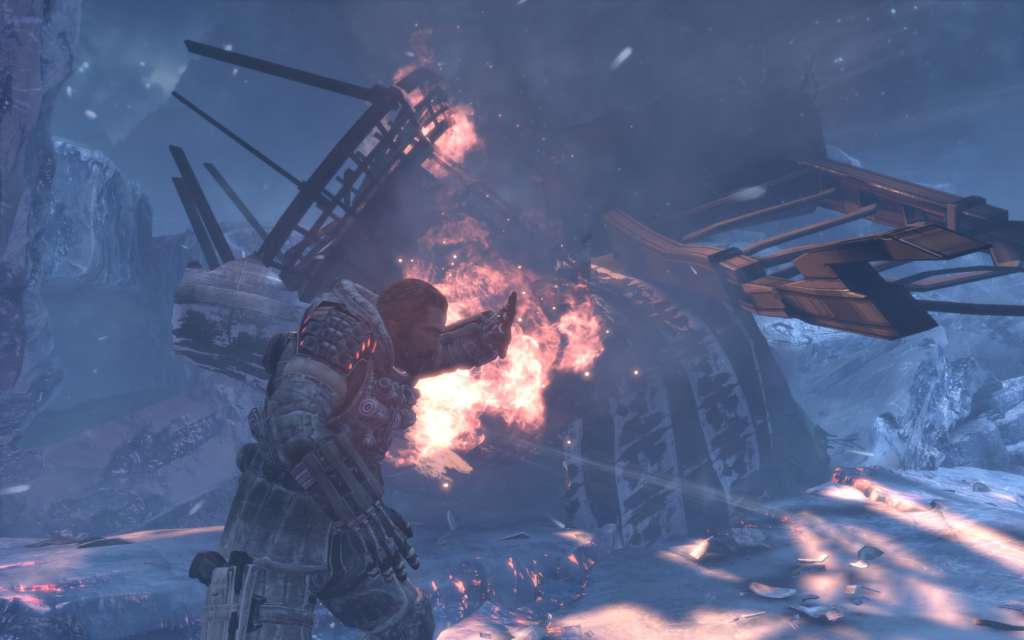
The extreme and unpredictable conditions that characterised the Lost Planet series return, harsher than ever before. Lost Planet 3 reveals new truths about the foreboding planet and the colonial history of E.D.N. III.Lost Planet 3 introduces Jim Peyton, a rig pilot who leaves Earth to take on a hazardous but lucrative contract on E.D.N. III. Working for Neo-Venus Construction (NEVEC) who are preparing the planet for colonisation, Jim joins his fellow pioneers at the Coronis base and begins surveying the uncharted terrain and obtaining samples of the planet’s energy supply – Thermal Energy.With NEVEC’s existing Thermal Energy reserve running low the fate of the Coronis mission depends on the natural source of the energy supply being located. Realising that this is a great opportunity for a huge pay-off and early ticket home to his family, Jim braves the risk of the treacherous environment and threat of the indigenous Akrid.Acting as a home away from home and boasting an array of tools that can assist Jim on the field, the utility rig provides Jim’s safety and is essential not only for his contract work but also his protection against the ever-changing climate.Lost Planet 3 will deliver a diverse range of gameplay including on-foot battles and intense first person action. With a number of multiplayer modes and a compelling single player experience, Lost Planet 3 will delve deeper into the Lost Planet universe, uncovering hidden truths within the unique and dynamic environment of E.D.N. III.