Get 10% back in Relic Coins on every order
Neon Noodles - Cyberpunk Kitchen Automation cover

SteamGlobal· Key

Neon Noodles - Cyberpunk Kitchen Automation

€10.07

+€1.01 cashback eligibility in Relic Coins

Check before you play

Platform
Steam
Region
Global
Product type
Key
Developer
Vivid Helix
Publisher
Vivid Helix
Supplier release date
2019-11-29
Genres
Simulation, Indie

About this product

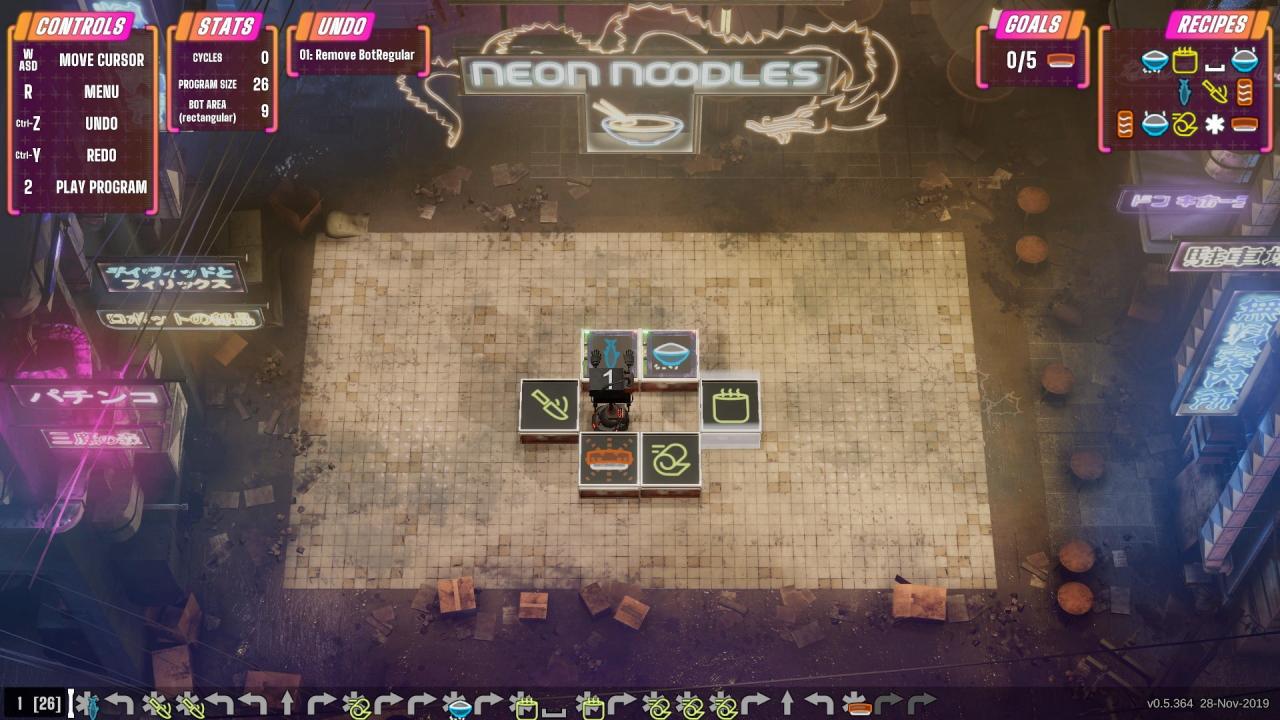
Set in a dark and mysterious cyberpunk world, you are in charge of the futuristic food factory known as Neon Noodles. Inspired by the open-ended machine-building puzzle games of Zachtronics such as Opus Magnum and Infinifactory, you design and build your own fully automated kitchen to prepare meals using robot chefs. Guacamole, bibimbap, ramen, spaetzle, paella and many more recipes are waiting for you to be optimized. Features Automate your robot chefs through an intuitive record-and-replay system where you control the robot that creates the program, then edit it later if needed. Customize your cooking loops to be as simple, elaborate or streamlined as you want and compare your wits with other players around the world on the global leaderboards. Solve endlessly replayable open-ended puzzles with over 100 recipes from around the world consisting of 200 unique ingredients. Travel the world and master the art of cooking through technological advancement in a cyberpunk setting with plenty of brainwrecking levels.

Neon Noodles - Cyberpunk Kitchen Automation screenshotNeon Noodles - Cyberpunk Kitchen Automation screenshotNeon Noodles - Cyberpunk Kitchen Automation screenshotNeon Noodles - Cyberpunk Kitchen Automation screenshotNeon Noodles - Cyberpunk Kitchen Automation screenshotNeon Noodles - Cyberpunk Kitchen Automation screenshot

How to redeem

  1. 1Check your Steam account and the listed region before purchasing.
  2. 2Find your code and supplier activation instructions in your confirmed order.
  3. 3Open the redeem-code section on Steam, enter the code and follow the platform’s prompts.

Supplier instructions

Go to: http://store.steampowered.com/ and download STEAM client Click "Install Steam" (from the upper right corner) Install and start application, login with your Account name and Password (create one if you don't have). Please follow these instructions to activate a new retail purchase on Steam: Launch Steam and log into your Steam account. Click the Games Menu. Choose Activate a Product on Steam... Follow the onscreen instructions to complete the process. After successful code verification go to the "MY GAMES" tab and start downloading.

You might also like