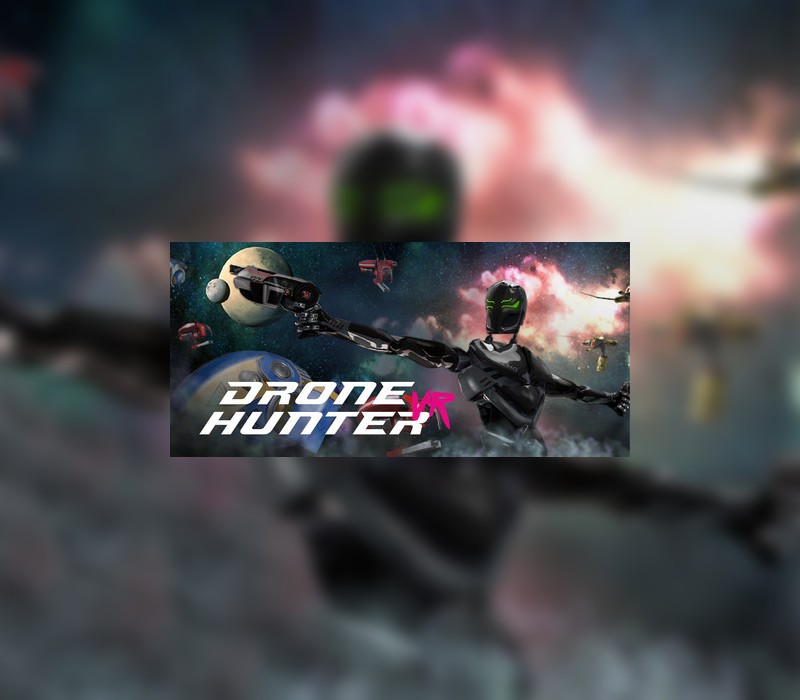
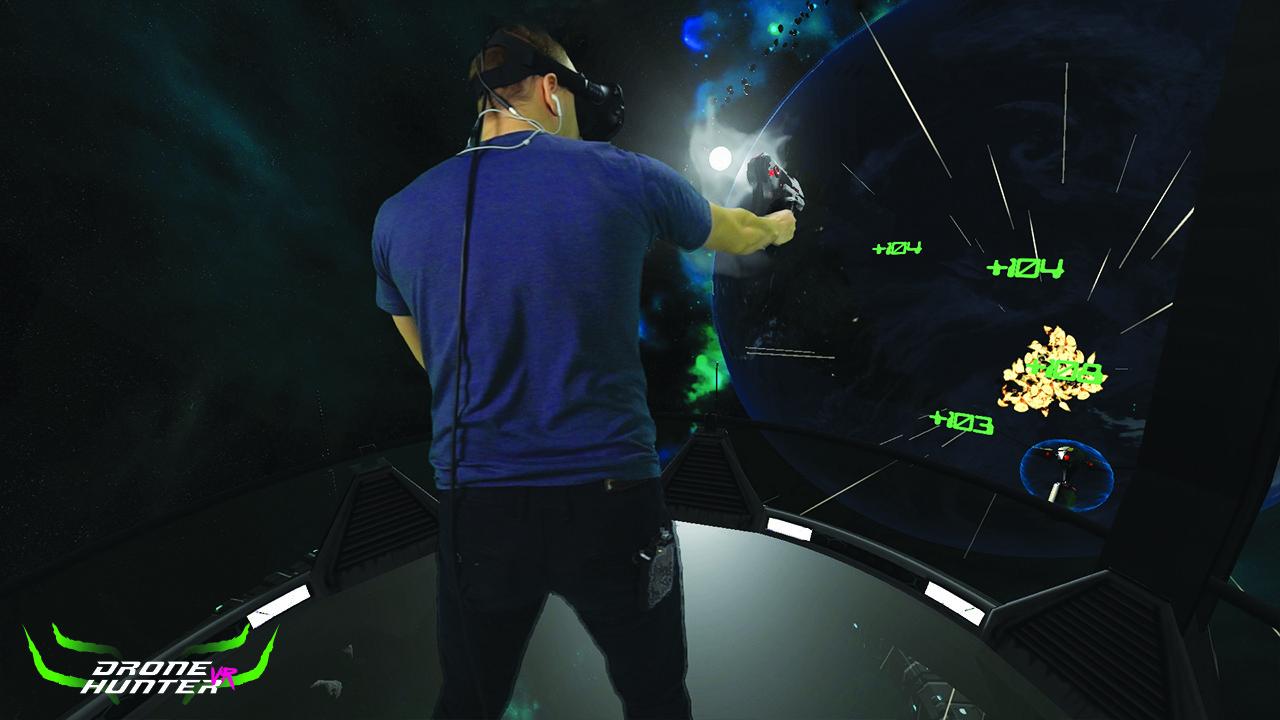
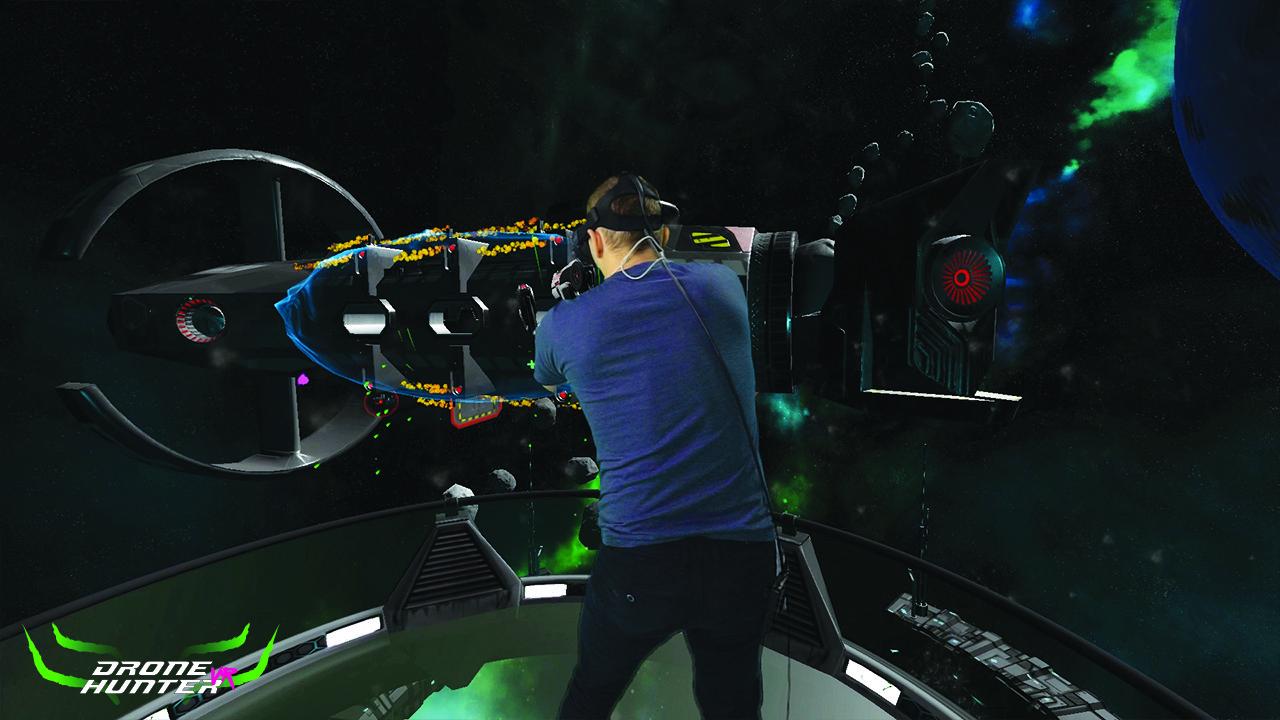
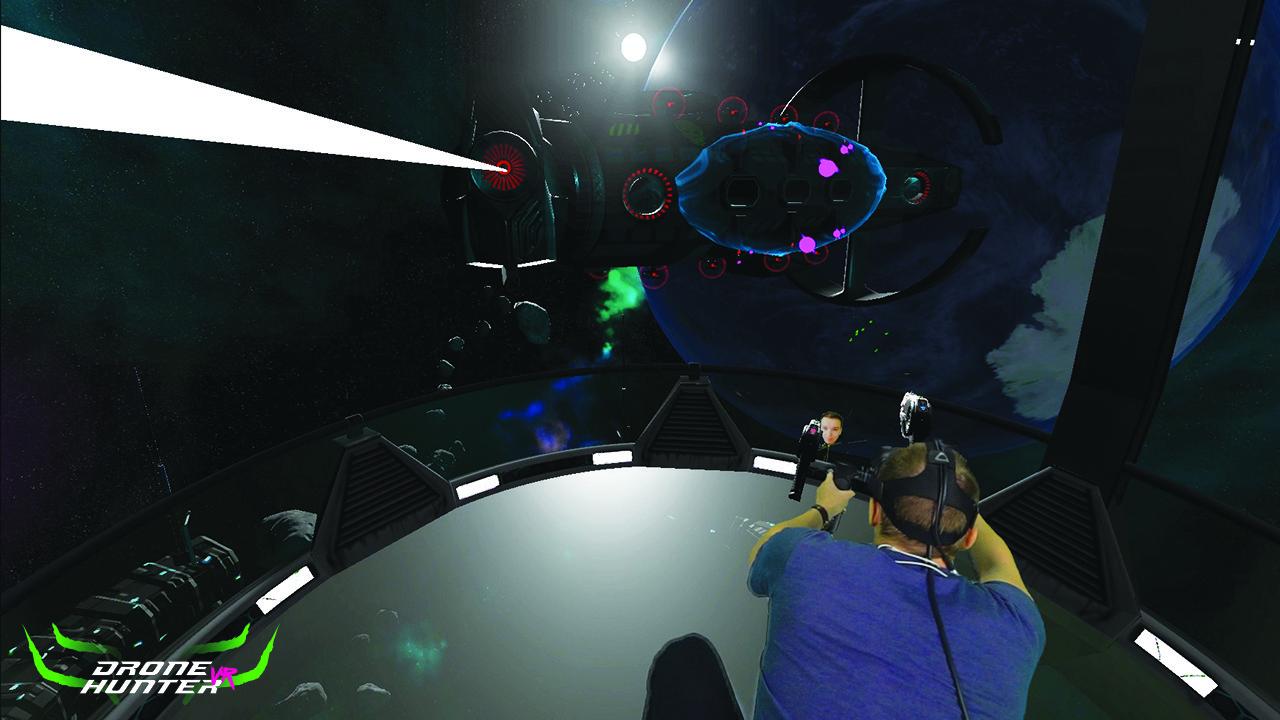
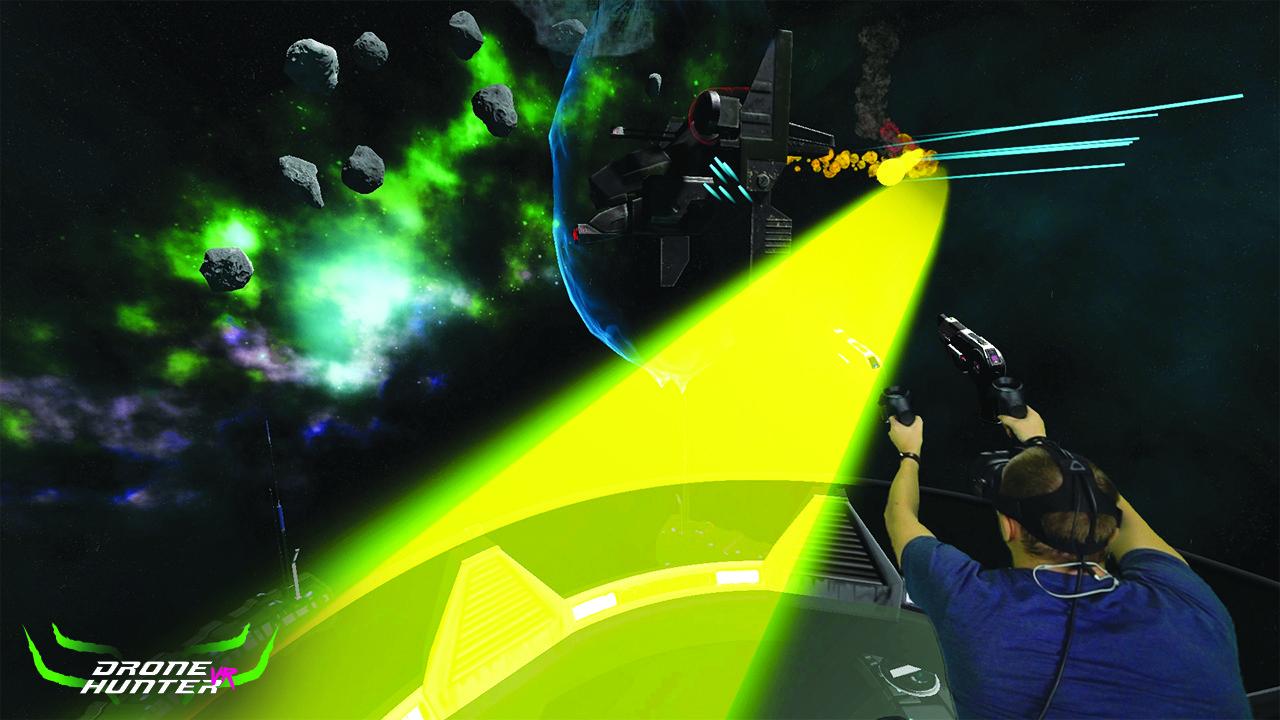
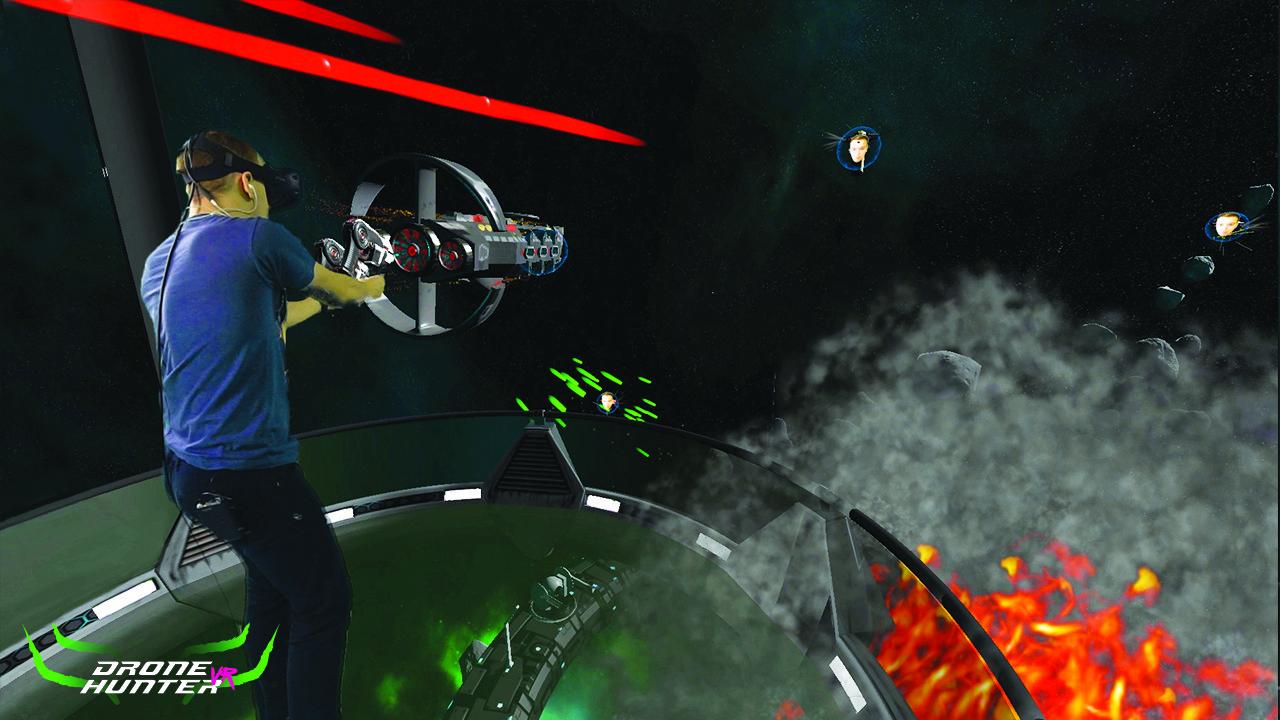
In 2016, The NASA New Horizons space probe identified a fleet of alien ships heading towards Earth. Having tracked the many previous sightings and abductions taking place over the years, world leaders have determined that the approaching fleet are sinister in nature. It is projected that their fleet will arrive sometime in late 2017.In response to this global crisis, the US military was forced to disclose a top secret military project they had created during the Cold War. The DH125 is a military defense robot that was secretly deployed into orbit during the US Star Wars Initiative. The DH125 is unique in that it contains alien components retrieved from the Roswell crash in 1947 and is the only weapon we have to defend our planet.The DH125 was secretly retrieved and modernized to prepare us to defend our planet. It is the only defense we have and can only be remotely operated by one person. Now the global leaders of the world have declared a world emergency and have initiated a program to find the one person capable of manning the DH125. World leaders have called upon VR Visio to create a simulation designed to test a person’s skills, reflexes and precision.Are you the one who will lead us to victory? Do you have the skills to defend our planet? Download the game on Steam now and find out if you are the one. Features Deadly bosses Hordes of enemies Dynamic, highly immersive gameplay Interesting plot Lot’s of fun!