Get 10% back in Relic Coins on every order
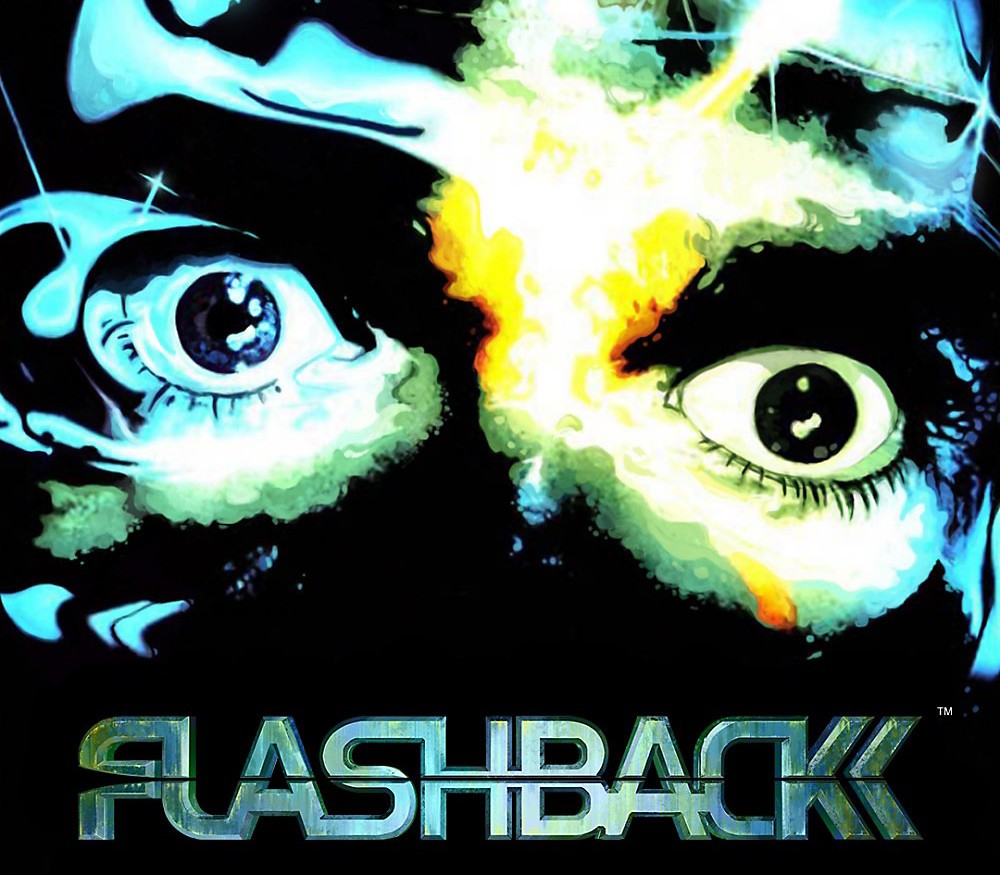
Flashback (2018) cover

SteamGlobal· Key

Flashback (2018)

€0.77

+€0.08 cashback eligibility in Relic Coins

Check before you play

Platform
Steam
Region
Global
Product type
Key
Developer
Paul Cuisset
Publisher
Microids
Supplier release date
2018-01-29
Genres
Action, Adventure, Platformer

About this product

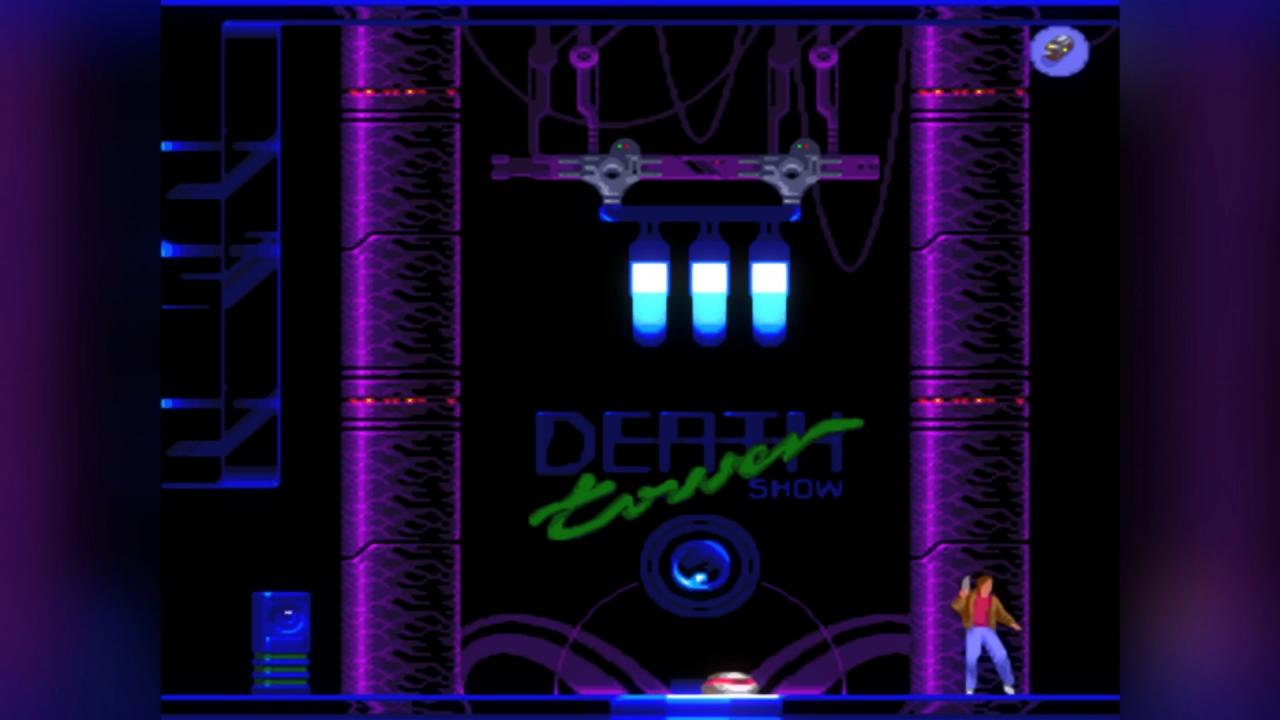
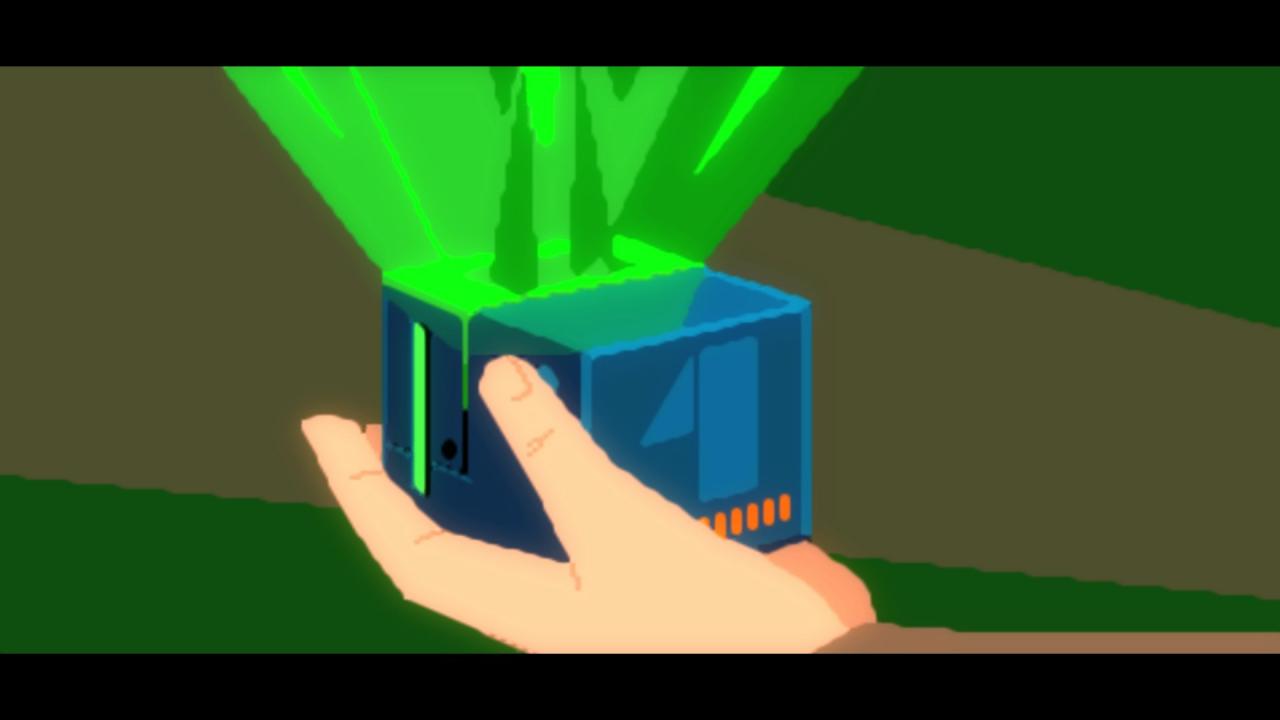
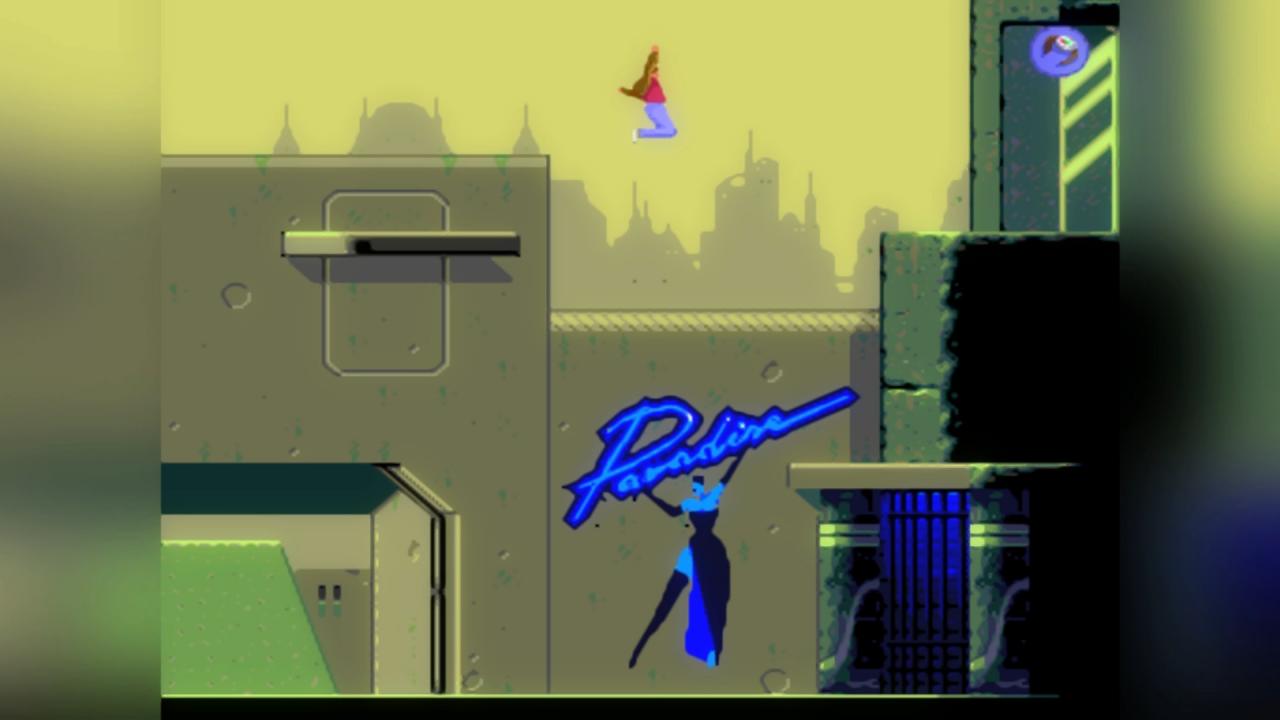
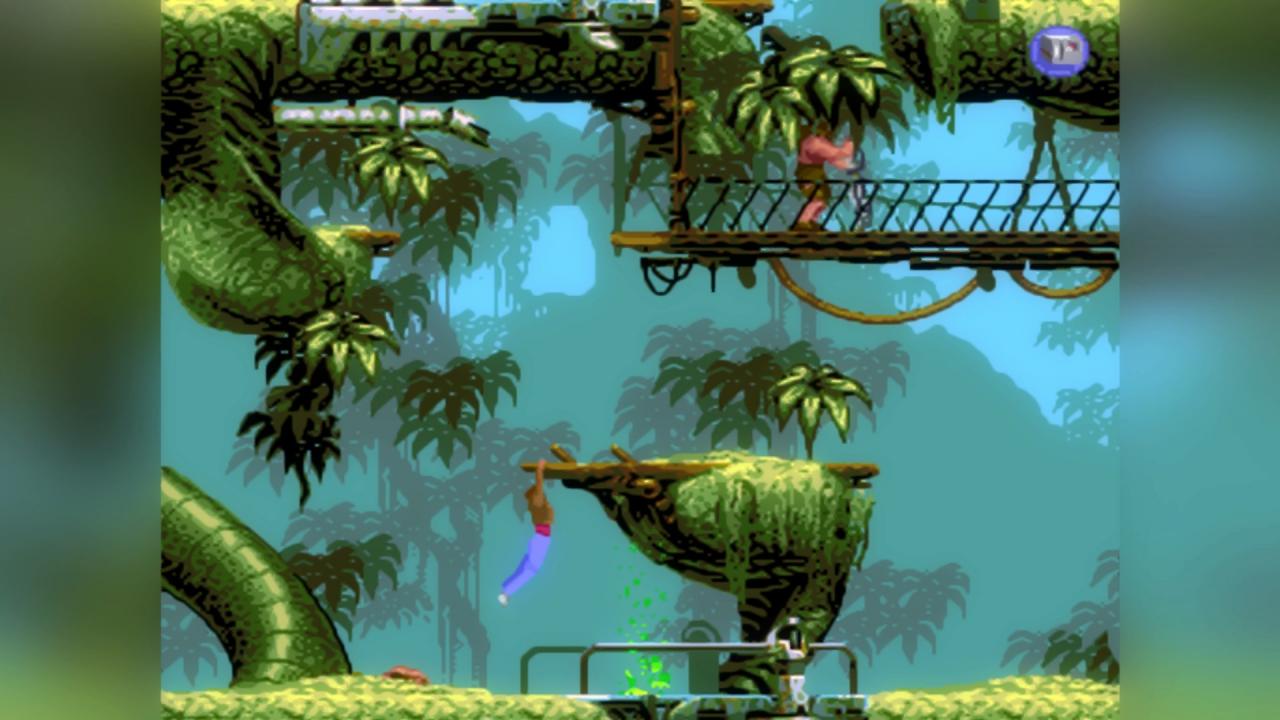
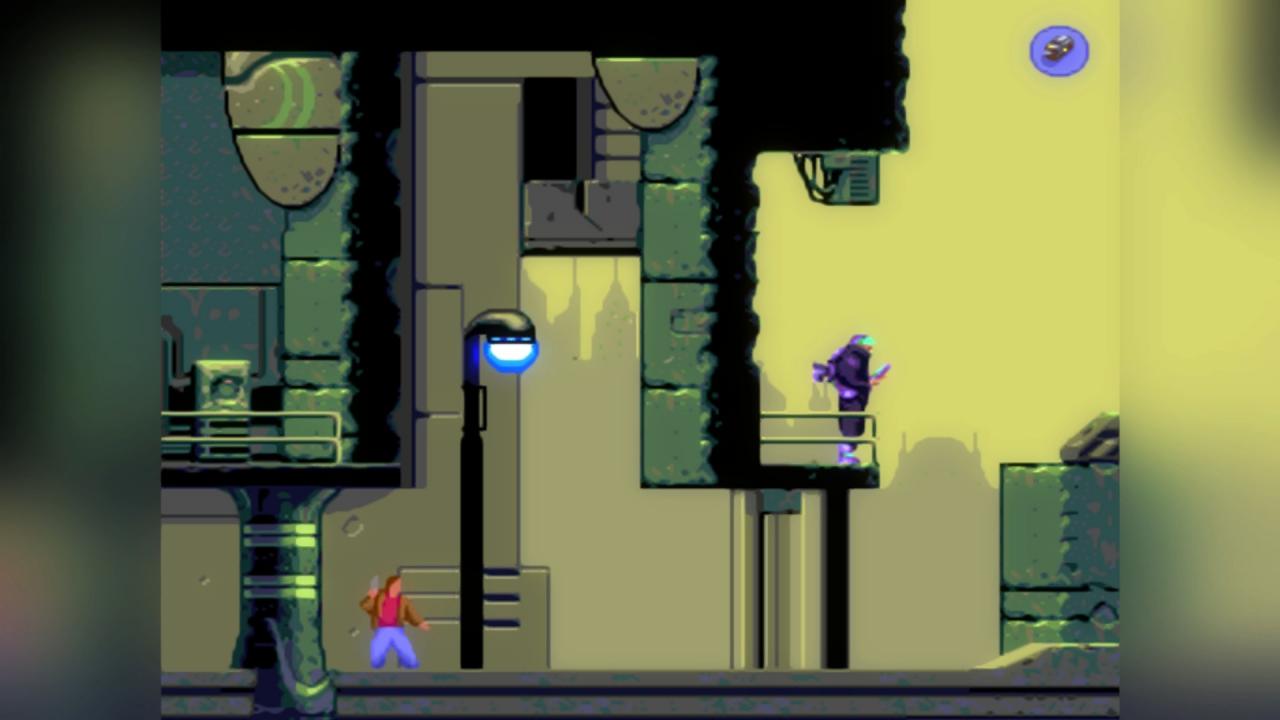
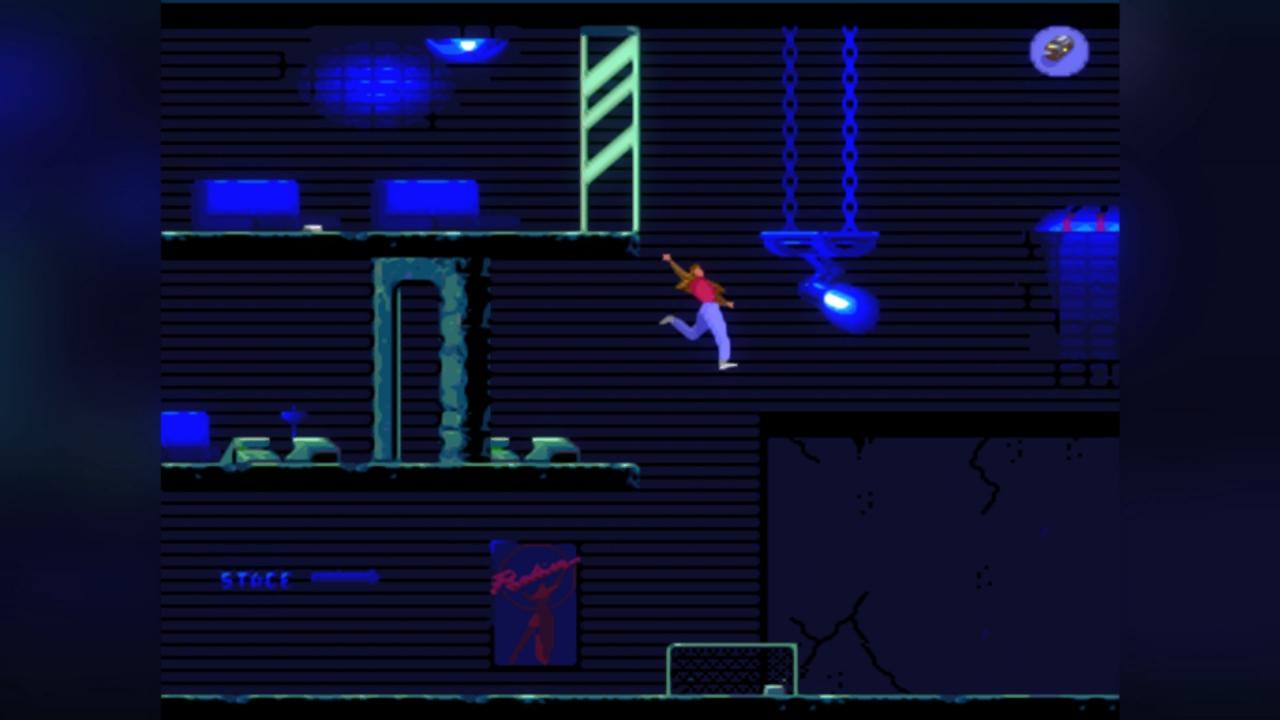
2142. After fleeing from a space ship but stripped of all memory, the young scientist Conrad B. Hart awakens on Titan, a colonised moon of the planet Saturn. His enemies and kidnappers are snapping at his heels. He must find a way back to Earth, defending himself against the dangers he encounters and unravelling an insidious extra-terrestrial plot that threatens the planet… On its 25th anniversary, rediscover this classic, consistently ranked among the best 100 games of all time! It was one of the first games to use motion capture technology for more realistic animations, with backgrounds that were entirely hand-drawn and a gripping science-fiction storyline.In addition to the original 1993 game, this version includes a Modern mode, with: Post-FX graphic filters, Completely remastered sound and music, A brand new "Rewind" function, variable according to the level of difficulty Tutorials for those who need a boost!

Flashback (2018) screenshotFlashback (2018) screenshotFlashback (2018) screenshotFlashback (2018) screenshotFlashback (2018) screenshotFlashback (2018) screenshot

How to redeem

  1. 1Check your Steam account and the listed region before purchasing.
  2. 2Find your code and supplier activation instructions in your confirmed order.
  3. 3Open the redeem-code section on Steam, enter the code and follow the platform’s prompts.

Supplier instructions

Go to: http://store.steampowered.com/ and download STEAM client Click "Install Steam" (from the upper right corner) Install and start application, login with your Account name and Password (create one if you don't have). Please follow these instructions to activate a new retail purchase on Steam: Launch Steam and log into your Steam account. Click the Games Menu. Choose Activate a Product on Steam... Follow the onscreen instructions to complete the process. After successful code verification go to the "MY GAMES" tab and start downloading.

You might also like