Get 10% back in Relic Coins on every order
Risen Kingdom cover

SteamGlobal· Key

Risen Kingdom

€2.49

+€0.25 cashback eligibility in Relic Coins

Check before you play

Platform
Steam
Region
Global
Product type
Key
Developer
MyDreamForever
Publisher
MyDreamForever
Supplier release date
2020-02-28
Genres
Strategy, Indie

About this product

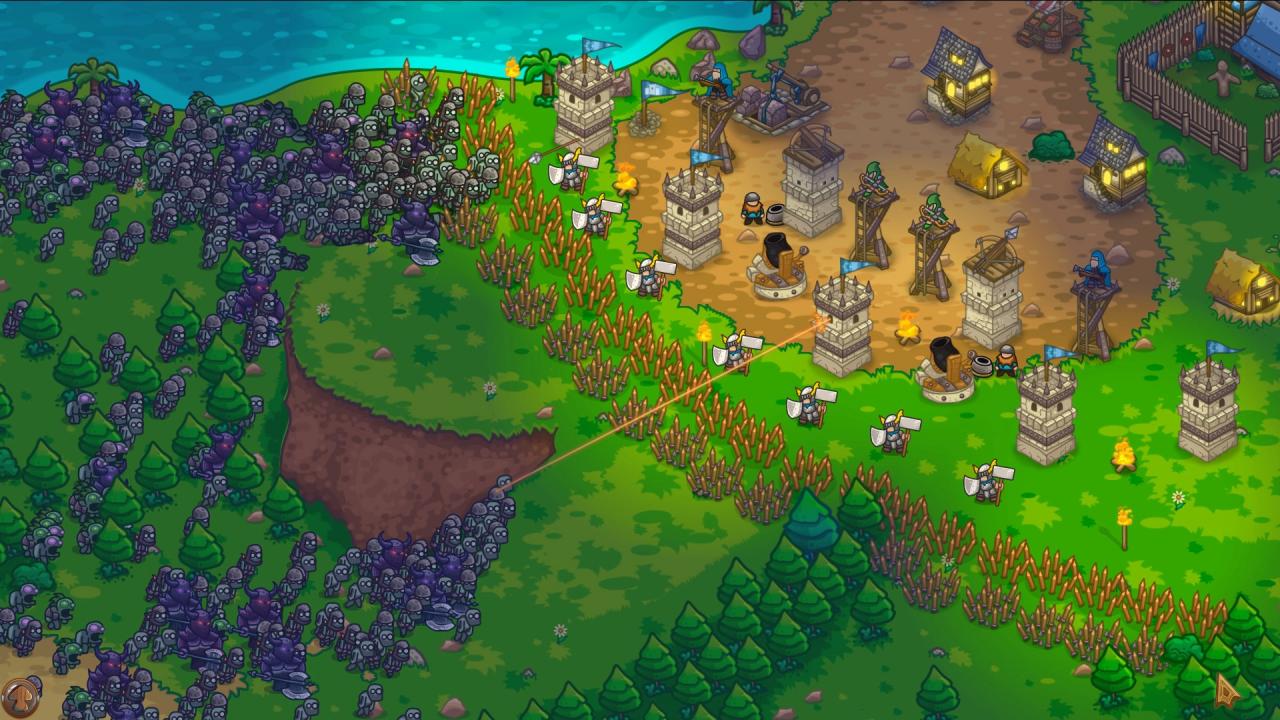
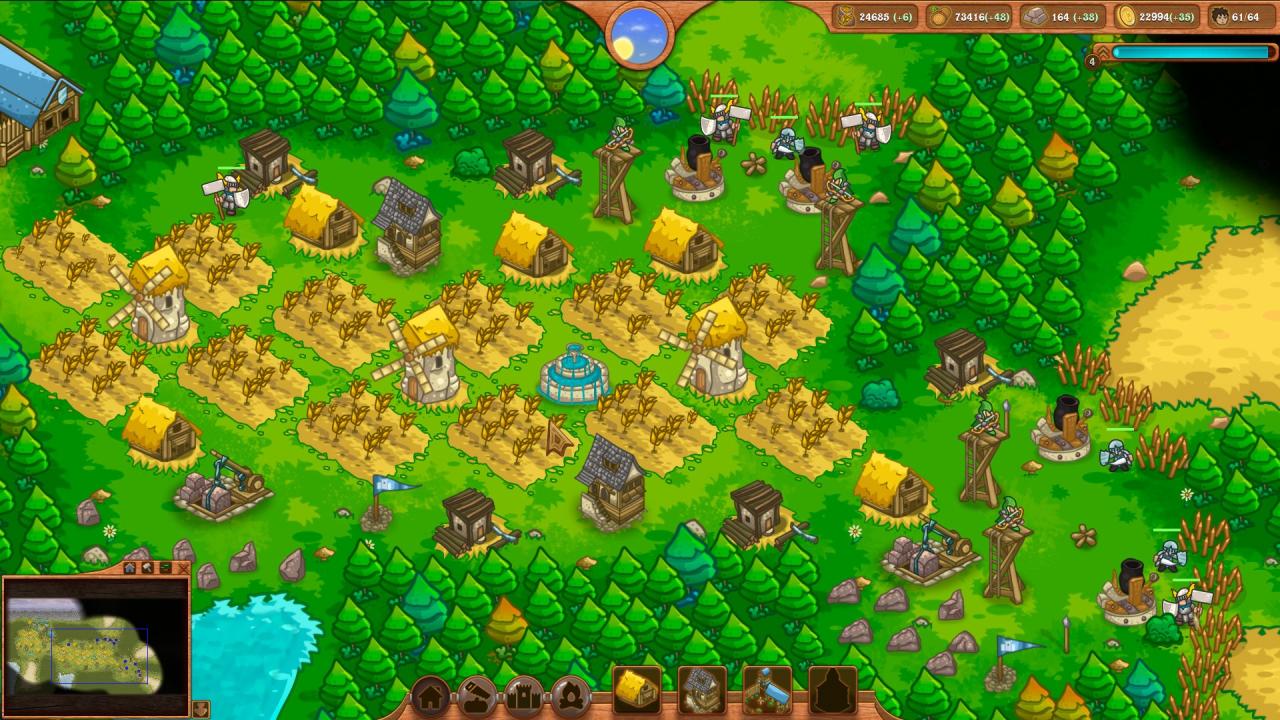
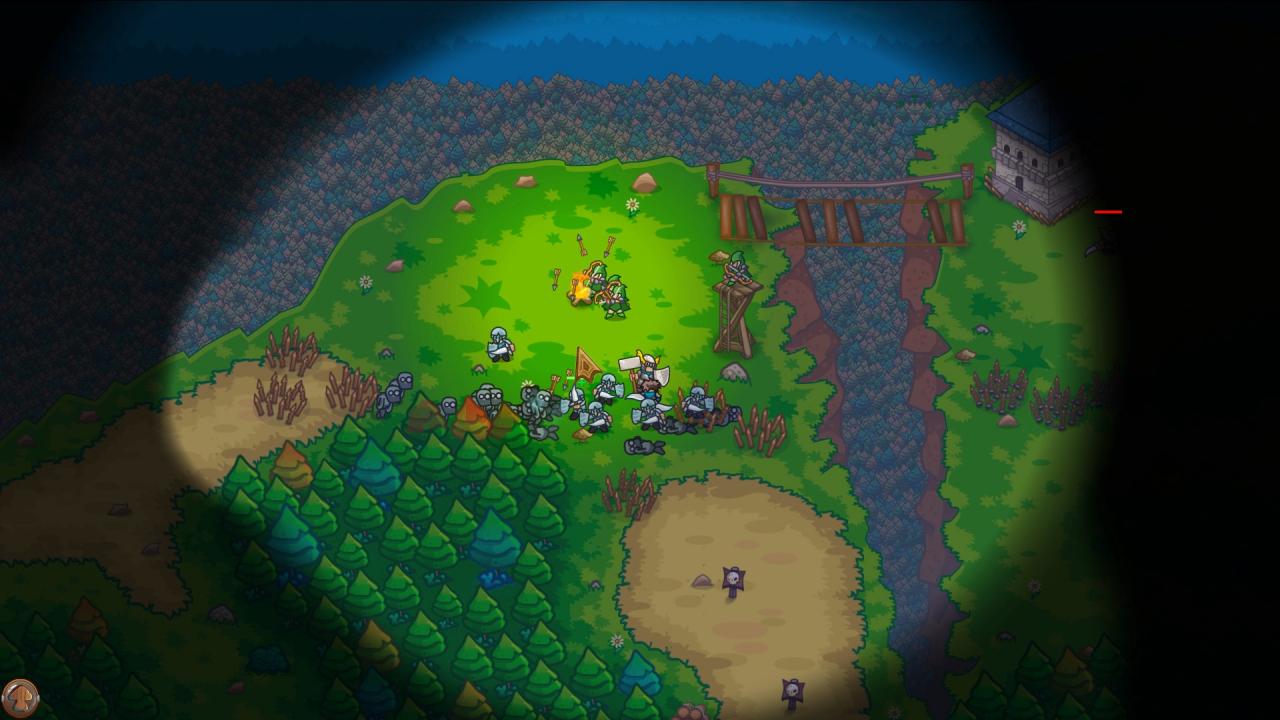
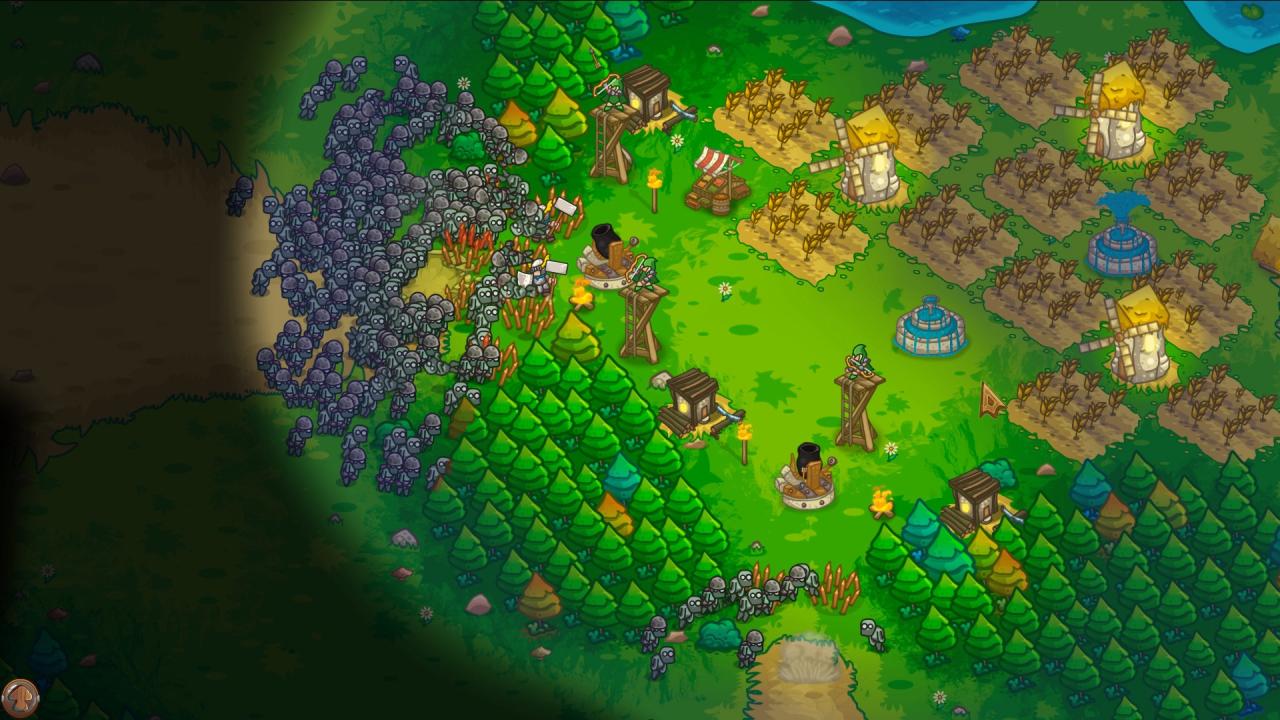
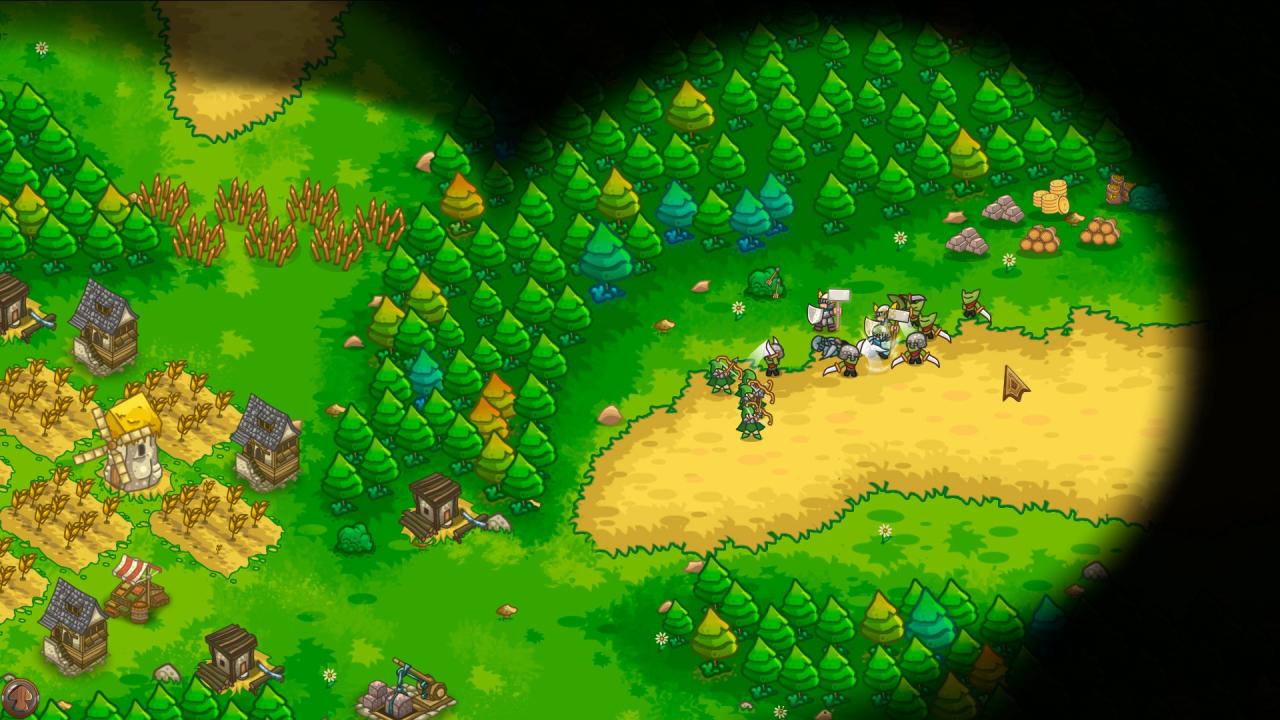
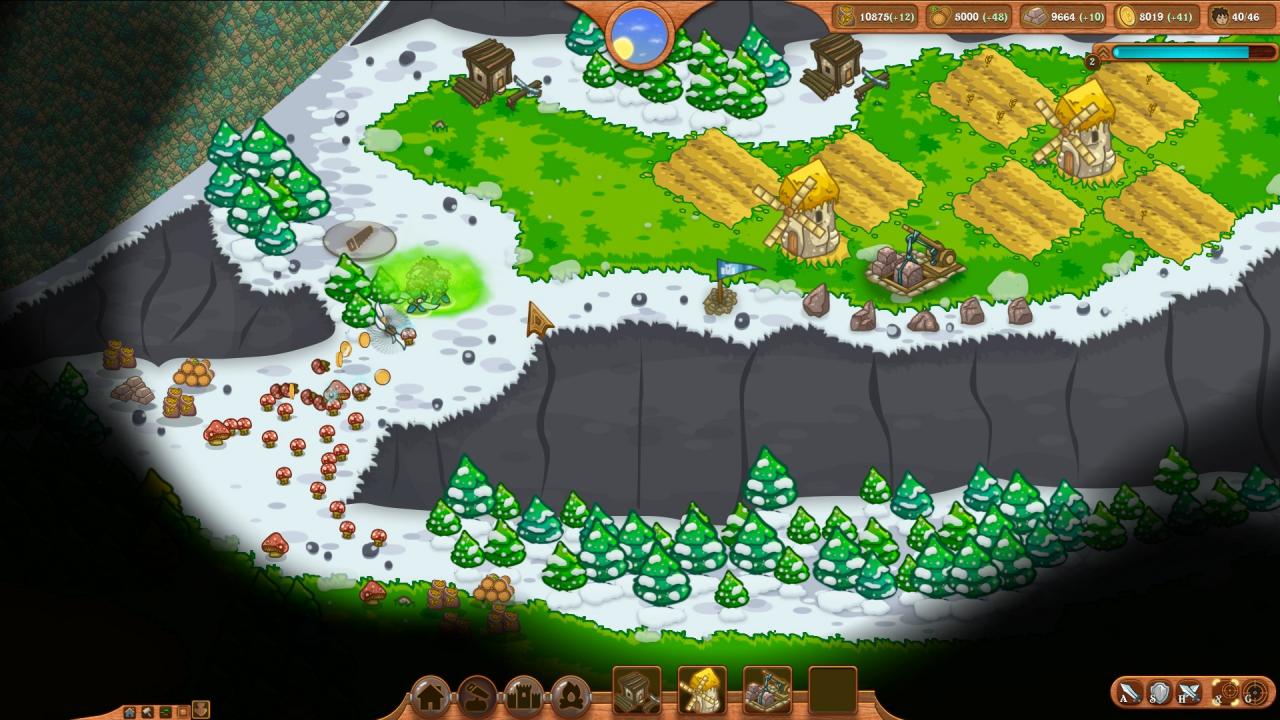
Risen Kingdom is a real-time strategy game with building and settlement management mechanics. The game is set in a medieval fantasy world years after a great Kingdom has been overrun by hordes of the undead. Now, the bravest warriors are going on a campaign to claim back the land once lost by their ancestors and bring the Kingdom back to its former glory. Build your Settlement Build mills and houses to provide your people with food and a place to live. Obtain natural resources, expand your settlement and develop new technologies. Build markets and banks to ensure the settlement’s economic stability. Carefully manage resources, research new tech and lead your settlement to prosperity! Defend your Settlement Train and hire warriors to defend your settlement. Each unit has unique skills and upgrades. Build defensive structures such as stakewalls, lookout posts, cannons and towers. Make use of strategic possibilities and landscape features. Survive! Prepare for the night and try to survive the onslaught of enemies!

Risen Kingdom screenshotRisen Kingdom screenshotRisen Kingdom screenshotRisen Kingdom screenshotRisen Kingdom screenshotRisen Kingdom screenshot

How to redeem

  1. 1Check your Steam account and the listed region before purchasing.
  2. 2Find your code and supplier activation instructions in your confirmed order.
  3. 3Open the redeem-code section on Steam, enter the code and follow the platform’s prompts.

Supplier instructions

Go to: http://store.steampowered.com/ and download STEAM client Click "Install Steam" (from the upper right corner) Install and start application, login with your Account name and Password (create one if you don't have). Please follow these instructions to activate a new retail purchase on Steam: Launch Steam and log into your Steam account. Click the Games Menu. Choose Activate a Product on Steam... Follow the onscreen instructions to complete the process. After successful code verification go to the "MY GAMES" tab and start downloading.

You might also like