Get 10% back in Relic Coins on every order
XYLITH - Hostile Planet cover

SteamGlobal· Key

XYLITH - Hostile Planet

€0.23

+€0.02 cashback eligibility in Relic Coins

Check before you play

Platform
Steam
Region
Global
Product type
Key
Developer
Daniel Gill
Publisher
Gillis LLC
Supplier release date
2020-03-07
Genres
Action, Adventure, Indie

About this product

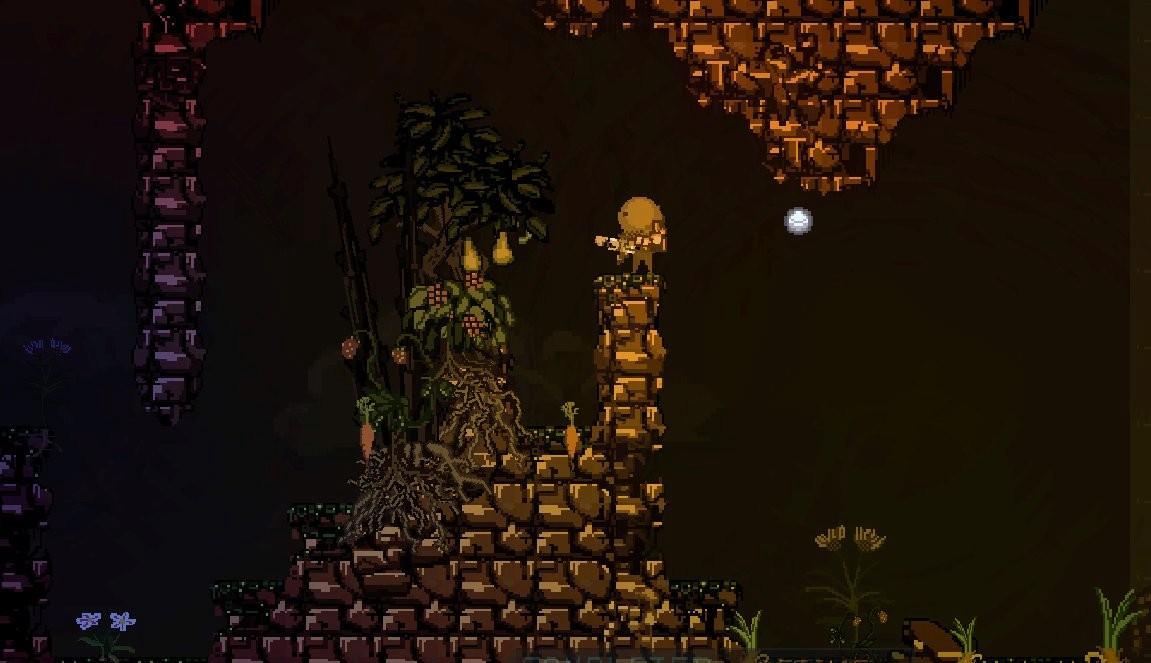
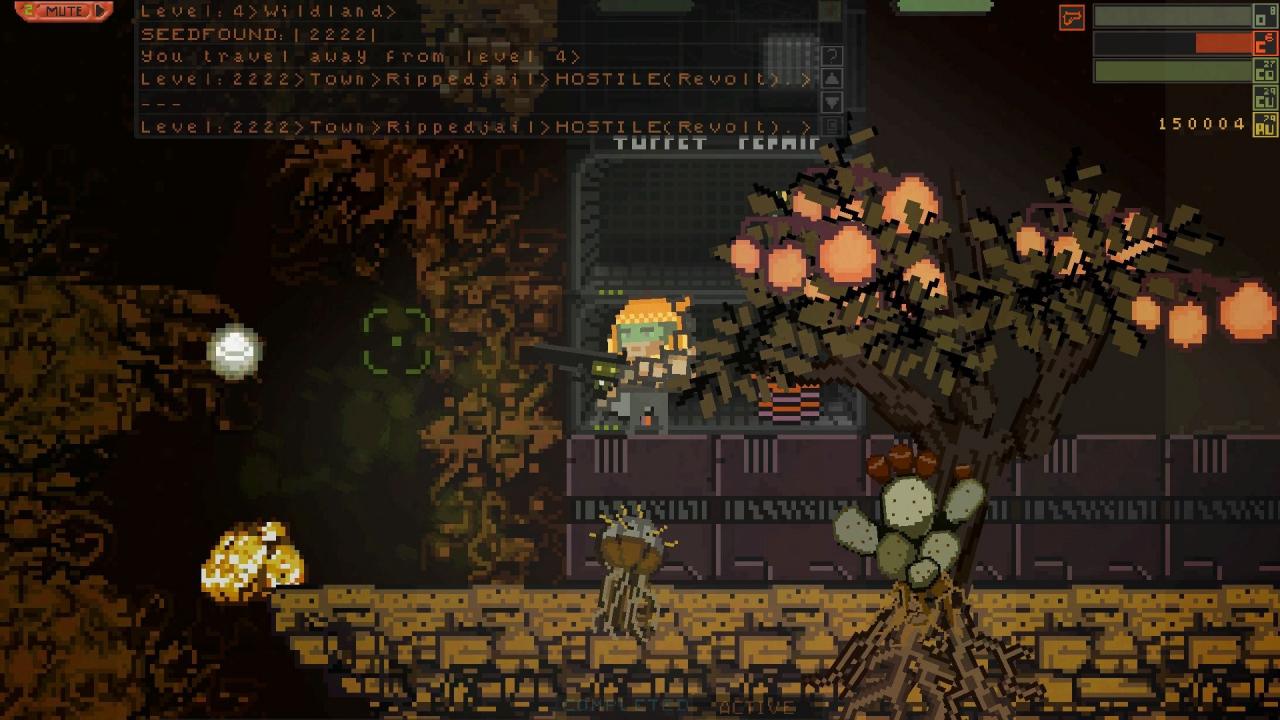
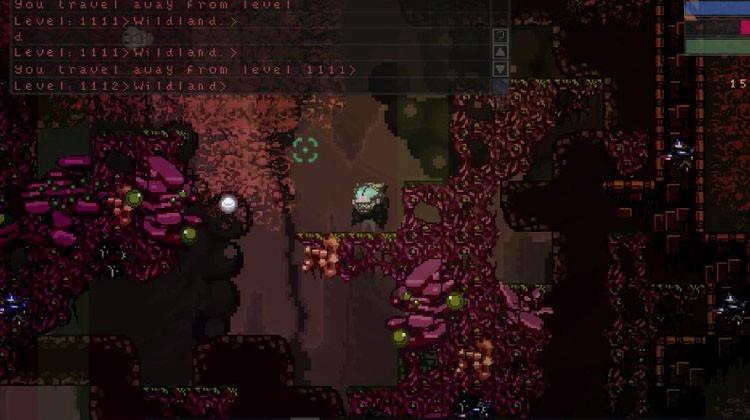
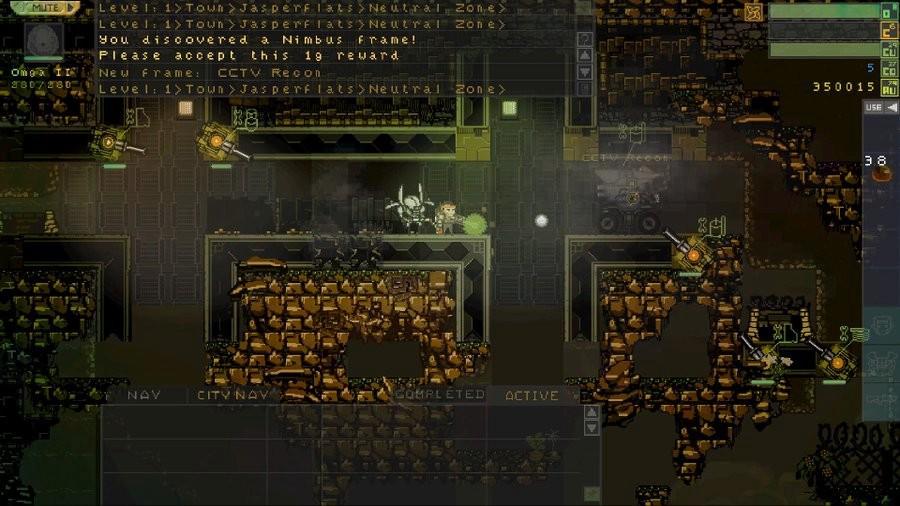
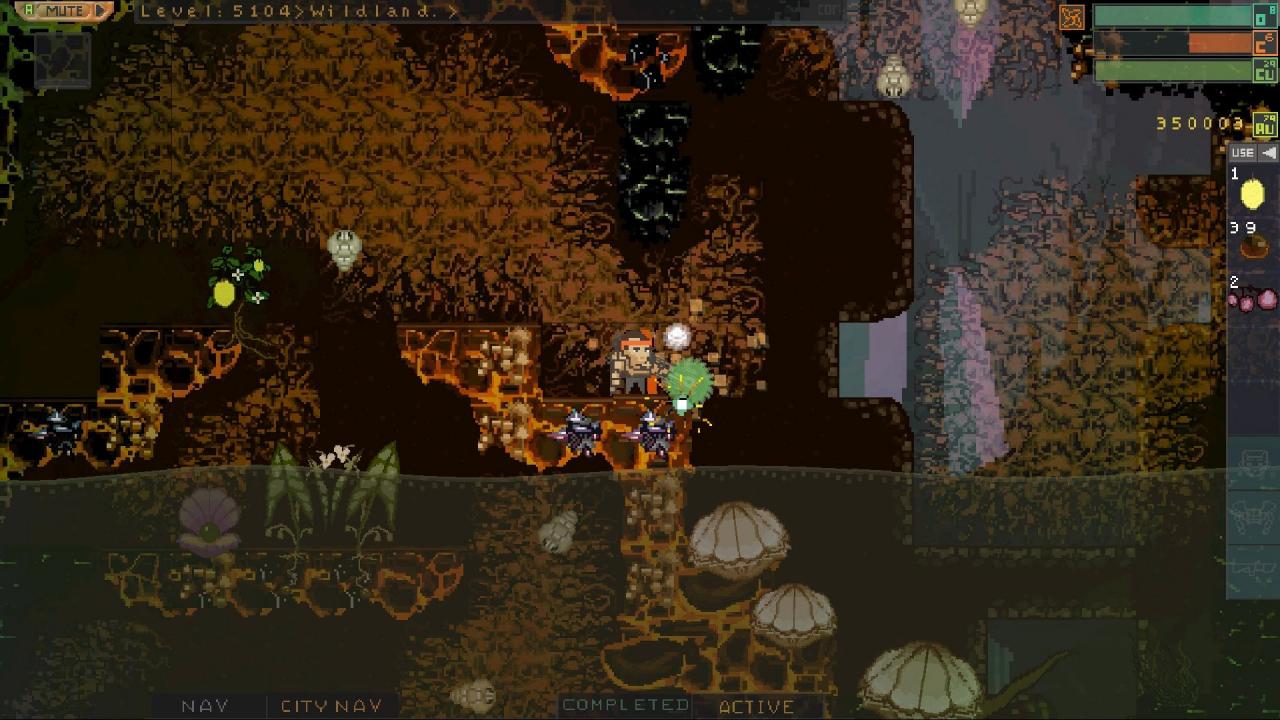
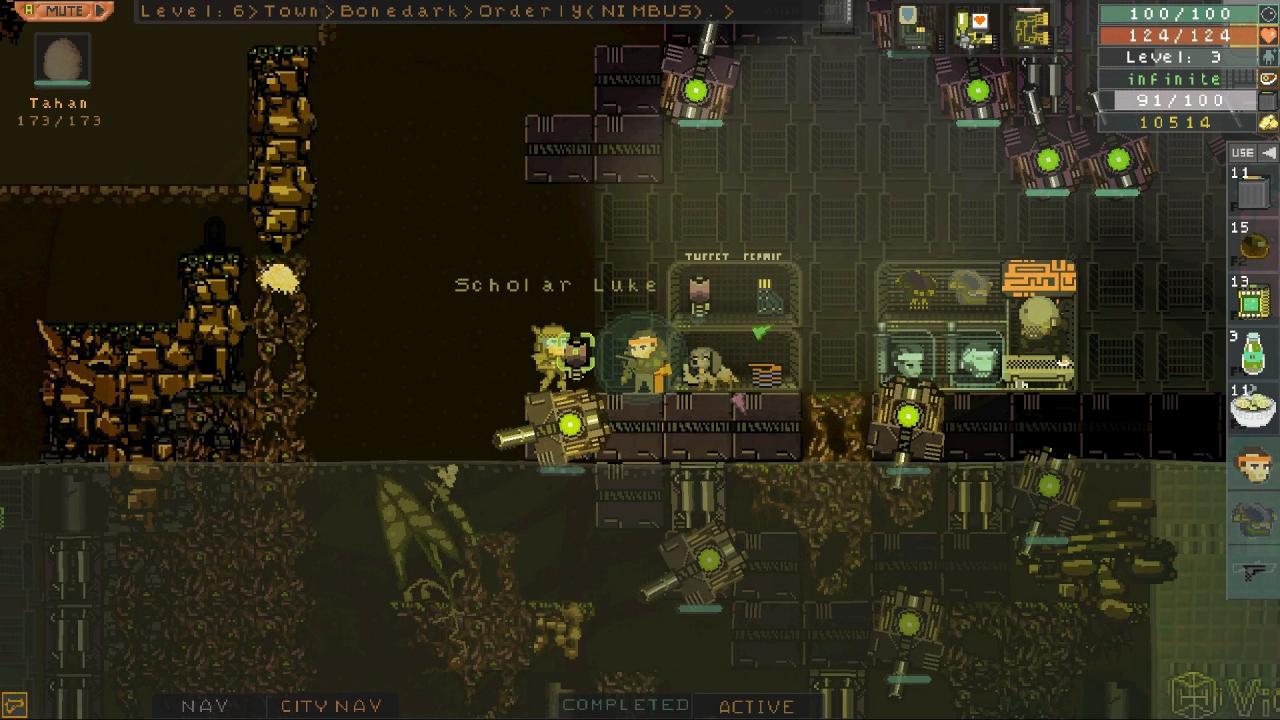
A new threat looms over the colony-world of Eldriss. Seven buried monoliths have recently 'switched on'. Each of them harbor a deadly life-force. Laesh - the planets ambassador has recently gone missing. Some reports say she has sided with the mysterious Hive Mother. Hershal Lee, the founder of the Nimbus Corporation, has personally asked you to investigate the source of the monoliths. Xylith draws on some Classic RPG Elements such as; Gradual Level Progression, Questing, Advanced Weapon Systems, Armor Customizations, Pets, Crafting, and Weapon upgrades. It also incorporates Exploration survival elements such as Scarce Resources, Procedural Flora, Fauna, Terrain, and Towns. 7 diverse biomes offer plenty of wild edible food as well as poisonous food and parasites. Can you survive for long in a Challenging - 7000 Level - Procedural Wilderness?

XYLITH - Hostile Planet screenshotXYLITH - Hostile Planet screenshotXYLITH - Hostile Planet screenshotXYLITH - Hostile Planet screenshotXYLITH - Hostile Planet screenshotXYLITH - Hostile Planet screenshot

How to redeem

  1. 1Check your Steam account and the listed region before purchasing.
  2. 2Find your code and supplier activation instructions in your confirmed order.
  3. 3Open the redeem-code section on Steam, enter the code and follow the platform’s prompts.

Supplier instructions

Go to: http://store.steampowered.com/ and download STEAM client Click "Install Steam" (from the upper right corner) Install and start application, login with your Account name and Password (create one if you don't have). Please follow these instructions to activate a new retail purchase on Steam: Launch Steam and log into your Steam account. Click the Games Menu. Choose Activate a Product on Steam... Follow the onscreen instructions to complete the process. After successful code verification go to the "MY GAMES" tab and start downloading.

You might also like