Get 10% back in Relic Coins on every order
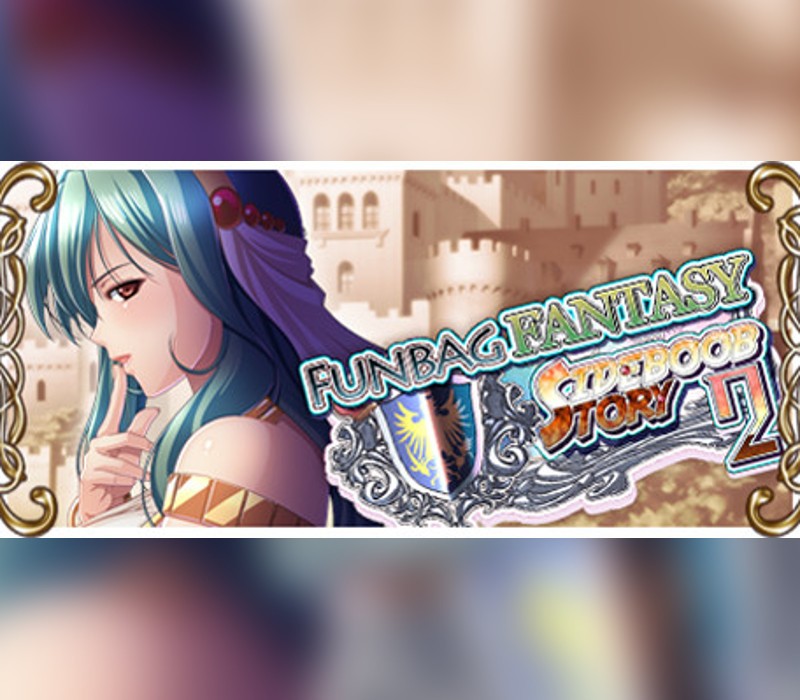
Funbag Fantasy: Sideboob Story 2 cover

SteamGlobal· Key

Funbag Fantasy: Sideboob Story 2

€14.69

+€1.47 cashback eligibility in Relic Coins

Check before you play

Platform
Steam
Region
Global
Product type
Key
Developer
Waffle
Publisher
Asoberu! BD-GAME
Supplier release date
2020-03-12
Genres
Action, Adventure, RPG, Indie, Casual

About this product

The story begins in the Kingdom of Hillsland five years after the events of Funbag Fantasy Sideboob Story. A naked man who has no memories finds himself stranded near a harbor. The man, Mask, while oblivious to his nakedness, speaks to a passing woman and gets promptly arrested. Soldiers take him to Molgrey castle where Mask offends the castellan and is consequently thrown into the Zorro prison. But Zorro island is a base of smuggling activities. For witnessing this unlawful secret, Mask is sent on a suicidal mission to Boobshire. He is ordered to kill the monster who has already killed many bounty hunters that ventured to exterminate it. Can Mask defeat the monster or will he perish like the others? Features Traditional Visual Novel with multiple heroines Nearly 400 CGs and variations to explore! 20+ hours of average reading time Story written by Kagami Hiroyuki, a massive boob lover and widely acclaimed for his worldbuilding! Character designed by veteran artist Q-Gaku!

Funbag Fantasy: Sideboob Story 2 screenshotFunbag Fantasy: Sideboob Story 2 screenshotFunbag Fantasy: Sideboob Story 2 screenshotFunbag Fantasy: Sideboob Story 2 screenshotFunbag Fantasy: Sideboob Story 2 screenshotFunbag Fantasy: Sideboob Story 2 screenshot

How to redeem

  1. 1Check your Steam account and the listed region before purchasing.
  2. 2Find your code and supplier activation instructions in your confirmed order.
  3. 3Open the redeem-code section on Steam, enter the code and follow the platform’s prompts.

Supplier instructions

Go to: http://store.steampowered.com/ and download STEAM client Click "Install Steam" (from the upper right corner) Install and start application, login with your Account name and Password (create one if you don't have). Please follow these instructions to activate a new retail purchase on Steam: Launch Steam and log into your Steam account. Click the Games Menu. Choose Activate a Product on Steam... Follow the onscreen instructions to complete the process. After successful code verification go to the "MY GAMES" tab and start downloading.

You might also like