Get 10% back in Relic Coins on every order
Luigi's Mansion 3 - Multiplayer Pack DLC Switch cover

NintendoEurope· DLC

Luigi's Mansion 3 - Multiplayer Pack DLC Switch

€9.44

+€0.94 cashback eligibility in Relic Coins

Check before you play

Platform
Nintendo
Region
Europe
Product type
DLC

Check the required base game and edition before purchasing this add-on.

Developer
Grezzo
Publisher
Nintendo of America
Supplier release date
2019-10-31
Genres
Action, Adventure

About this product

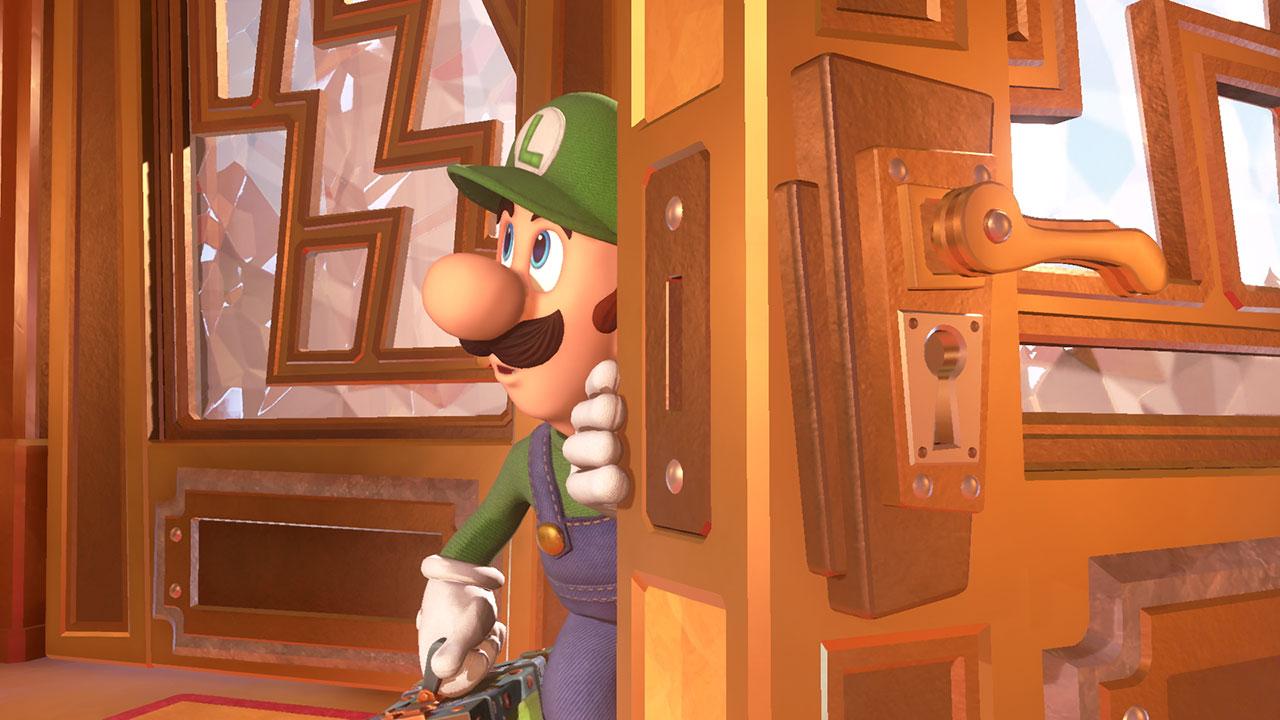
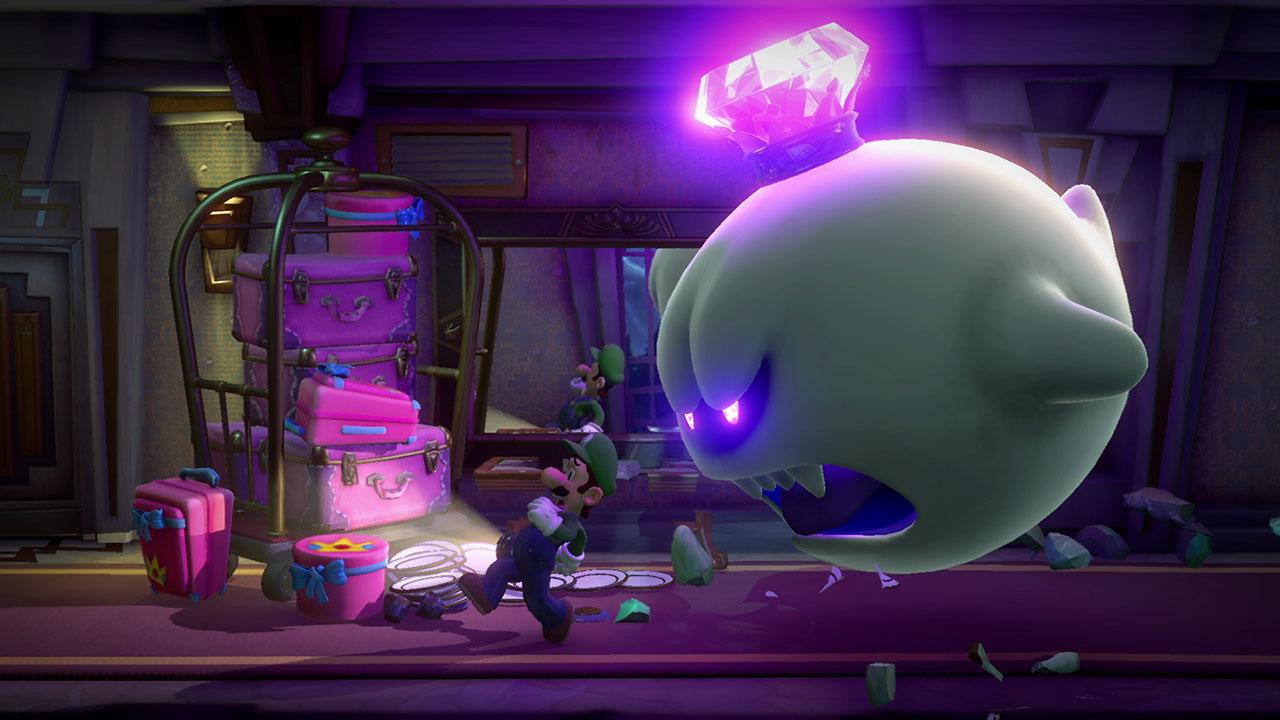
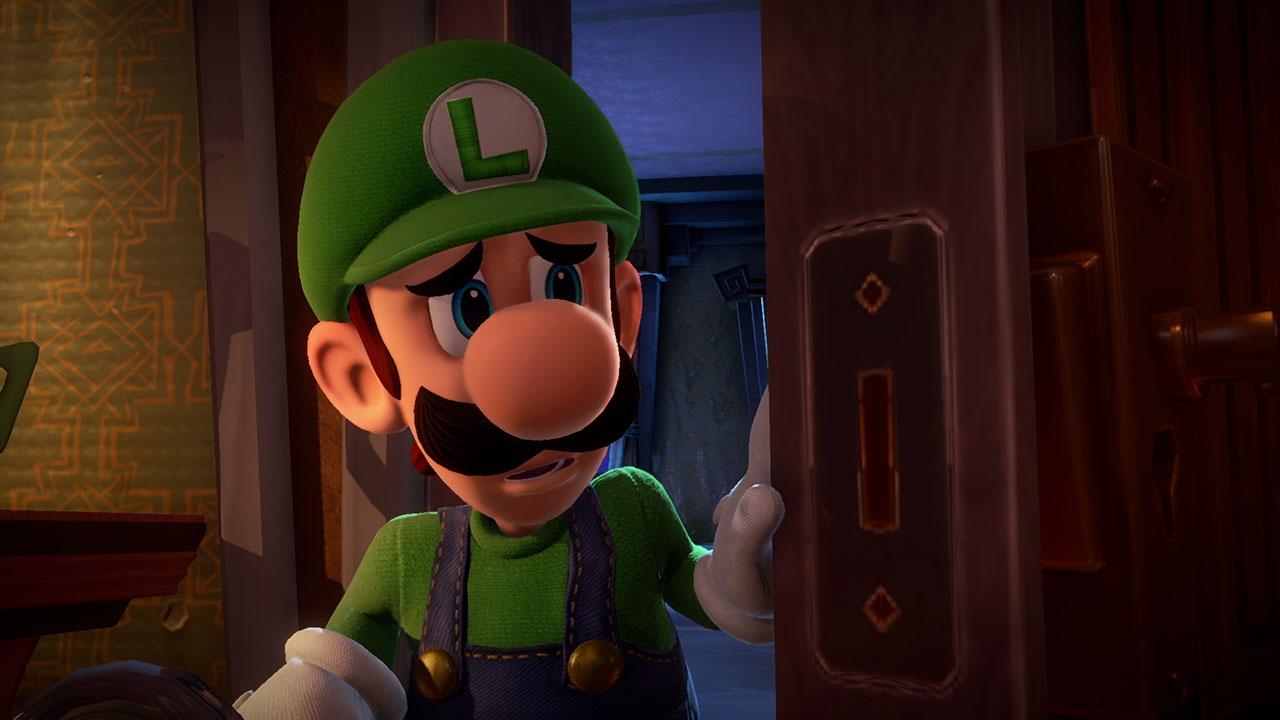
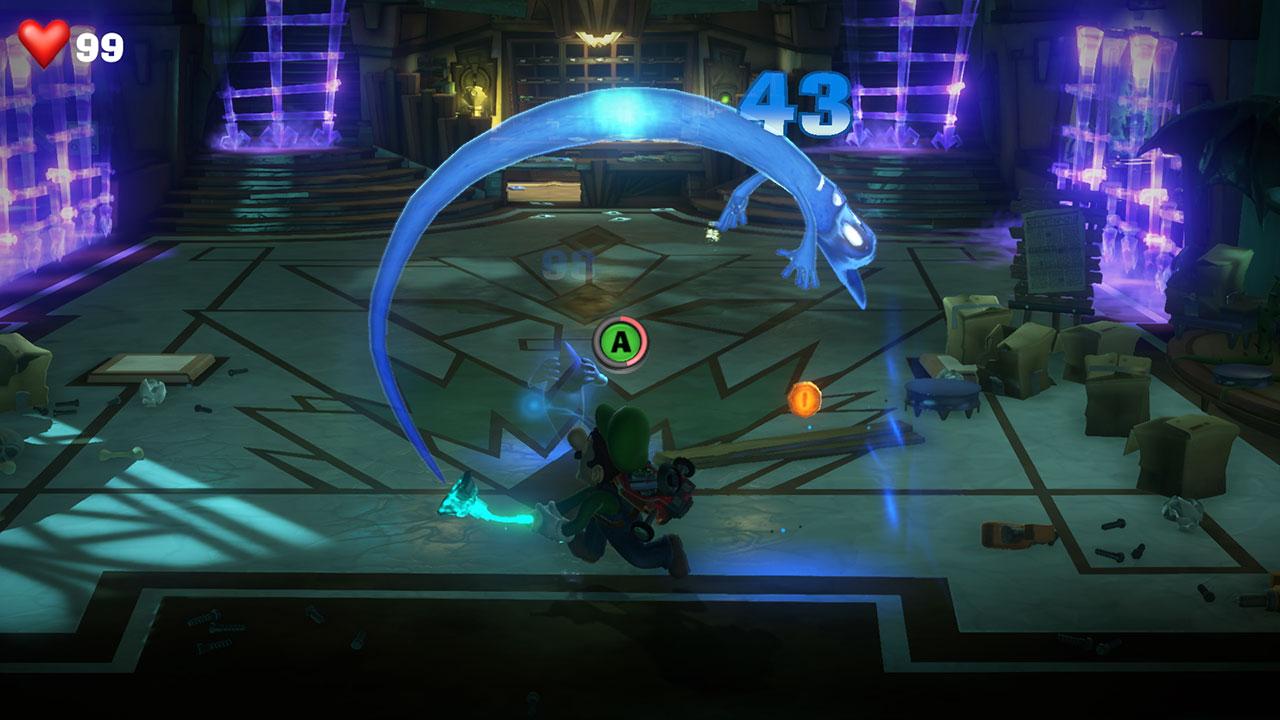
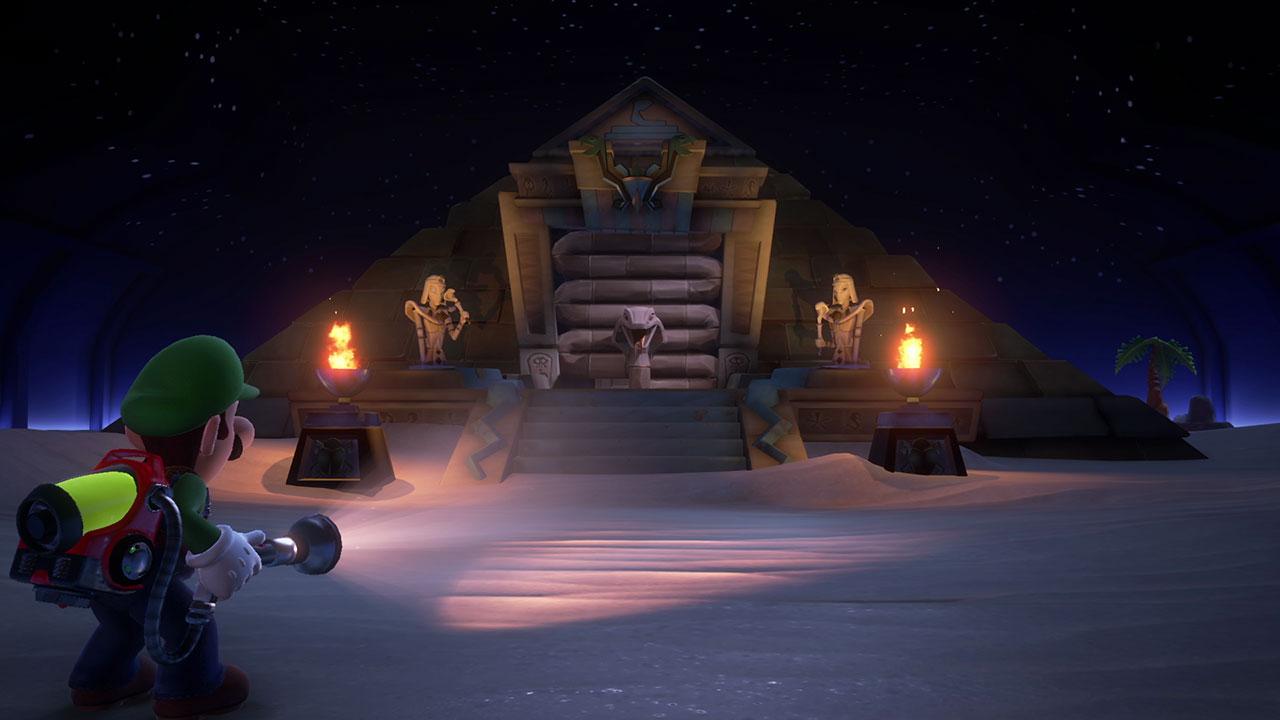
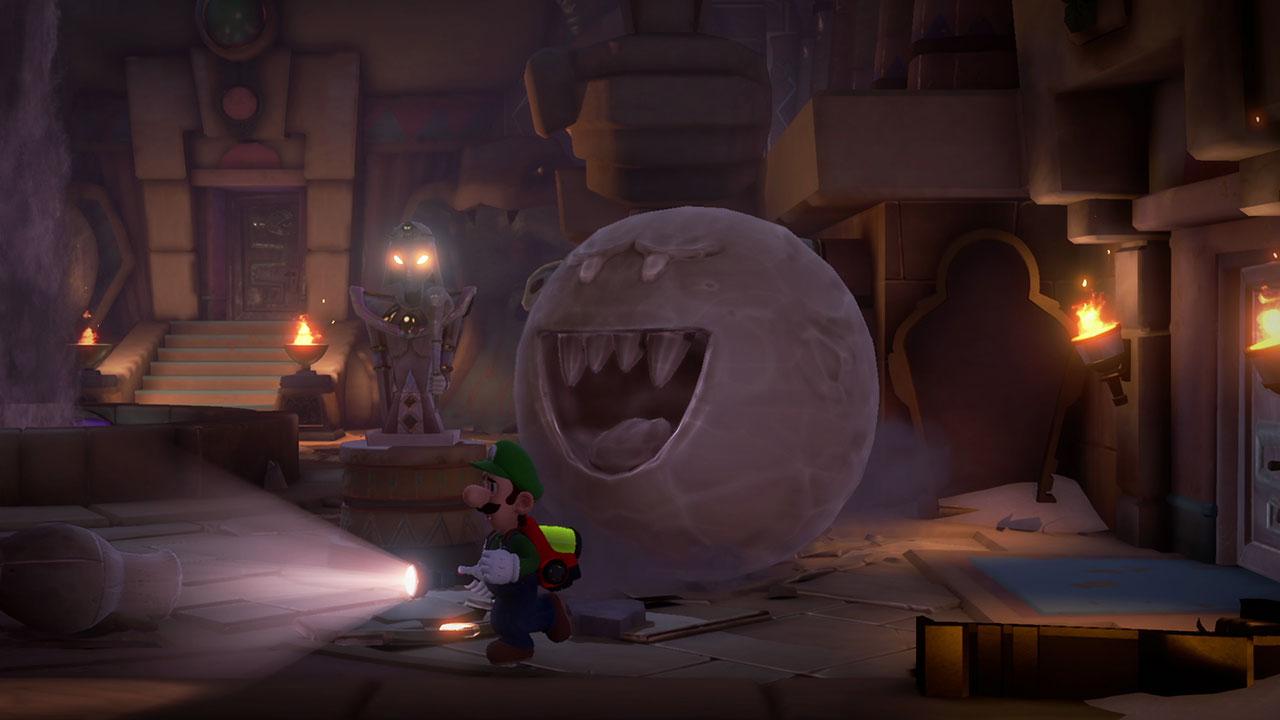
The ghost hunt continues into 2020 with the Luigi's Mansion™ 3 Multiplayer Pack DLC! This DLC adds chilling-yet-charming costumes that Luigi can sport in the ScareScraper mode and matching themes that transform the look of the tower’s floors! Keep your flashlight close, because new surprises might even be found lurking the halls of this ghoulish gauntlet! When you and your friends aren’t slamming and strobing your way through the ScareScraper, the new minigames this DLC brings to ScreamPark can make for some frightening…er, friendly competition.

Luigi's Mansion 3 - Multiplayer Pack DLC Switch screenshotLuigi's Mansion 3 - Multiplayer Pack DLC Switch screenshotLuigi's Mansion 3 - Multiplayer Pack DLC Switch screenshotLuigi's Mansion 3 - Multiplayer Pack DLC Switch screenshotLuigi's Mansion 3 - Multiplayer Pack DLC Switch screenshotLuigi's Mansion 3 - Multiplayer Pack DLC Switch screenshot

How to redeem

  1. 1Check the required base game, platform and edition before purchasing.
  2. 2Find the code or supplier activation instructions in your confirmed order.
  3. 3Redeem on Nintendo using the supplied instructions, then install the add-on with the compatible base game.

Supplier instructions

Select “Nintendo eShop” on the HOME Menu to launch the Nintendo eShop. Select the account you want to use. Select “Enter Code” on the left side of the screen. Enter the 16-character download code.Any letters and symbols not used with prepaid codes (i.e. O, I, Z, commas, hyphens, etc.) will be disabled from the on-screen keyboard. Select “Send” to confirm. The game will begin downloading once the code is confirmed.The game icon will appear on the HOME menu, with a download status bar. The status bar will disappear once the game download is complete.

You might also like