Get 10% back in Relic Coins on every order
Sakura Gamer 2 EN Language Only cover

SteamGlobal· Key

Sakura Gamer 2 EN Language Only

€2.94

+€0.29 cashback eligibility in Relic Coins

Check before you play

Platform
Steam
Region
Global
Product type
Key
Developer
Winged Cloud
Publisher
Winged Cloud
Supplier release date
2019-12-12
Genres
Visual Novel, Anime

About this product

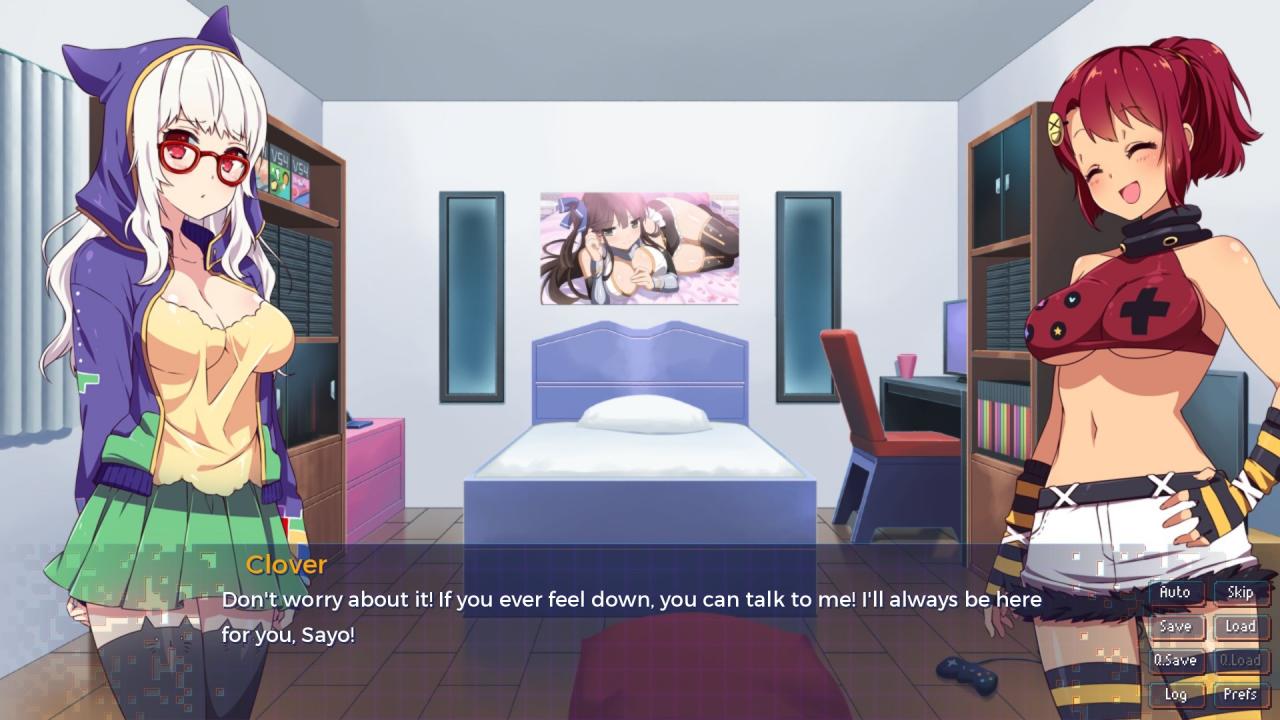
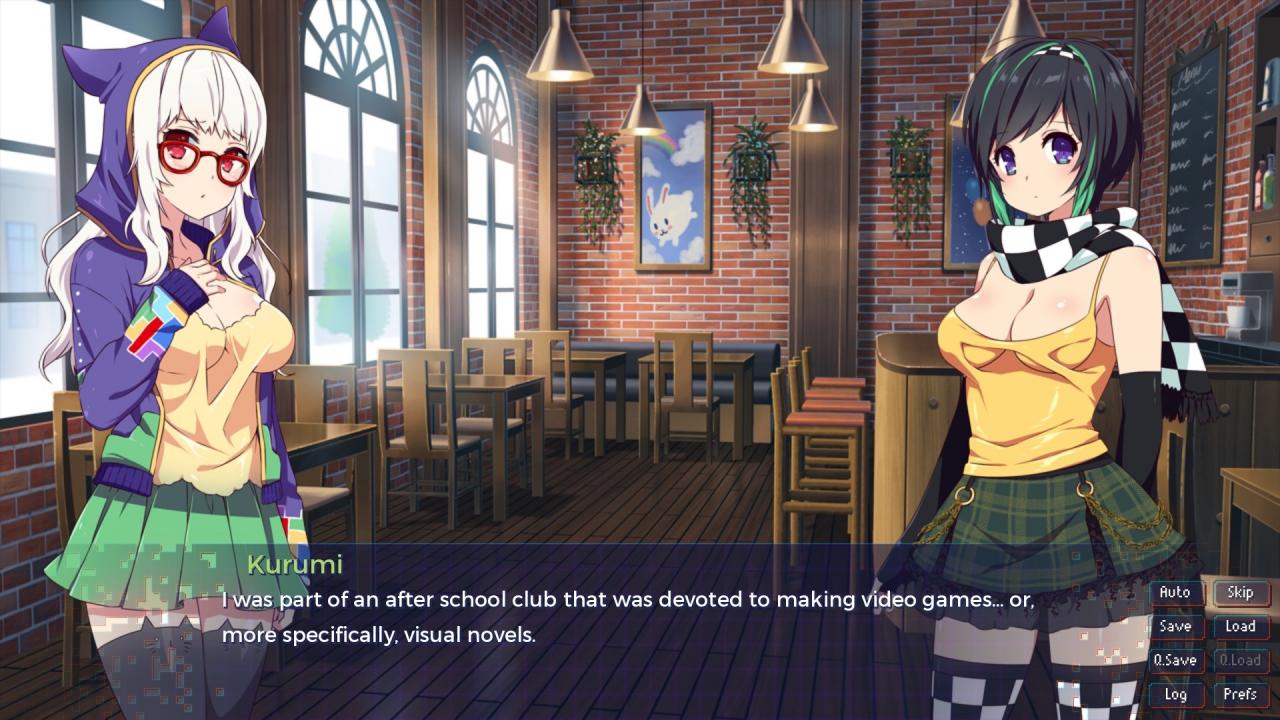
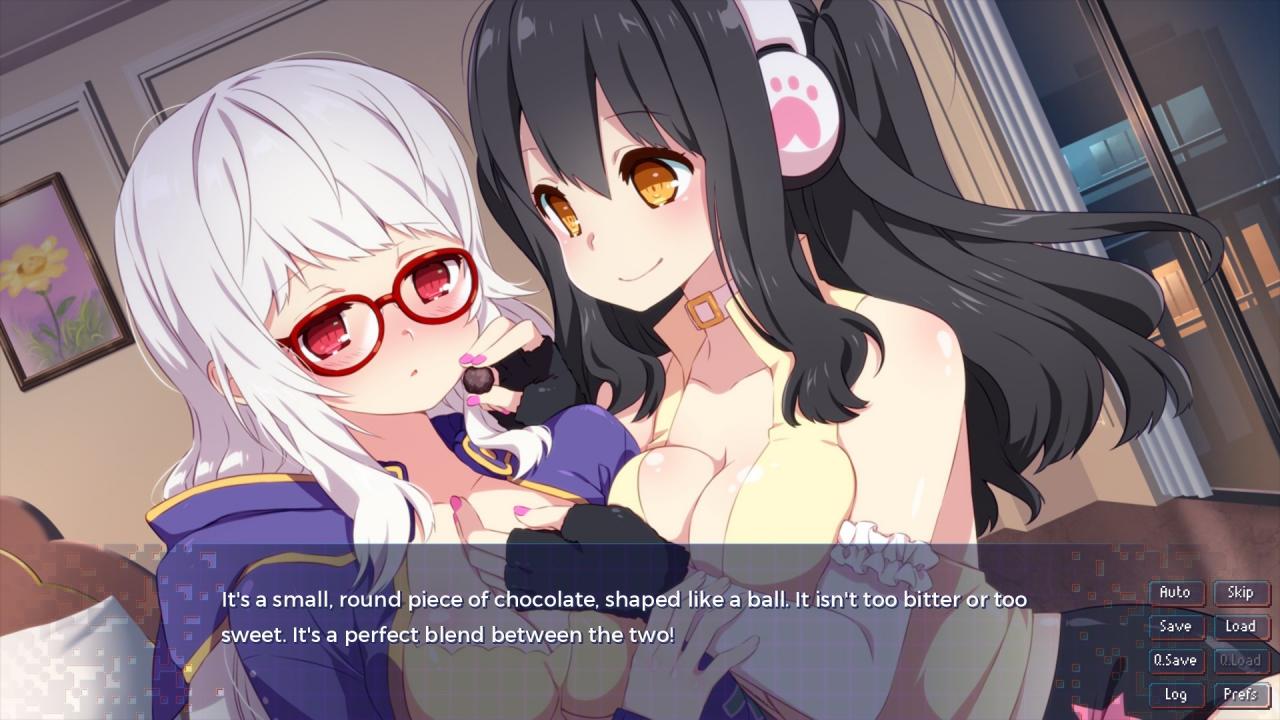
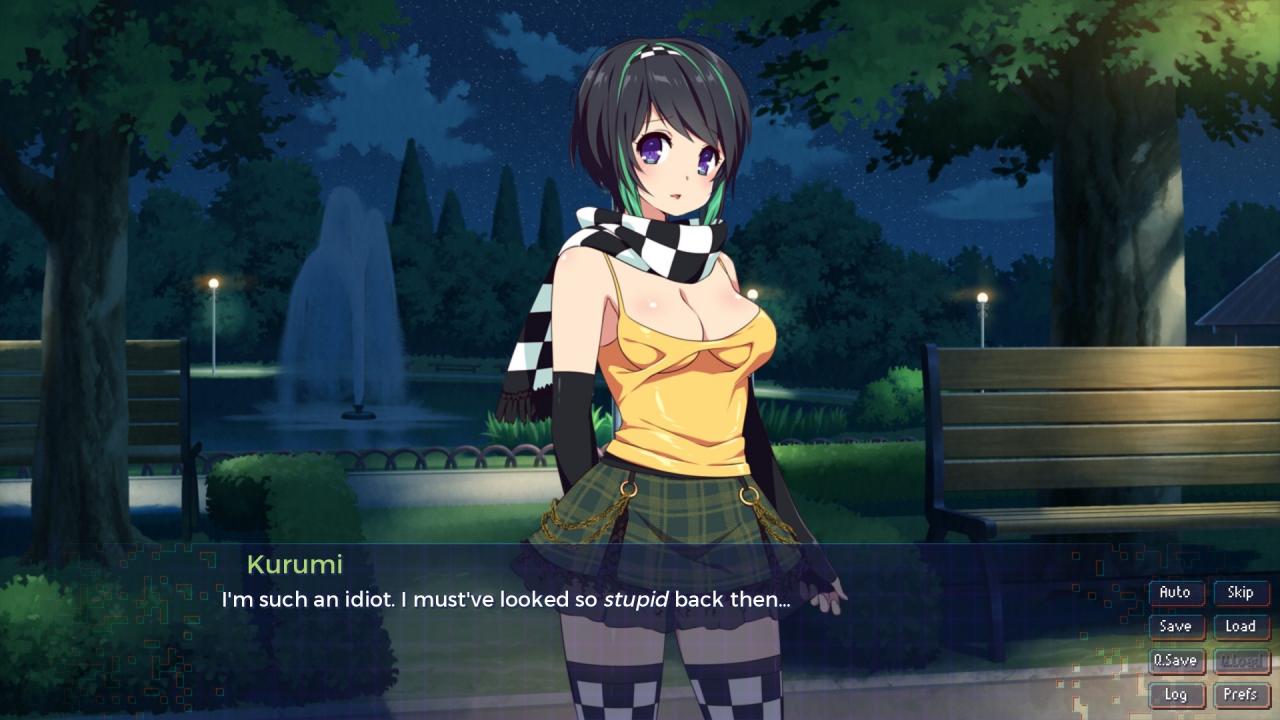
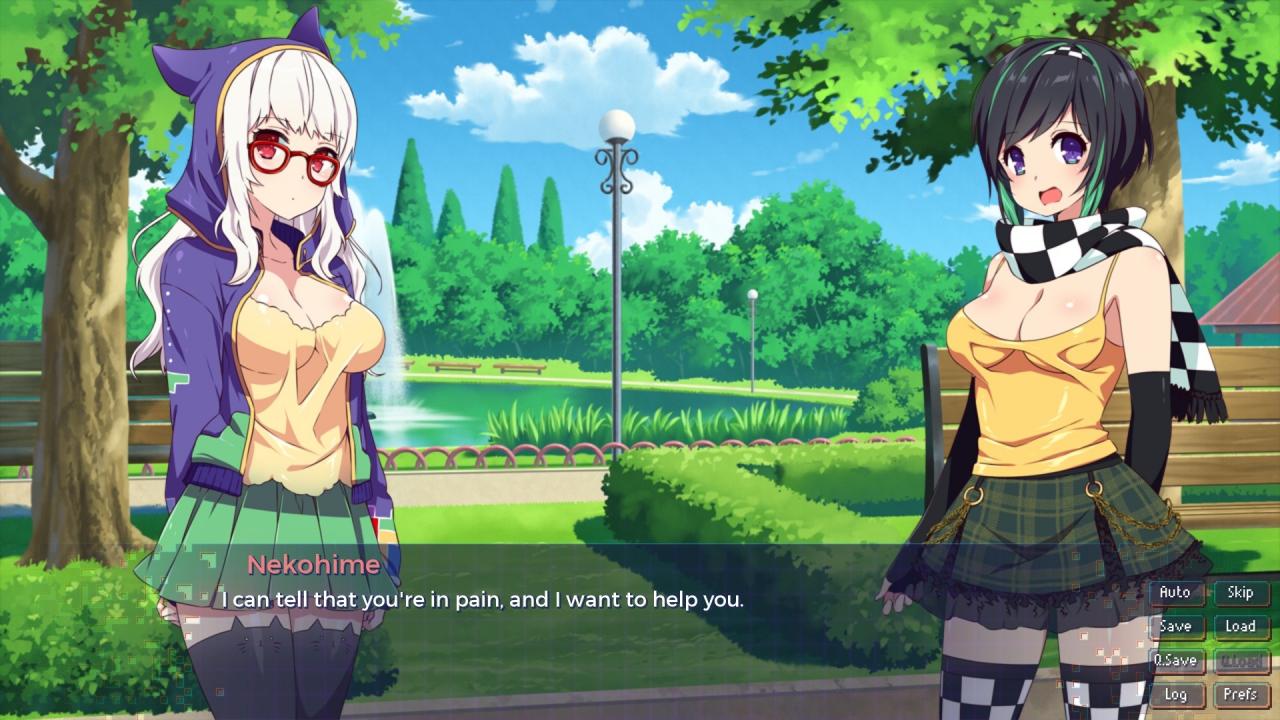
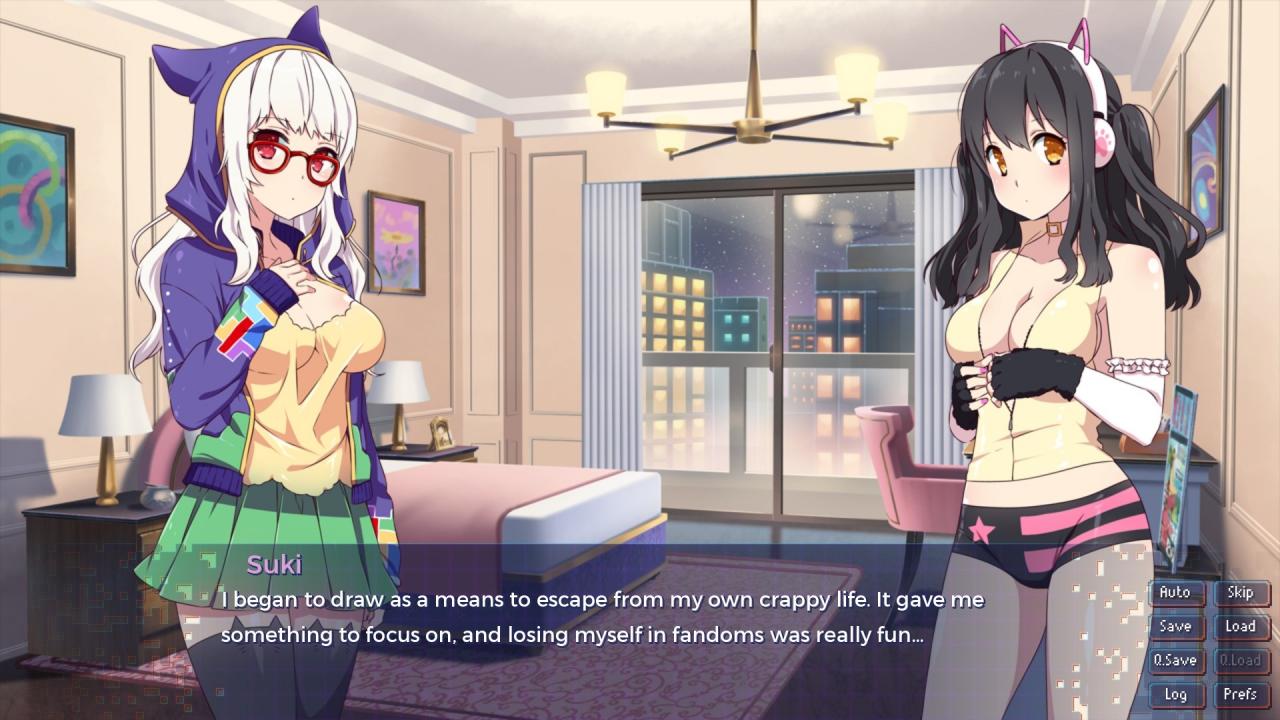
A year has passed since the events of Sakura Gamer. Nekohime and her friends have since released their debut visual novel, MikoMaid, to great success. With an even bigger budget than before, and a rapidly growing fanbase, Nekohime sets out to make and sell a hotly anticipated sequel: MikoMaid 2.Unfortunately, every silver lining has a cloud. MikoMaid’s acclaim was by no means universal, and the negative press the first title garnered is staring to get our heroine down. Nekohime’s self-confidence begins to flag, and she soon starts to doubt all her life choices.Was it a mistake to become a visual novel writer? Maybe she should’ve stayed a computer repair technician instead!Nekohime’s doubts are further compounded when she runs into Kurumi, a hot-headed young woman who despises MikoMaid (and lewd visual novels in general). What will Nekohime do?!Will she be able to maintain her bonds with her close companions and fellow developers, Suki and Clover? Can she overcome her own crippling self-doubt? Will MikoMaid 2 be just as popular as its predecessor…

Sakura Gamer 2 EN Language Only screenshotSakura Gamer 2 EN Language Only screenshotSakura Gamer 2 EN Language Only screenshotSakura Gamer 2 EN Language Only screenshotSakura Gamer 2 EN Language Only screenshotSakura Gamer 2 EN Language Only screenshot

How to redeem

  1. 1Check your Steam account and the listed region before purchasing.
  2. 2Find your code and supplier activation instructions in your confirmed order.
  3. 3Open the redeem-code section on Steam, enter the code and follow the platform’s prompts.

Supplier instructions

Go to: http://store.steampowered.com/ and download STEAM client Click "Install Steam" (from the upper right corner) Install and start application, login with your Account name and Password (create one if you don't have). Please follow these instructions to activate a new retail purchase on Steam: Launch Steam and log into your Steam account. Click the Games Menu. Choose Activate a Product on Steam... Follow the onscreen instructions to complete the process. After successful code verification go to the "MY GAMES" tab and start downloading.

You might also like