Get 10% back in Relic Coins on every order
ONE PUNCH MAN: A HERO NOBODY KNOWS Deluxe Edition cover

Xbox One· Key

ONE PUNCH MAN: A HERO NOBODY KNOWS Deluxe Edition

€9.29

+€0.93 cashback eligibility in Relic Coins

Check before you play

Platform
Xbox One
Product type
Key
Developer
Spike Chunsoft Co. Ltd.
Publisher
BANDAI NAMCO Entertainment
Supplier release date
2020-02-28
Genres
Action, Fighting, Anime

About this product

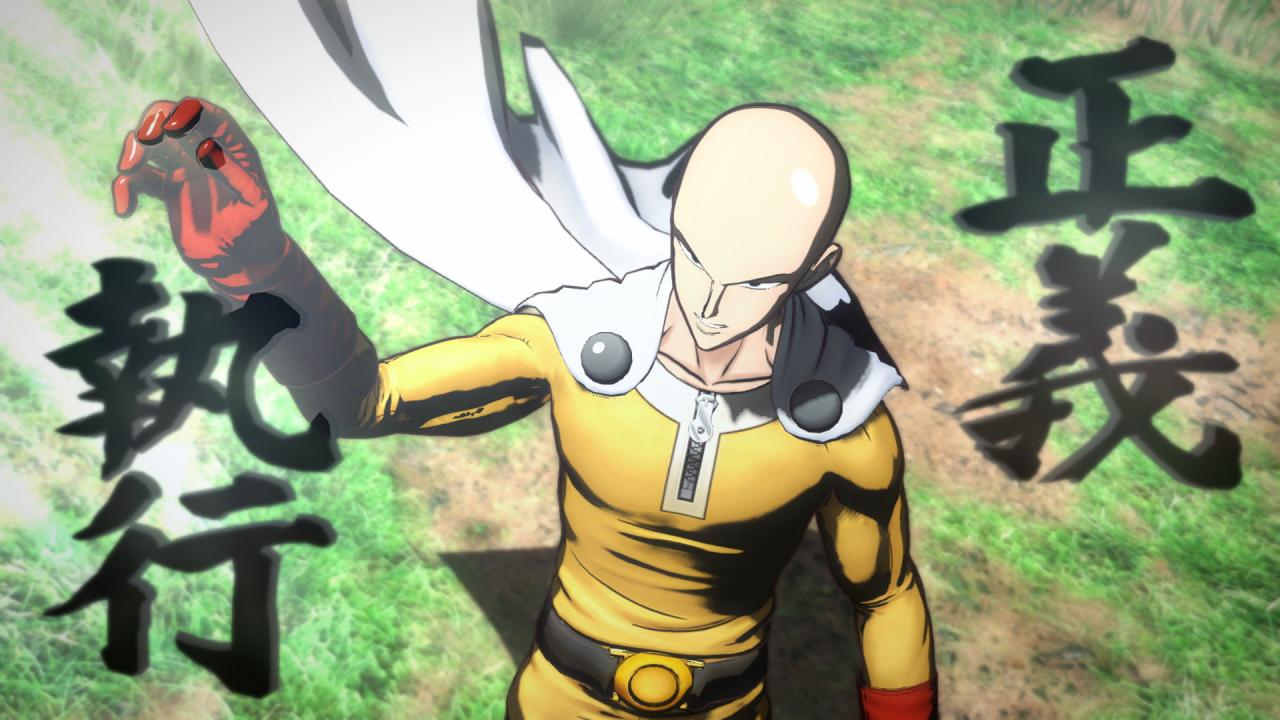
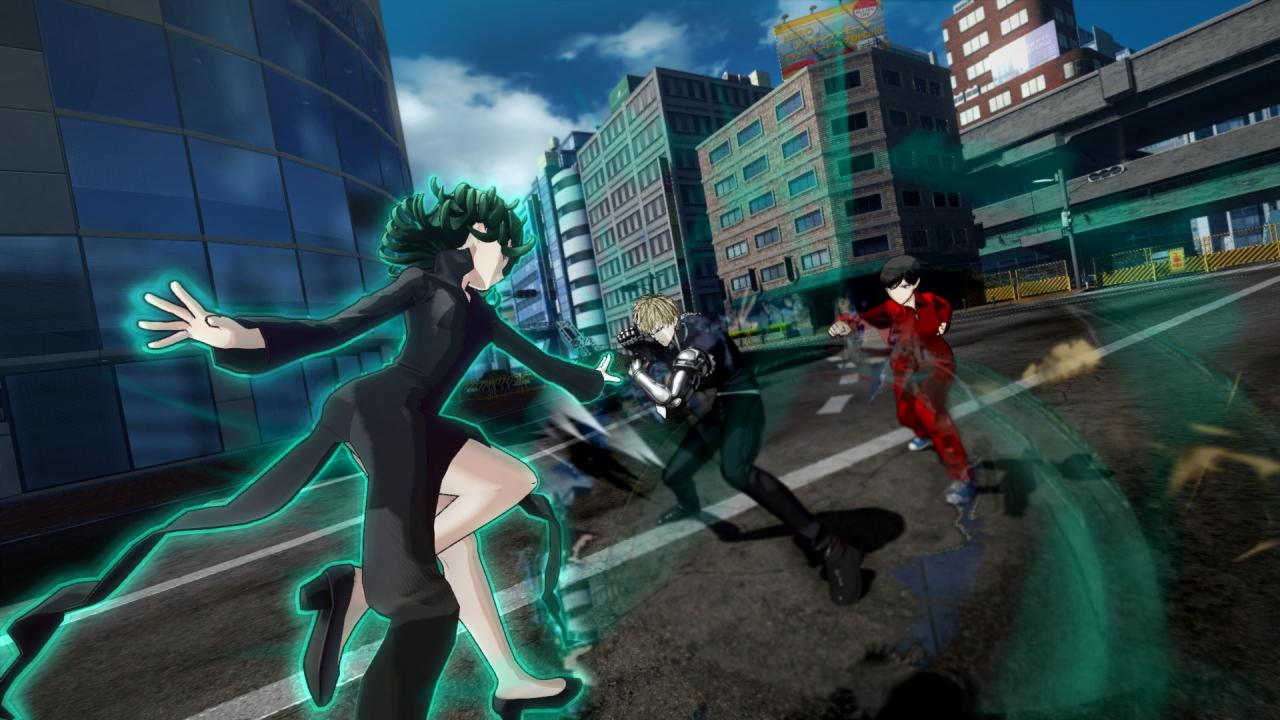
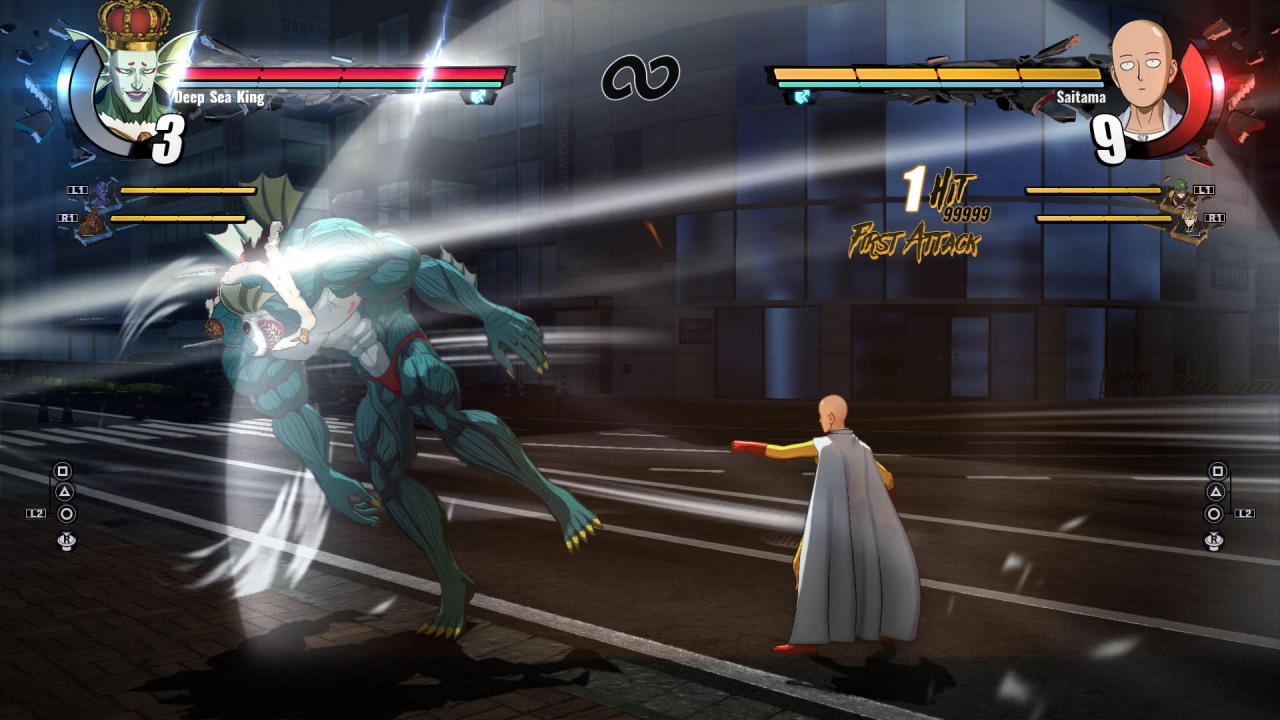
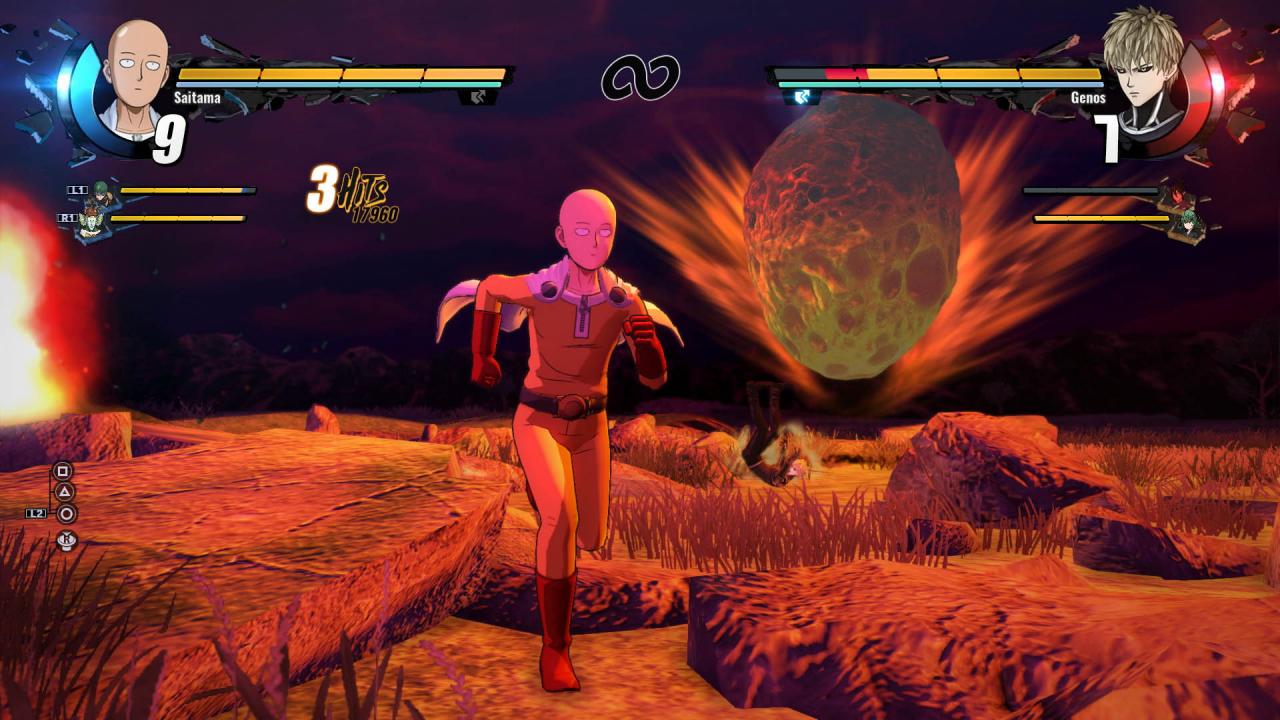
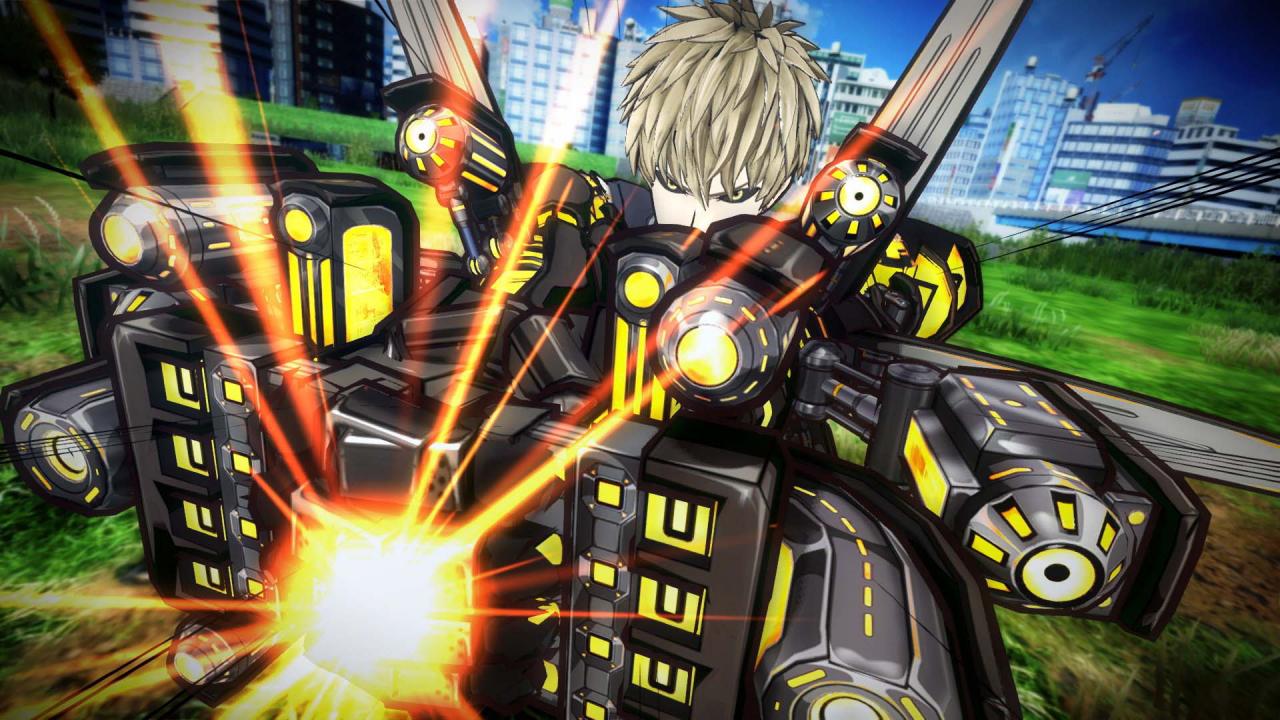
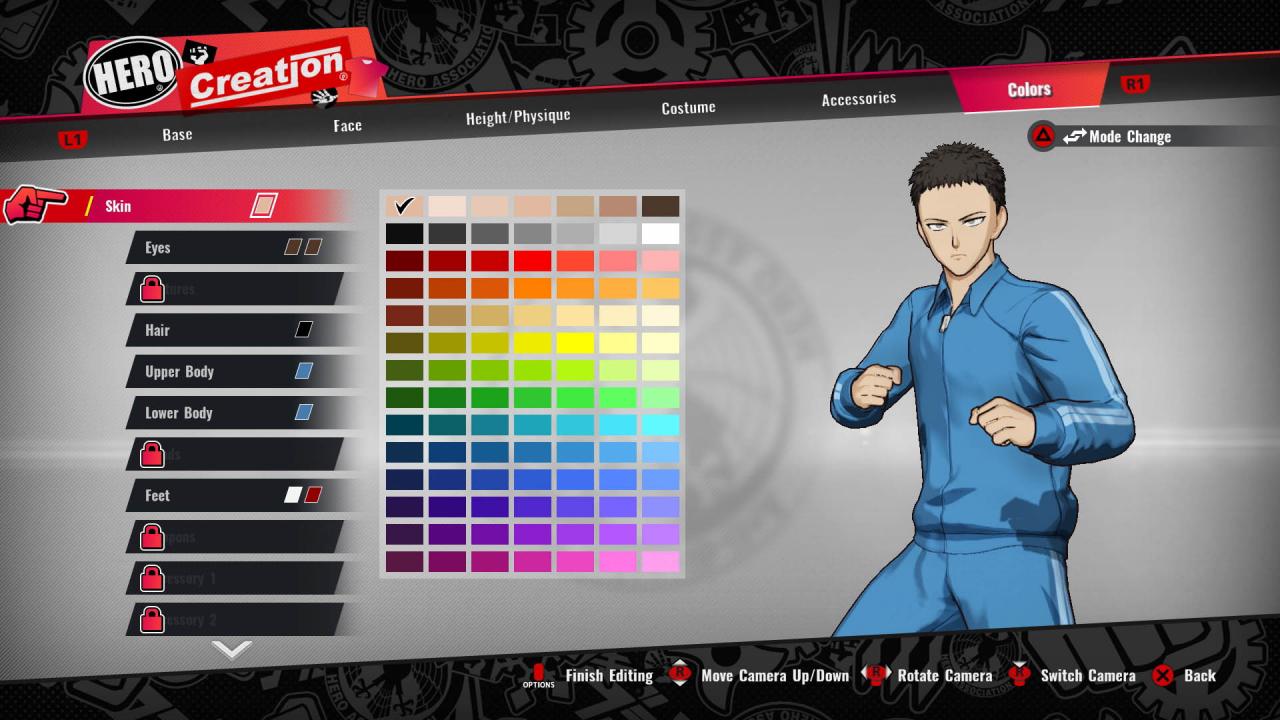
Includes: Base Game Character Pass (Season Pass) Terrible Tornado (Pajamas) Genos (Arms Mode) Outfit Speed-o'-Sound Sonic Outfit Hellish Blizzard (Fur Coat) Note: Progress through the Main Mode is required for access to items related to characters. The first One Punch Man game finally makes its debut!Dive into a dynamic fighting game experience with beloved characters from the first Season of One Punch Man! Play as your favorite hero – or become one! YOU are the hero!Create your own hero avatar and choose your own set of powers and abilities! Edge of your seat fighting!Dynamic 3v3 fighting featuring events as seen in One Punch Man such as meteors and other heroes. Along with the ending of online lobby functions, the following features will no longer be available: Participation in Online Events Participation in Avatar Ranked Battles Distribution of login bonuses

ONE PUNCH MAN: A HERO NOBODY KNOWS Deluxe Edition screenshotONE PUNCH MAN: A HERO NOBODY KNOWS Deluxe Edition screenshotONE PUNCH MAN: A HERO NOBODY KNOWS Deluxe Edition screenshotONE PUNCH MAN: A HERO NOBODY KNOWS Deluxe Edition screenshotONE PUNCH MAN: A HERO NOBODY KNOWS Deluxe Edition screenshotONE PUNCH MAN: A HERO NOBODY KNOWS Deluxe Edition screenshot

How to redeem

  1. 1Check your Xbox One account and the listed region before purchasing.
  2. 2Find your code and supplier activation instructions in your confirmed order.
  3. 3Open the redeem-code section on Xbox One, enter the code and follow the platform’s prompts.

Supplier instructions

Go to https://www.xbox.com Login to your account Hover over your account link (the top right of the screen) a menu will appear, click on the "Redeem Code" button. On the next page, click "Redeem" Enter your code Click "Confirm" Click "Confirm" again to assign the key to your account.

You might also like