Get 10% back in Relic Coins on every order
State of Decay 2: Juggernaut Edition cover

SteamGlobal· Key

State of Decay 2: Juggernaut Edition

€9.53

+€0.95 cashback eligibility in Relic Coins

Check before you play

Platform
Steam
Region
Global
Product type
Key
Developer
Undead Labs
Publisher
Xbox Game Studios
Supplier release date
2020-03-13
Genres
Action, RPG, Simulation, Open World, Horror, Third-Person Shooter, Survival, Co-op

About this product

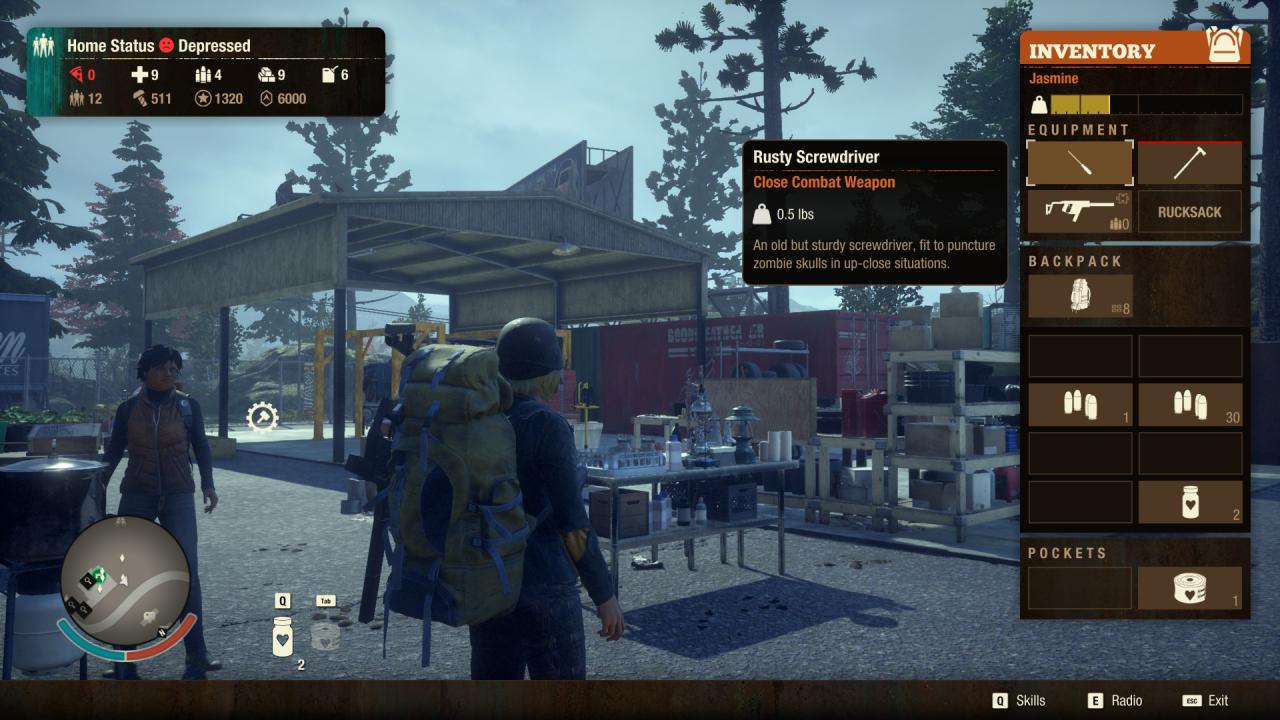
How Will You Survive?State of Decay 2 is an open-world survival-fantasy game for you and up to 3 co-op friends. After a zombie apocalypse, your small group of survivors seek to rebuild a small corner of civilization, and you get to make all the decisions about how that happens.You decide who to recruit to your team, where to settle your community, how to fortify and upgrade your base, and when it’s time to move to greener pastures. You select which survivor to bring along on a scavenging run for the food and ammo you need, and who you’ll use to fight off the zombies attacking your base. You choose how you’ll deal with other people who move into your town. Will you be friendly and welcoming... or will you aggressively defend your territory? Every player’s experience in the game is unique. Each character in your community has their own special set of skills and traits, so no two communities are ever the same. The challenges you face also vary from game to game, based on who you recruit and the decisions you make along the way.Undead Labs is proud to present our best-ever vision of the zombie apocalypse, coming to Steam and other platforms on March 13. Keep your eyes peeled and your weapons ready. This is one apocalypse you won't want to miss.

State of Decay 2: Juggernaut Edition screenshotState of Decay 2: Juggernaut Edition screenshotState of Decay 2: Juggernaut Edition screenshotState of Decay 2: Juggernaut Edition screenshotState of Decay 2: Juggernaut Edition screenshotState of Decay 2: Juggernaut Edition screenshot

How to redeem

  1. 1Check your Steam account and the listed region before purchasing.
  2. 2Find your code and supplier activation instructions in your confirmed order.
  3. 3Open the redeem-code section on Steam, enter the code and follow the platform’s prompts.

Supplier instructions

Go to: http://store.steampowered.com/ and download STEAM client Click "Install Steam" (from the upper right corner) Install and start application, login with your Account name and Password (create one if you don't have). Please follow these instructions to activate a new retail purchase on Steam: Launch Steam and log into your Steam account. Click the Games Menu. Choose Activate a Product on Steam... Follow the onscreen instructions to complete the process. After successful code verification go to the "MY GAMES" tab and start downloading.

You might also like