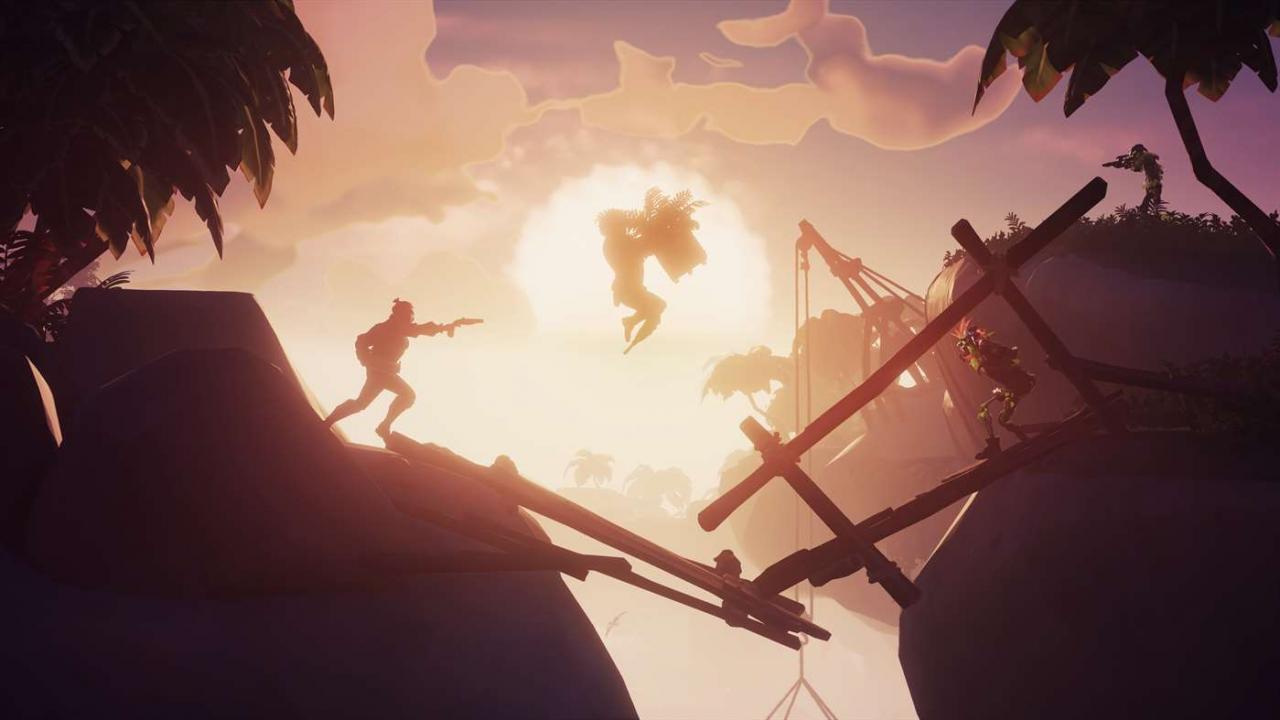
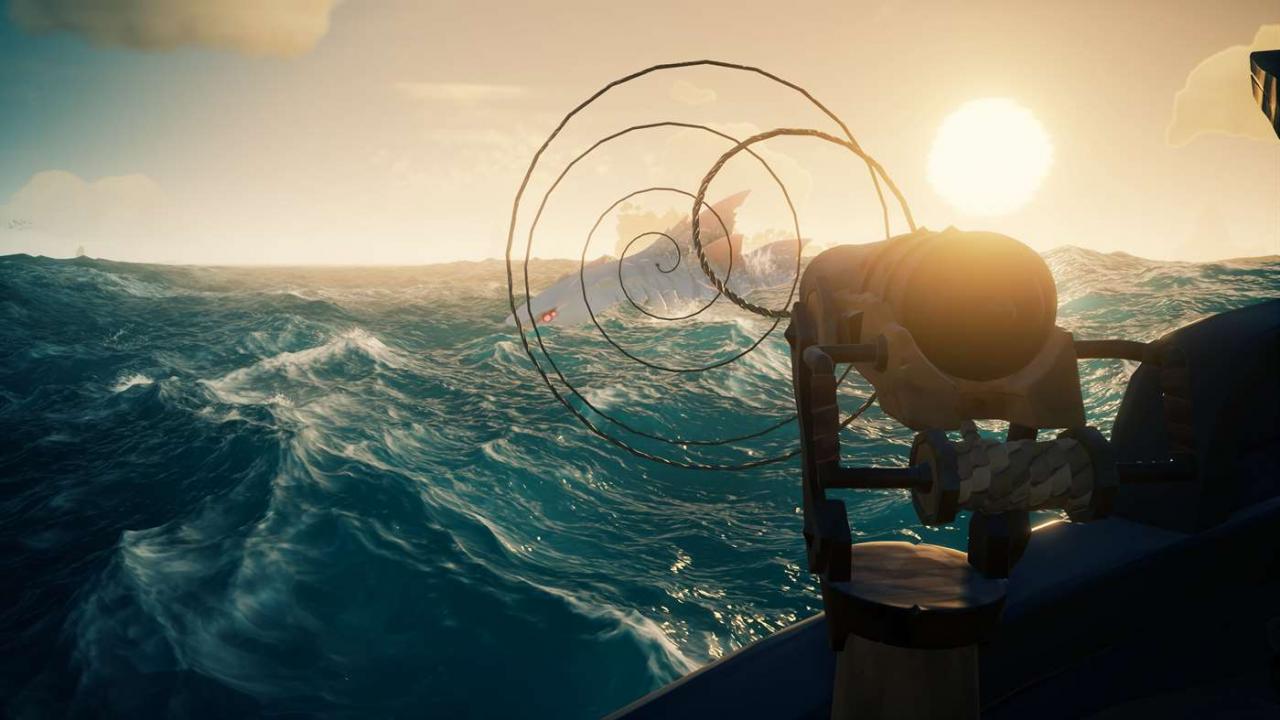
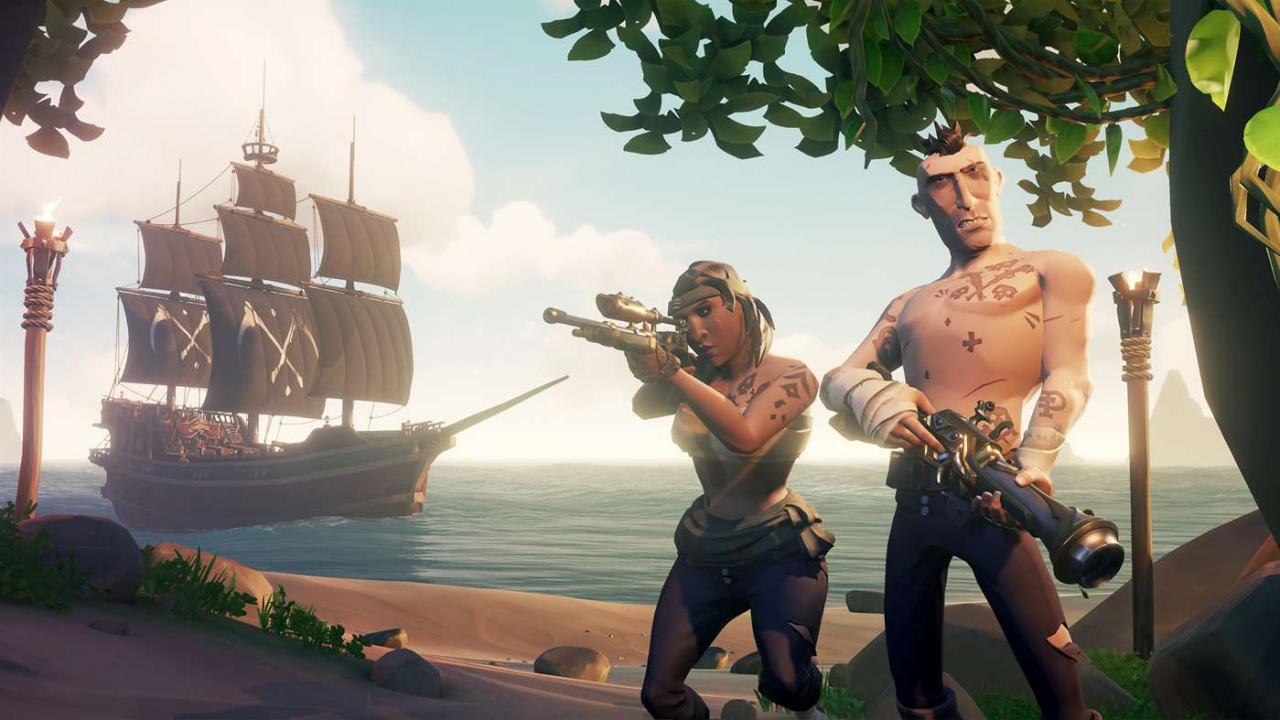
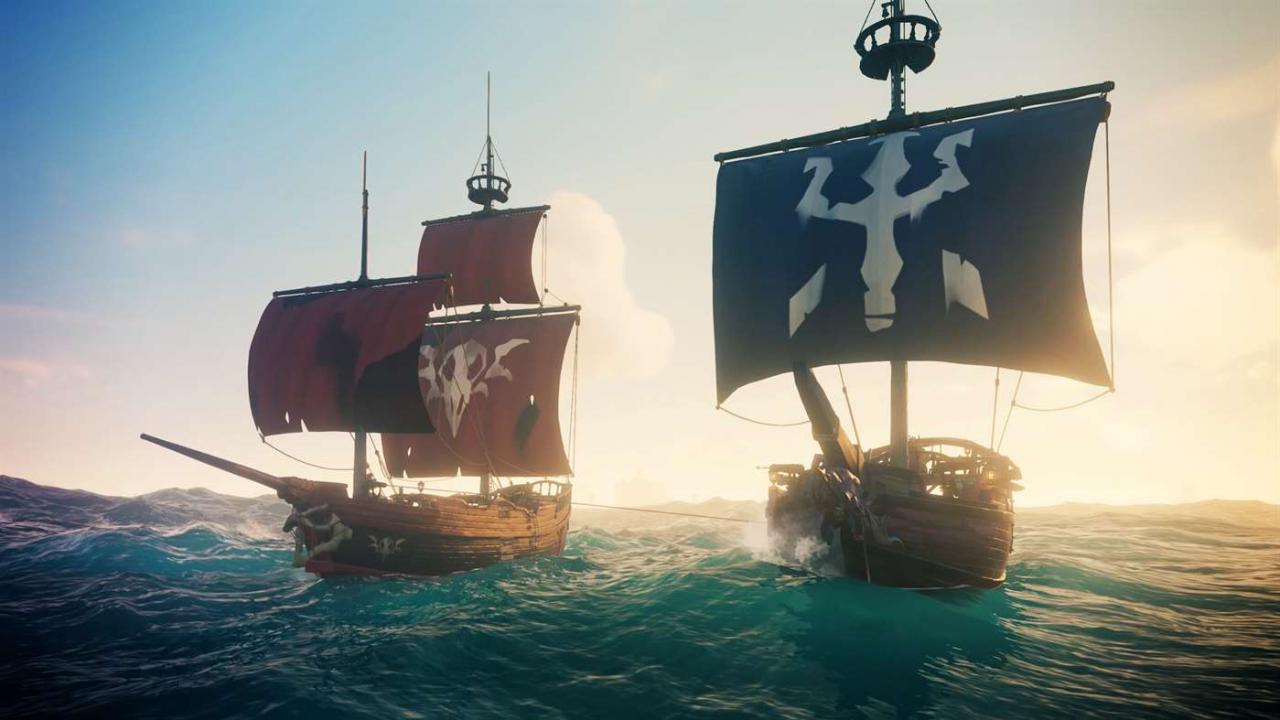
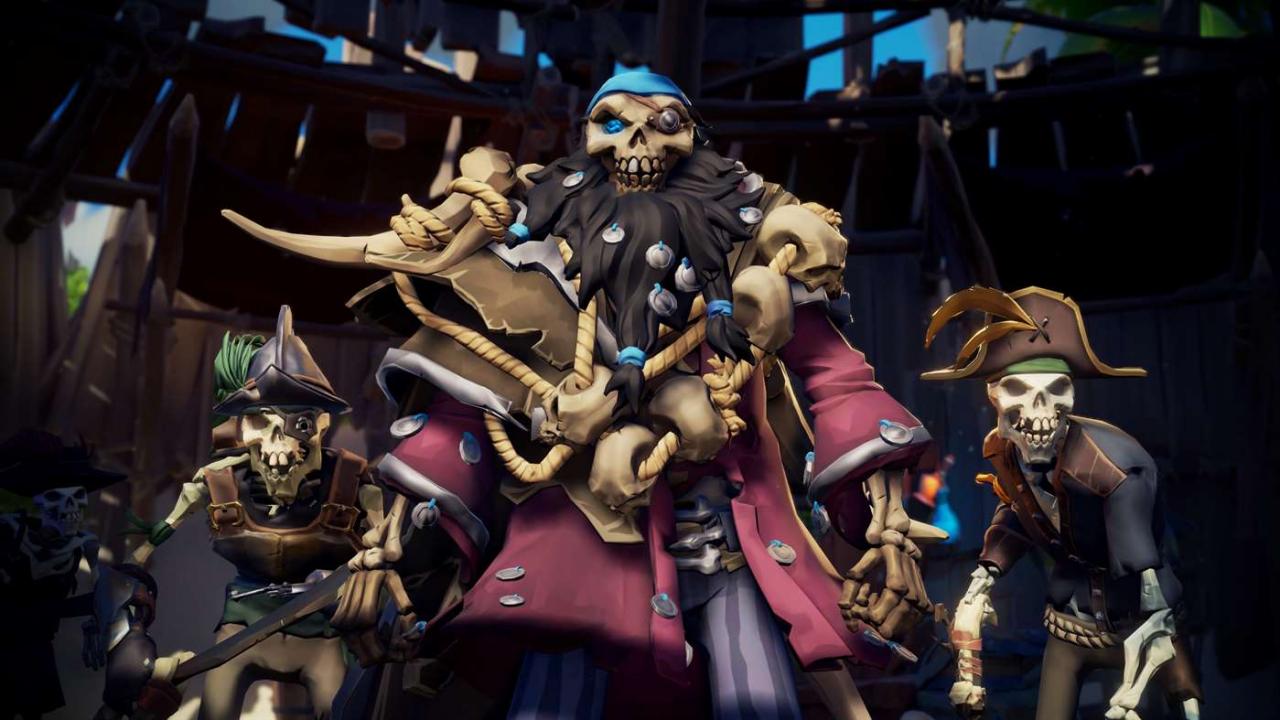
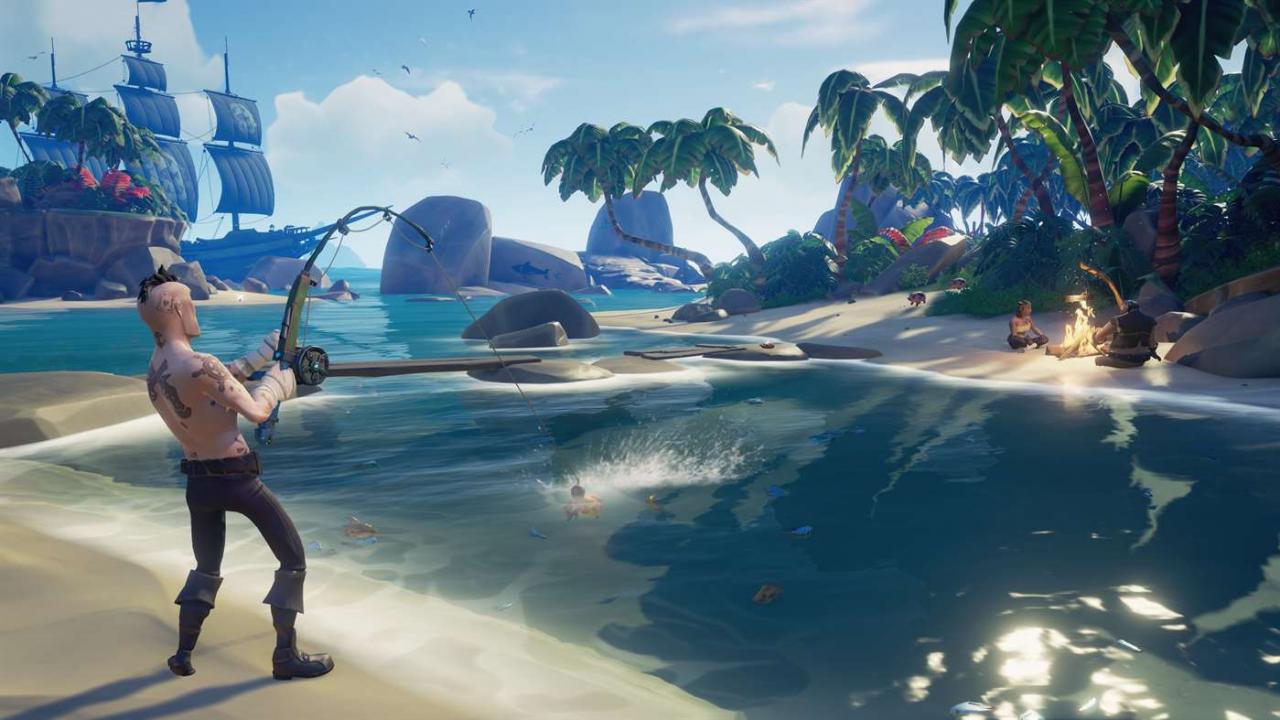
Includes: Base game Immersive new story experience in Tall Tales – Shores of Gold Dedicated new mode for competitive play in The Arena New fishing, hunting and cooking capabilities New multi-functional ship-mounted harpoon More Trading Companies and voyage types Skeleton Ships and Cursed Cannonballs Megalodon enemies and loot drops for creatures An expanded world with volcanic natural hazards The Anniversary Edition also includes the free Sea Dog Pack containing Sea Dog Hat, Jacket, Cutlass, Pistol, Compass, Ship Sails and 10, 000 gold! A New Golden Age Begins… Sea of Thieves is a multiplayer, shared-world adventure game where the famous ideals of the pirate life – freedom, wild adventure, self-expression and loyalty – live on. This Anniversary Edition goes even further, presenting an expanded Sea of Thieves with a host of free new content and features released during a prolific first year. This includes features added during major updates such as The Hungering Deep, Cursed Sails, Forsaken Shores and Shrouded Spoils, plus two exciting new arrivals announced on the game’s anniversary, The Arena and Tall Tales – Shores of Gold. Altogether, these bring in new enemies, new activities, new locations, new features and a whole new competitive game mode. This is Sea of Thieves enhanced and packing more piracy than ever before! Features A world of exploration – set sail upon a vast, open ocean, venturing into new regions and discovering the secrets of unspoiled islands and sunken ships. Hunt for treasure by following maps and untangling riddles, and learn to expect the unexpected... A world of excitement – engage in ship-to-ship crew battles with cannon, pistol and cutlass, pursuing rival ships through raging storms. Sail in pursuit of deadly skeleton bounties or ferry cargo through hostile waters where Skeleton Ships and sea monsters await! A world we sail together – whether you’re playing alongside friends, matchmaking to find a crew or setting out as a lone wolf pirate, you’ll have hilarious, memorable encounters in a world where any sail on the horizon could be another crew of real players. A world of achievement – on your quest to become a Pirate Legend you’ll amass loot, build a reputation and customise your ship (and yourself) with hard-earned rewards. A world of surprises – Sea of Thieves now includes all the benefits of the Anniversary Edition, including more enemies, new locations, extra features and activities, enriched storylines and a competitive game mode!