

SteamGlobal· Key
The Longest Journey
€2.48
+€0.25 cashback eligibility in Relic Coins
Check before you play
- Platform
- Steam
- Region
- Global
- Product type
- Key
- Developer
- Funcom
- Publisher
- Funcom
- Genres
- Action, Adventure, RPG
SteamGlobal· Key
€2.48
+€0.25 cashback eligibility in Relic Coins
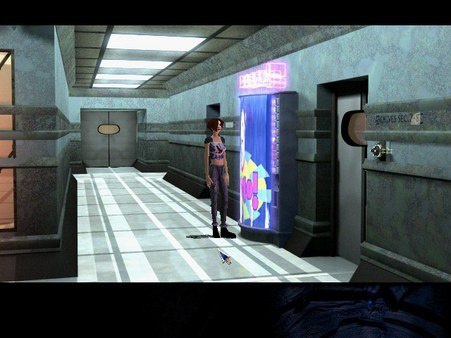
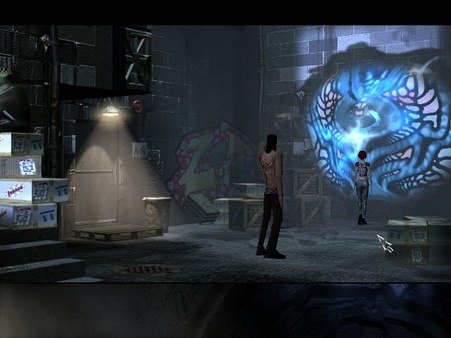
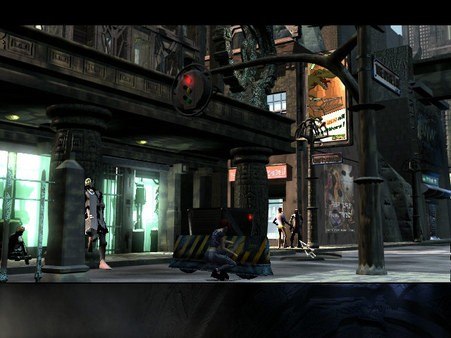
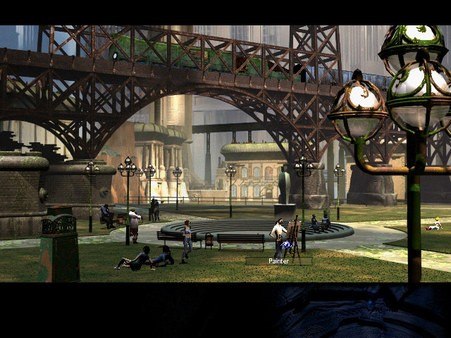
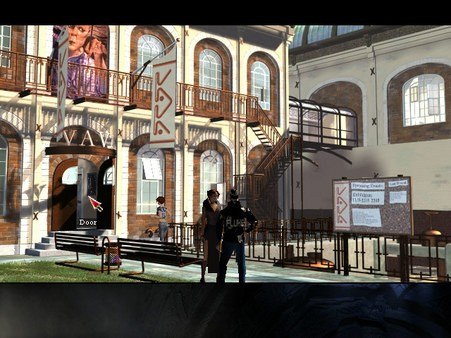
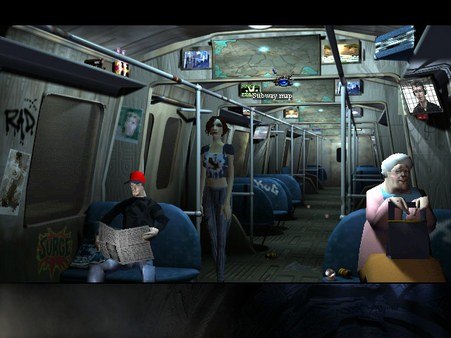
The Longest Journey Steam CD Key Platform: Steam Release Date: 17/11/2000 Product Description The Longest Journey is an amazing graphical adventure, where the player controls the protagonist, April Ryan, on her journey between parallel universes. Embark on an exciting and original journey of discovery, where you will explore, solve puzzles, meet new people, face terrifying monsters, learn, grow, and live the adventure of a lifetime! Features Over 150 locations spanning two distinct and detailed worlds More than 70 speaking characters 40+ hours of gameplay 20+ minutes of high-resolution pre-rendered video footage Cinematic musical score System Requirements OS: Windows 2000/XP Processor: Pentium 166 MMX Memory: 32 MB RAM Graphics: 640x480 SVGA high colour (16bit) video card with 2 MB RAM Sound card: Windows compatible sound device Storage: 300 MB free hard drive space
Go to: http://store.steampowered.com/ and download STEAM client Click "Install Steam" (from the upper right corner) Install and start application, login with your Account name and Password (create one if you don't have). Please follow these instructions to activate a new retail purchase on Steam: Launch Steam and log into your Steam account. Click the Games Menu. Choose Activate a Product on Steam... Follow the onscreen instructions to complete the process. After successful code verification go to the "MY GAMES" tab and start downloading.