Get 10% back in Relic Coins on every order
Metro Exodus - Sam's Story DLC cover

Steam· DLC

Metro Exodus - Sam's Story DLC

€1.32

+€0.13 cashback eligibility in Relic Coins

Check before you play

Platform
Steam
Product type
DLC

Check the required base game and edition before purchasing this add-on.

Developer
4A Games
Publisher
Deep Silver
Supplier release date
2020-02-11
Genres
Action, Adventure, FPS, Survival

About this product

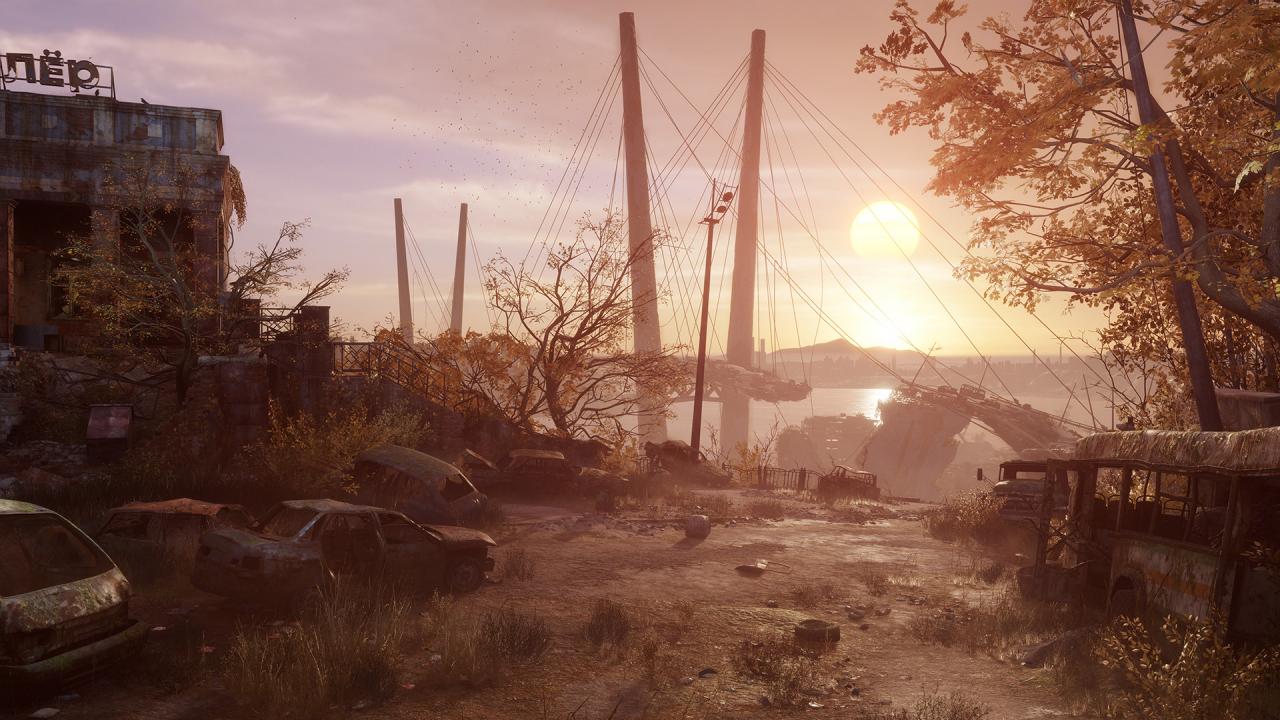
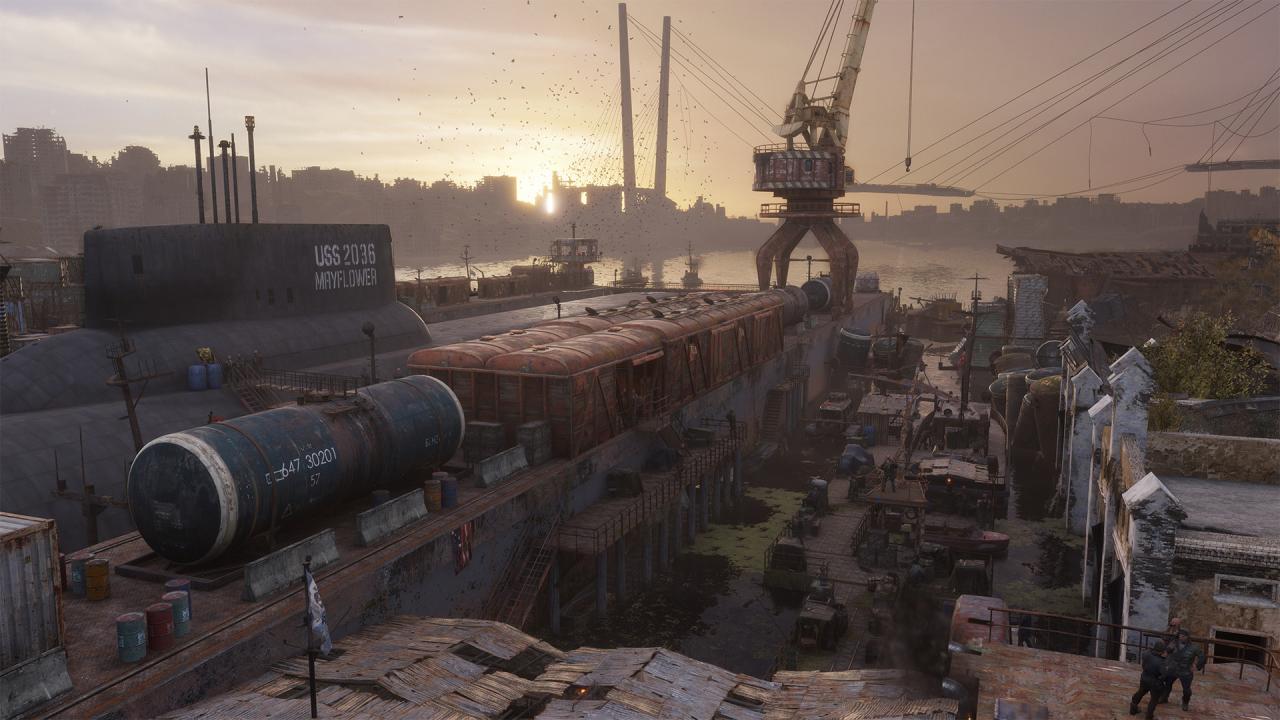
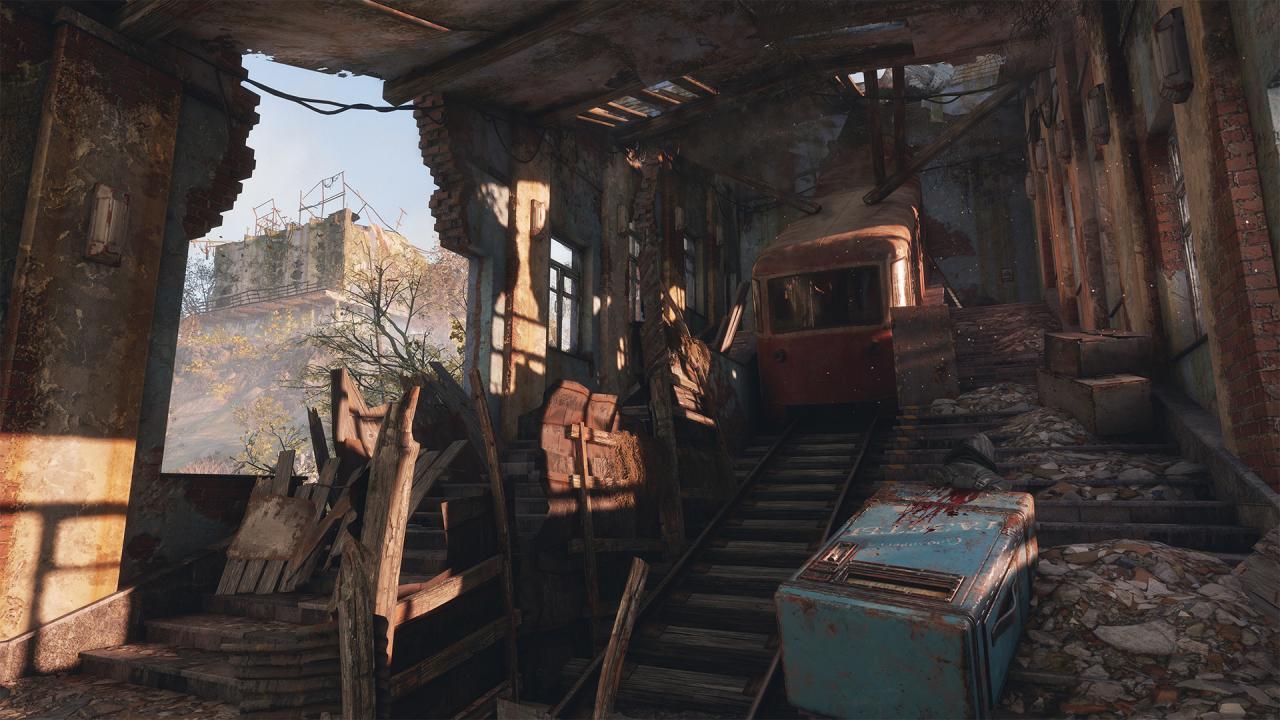
Sam, a US marine at the Moscow embassy before the bombs were dropped, has long dreamed of returning to his homeland, and maybe finding his family alive. The prospect seemed impossible in the darkened tunnels of the Metro, but when the Spartans discovered that Moscow was not the only city left alive after the war, holding out hope didn’t feel so foolish anymore.Sam makes his way away from the Aurora in search of a way back to the USA, arriving at the remains of Vladivostok’s tsunami ravaged harbours, ruined industrial buildings, and crumbling residential districts. To complete his journey, Sam will discover that he needs every tactic he has learned so far to survive, as his surroundings prove to be far trickier than expected.Players will forge Sam's path through the sandbox survival landscape of Vladivostok, as they take a brand new journey across the wasteland of post-apocalyptic Russia.

Metro Exodus - Sam's Story DLC screenshotMetro Exodus - Sam's Story DLC screenshotMetro Exodus - Sam's Story DLC screenshotMetro Exodus - Sam's Story DLC screenshotMetro Exodus - Sam's Story DLC screenshot

How to redeem

  1. 1Check the required base game, platform and edition before purchasing.
  2. 2Find the code or supplier activation instructions in your confirmed order.
  3. 3Redeem on Steam using the supplied instructions, then install the add-on with the compatible base game.

Supplier instructions

Go to: http://store.steampowered.com/ and download STEAM client Click "Install Steam" (from the upper right corner) Install and start application, login with your Account name and Password (create one if you don't have). Please follow these instructions to activate a new retail purchase on Steam: Launch Steam and log into your Steam account. Click the Games Menu. Choose Activate a Product on Steam... Follow the onscreen instructions to complete the process. After successful code verification go to the "MY GAMES" tab and start downloading.

You might also like