Get 10% back in Relic Coins on every order
Total War: THREE KINGDOMS - Reign of Blood DLC cover

SteamGlobal· DLC

Total War: THREE KINGDOMS - Reign of Blood DLC

€3.89

+€0.39 cashback eligibility in Relic Coins

Check before you play

Platform
Steam
Region
Global
Product type
DLC

Check the required base game and edition before purchasing this add-on.

Developer
CREATIVE ASSEMBLY
Publisher
SEGA
Supplier release date
2019-06-27
Genres
Action, Strategy

About this product

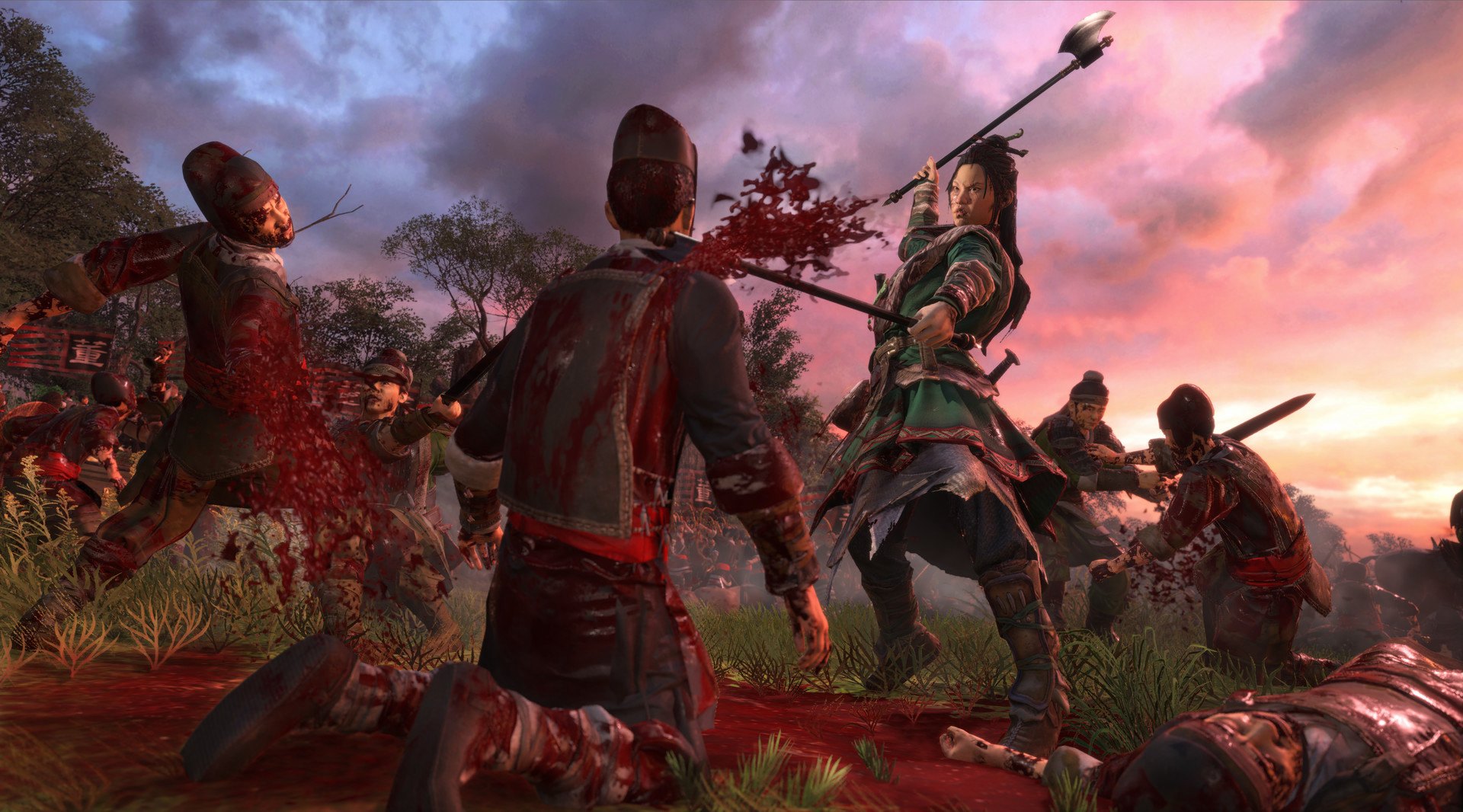
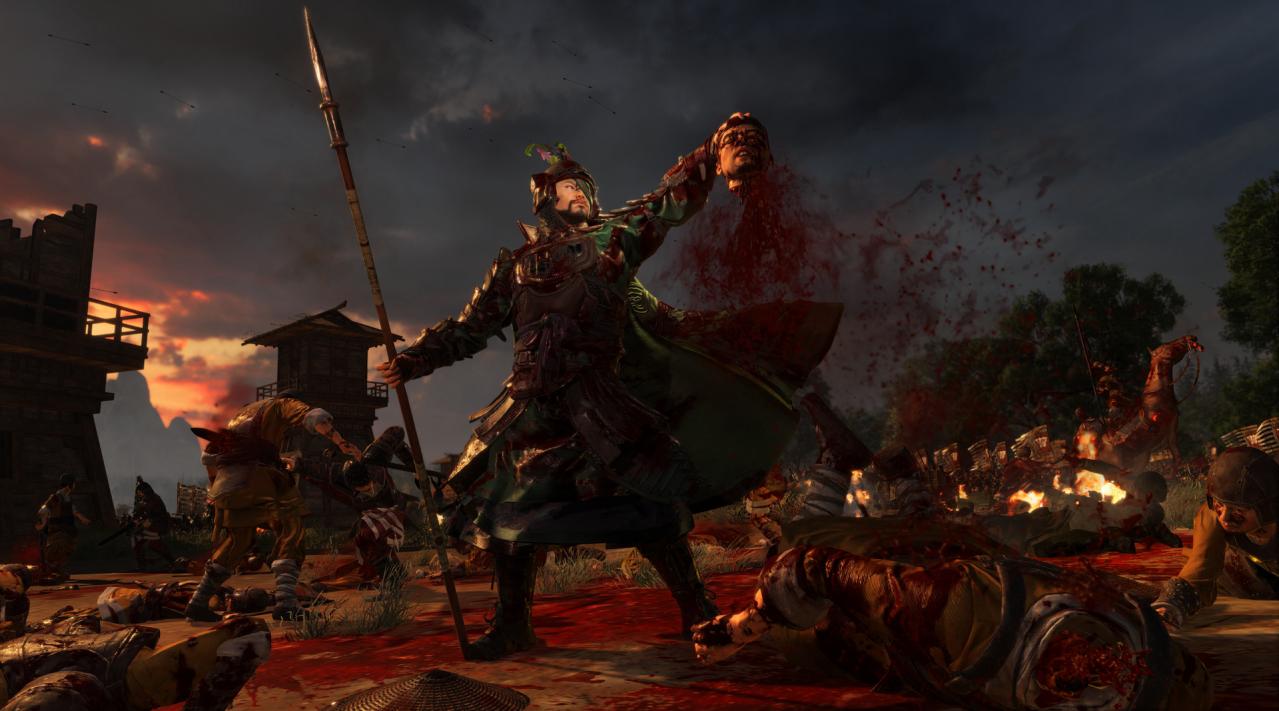
Experience the battlefields of ancient China in gruesome detail with the Reign of Blood Effects Pack for Total War: THREE KINGDOMS. This pack introduces a number of new gory and mature-rated effects, animations and kill-moves to the game in both Campaign and Battle. Once installed, these effects can be activated in the graphics settings of Total War: THREE KINGDOMS.Campaign effects New campaign event-pictures depicting blood and gore New blood effects for battle-resolution combat animations between characters Battle effects Human dismemberment: limb-lops and beheadings Equine dismemberment: leg lops Charred bodies Blood sprays on weapon impacts New death animations for characters vs infantry Dead bodies as battlefield set-dressing Blood scaler: increase or decrease the level of gore to your tastes Please note that, depending on your country of residence, the Reign of Blood Effects Pack may raise the age-rating of the main game.

Total War: THREE KINGDOMS - Reign of Blood DLC screenshotTotal War: THREE KINGDOMS - Reign of Blood DLC screenshotTotal War: THREE KINGDOMS - Reign of Blood DLC screenshotTotal War: THREE KINGDOMS - Reign of Blood DLC screenshot

How to redeem

  1. 1Check the required base game, platform and edition before purchasing.
  2. 2Find the code or supplier activation instructions in your confirmed order.
  3. 3Redeem on Steam using the supplied instructions, then install the add-on with the compatible base game.

Supplier instructions

Go to: http://store.steampowered.com/ and download STEAM client Click "Install Steam" (from the upper right corner) Install and start application, login with your Account name and Password (create one if you don't have). Please follow these instructions to activate a new retail purchase on Steam: Launch Steam and log into your Steam account. Click the Games Menu. Choose Activate a Product on Steam... Follow the onscreen instructions to complete the process. After successful code verification go to the "MY GAMES" tab and start downloading.

You might also like