
SteamGlobal· Key
Roboball
€0.58
+€0.06 cashback eligibility in Relic Coins
Check before you play
- Platform
- Steam
- Region
- Global
- Product type
- Key
- Developer
- PS Games
- Publisher
- PS Games
- Supplier release date
- 2018-11-16
- Genres
- Adventure, Indie
SteamGlobal· Key
€0.58
+€0.06 cashback eligibility in Relic Coins
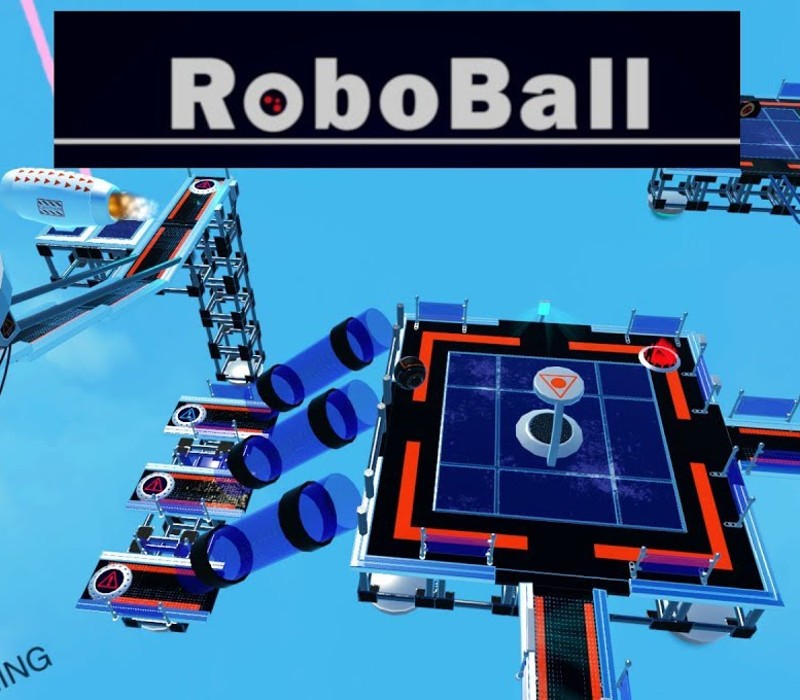
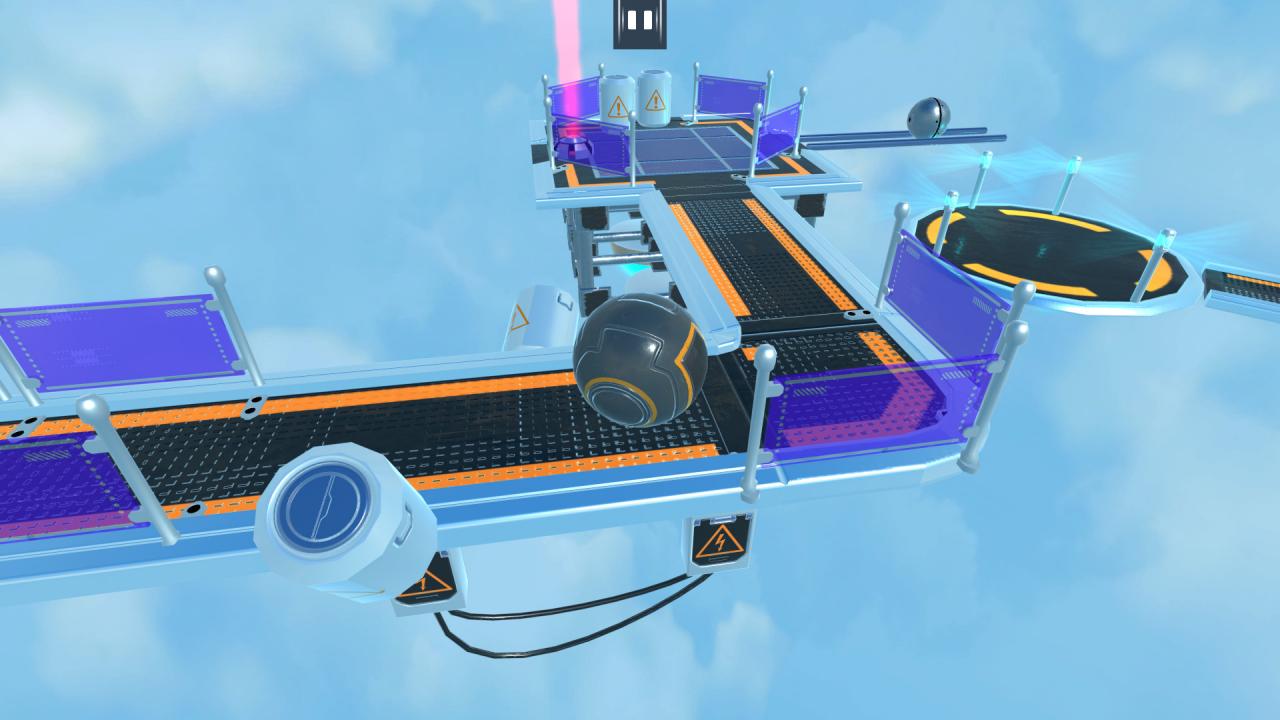
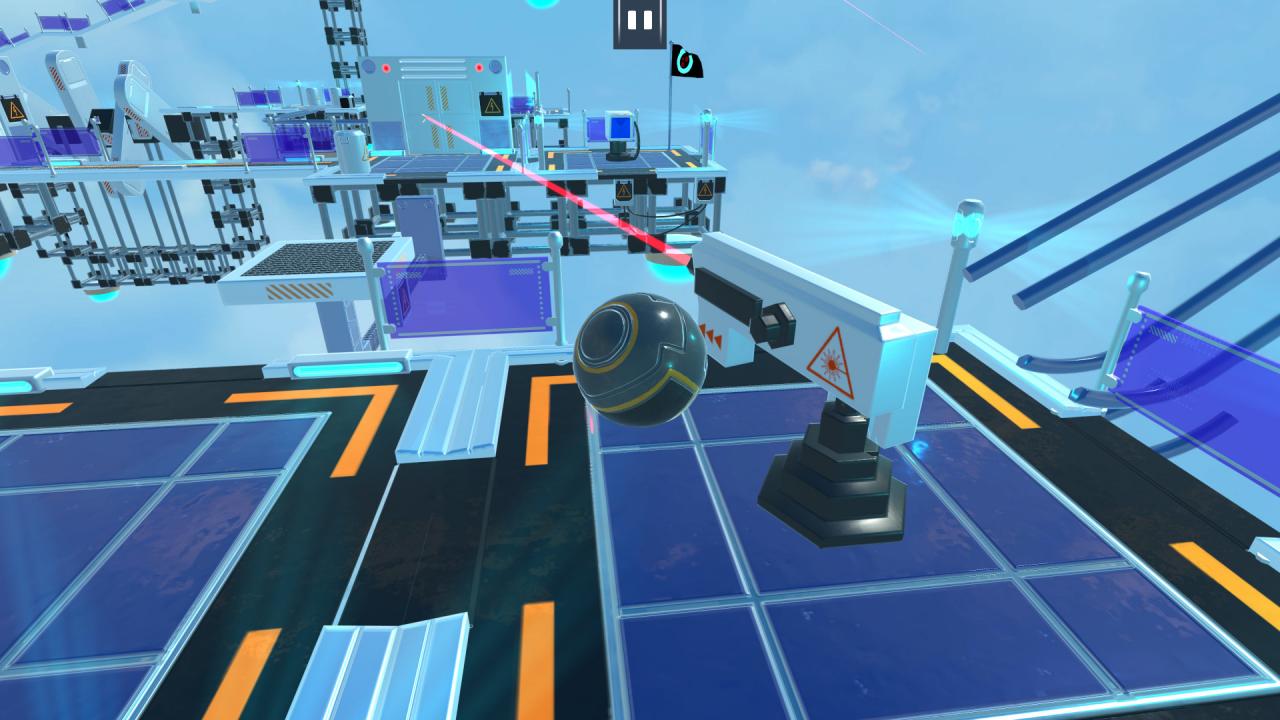
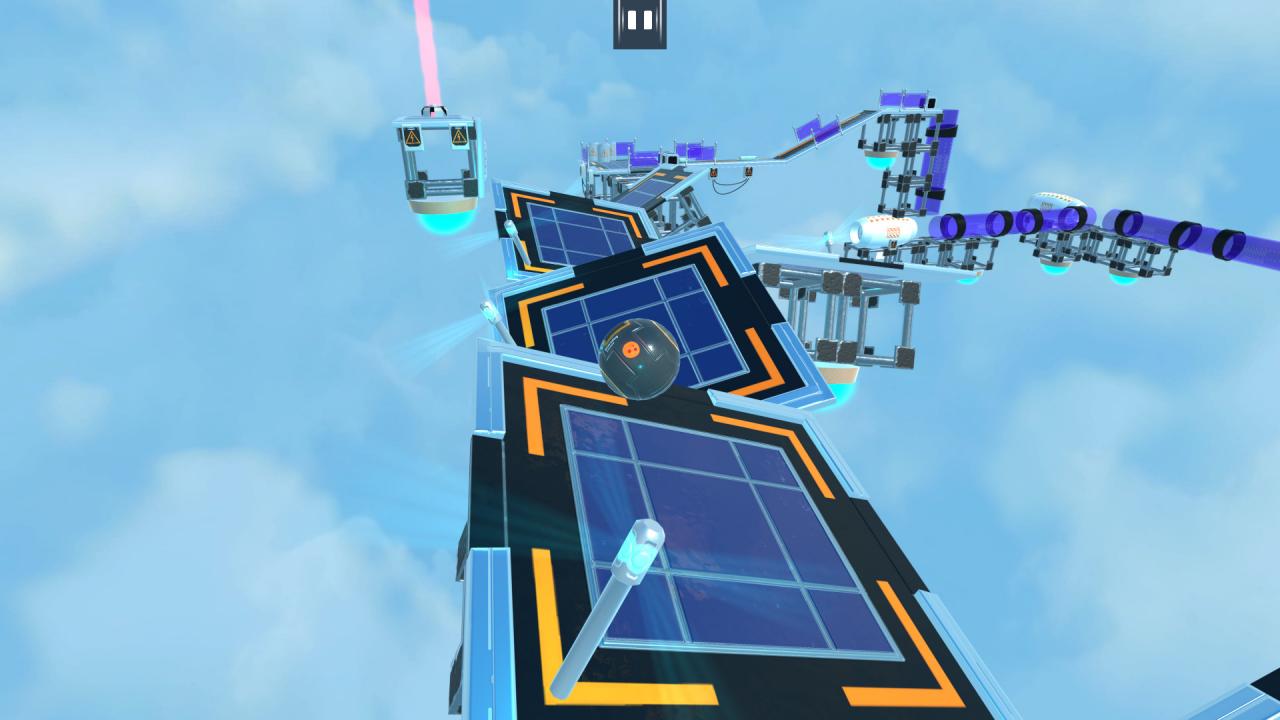
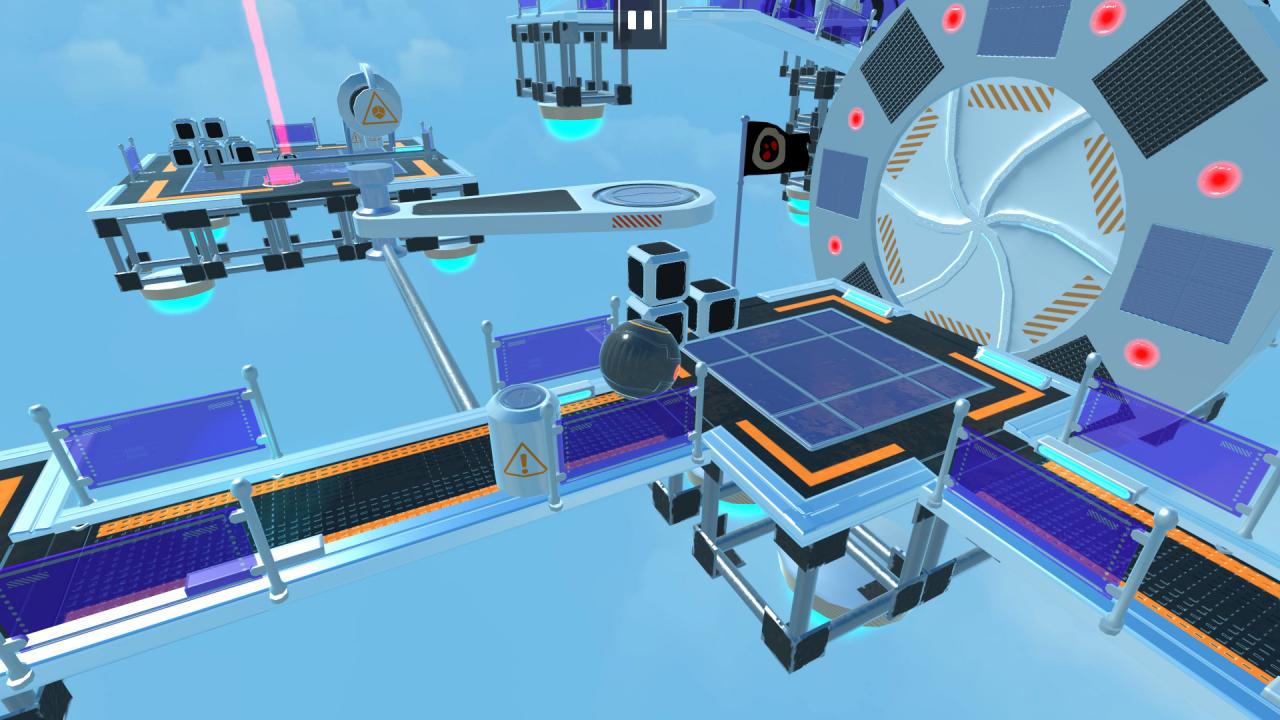
RoboBall is a game in which you control a ball-shaped robot and solve physics- and logic-based puzzles. Your goal is to control various mechanisms in order to reach the end of the level, where you will find a teleporter that will take you to the next level. PuzzlesOn every stage you will find a large number of different mechanisms, buttons, laser switches, and doors. To open a door, start an elevator, or simply activate a certain mechanism, you will need to activate a button. Sometimes you can't do it by yourself and will need some help from metal balls, barrels, or crates. But don't forget that they might also need your help to perform certain actions. WorkshopRoboBall has a level editor that is very flexible and packed with functionality. All of the levels in the game were created using this editor. Place static objects such as zones, paths, glass tubes, and metal tracks. Active objects perform various functions. These include doors, elevators, and machines that create metal balls, crates, or barrels. Buttons deserve special attention. You can use them to open or close doors, activate elevators, or deactivate turbines that are preventing you or any other physical object from advancing. There are two different kinds of buttons in the game: switches, which activate the objects they are linked to and then turn them off again when pressed a second time, and triggers, which activate objects as long as you or another physical object remains on top of them. When the object leaves the trigger, the objects linked to the button are deactivated.Once you've created a level you can publish it in the workshop. You can also play other players' levels.


Go to: http://store.steampowered.com/ and download STEAM client Click "Install Steam" (from the upper right corner) Install and start application, login with your Account name and Password (create one if you don't have). Please follow these instructions to activate a new retail purchase on Steam: Launch Steam and log into your Steam account. Click the Games Menu. Choose Activate a Product on Steam... Follow the onscreen instructions to complete the process. After successful code verification go to the "MY GAMES" tab and start downloading.