Get 10% back in Relic Coins on every order
Steel Division 2 - History Pass DLC cover

SteamGlobal· DLC

Steel Division 2 - History Pass DLC

€11.24

+€1.12 cashback eligibility in Relic Coins

Check before you play

Platform
Steam
Region
Global
Product type
DLC

Check the required base game and edition before purchasing this add-on.

Developer
Eugen Systems
Publisher
Eugen Systems
Supplier release date
2019-06-20
Genres
Strategy, Indie, Co-op

About this product

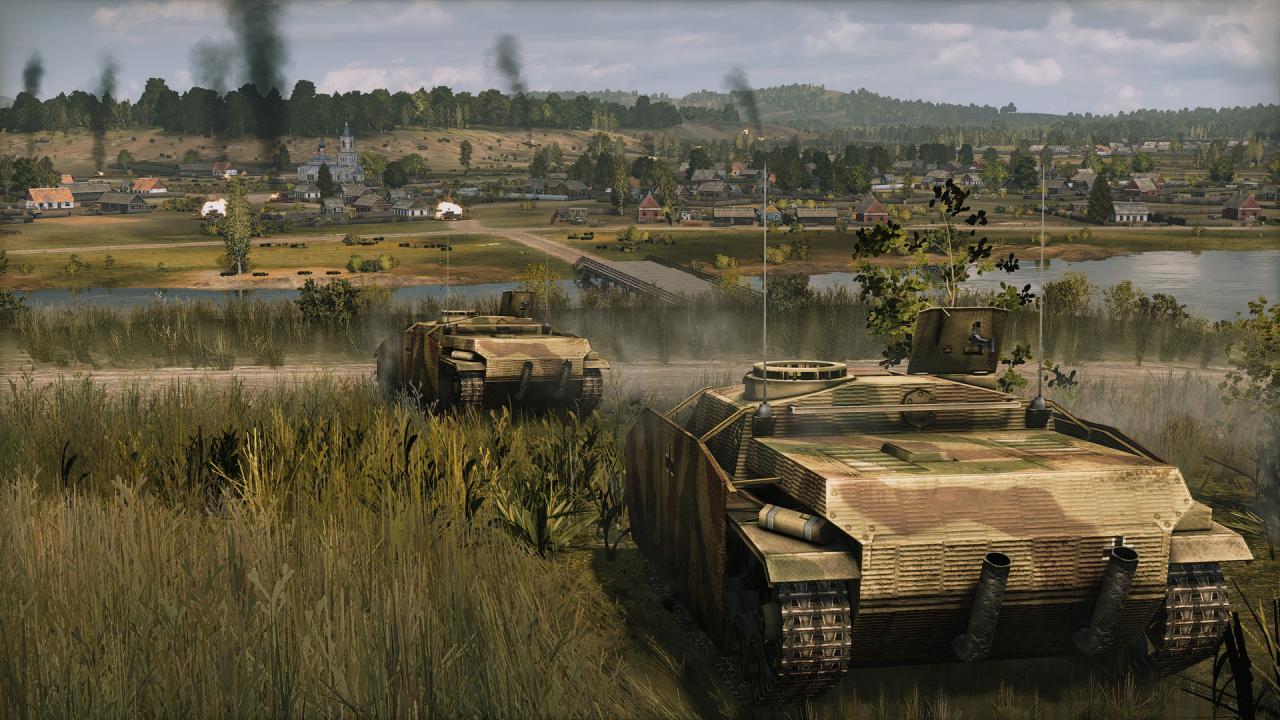
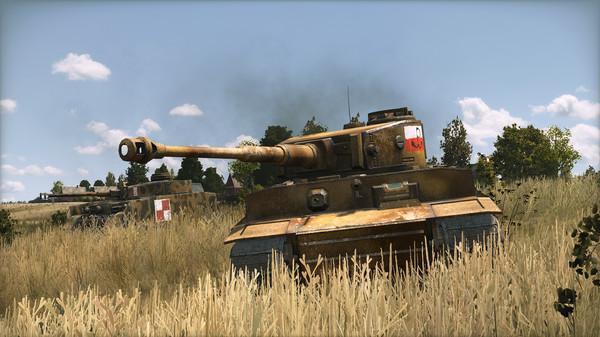
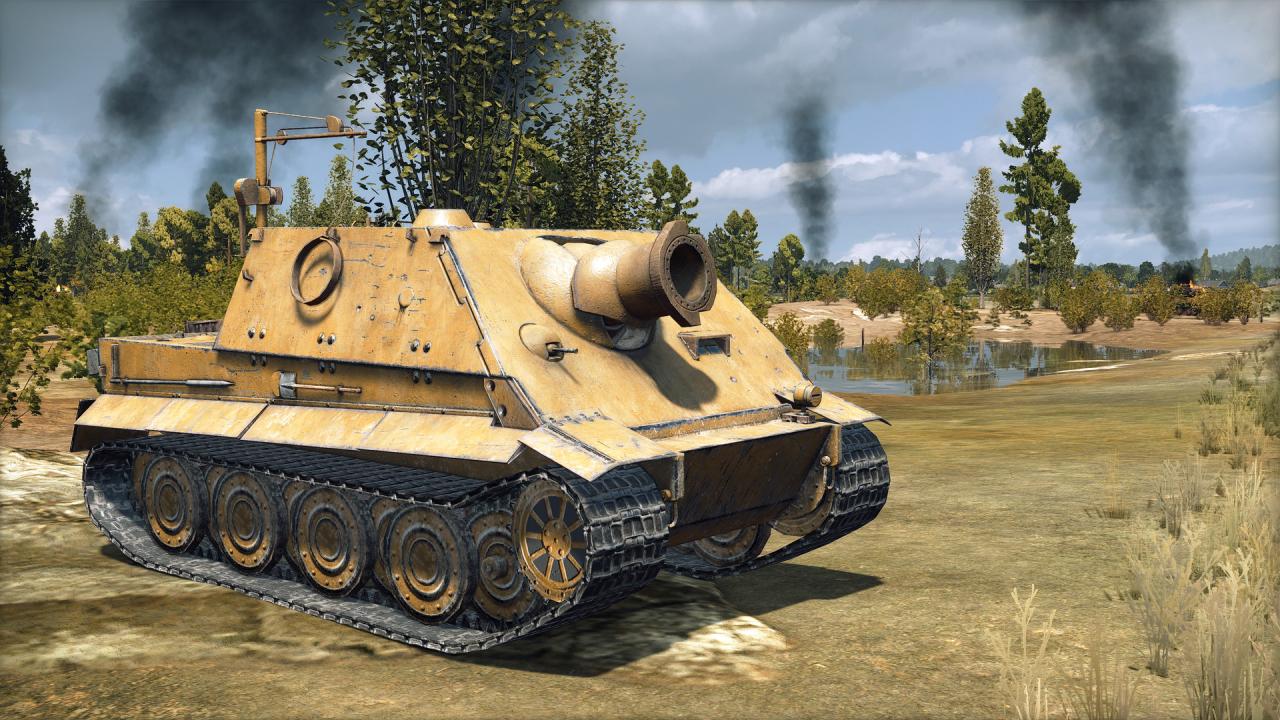
Includes: Steel Division 2 - History Pass (DLC) Expand Steel Division 2’s History through 3 additional DLC featuring famous campaigns, divisions, nations and units! Releasing during the year following the game’s release, these History Packs feature: 3 Dynamic Strategic Campaigns Historical missions, playable in solo and coop 12 Divisions New nations 6 new Aces New units 30 camos The first Steel Division 2 DLC: Death on the Vistula is included in this History Pass. Explore more History through 3 gigantic exciting Dynamic Strategic Campaigns, featuring new nations & hundreds of new battalions to lead to victory in the highly-replayable Turn-based Army General mode.Extend your tactical possibilities with 12 new historically-accurate Divisions and dozens of never-seen-before, highly-detailed units! Customize your troops with 30 gorgeous camos and field one of the 6 new available aces! Play in solo or in coop mode in the new Historical Missions picturing real-life tactical operations!

Steel Division 2 - History Pass DLC screenshotSteel Division 2 - History Pass DLC screenshotSteel Division 2 - History Pass DLC screenshotSteel Division 2 - History Pass DLC screenshotSteel Division 2 - History Pass DLC screenshotSteel Division 2 - History Pass DLC screenshot

How to redeem

  1. 1Check the required base game, platform and edition before purchasing.
  2. 2Find the code or supplier activation instructions in your confirmed order.
  3. 3Redeem on Steam using the supplied instructions, then install the add-on with the compatible base game.

Supplier instructions

Go to: http://store.steampowered.com/ and download STEAM client Click "Install Steam" (from the upper right corner) Install and start application, login with your Account name and Password (create one if you don't have). Please follow these instructions to activate a new retail purchase on Steam: Launch Steam and log into your Steam account. Click the Games Menu. Choose Activate a Product on Steam... Follow the onscreen instructions to complete the process. After successful code verification go to the "MY GAMES" tab and start downloading.

You might also like