

SteamGlobal· Key
Flotilla
€4.83
+€0.48 cashback eligibility in Relic Coins
Check before you play
- Platform
- Steam
- Region
- Global
- Product type
- Key
- Developer
- Blendo Games
- Publisher
- Blendo Games
- Genres
- Adventure, Strategy, Indie
SteamGlobal· Key
€4.83
+€0.48 cashback eligibility in Relic Coins
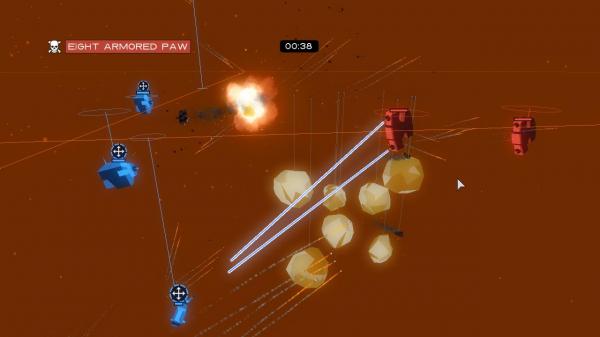
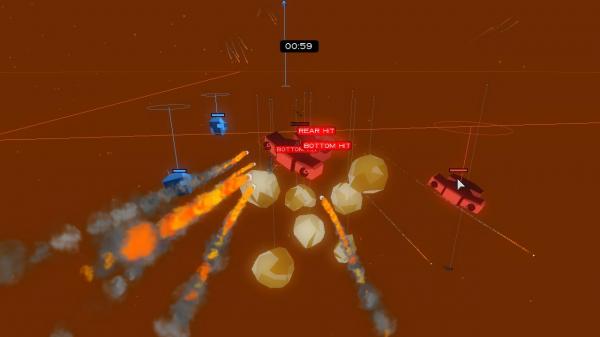
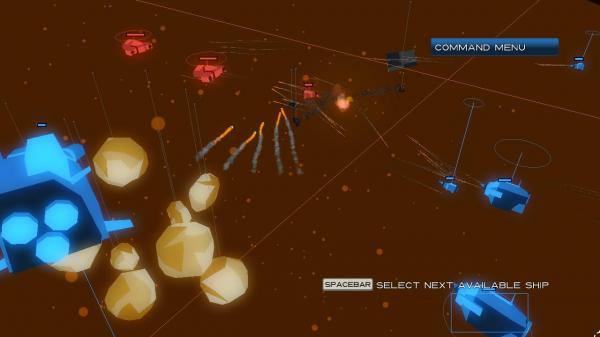
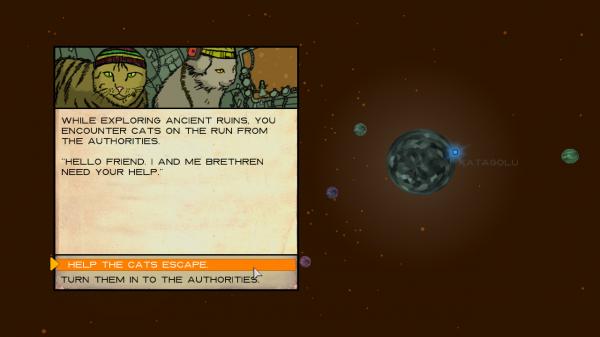
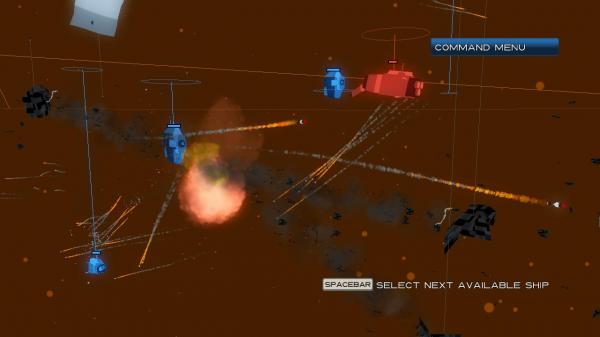
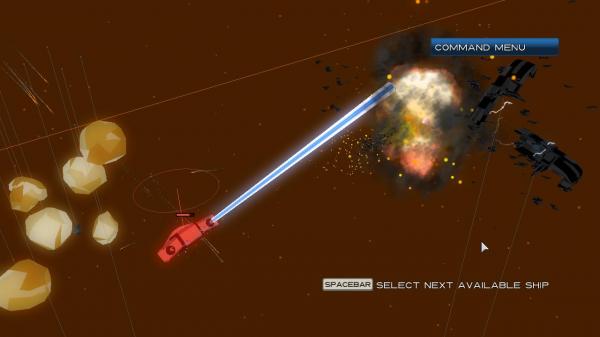
Flotilla Steam Key Platform: Steam Languages: English Release Date: 29 Mar 2010 Product Description Lead your orbital battleships to victory in Flotilla! Fight, trade, and explore new planets in your journey through the galaxy. Discover upgrades and artifacts to install on your fleet ships, and engage in battle with bounty hunters and pirate space-chickens. Featuring tactically rich 3D combat, flank and surprise the enemy from any direction. And when the dust settles, generate another uniquely randomized universe for a brand-spanking new adventure! Features No adventure is the same: Whenever you begin an adventure, the universe is randomly populated with characters, upgrades, and encounters. There is no "up" in space: Explore the tactical richness of full 3D movement. Watch your angles and flank the enemy from all directions. Configure your fleet: Find loot throughout your adventures, and install upgrades and artifacts to your flotilla of ships. Play with a friend: Grab a buddy and play through the adventure cooperatively in splitscreen. Blow up your friend: In the Skirmish Mode, set up custom fleets and battle human or computer-controlled enemies. System Requirements Operating system: Windows 2000/XP/Vista/7 Processor: 1GHz Memory: 1GB Hard disk space: 80MB Video: DirectX-compatible, Shader Model 1.1 Sound: DirectX-compatible DirectX®: 9.0
Go to: http://store.steampowered.com/ and download STEAM client Click "Install Steam" (from the upper right corner) Install and start application, login with your Account name and Password (create one if you don't have). Please follow these instructions to activate a new retail purchase on Steam: Launch Steam and log into your Steam account. Click the Games Menu. Choose Activate a Product on Steam... Follow the onscreen instructions to complete the process. After successful code verification go to the "MY GAMES" tab and start downloading.