Get 10% back in Relic Coins on every order
Intake cover

SteamGlobal· Key

Intake

€0.93

+€0.09 cashback eligibility in Relic Coins

Check before you play

Platform
Steam
Region
Global
Product type
Key
Developer
Cipher Prime Studios
Publisher
Cipher Prime Studios
Supplier release date
2013-11-05
Genres
Action, Indie, Music / Soundtrack

About this product

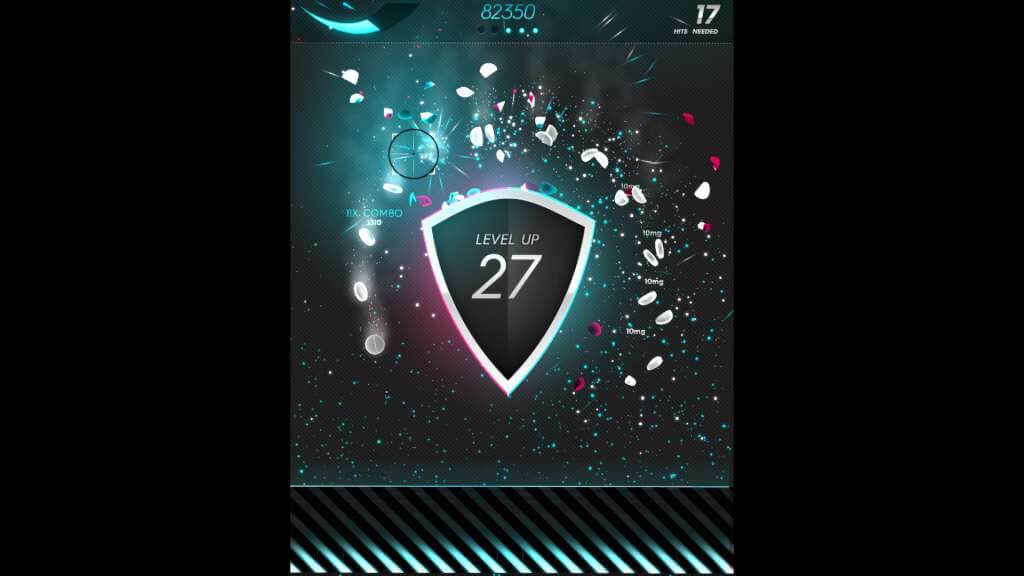
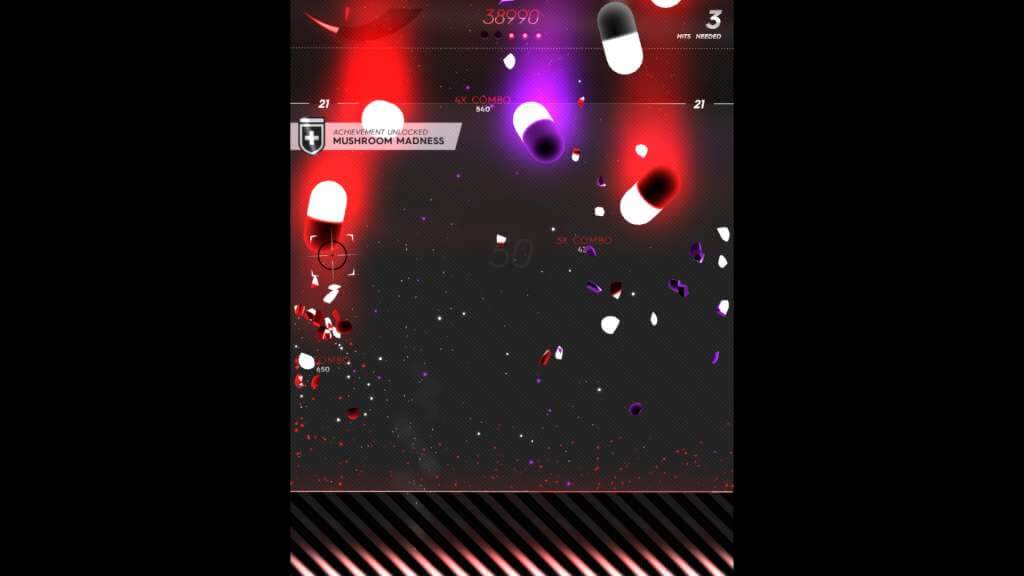
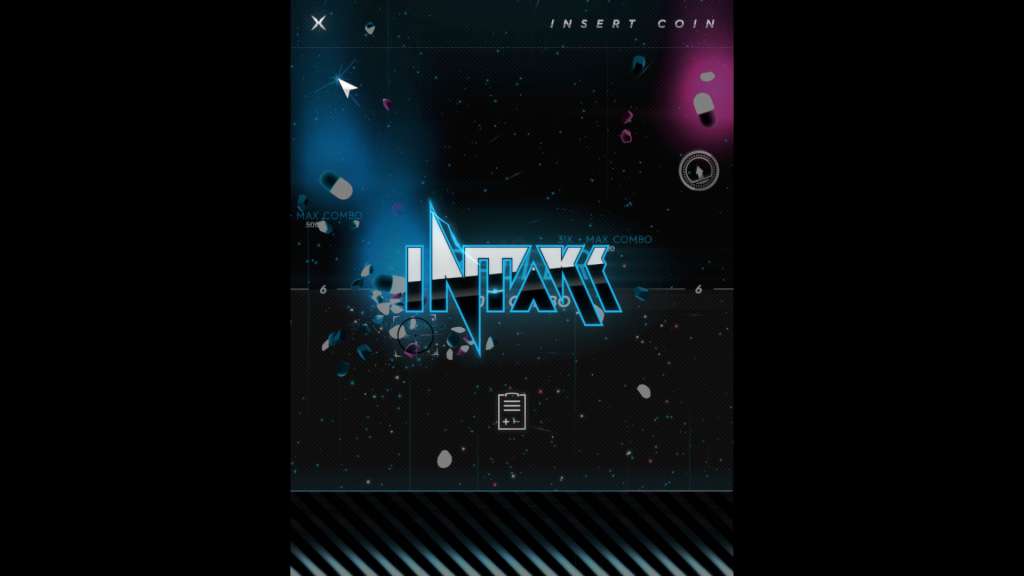
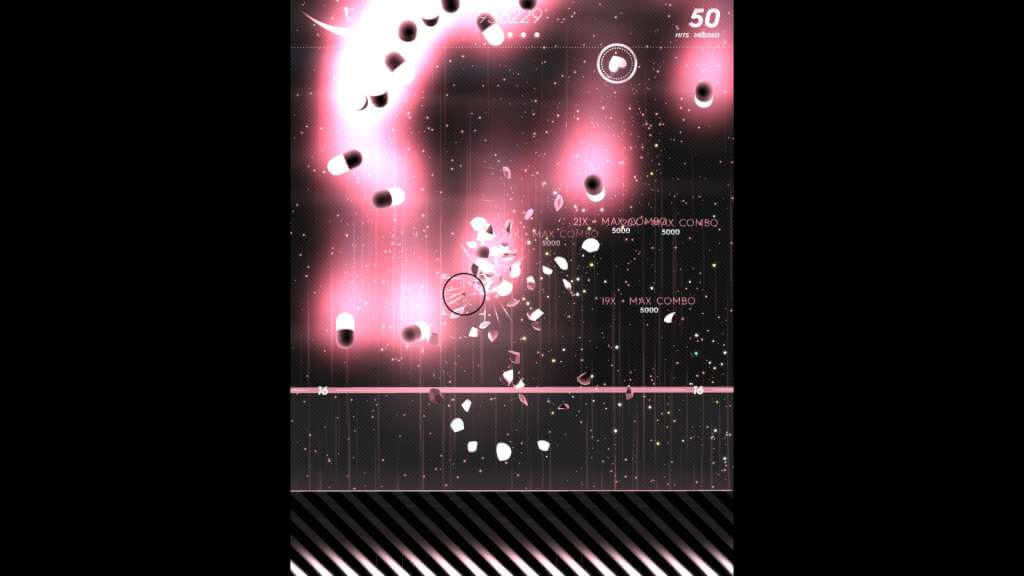
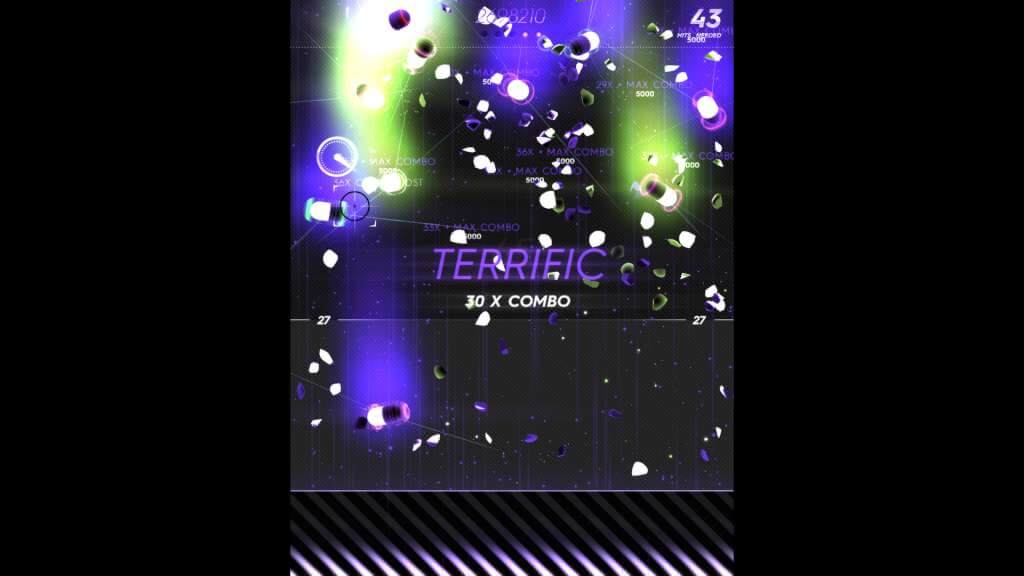
Intake is the new retro-futuristic drugstep arcade shooter from Cipher Prime. In this polychromatic love child of Dr. Mario and Ikaruga, you battle a never-ending barrage of pills, pushing your skill and reflexes to the limit to avoid a lethal dosage. Blast and combo your way through an epic cascade of audiovisual mayhem so intoxicating it comes with its own warning label. Features Classic Arcade Shooter: From its aspect ratio to its fast-paced game play, Intake is directly inspired by classic arcade shooters and SHMUPs with just a hint of FPS love. Achievements: Over 70 finely tuned achievements that will teach even the most hardcore player new tricks. These are not your typical progress-only achievements. High Scoreboard and Game Stats: Keep track of your high scores and decimate your friends. Challenge Modes: Acceleration, Minefield, Reaction, and Flood modes will challenge every aspect of how you play. Gameplay Changing Features: Grab vitamins while you play and trade them in for intense game upgrades. You can even turn the game into a SHMUP if you show your skills. Dubstep Soundtrack: Infinite wubs. Classy ones. Colorblind Modes: Intake offers colorblind modes for players with deuteranopia, protanopia, and tritanopia. Full Steam Support

Intake screenshotIntake screenshotIntake screenshotIntake screenshotIntake screenshot

How to redeem

  1. 1Check your Steam account and the listed region before purchasing.
  2. 2Find your code and supplier activation instructions in your confirmed order.
  3. 3Open the redeem-code section on Steam, enter the code and follow the platform’s prompts.

Supplier instructions

Go to: http://store.steampowered.com/ and download STEAM client Click "Install Steam" (from the upper right corner) Install and start application, login with your Account name and Password (create one if you don't have). Please follow these instructions to activate a new retail purchase on Steam: Launch Steam and log into your Steam account. Click the Games Menu. Choose Activate a Product on Steam... Follow the onscreen instructions to complete the process. After successful code verification go to the "MY GAMES" tab and start downloading.

You might also like