Get 10% back in Relic Coins on every order
PUBG - Survivor Pass 7: Cold Front DLC cover

SteamGlobal· DLC

PUBG - Survivor Pass 7: Cold Front DLC

€9.44

+€0.94 cashback eligibility in Relic Coins

Check before you play

Platform
Steam
Region
Global
Product type
DLC

Check the required base game and edition before purchasing this add-on.

Developer
PUBG Corp
Publisher
Bluehole Studio
Supplier release date
2020-04-22
Genres
Action, Adventure, MMO

About this product

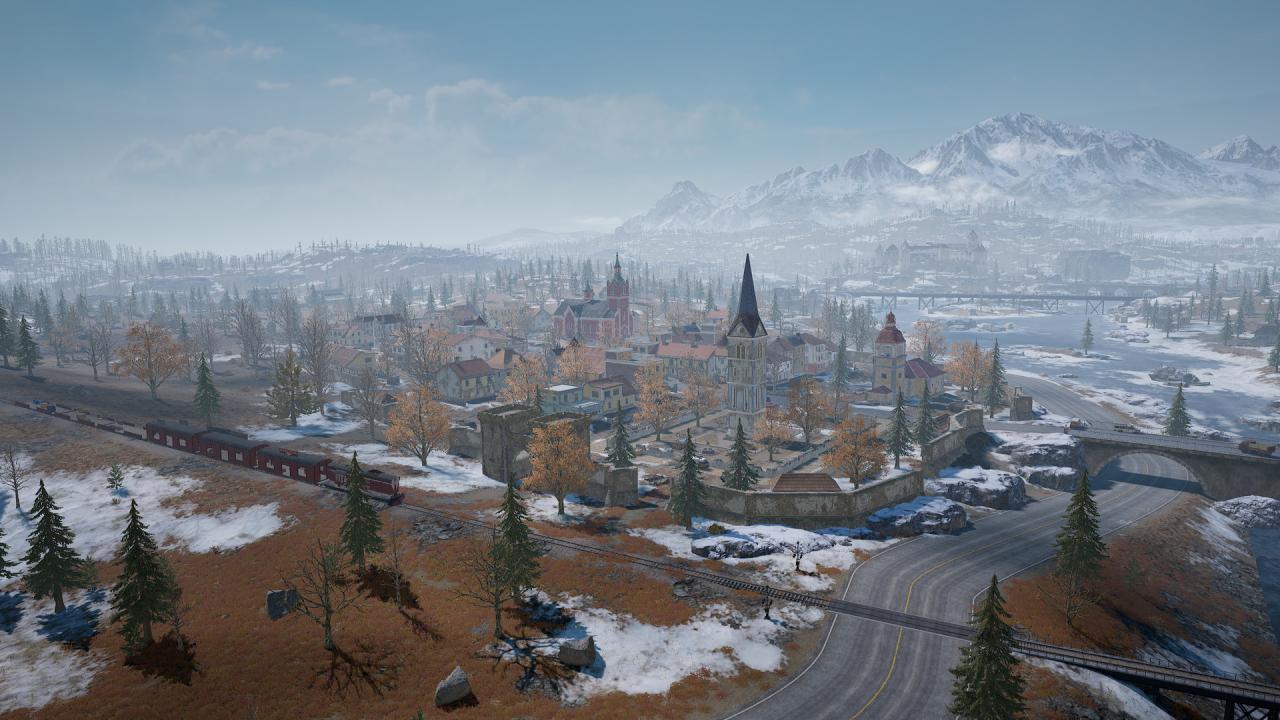
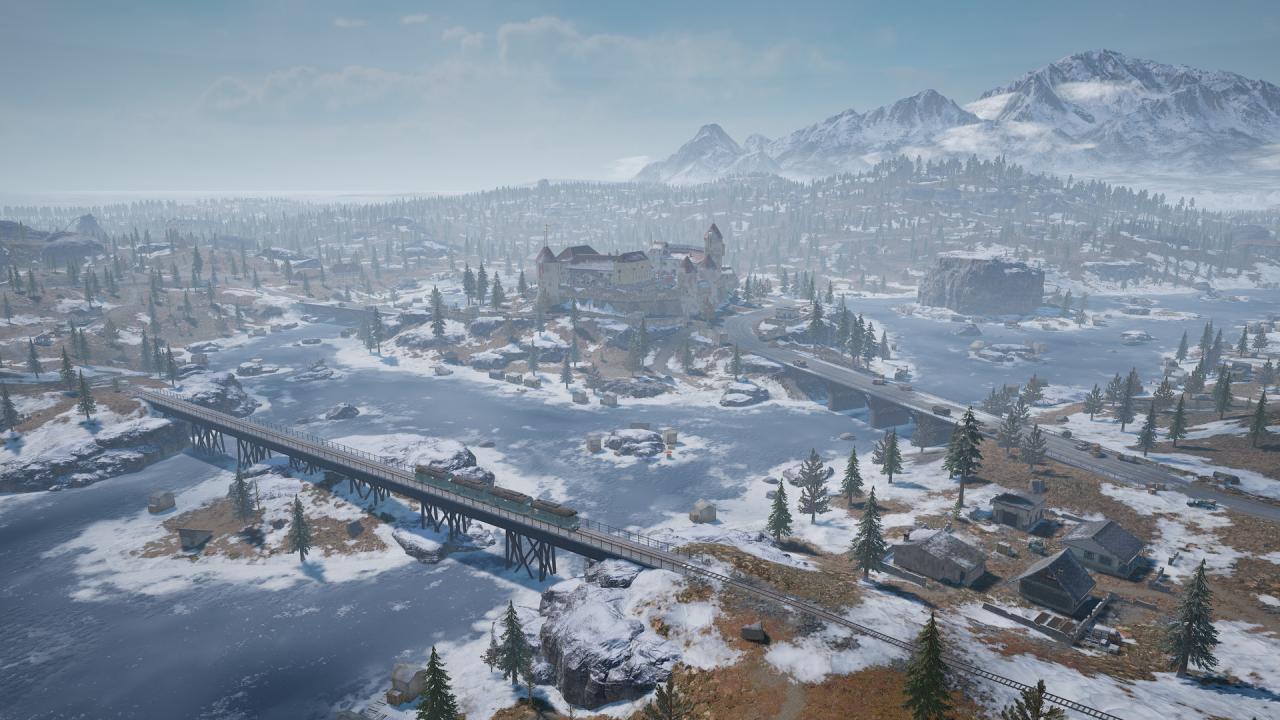
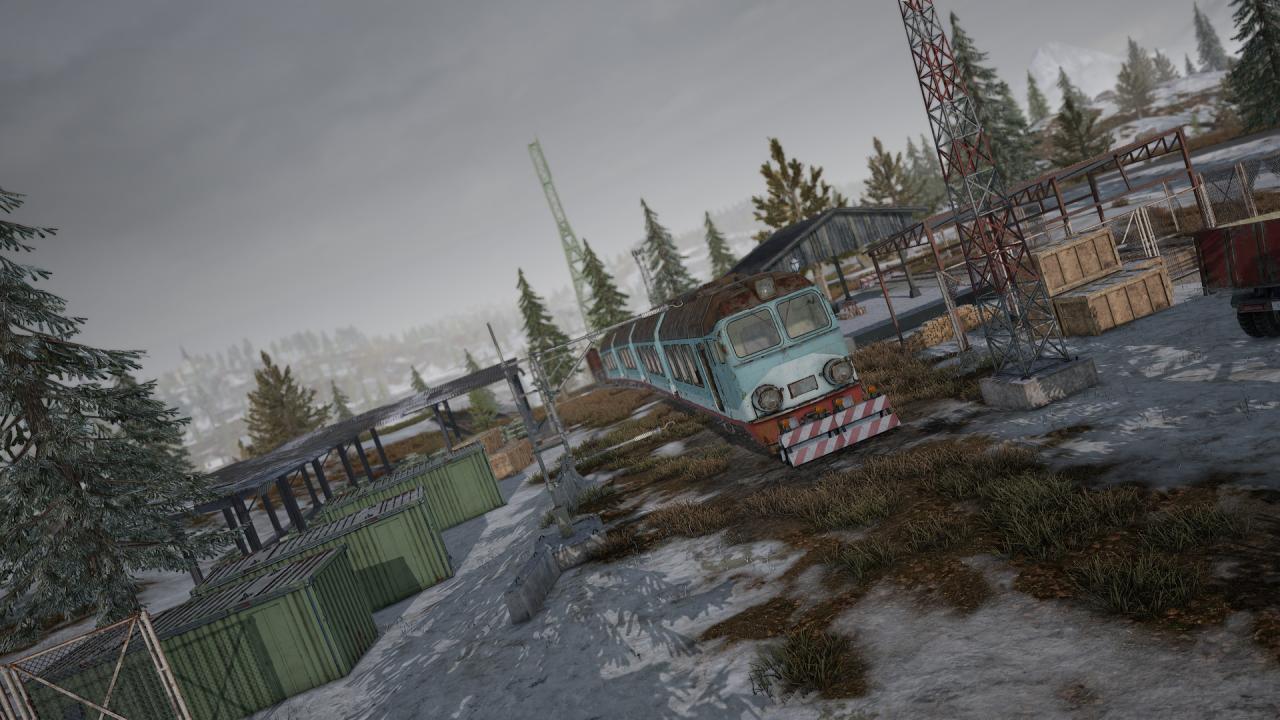
Vikendi was once the property and legacy of the illustrious Lindh family, who poured themselves into creating a worthy travel destination. Sadly, poor financial management, family troubles, and an incident involving Dinoland's beloved costumed staff member, Alex the T-Rex, being run over by a train, all led to the park's decline. Clearly this was not the sort of extinction the park wanted to exhibit. You can take home a piece of Vikendi's past with Survivor Pass: Cold Front. From vintage Dinoland staff uniforms and mascot costumes to Lindh family heirlooms, there's plenty to unlock on the frosty island.

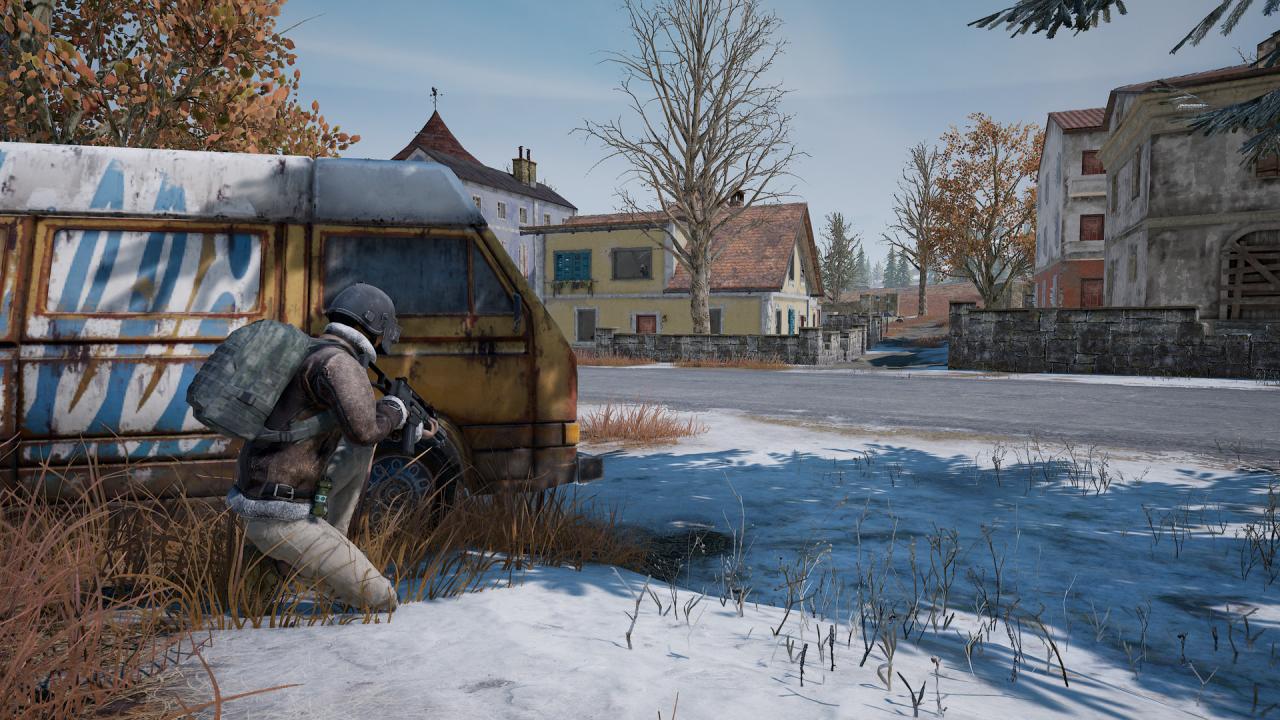
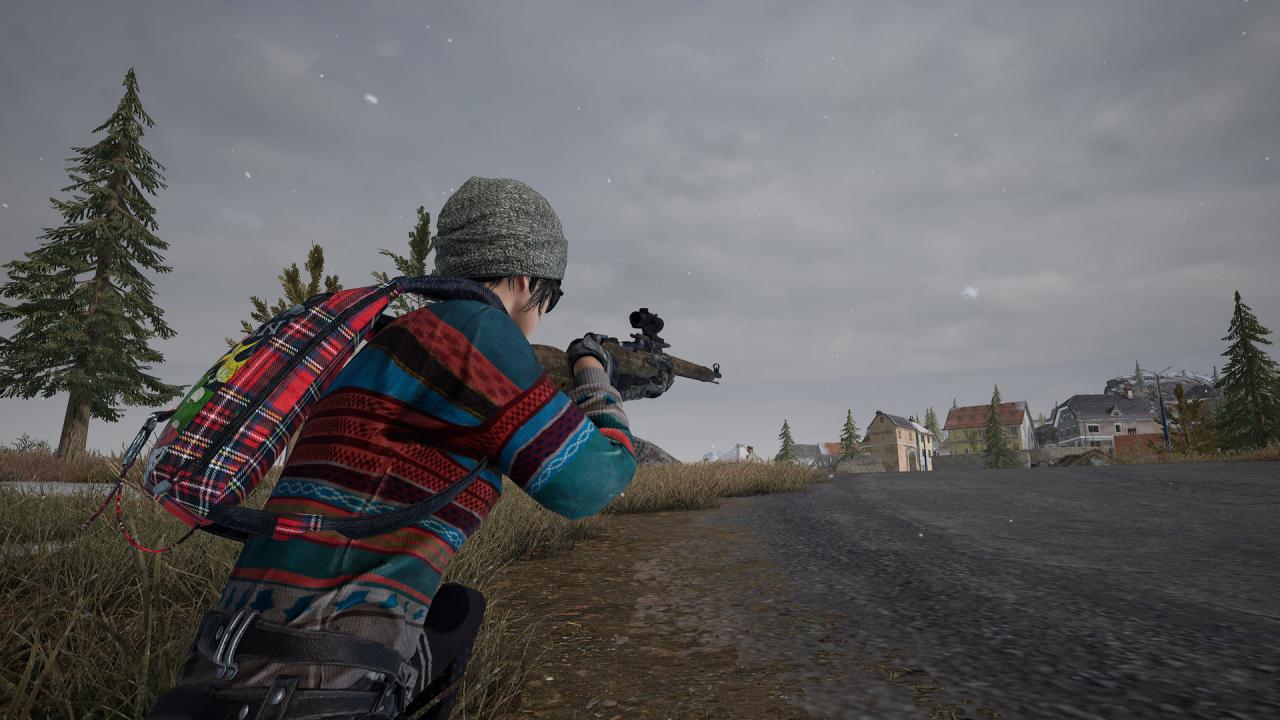
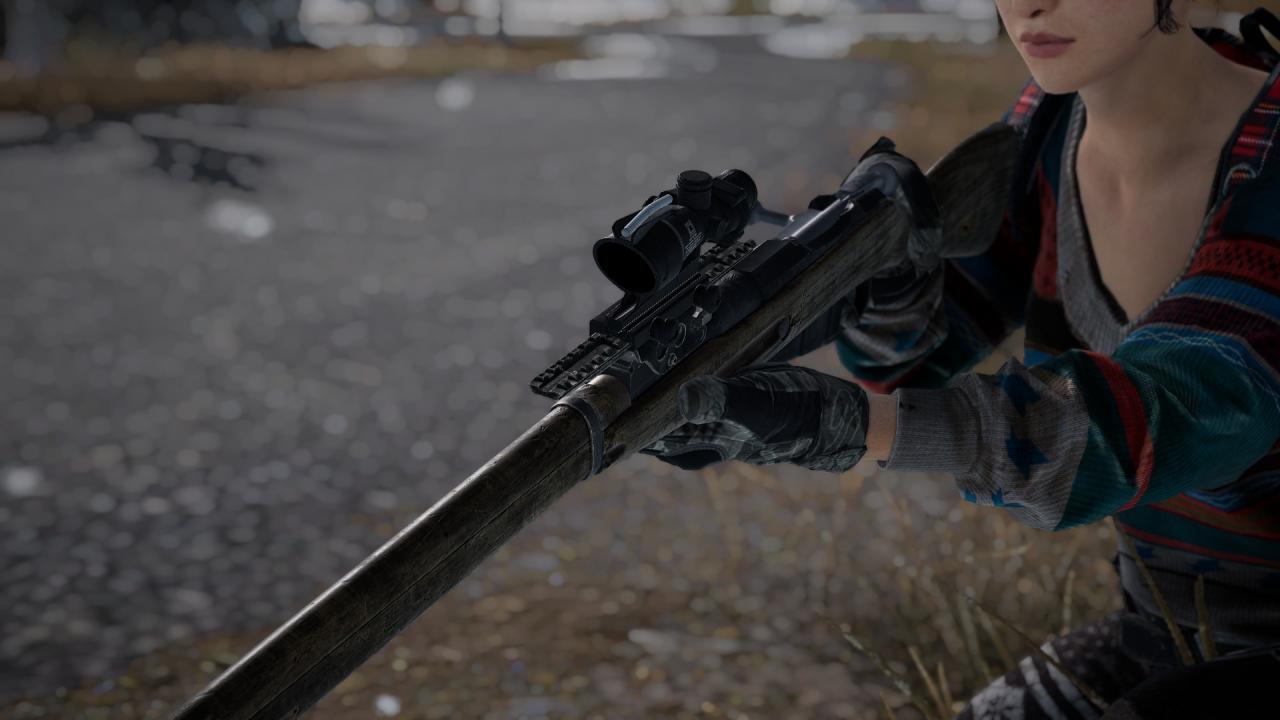
PUBG - Survivor Pass 7: Cold Front DLC screenshotPUBG - Survivor Pass 7: Cold Front DLC screenshotPUBG - Survivor Pass 7: Cold Front DLC screenshotPUBG - Survivor Pass 7: Cold Front DLC screenshotPUBG - Survivor Pass 7: Cold Front DLC screenshotPUBG - Survivor Pass 7: Cold Front DLC screenshot

How to redeem

  1. 1Check the required base game, platform and edition before purchasing.
  2. 2Find the code or supplier activation instructions in your confirmed order.
  3. 3Redeem on Steam using the supplied instructions, then install the add-on with the compatible base game.

Supplier instructions

Go to: http://store.steampowered.com/ and download STEAM client Click "Install Steam" (from the upper right corner) Install and start application, login with your Account name and Password (create one if you don't have). Please follow these instructions to activate a new retail purchase on Steam: Launch Steam and log into your Steam account. Click the Games Menu. Choose Activate a Product on Steam... Follow the onscreen instructions to complete the process. After successful code verification go to the "MY GAMES" tab and start downloading.

You might also like