Get 10% back in Relic Coins on every order
Fantasy World Online Tycoon cover

SteamGlobal· Key

Fantasy World Online Tycoon

€3.91

+€0.39 cashback eligibility in Relic Coins

Check before you play

Platform
Steam
Region
Global
Product type
Key
Developer
Roberto Trasarti
Publisher
Roberto Trasarti
Supplier release date
2020-04-21
Genres
Strategy, RPG, Simulation, Indie

About this product

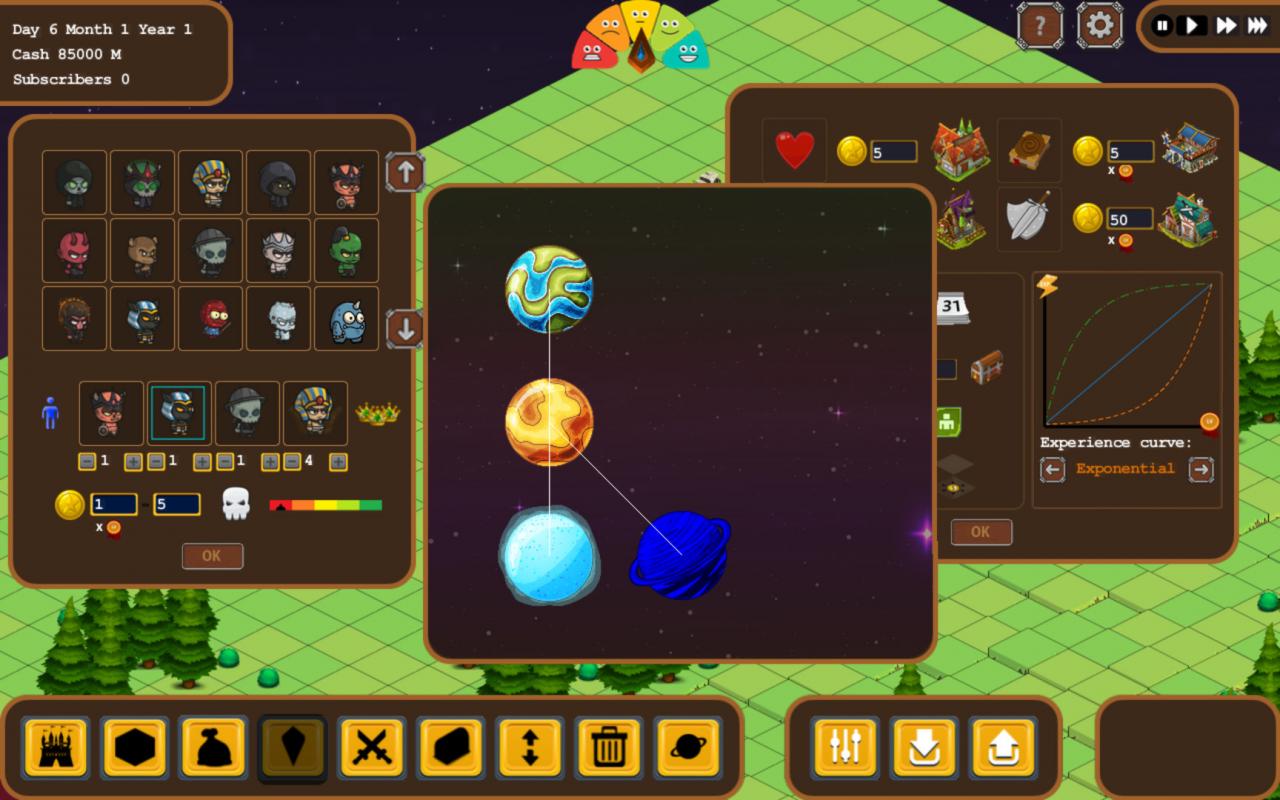
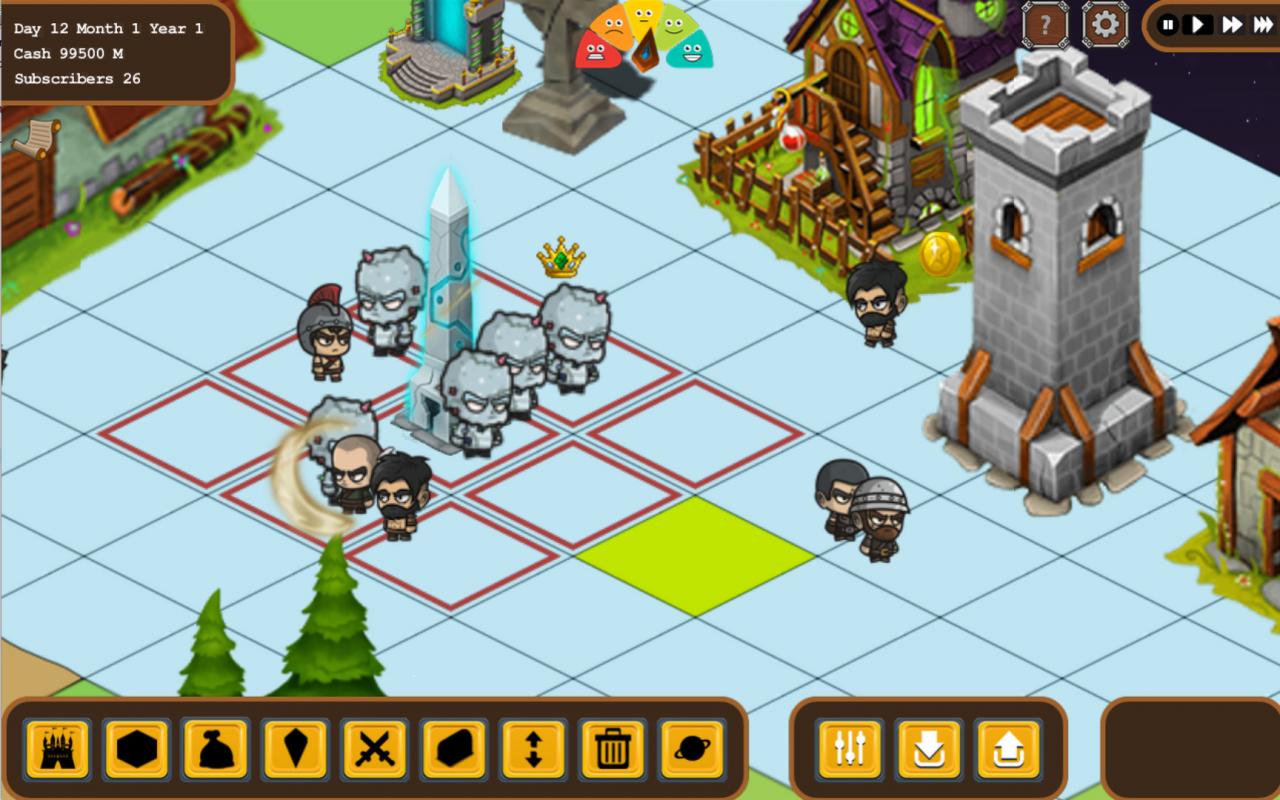
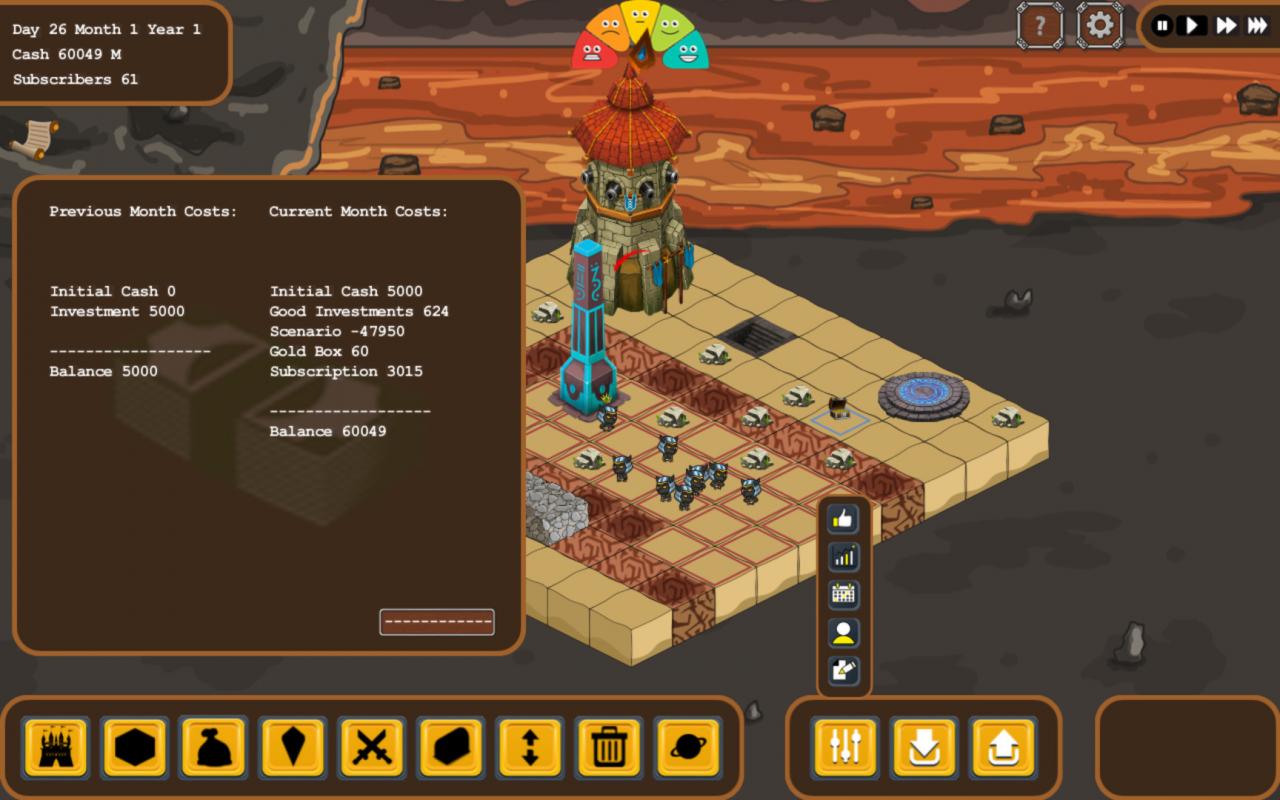
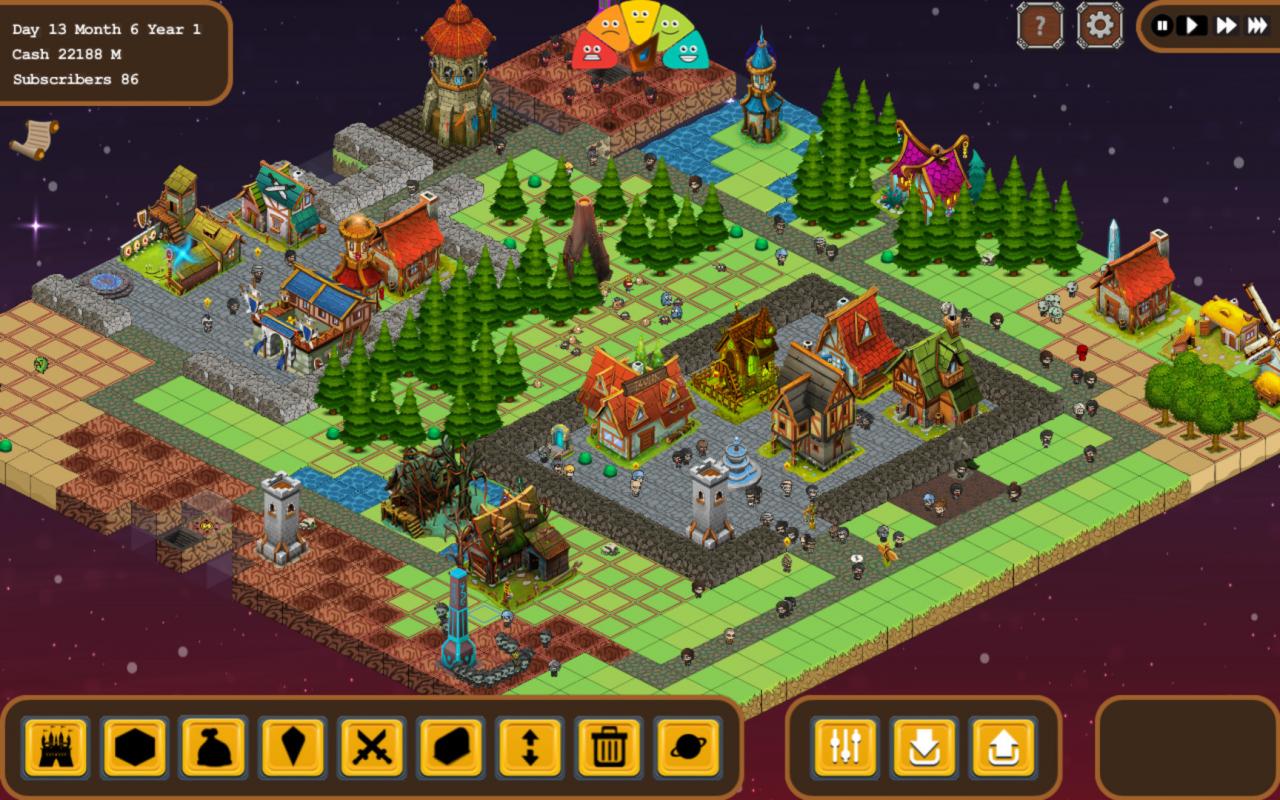
Ready to manage your Massive Multiplayer Online Role-Playing Game? This is your chance! Fantasy World Online Tycoon is a game which will let you build and control any aspect of a MMORPG. Build spawns of Monsters, select their level, their aspect, and the area where they will move, create Quests, decide their level, and rewards, build great Scenarios where your players will be amazed. Change the costs of Potions, Trainers for special abilities and Upgrade for their equipments to control the game Economy. Evolve your game creating different and new complete customizable areas and deep dungeons. Don't forget to manage your Company hiring specialists in research and development, Technology, Client support and Marketing! Face crisis for Bugs, Cyber Attacks and Server failures, don't let your users run away! You will start in a flat world randomly generate and few buildings in order to create the first section of you game. Be aware to make the experience of your players fun.... not too easy and not too hard, they will play using their small but smart AI, looking for monsters, treasure, exploring the map. The Players will grow up leveling in the game, and they will be able to select their preferred class between Mage, Warrior, Rogue and Cleric and you must provide them the right building in order to make them train their special abilities. See them becoming experts and unlock additional classes!

Fantasy World Online Tycoon screenshotFantasy World Online Tycoon screenshotFantasy World Online Tycoon screenshotFantasy World Online Tycoon screenshotFantasy World Online Tycoon screenshot

How to redeem

  1. 1Check your Steam account and the listed region before purchasing.
  2. 2Find your code and supplier activation instructions in your confirmed order.
  3. 3Open the redeem-code section on Steam, enter the code and follow the platform’s prompts.

Supplier instructions

Go to: http://store.steampowered.com/ and download STEAM client Click "Install Steam" (from the upper right corner) Install and start application, login with your Account name and Password (create one if you don't have). Please follow these instructions to activate a new retail purchase on Steam: Launch Steam and log into your Steam account. Click the Games Menu. Choose Activate a Product on Steam... Follow the onscreen instructions to complete the process. After successful code verification go to the "MY GAMES" tab and start downloading.

You might also like