Get 10% back in Relic Coins on every order
Wargame Red Dragon - Nation Pack: Netherlands DLC cover

SteamGlobal· DLC

Wargame Red Dragon - Nation Pack: Netherlands DLC

€2.68

+€0.27 cashback eligibility in Relic Coins

Check before you play

Platform
Steam
Region
Global
Product type
DLC

Check the required base game and edition before purchasing this add-on.

Developer
Sam Barlow
Publisher
Sam Barlow
Supplier release date
2016-05-19
Genres
Strategy

About this product

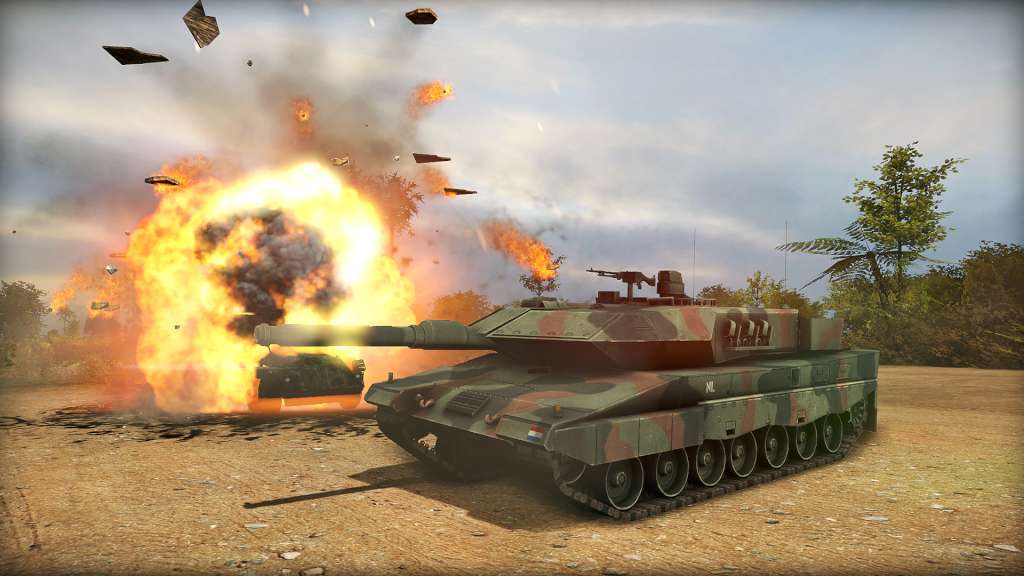
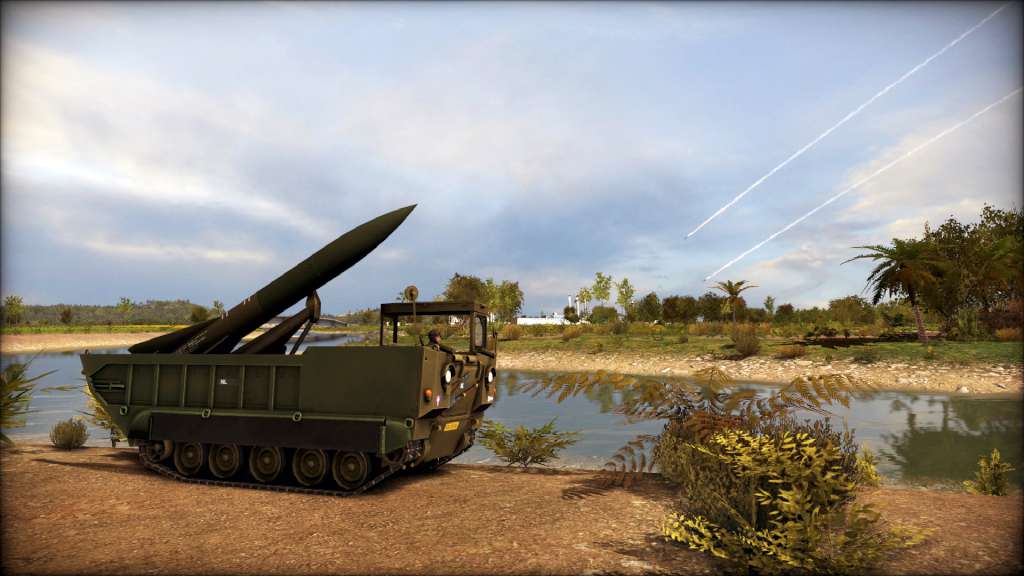
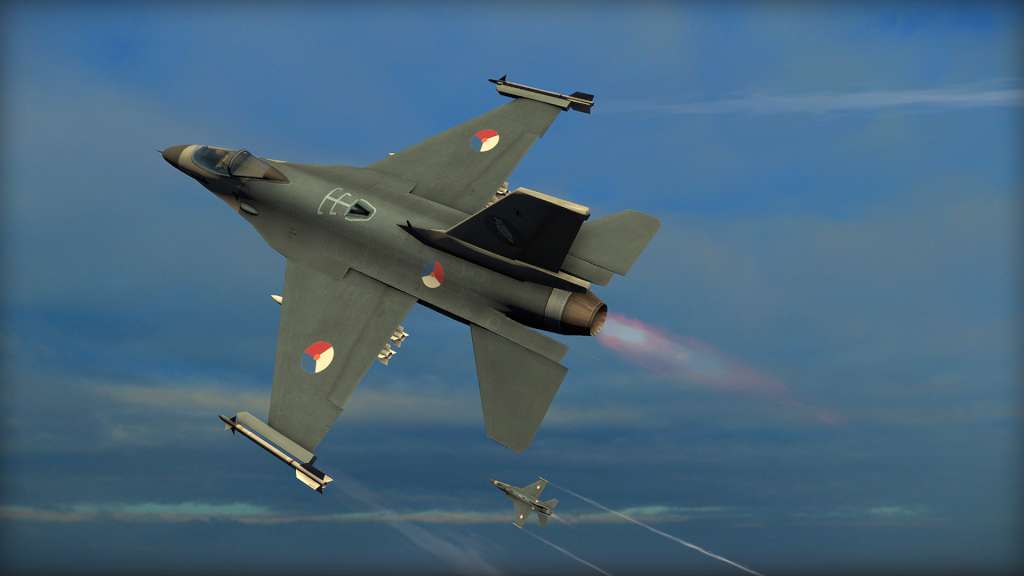
WARGAME RED DRAGON EXPANDS ARMIES IN A BRAND NEW DLC: THE NETHERLANDS Wargame is back again with a brand new DLC for the million-selling franchise’s third installment, Wargame Red Dragon. In this new expansion for the spectacular real-time strategy game from Eugen Systems, the unique and diverse Dutch units are finally playable! Choose between 80 units and enter into a coalition with West Germany. The Netherlands have a foundation of unique, indigenous, units such as the YP-408 and the YP-104 that are joined by the Korps Marinier and the Special Forces unit, KCT. Most nations buy foreign gear second hand and often obsolete, but the Netherlands has access to some of the best units that other countries have to offer like the Leopard 2 and the AH-64 Escort. Following their units are local variations of French, British, American and German units like the Cheetah, the YPR-765, and the AMX-13 / FL-12.

Wargame Red Dragon - Nation Pack: Netherlands DLC screenshotWargame Red Dragon - Nation Pack: Netherlands DLC screenshotWargame Red Dragon - Nation Pack: Netherlands DLC screenshotWargame Red Dragon - Nation Pack: Netherlands DLC screenshotWargame Red Dragon - Nation Pack: Netherlands DLC screenshot

How to redeem

  1. 1Check the required base game, platform and edition before purchasing.
  2. 2Find the code or supplier activation instructions in your confirmed order.
  3. 3Redeem on Steam using the supplied instructions, then install the add-on with the compatible base game.

Supplier instructions

Go to: http://store.steampowered.com/ and download STEAM client Click "Install Steam" (from the upper right corner) Install and start application, login with your Account name and Password (create one if you don't have). Please follow these instructions to activate a new retail purchase on Steam: Launch Steam and log into your Steam account. Click the Games Menu. Choose Activate a Product on Steam... Follow the onscreen instructions to complete the process. After successful code verification go to the "MY GAMES" tab and start downloading.

You might also like