Get 10% back in Relic Coins on every order
Planet Zoo - South America Pack DLC EMEA cover

Steam· DLC

Planet Zoo - South America Pack DLC EMEA

€4.39

+€0.44 cashback eligibility in Relic Coins

Check before you play

Platform
Steam
Product type
DLC

Check the required base game and edition before purchasing this add-on.

Developer
Frontier Developments
Publisher
Frontier Developments
Supplier release date
2020-04-07
Genres
Simulation, Strategy

About this product

Enrich your zoo with over 250 new scenery pieces inspired by the wonderfully diverse South American continent. Care for and learn about five unique new animals and craft Zoos with distinct foliage and architecture ranging from the lush greens of the Amazon basin to the heights of the Andean mountain range. 5

Amazing new animals

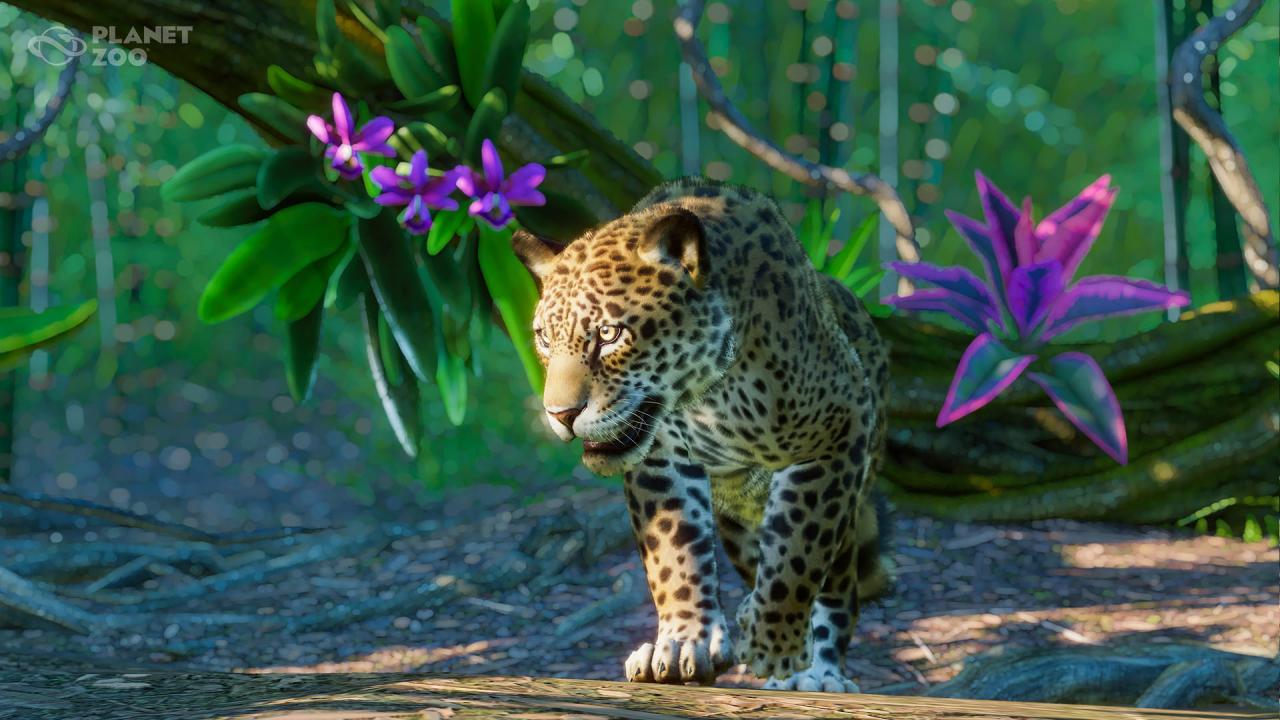
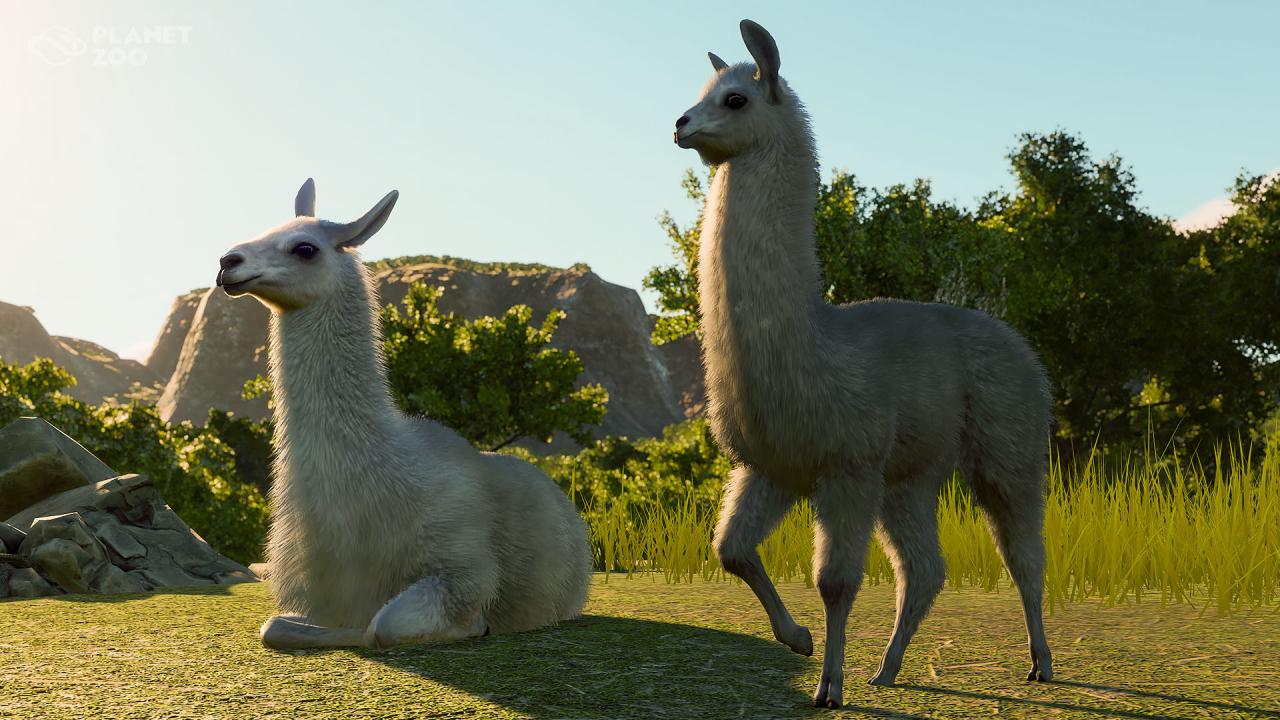
Welcome five iconic new animals from the South American region to your Zoos: the Jaguar, Llama, Capuchin Monkey,  Giant Anteater, and the Red-Eyed Tree Frog. Each of these animals comes with their own set of needs and habitat requirements, and it will be up to you to keep them healthy and happy in your parks.    OVER 250

New scenery pieces

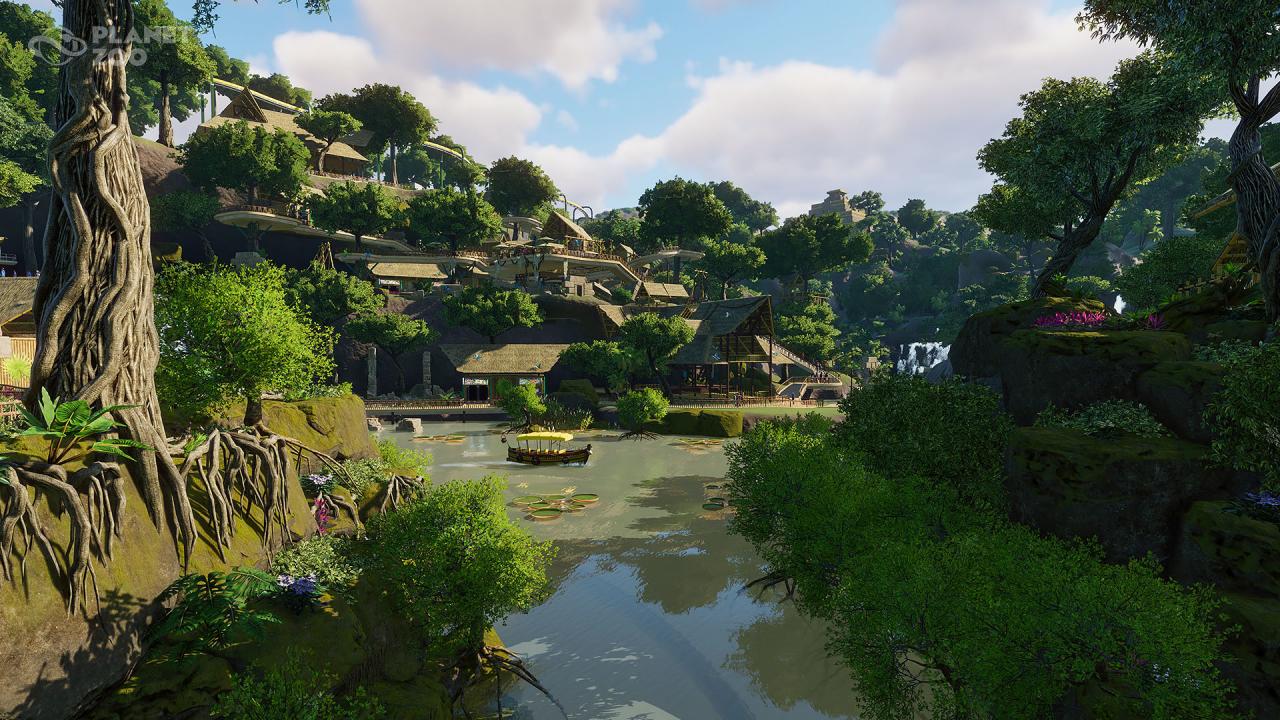
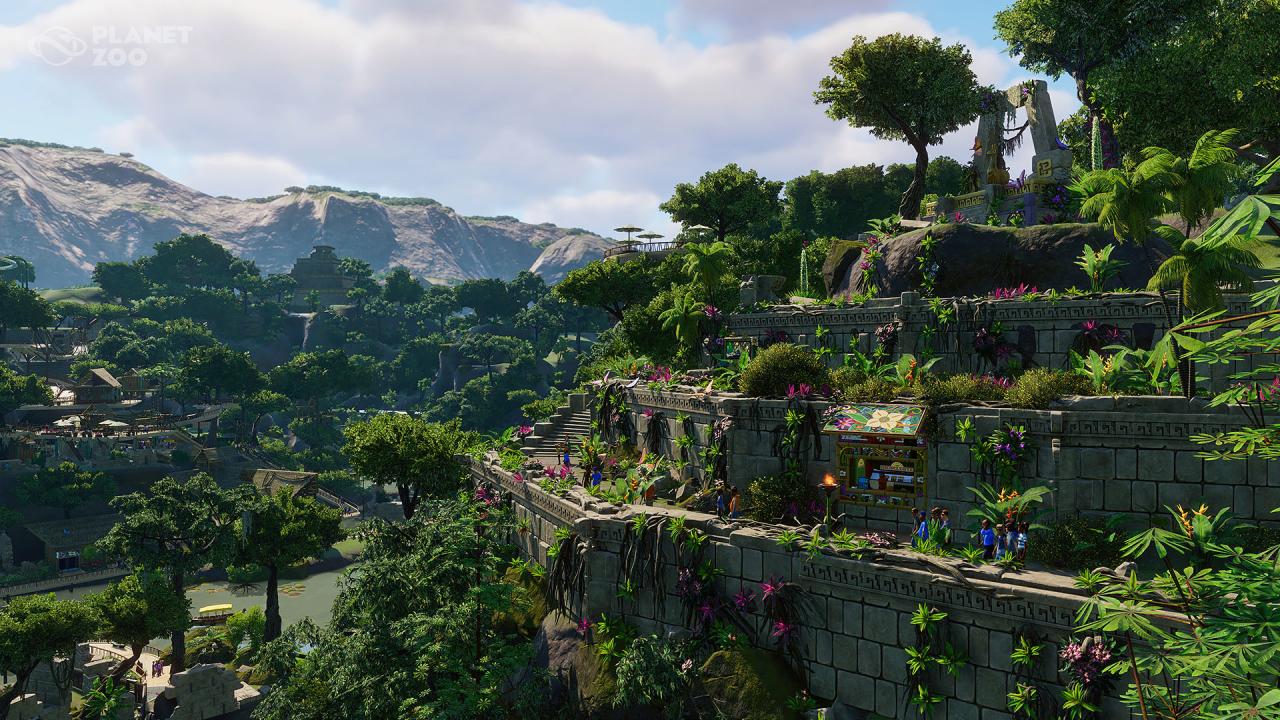
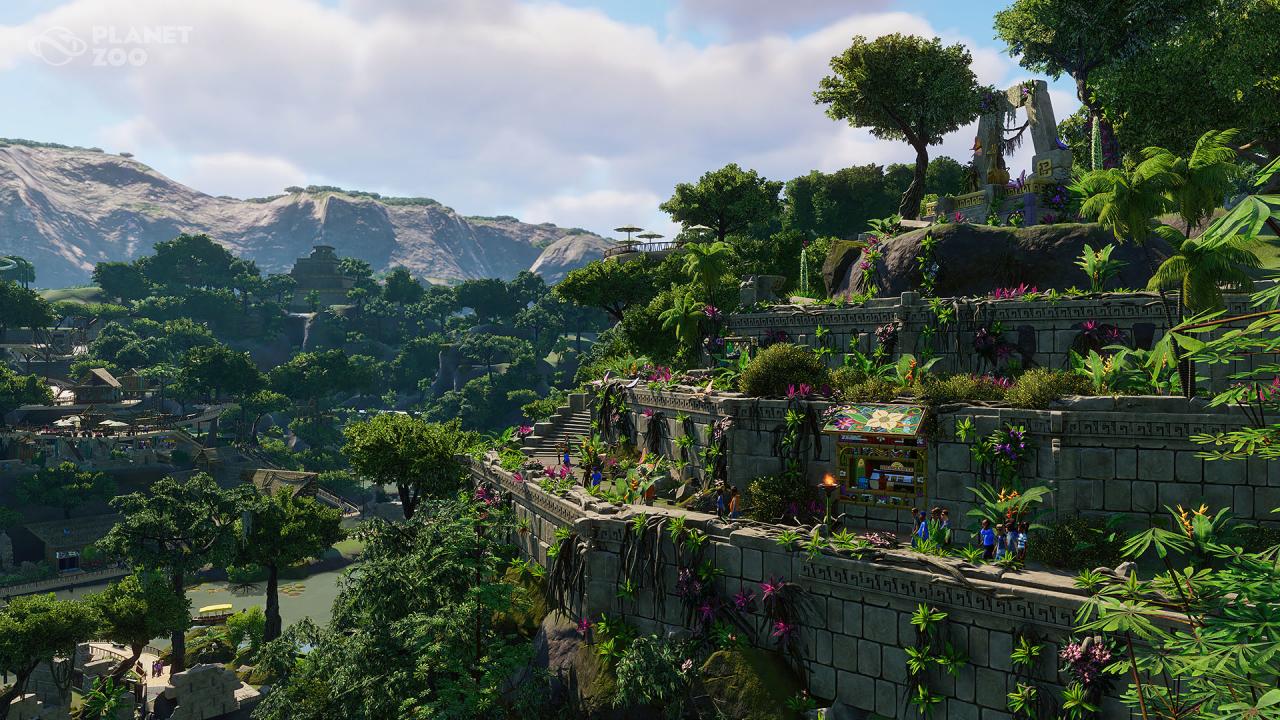
Create your own jungle adventure! Construct an Aztec temple park entrance, theme your habitats with treasures from civilizations past or build your very own rainforest – there are over 250 new building, scenery, and foliage pieces to choose from and get inspired by!

Planet Zoo - South America Pack DLC EMEA screenshotPlanet Zoo - South America Pack DLC EMEA screenshotPlanet Zoo - South America Pack DLC EMEA screenshotPlanet Zoo - South America Pack DLC EMEA screenshotPlanet Zoo - South America Pack DLC EMEA screenshotPlanet Zoo - South America Pack DLC EMEA screenshot

How to redeem

  1. 1Check the required base game, platform and edition before purchasing.
  2. 2Find the code or supplier activation instructions in your confirmed order.
  3. 3Redeem on Steam using the supplied instructions, then install the add-on with the compatible base game.

Supplier instructions

Go to: http://store.steampowered.com/ and download STEAM client Click "Install Steam" (from the upper right corner) Install and start application, login with your Account name and Password (create one if you don't have). Please follow these instructions to activate a new retail purchase on Steam: Launch Steam and log into your Steam account. Click the Games Menu. Choose Activate a Product on Steam... Follow the onscreen instructions to complete the process. After successful code verification go to the "MY GAMES" tab and start downloading.

You might also like