Get 10% back in Relic Coins on every order
Jurassic World Evolution - Herbivore Dinosaur Pack DLC cover

SteamGlobal· DLC

Jurassic World Evolution - Herbivore Dinosaur Pack DLC

€0.33

+€0.03 cashback eligibility in Relic Coins

Check before you play

Platform
Steam
Region
Global
Product type
DLC

Check the required base game and edition before purchasing this add-on.

Developer
Frontier Developments
Publisher
Frontier Developments
Supplier release date
2019-09-17
Genres
Strategy, Simulation

About this product

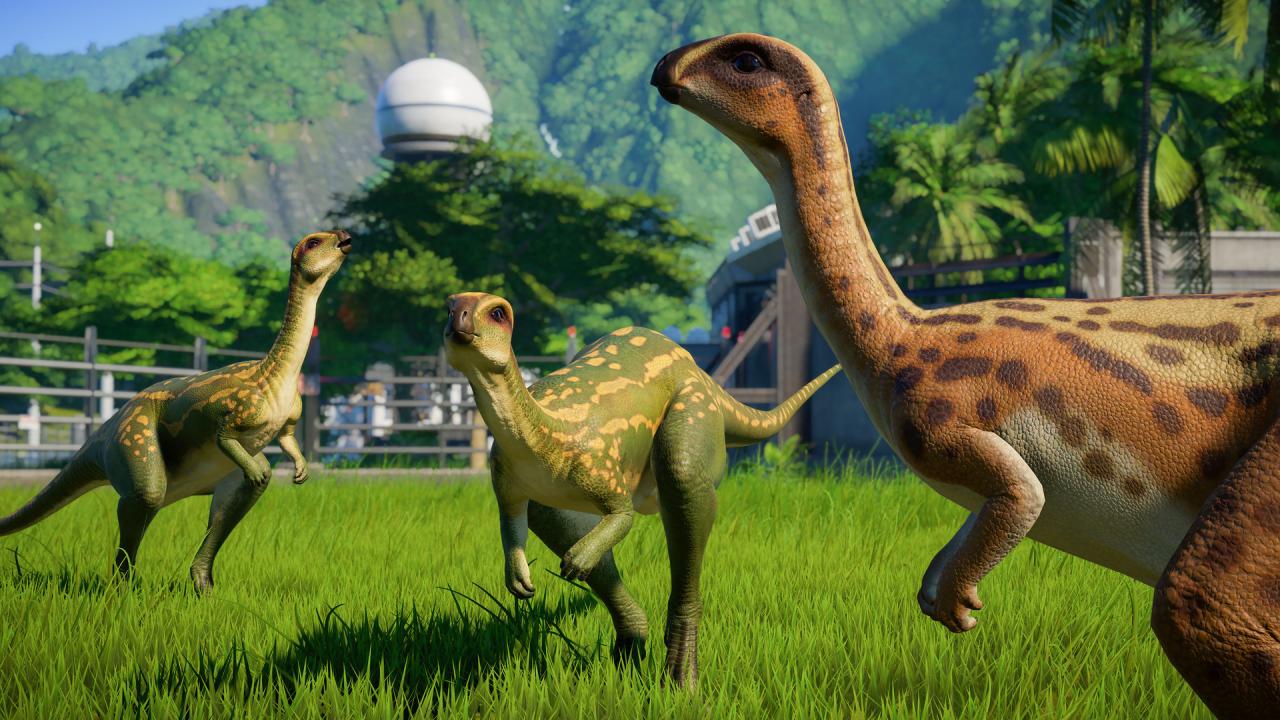
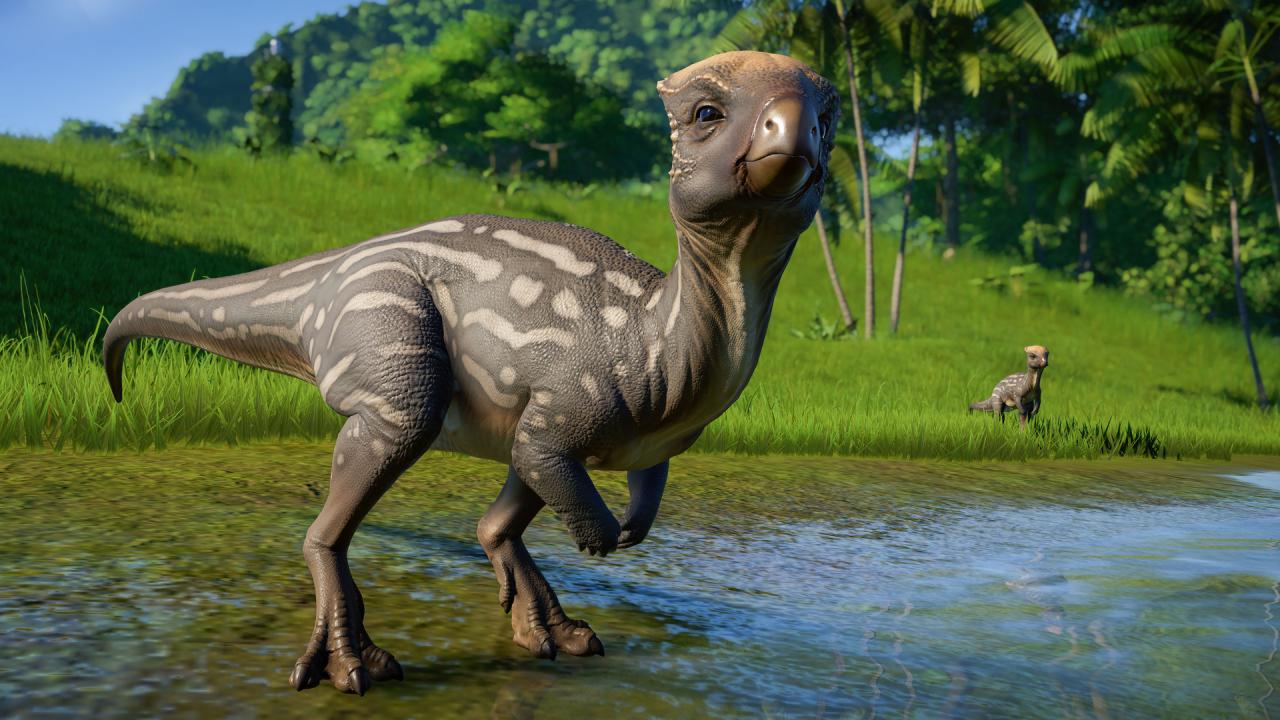
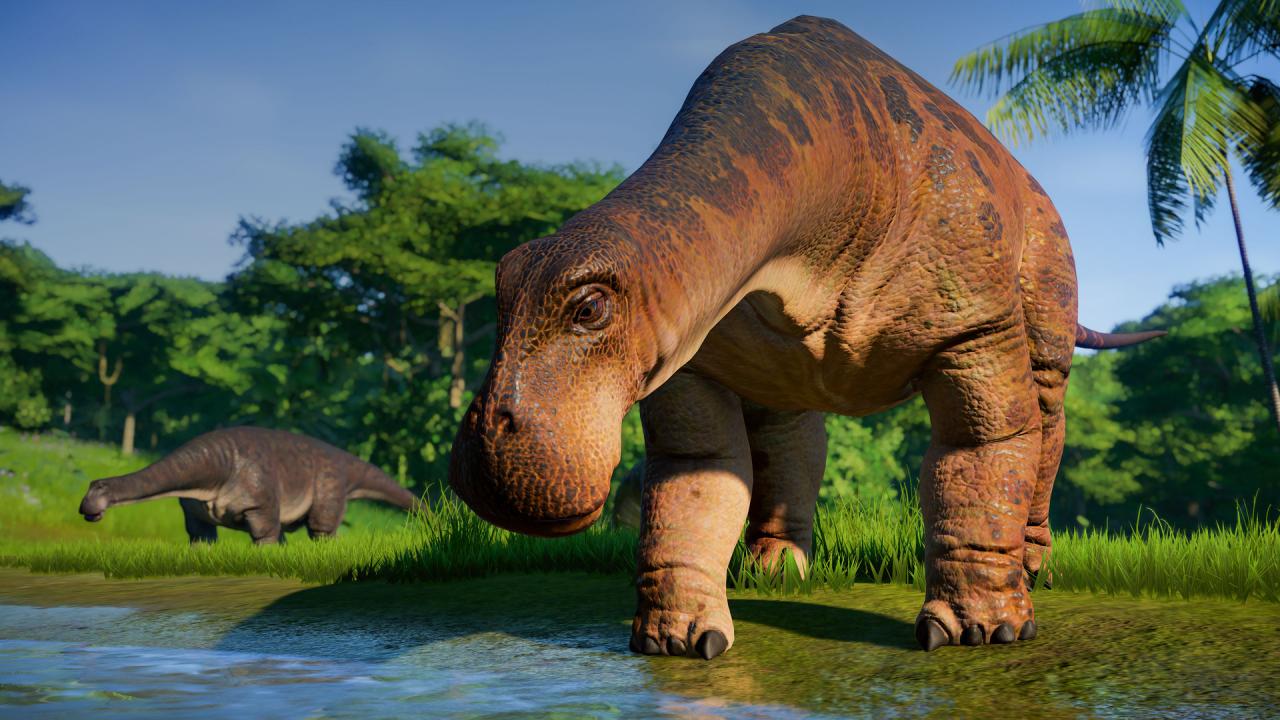
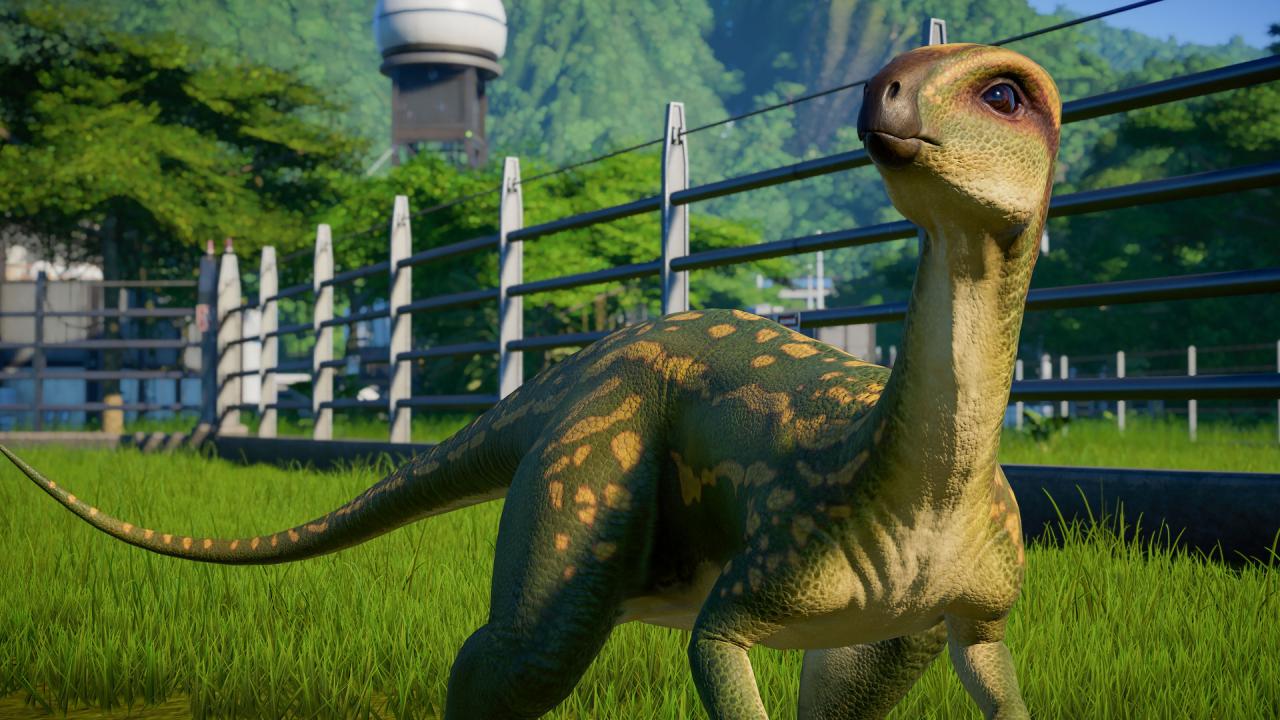
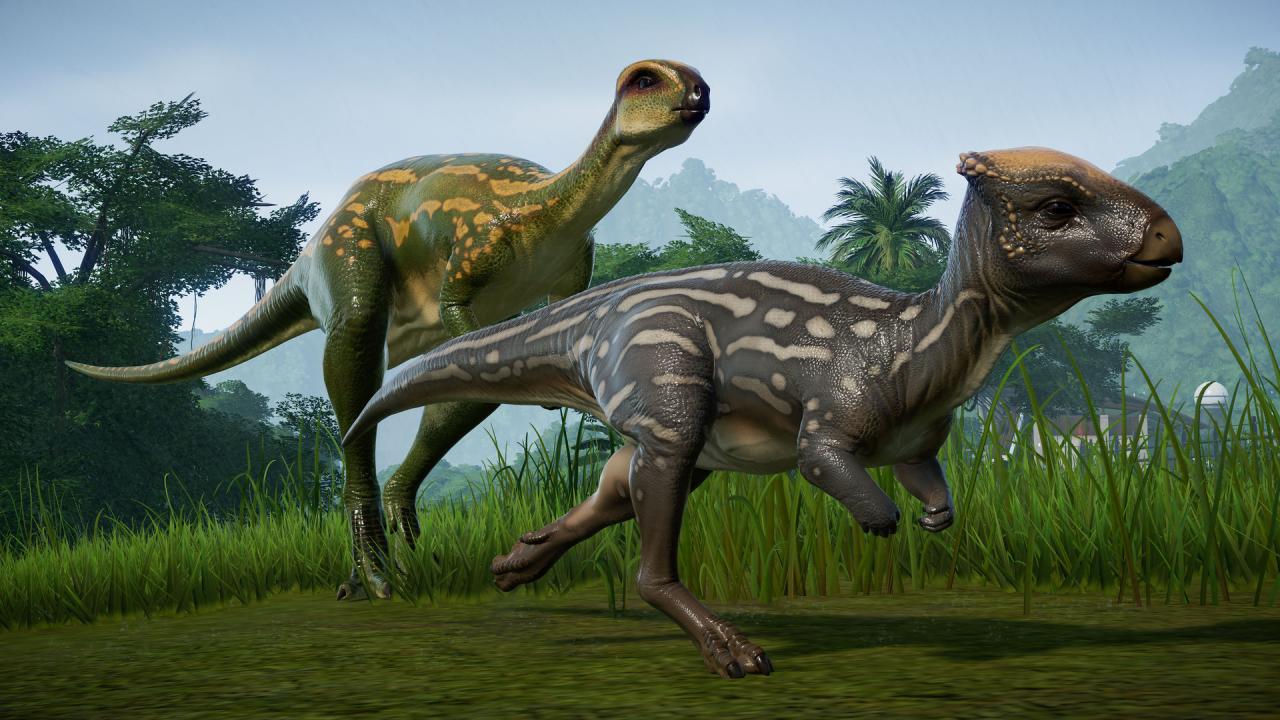
Increase the diversity of your park with the addition of three new distinct herbivores. The Jurassic World Evolution: Herbivore Dinosaur Pack adds three unique sociable plant eaters that are a great addition to any vibrant park. Homalocephale: With a name that means ‘even head’, Homalocephale sports a flat, thickened, wedge-shaped skull used as a tool for head-butting. Dryosaurus: Preferring forested habitats, Dryosaurus rely on their speed and dexterity. They use their stiff tail while running as a counterbalance. Nigersaurus: One of the smallest Sauropods, they measure around 9 meters long. Despite their long neck, Nigersaurs are grazers, feeding from plants close to the ground.

Jurassic World Evolution - Herbivore Dinosaur Pack DLC screenshotJurassic World Evolution - Herbivore Dinosaur Pack DLC screenshotJurassic World Evolution - Herbivore Dinosaur Pack DLC screenshotJurassic World Evolution - Herbivore Dinosaur Pack DLC screenshotJurassic World Evolution - Herbivore Dinosaur Pack DLC screenshotJurassic World Evolution - Herbivore Dinosaur Pack DLC screenshot

How to redeem

  1. 1Check the required base game, platform and edition before purchasing.
  2. 2Find the code or supplier activation instructions in your confirmed order.
  3. 3Redeem on Steam using the supplied instructions, then install the add-on with the compatible base game.

Supplier instructions

Go to: http://store.steampowered.com/ and download STEAM client Click "Install Steam" (from the upper right corner) Install and start application, login with your Account name and Password (create one if you don't have). Please follow these instructions to activate a new retail purchase on Steam: Launch Steam and log into your Steam account. Click the Games Menu. Choose Activate a Product on Steam... Follow the onscreen instructions to complete the process. After successful code verification go to the "MY GAMES" tab and start downloading.

You might also like