Get 10% back in Relic Coins on every order
Let's Cook Together cover

SteamGlobal· Key

Let's Cook Together

€13.22

+€1.32 cashback eligibility in Relic Coins

Check before you play

Platform
Steam
Region
Global
Product type
Key
Developer
Yellow Dot
Publisher
Yellow Dot
Supplier release date
2020-04-04
Genres
Indie, Casual, Co-op

About this product

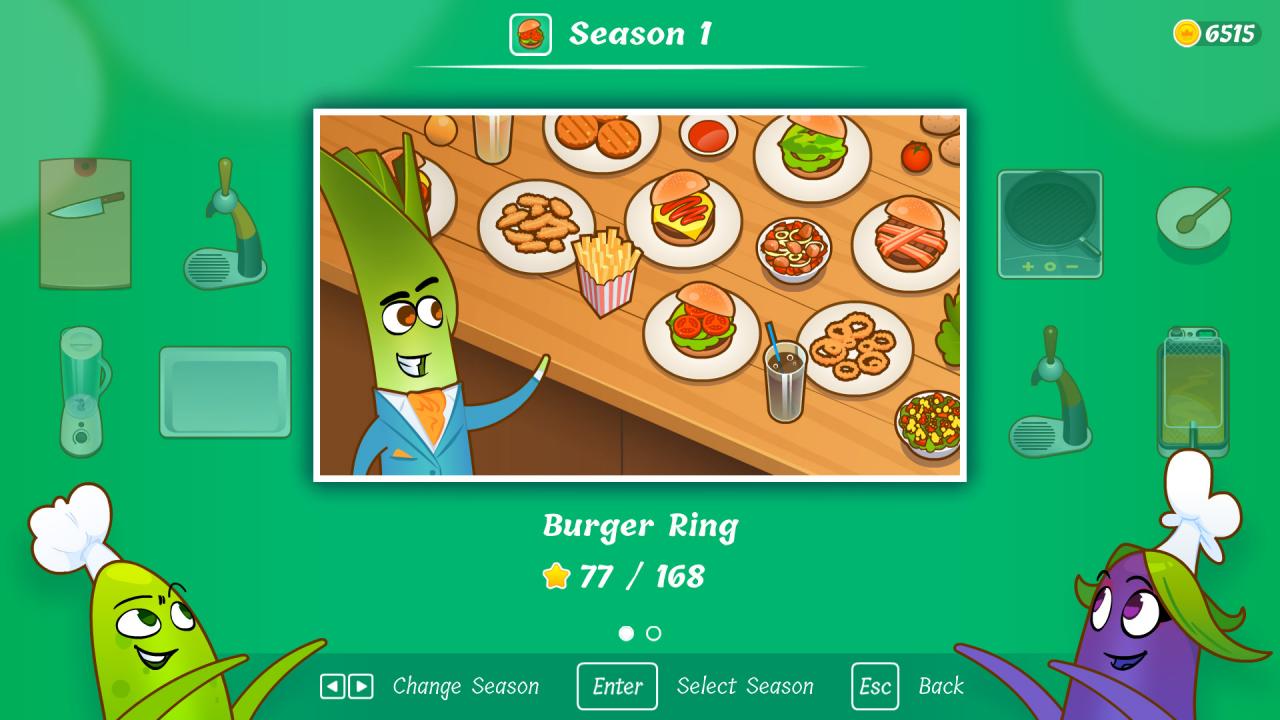
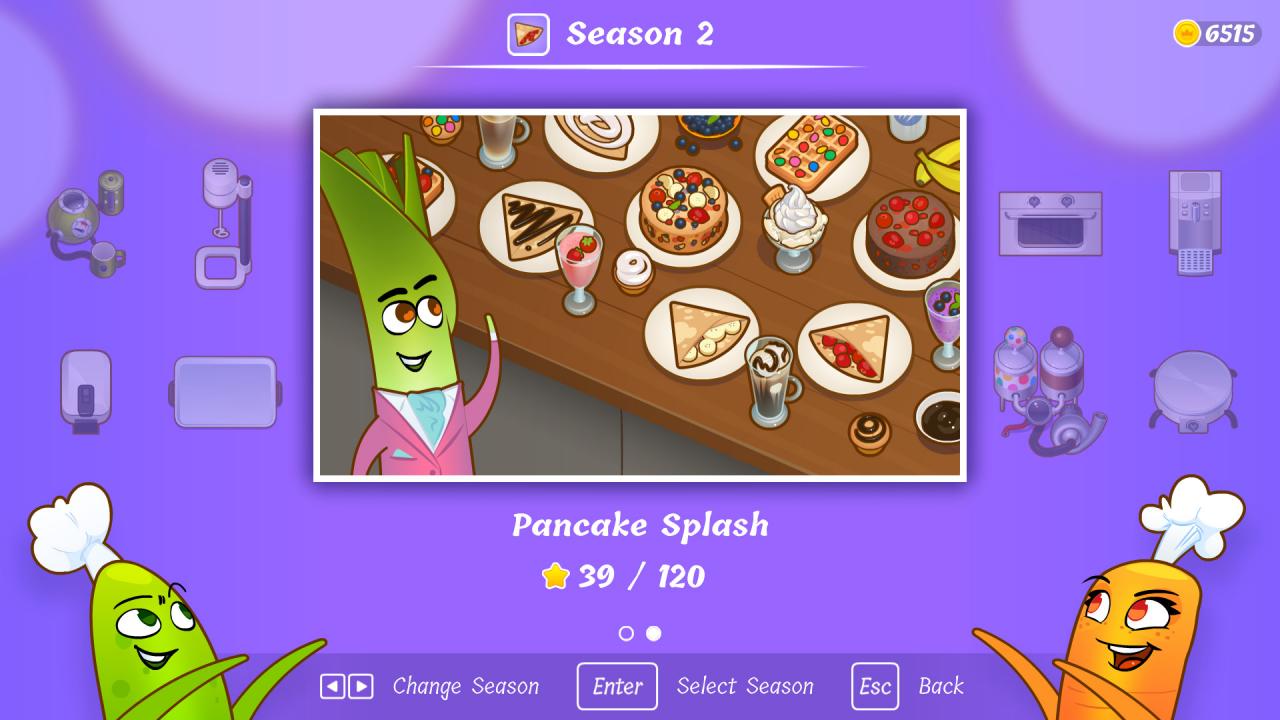
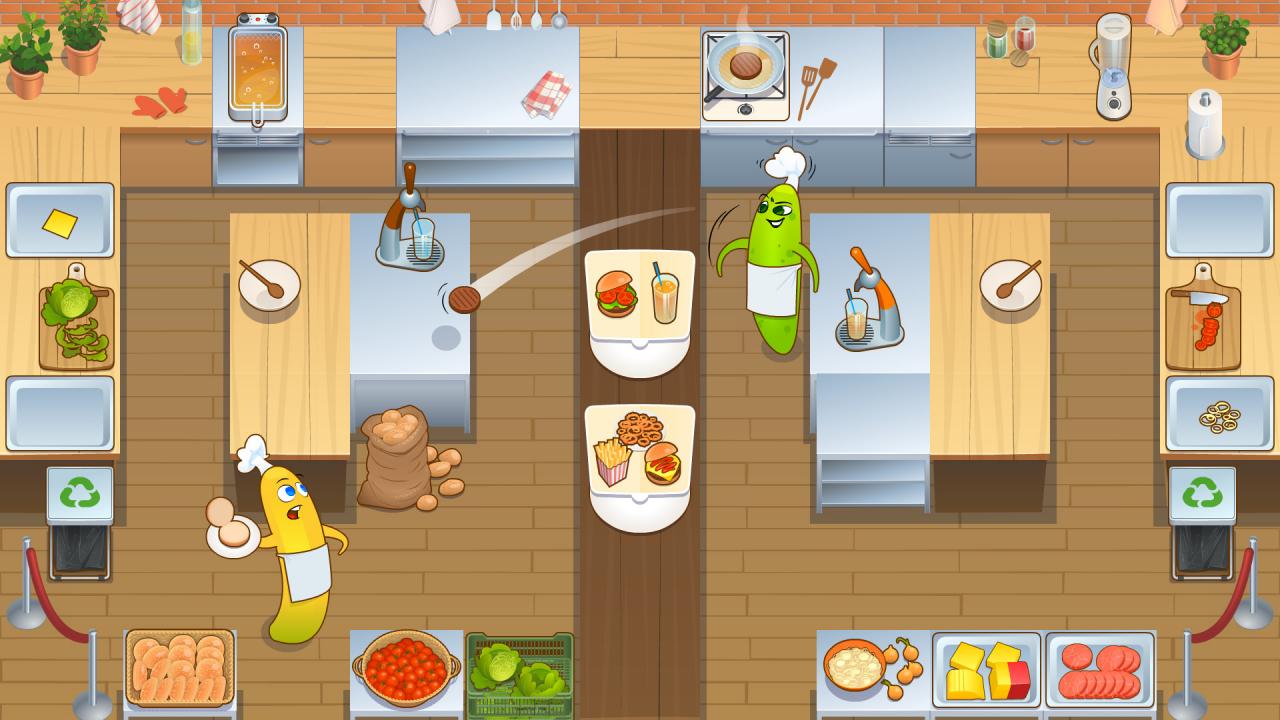
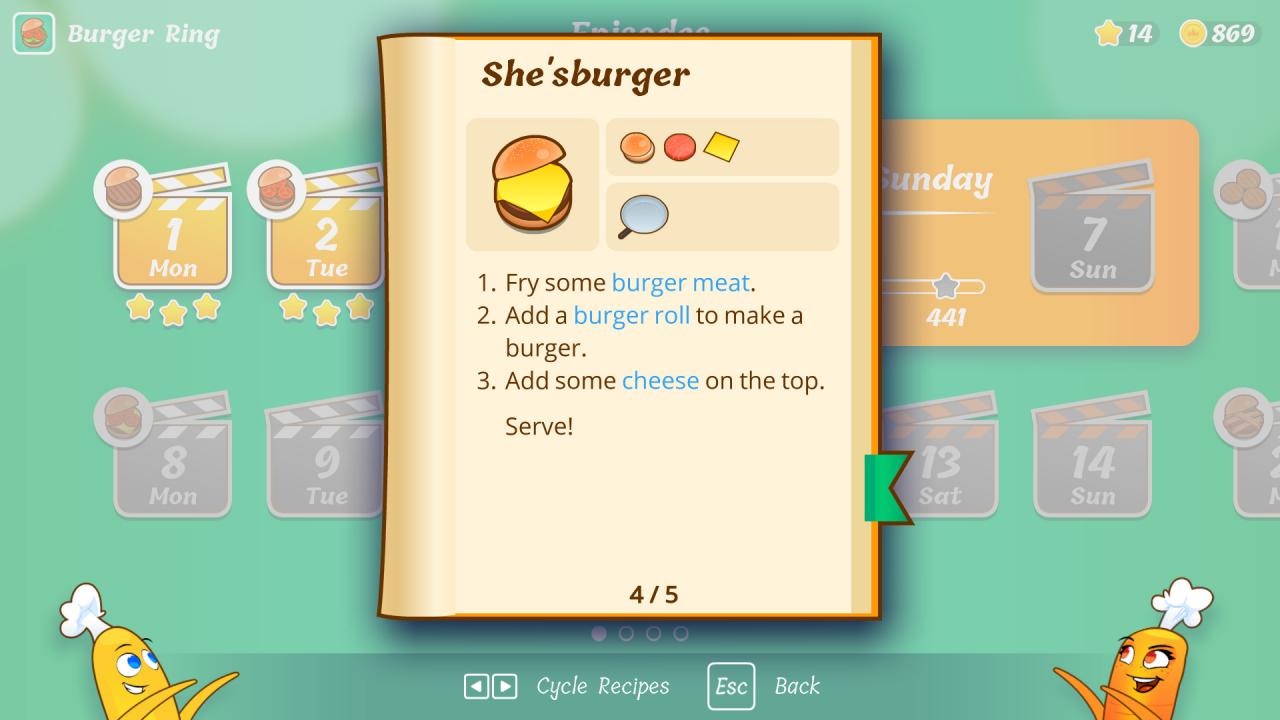
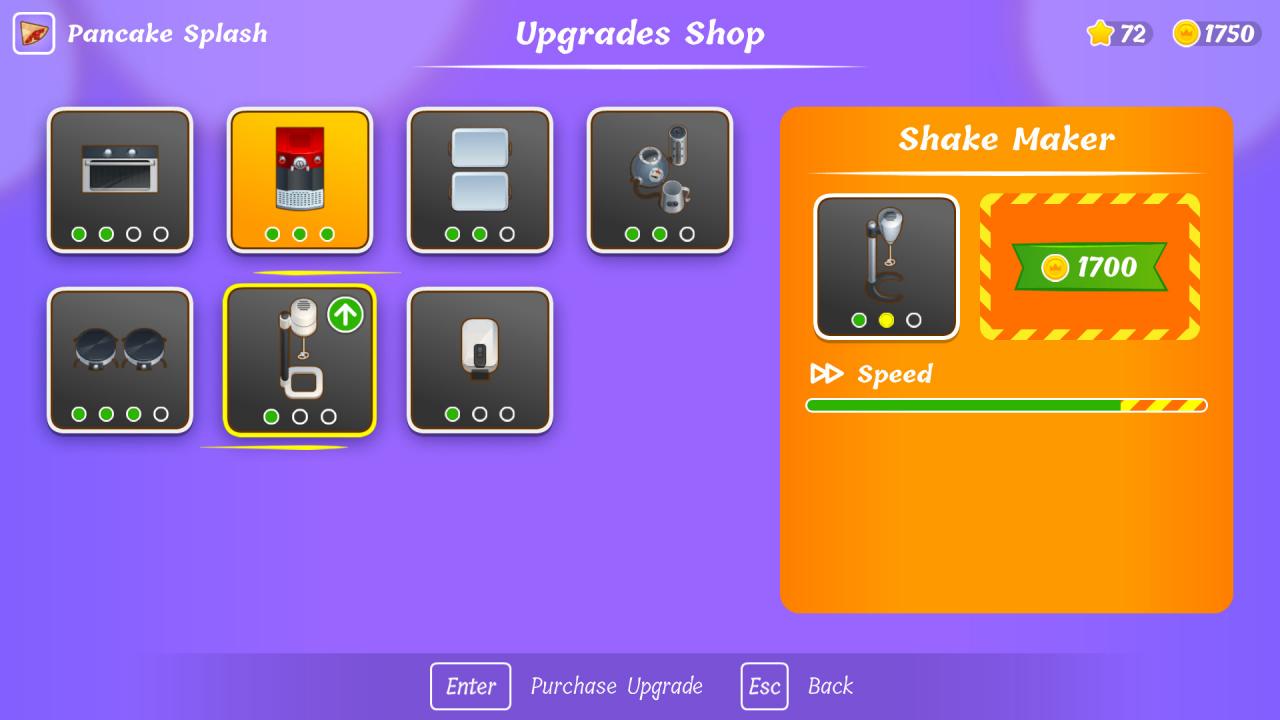
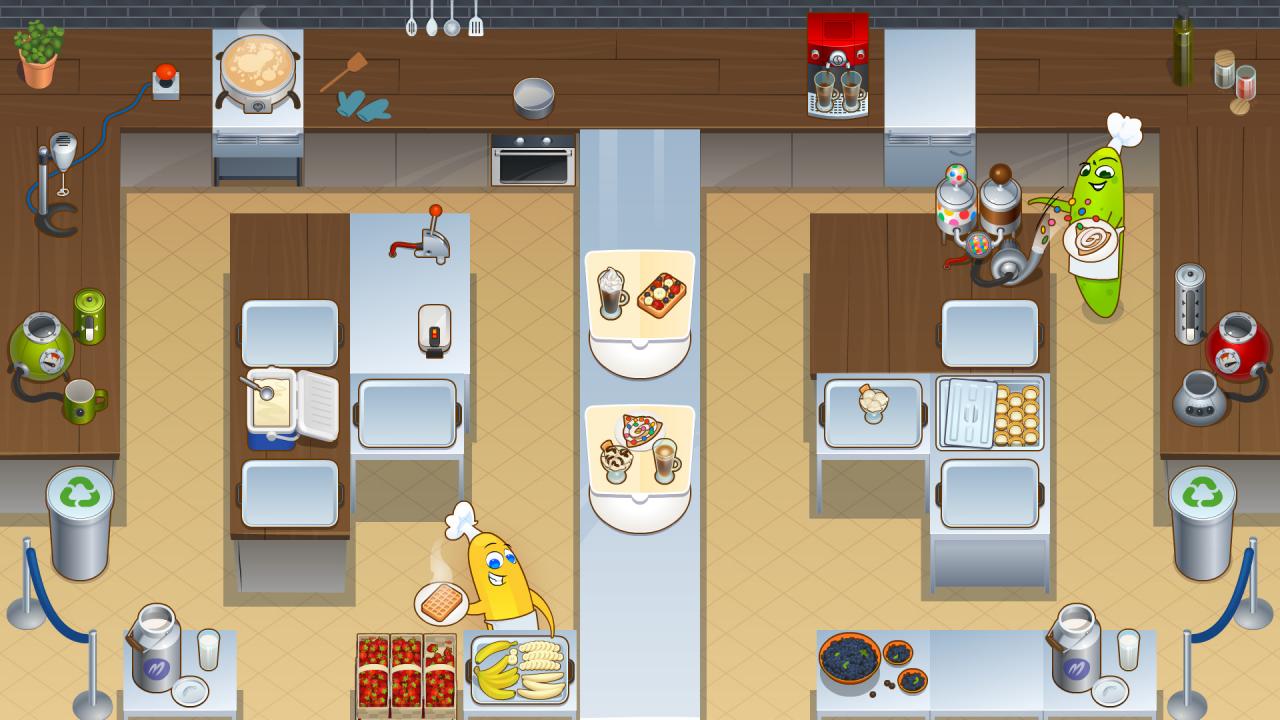
You and your partner – aspiring chefs – find yourselves in a quite impractical commercial kitchen. It’s divided by a long serving counter, yet the products and the appliances you both need are placed on opposite sides of the room. Your job is to cooperate, cook together and serve orders of steaming, delicious food. Chop, stir and fry everything you can while throwing (at) your partner all the ingredients they need. Prove that cooking is a piece of cake as long as you do it together! Features Everybody can have a taste. The game can be enjoyed by kids, teenagers, adults, and elders alike. Make cooking THE opportunity to forge new bonds and refine existing ones. Use your noodle. Rely mostly on your planning and communication skills; reflex and agility aren't needed in this kitchen. Fresh challenges every day. Each level brings new ingredients, appliances and recipes to the table, raising the difficulty level bit-by-bit. Different foods call for different measures. Earn stars to progress through the game. Unlock new restaurants, upgrade your cooking gear to meet ever-changing cooking standards, and gain access to new character skins.


Let's Cook Together screenshotLet's Cook Together screenshotLet's Cook Together screenshotLet's Cook Together screenshotLet's Cook Together screenshotLet's Cook Together screenshot

How to redeem

  1. 1Check your Steam account and the listed region before purchasing.
  2. 2Find your code and supplier activation instructions in your confirmed order.
  3. 3Open the redeem-code section on Steam, enter the code and follow the platform’s prompts.

Supplier instructions

Go to: http://store.steampowered.com/ and download STEAM client Click "Install Steam" (from the upper right corner) Install and start application, login with your Account name and Password (create one if you don't have). Please follow these instructions to activate a new retail purchase on Steam: Launch Steam and log into your Steam account. Click the Games Menu. Choose Activate a Product on Steam... Follow the onscreen instructions to complete the process. After successful code verification go to the "MY GAMES" tab and start downloading.

You might also like