Get 10% back in Relic Coins on every order
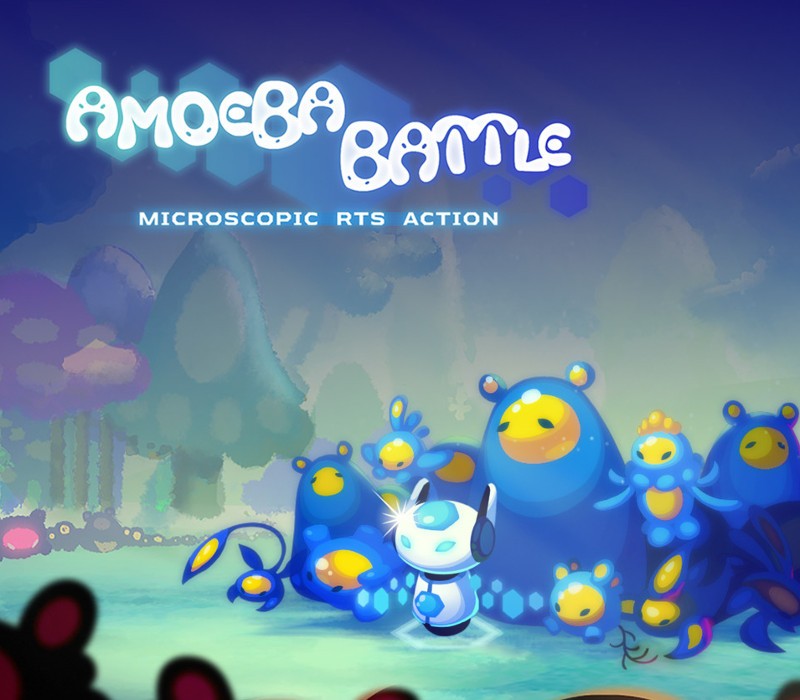
Amoeba Battle: Microscopic RTS Action Switch cover

NintendoUnited States· Key

Amoeba Battle: Microscopic RTS Action Switch

€25.36

+€2.54 cashback eligibility in Relic Coins

Check before you play

Platform
Nintendo
Region
United States
Product type
Key
Developer
Grab
Publisher
Grab
Supplier release date
2020-03-03
Genres
Action, Strategy, Indie

About this product

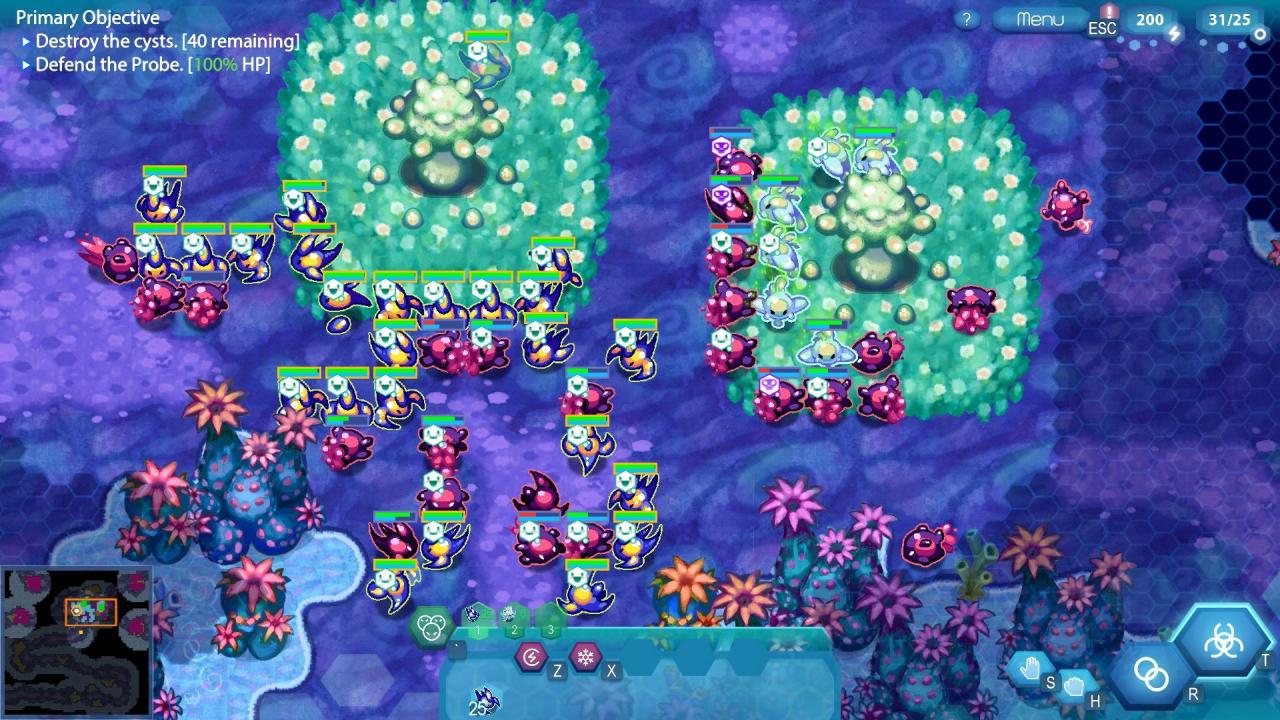
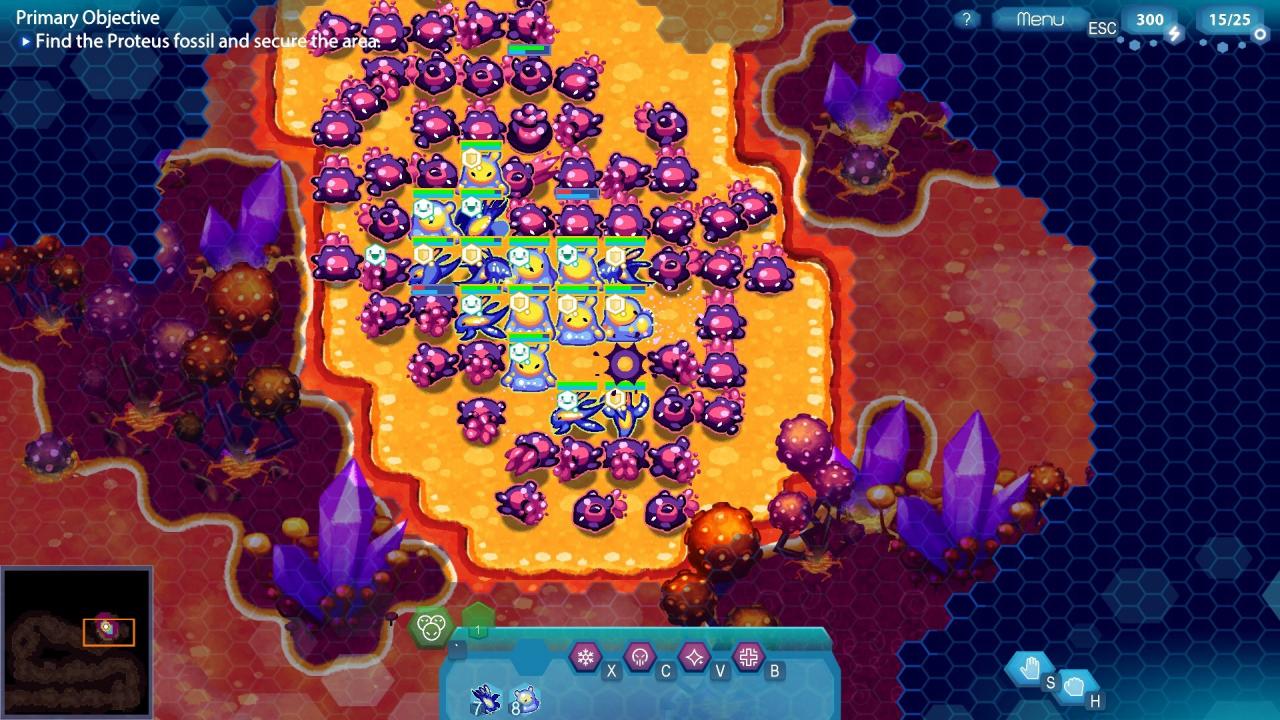
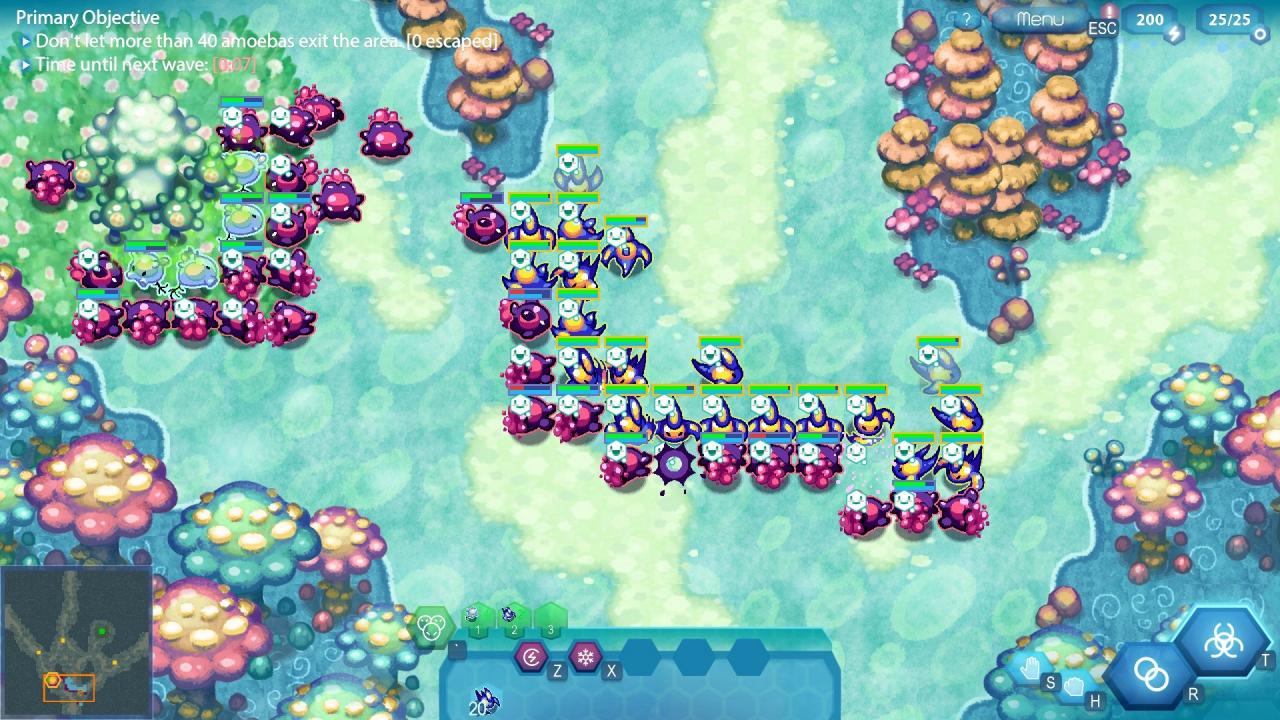
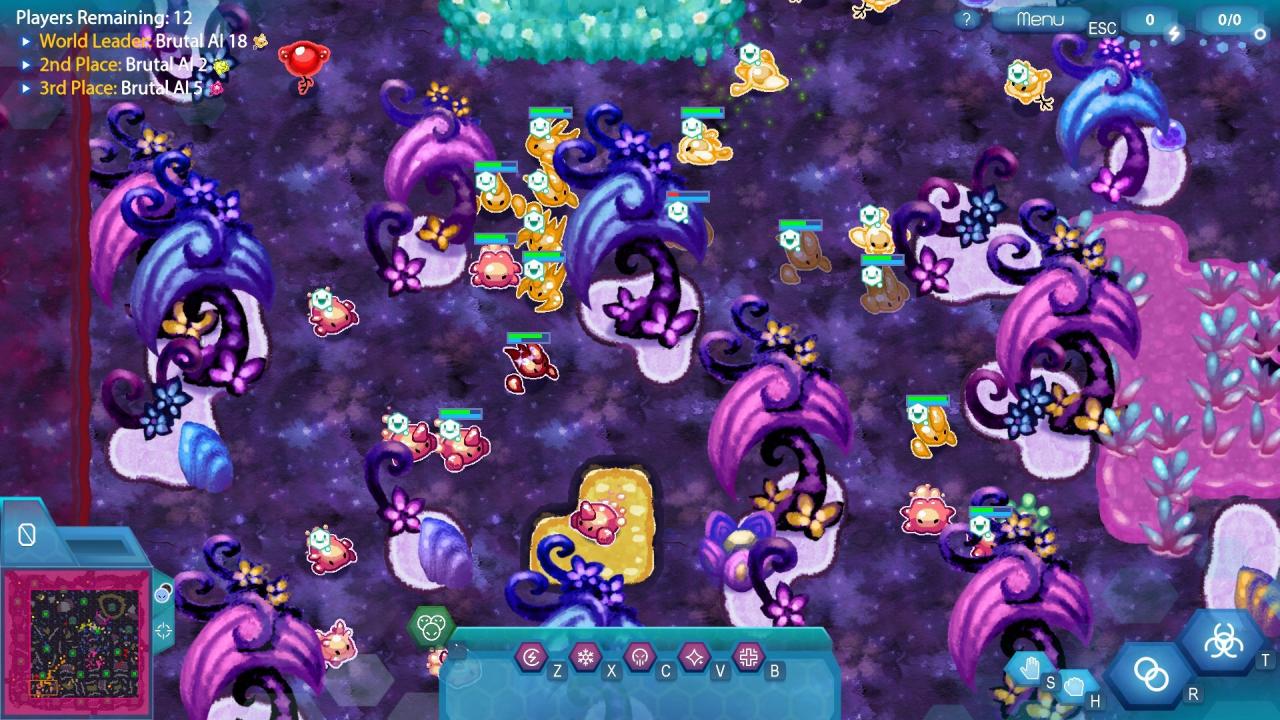
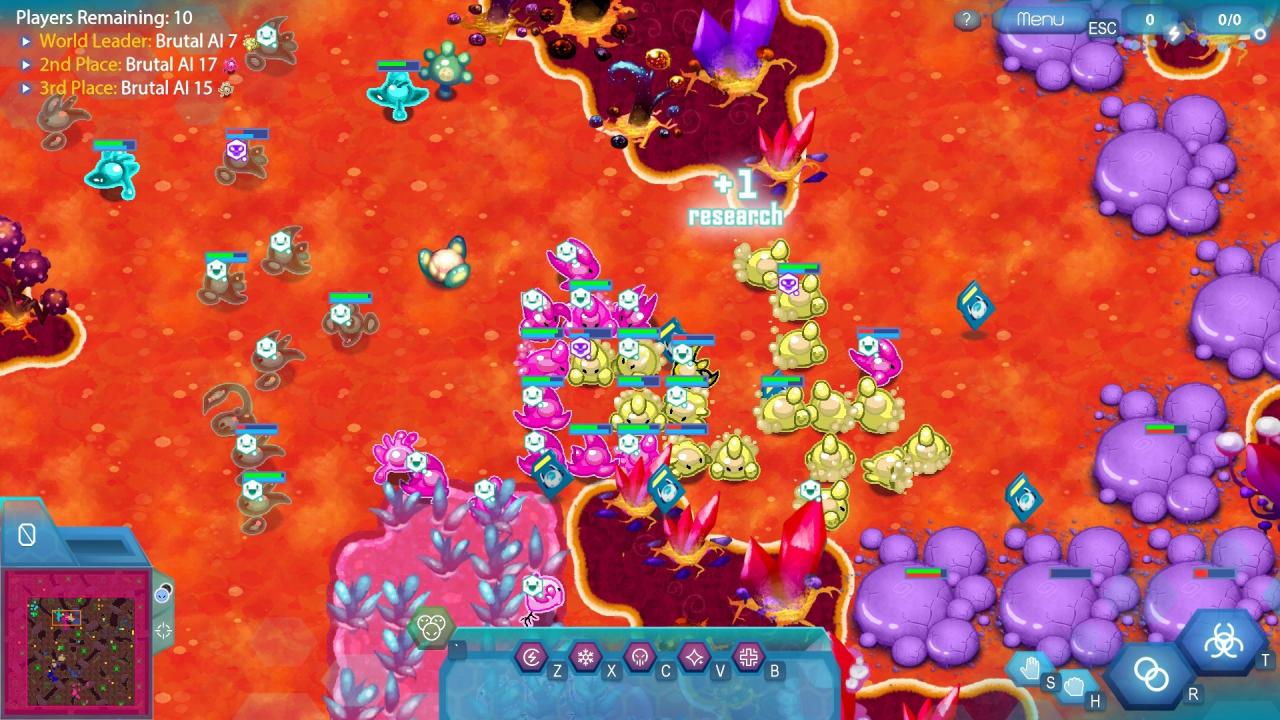
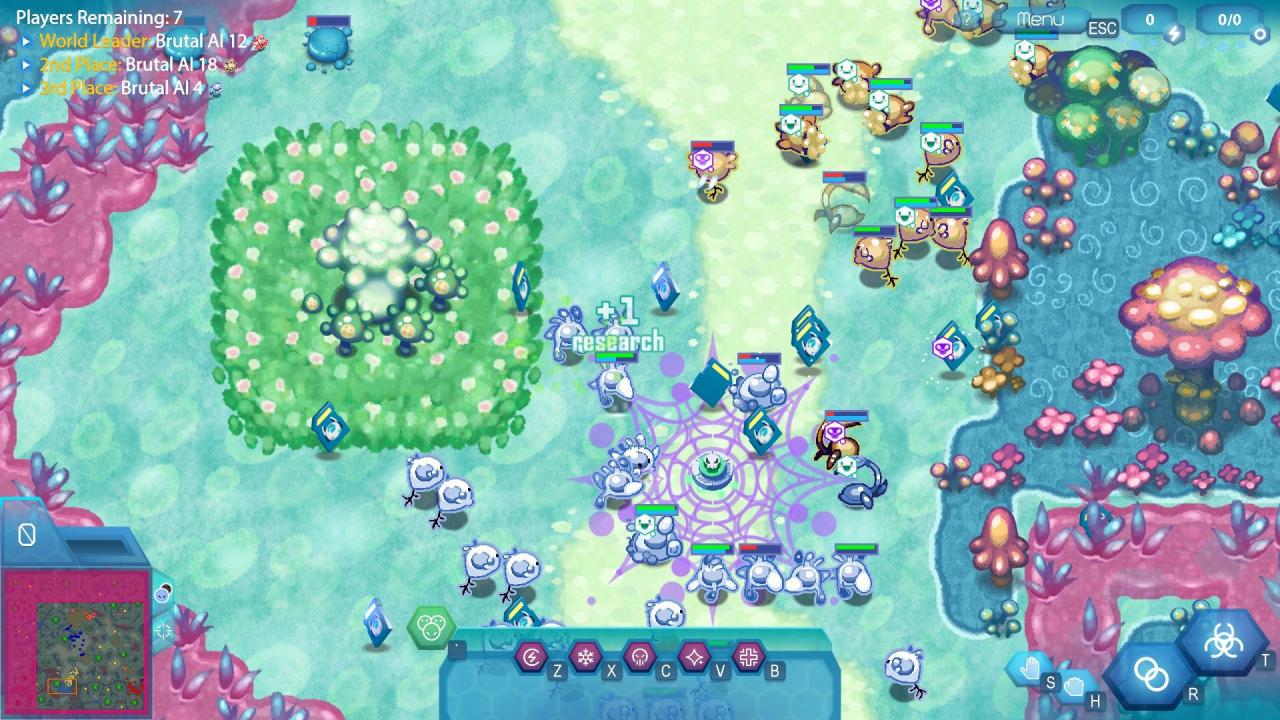
Amoeba Battle is a new breed of RTS game where you control amoebas as they battle against the infection that threatens their realm. Explore beautiful yet alien landscapes to feed and strengthen your fledgling amoebas - find algae for herbivores, go hunting with carnivores, or just eat everything with omnivores! Unlike other RTS games, there are no bases to build - amoebas don't build houses or towns after all! New amoebas are created through the miracle of binary fission; well fed amoebas can replicate into two identical amoebas, doubling your army with a click of the mouse! But multiplying amoebas won't always be enough. When the competition gets tough, introduce mutations to evolve your weaker amoebas into stronger species. Experiment with different amoeba combinations to field a diverse force that can face any threat!Experience an innovative real-time strategy game on a never-before-seen scale and battle for primordial soup-remacy in Amoeba Battle!

Amoeba Battle: Microscopic RTS Action Switch screenshotAmoeba Battle: Microscopic RTS Action Switch screenshotAmoeba Battle: Microscopic RTS Action Switch screenshotAmoeba Battle: Microscopic RTS Action Switch screenshotAmoeba Battle: Microscopic RTS Action Switch screenshotAmoeba Battle: Microscopic RTS Action Switch screenshot

How to redeem

  1. 1Check your Nintendo account and the listed region before purchasing.
  2. 2Find your code and supplier activation instructions in your confirmed order.
  3. 3Open the redeem-code section on Nintendo, enter the code and follow the platform’s prompts.

Supplier instructions

Select “Nintendo eShop” on the HOME Menu to launch the Nintendo eShop. Select the account you want to use. Select “Enter Code” on the left side of the screen. Enter the 16-character download code.Any letters and symbols not used with prepaid codes (i.e. O, I, Z, commas, hyphens, etc.) will be disabled from the on-screen keyboard. Select “Send” to confirm. The game will begin downloading once the code is confirmed.The game icon will appear on the HOME menu, with a download status bar. The status bar will disappear once the game download is complete.

You might also like