Get 10% back in Relic Coins on every order
Splendor - The Strongholds DLC cover

SteamGlobal· DLC

Splendor - The Strongholds DLC

€0.08

+€0.01 cashback eligibility in Relic Coins

Check before you play

Platform
Steam
Region
Global
Product type
DLC

Check the required base game and edition before purchasing this add-on.

Supplier release date
2018-10-10
Genres
Strategy, Casual

About this product

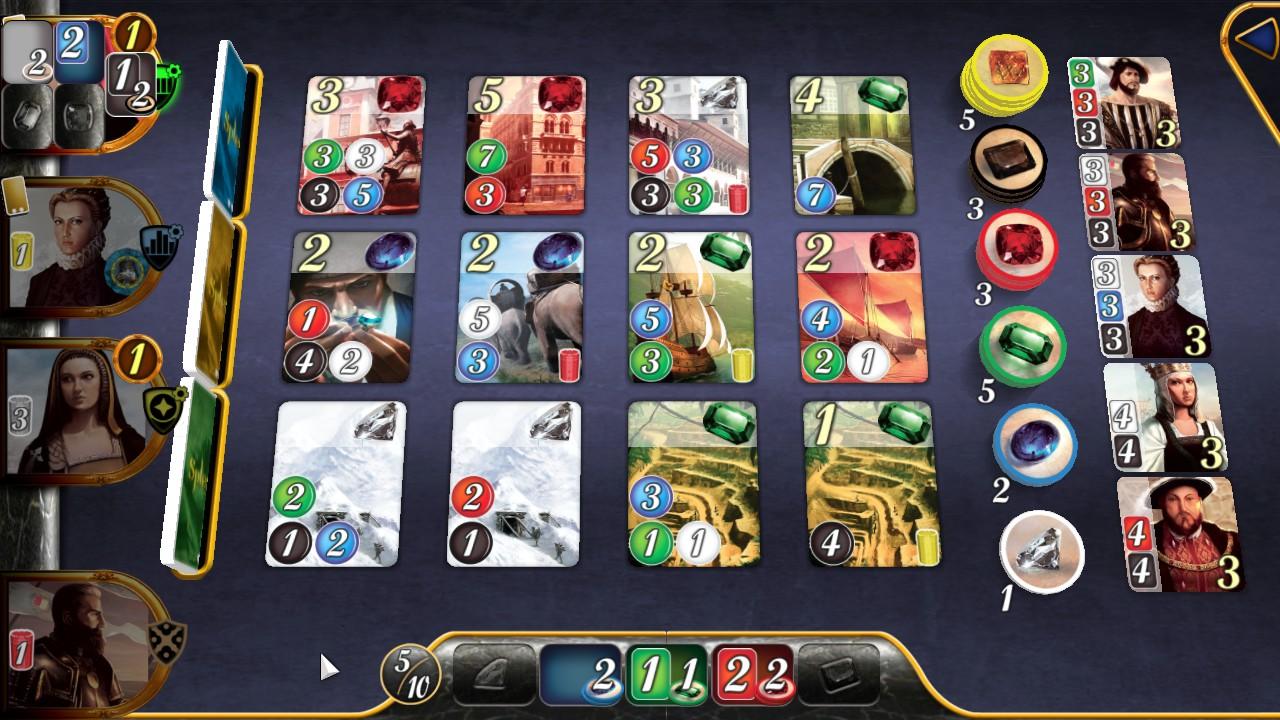
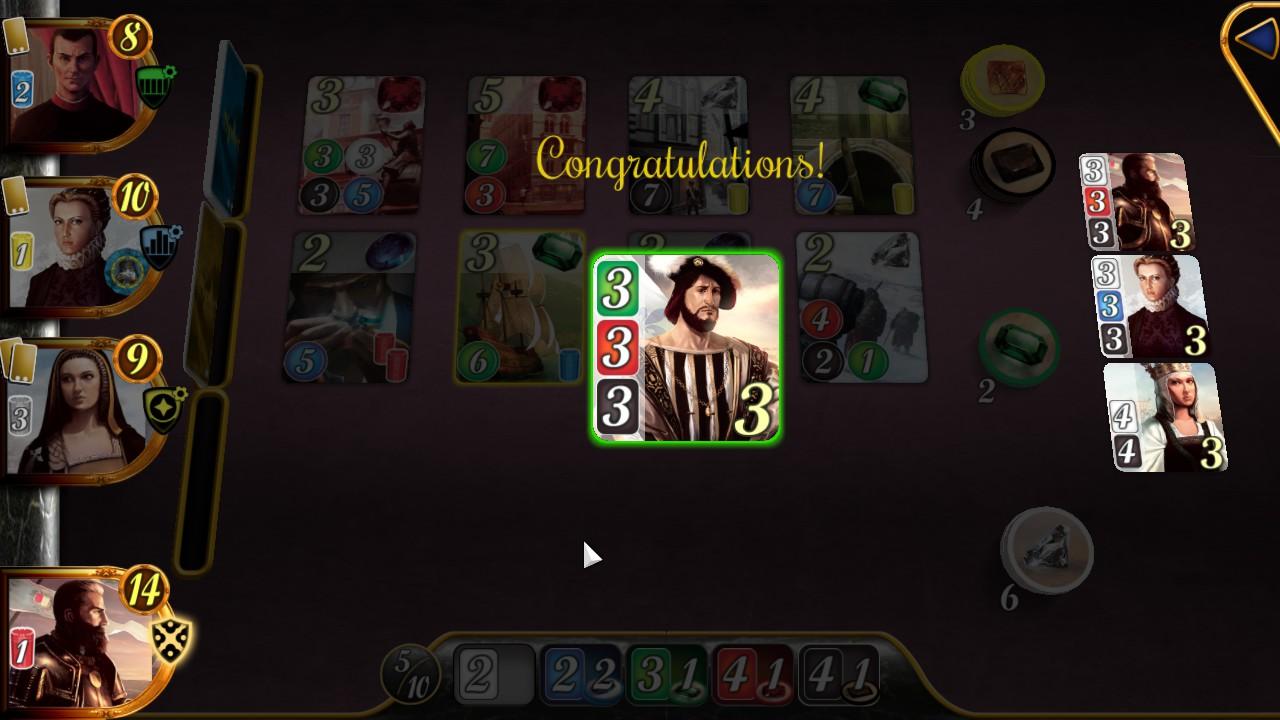
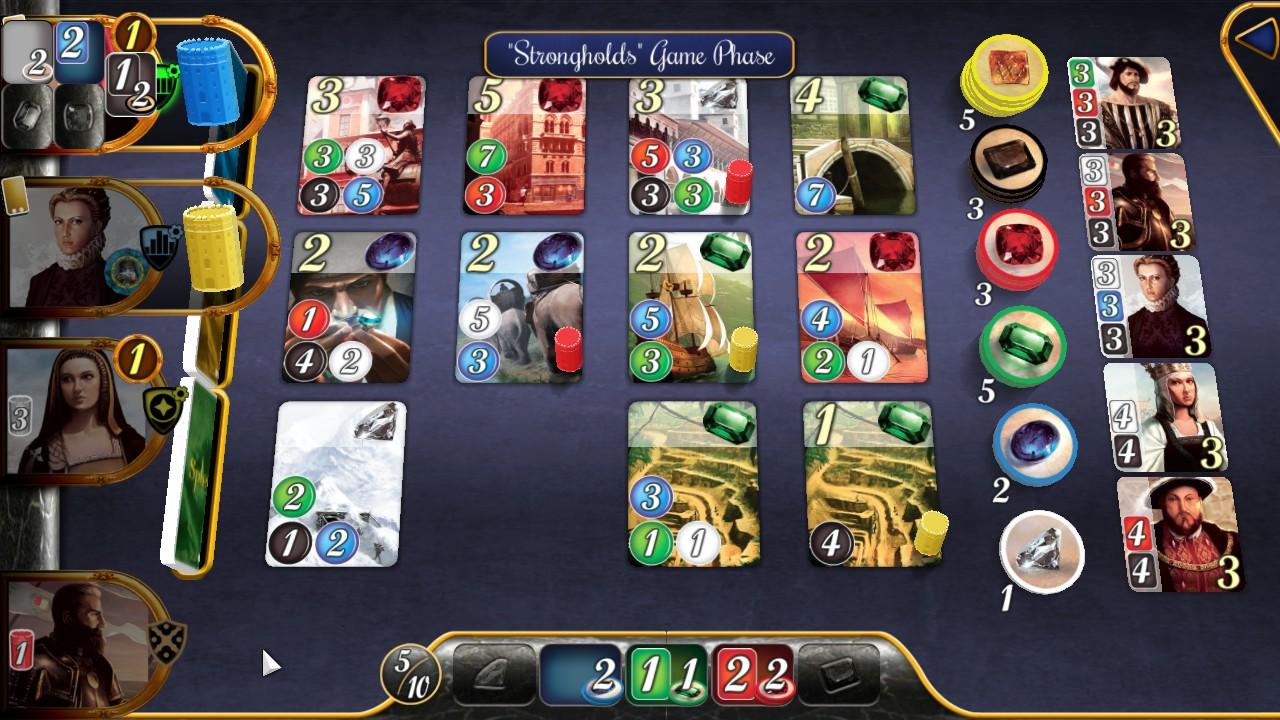
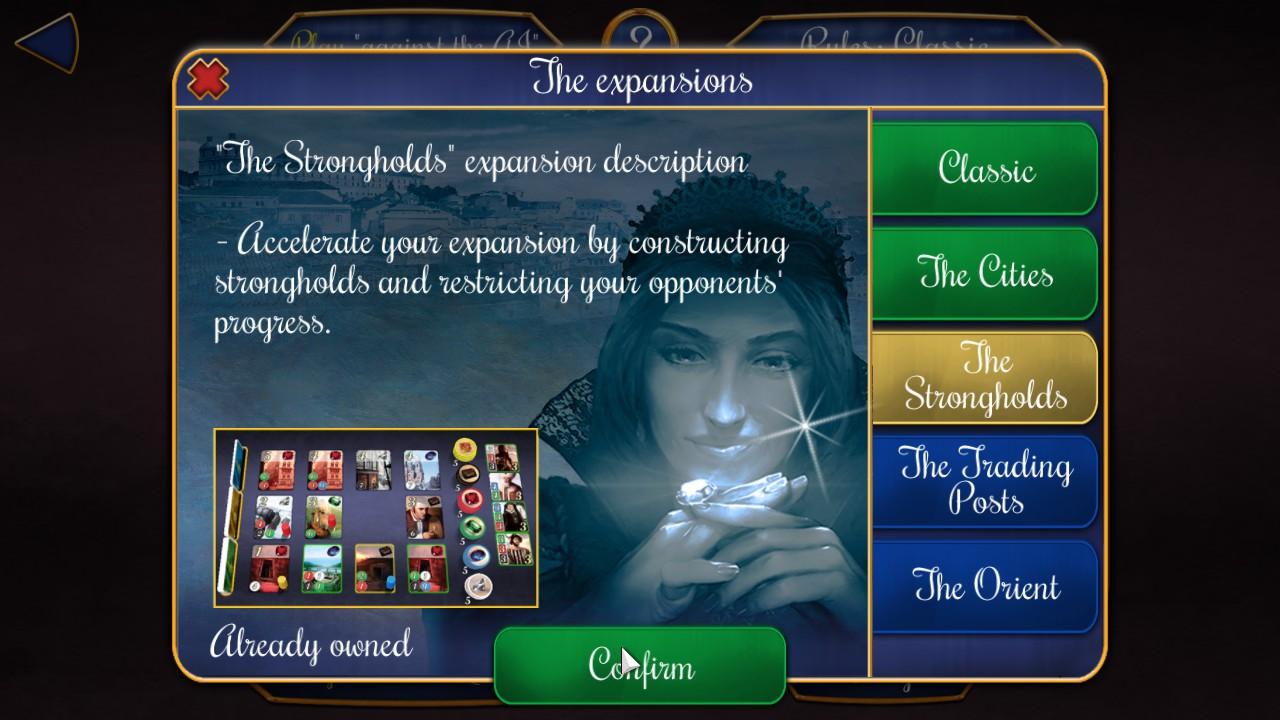
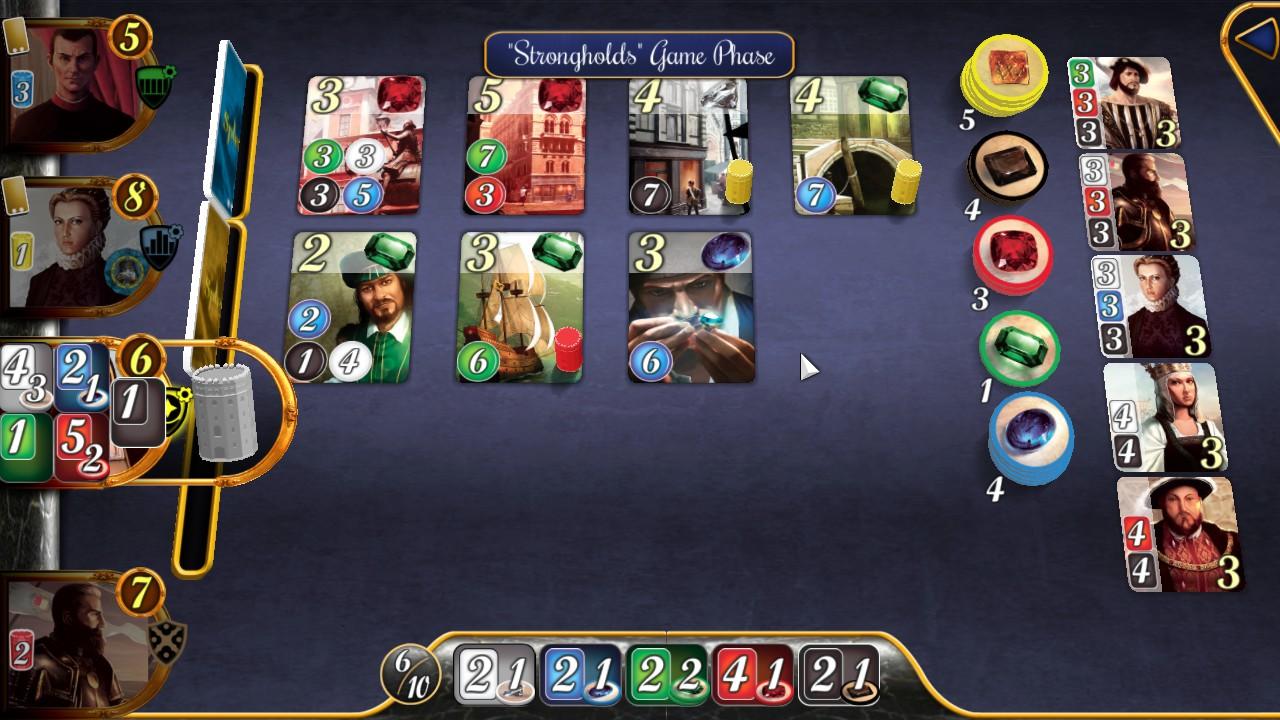
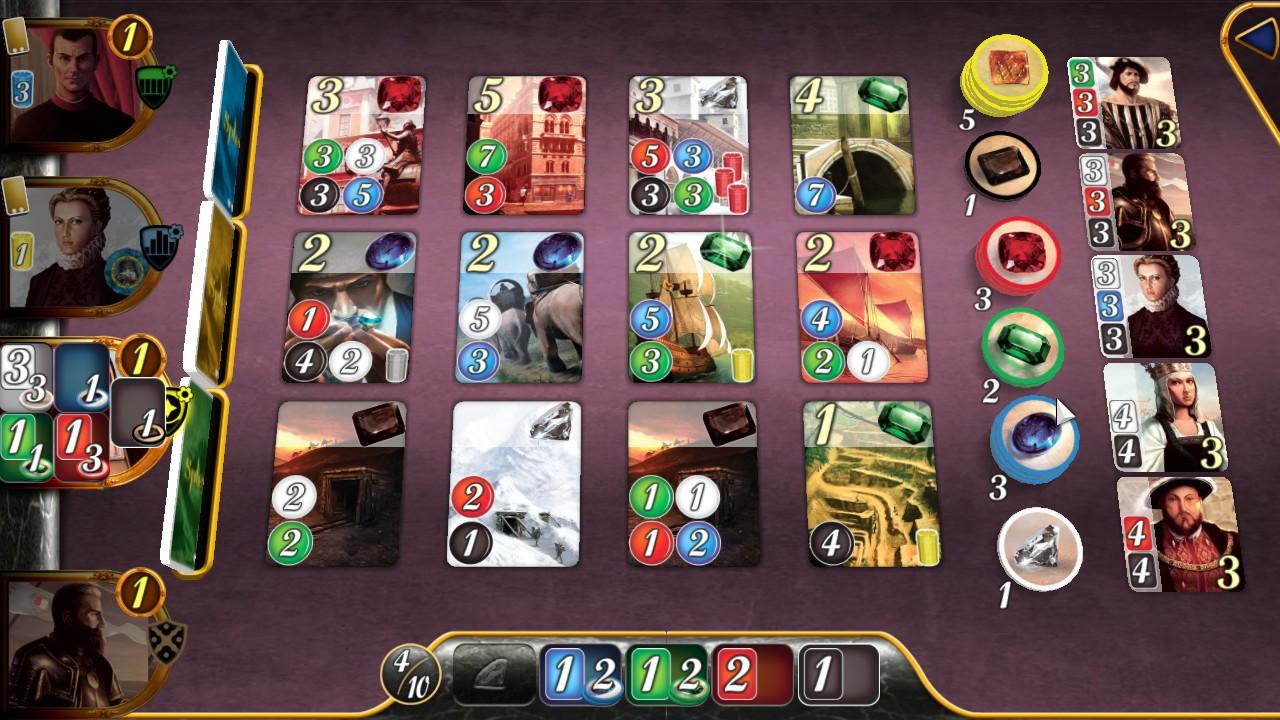
In Splendor: The Strongholds, you build fortresses or destroy those of your opponents to gain a decisive strategic advantage. Depending on what strategy you choose, the Stronghold tokens will allow you to reserve up to three Development Cards or to acquire a Development Card free of charge, due to the three strongholds built on top. You can also choose to destroy other players' strongholds to hold up their progress! There are a number of possibilities for you to choose from in your quest for glory and prestige! Features Discover (or rediscover) a city from Splendor's Cities expansion New content: every player starts the game with 3 Stronghold tokens Develop all-new strategies to hold up your opponents in this incredibly tactical game expansion.

Splendor - The Strongholds DLC screenshotSplendor - The Strongholds DLC screenshotSplendor - The Strongholds DLC screenshotSplendor - The Strongholds DLC screenshotSplendor - The Strongholds DLC screenshotSplendor - The Strongholds DLC screenshot

How to redeem

  1. 1Check the required base game, platform and edition before purchasing.
  2. 2Find the code or supplier activation instructions in your confirmed order.
  3. 3Redeem on Steam using the supplied instructions, then install the add-on with the compatible base game.

Supplier instructions

Go to: http://store.steampowered.com/ and download STEAM client Click "Install Steam" (from the upper right corner) Install and start application, login with your Account name and Password (create one if you don't have). Please follow these instructions to activate a new retail purchase on Steam: Launch Steam and log into your Steam account. Click the Games Menu. Choose Activate a Product on Steam... Follow the onscreen instructions to complete the process. After successful code verification go to the "MY GAMES" tab and start downloading.

You might also like