

SteamGlobal· Key
VirtuaVerse
€7.31
+€0.73 cashback eligibility in Relic Coins
Check before you play
- Platform
- Steam
- Region
- Global
- Product type
- Key
- Developer
- Theta Division
- Publisher
- Blood Music
- Supplier release date
- 2020-05-12
- Genres
- Adventure, Indie
SteamGlobal· Key
€7.31
+€0.73 cashback eligibility in Relic Coins
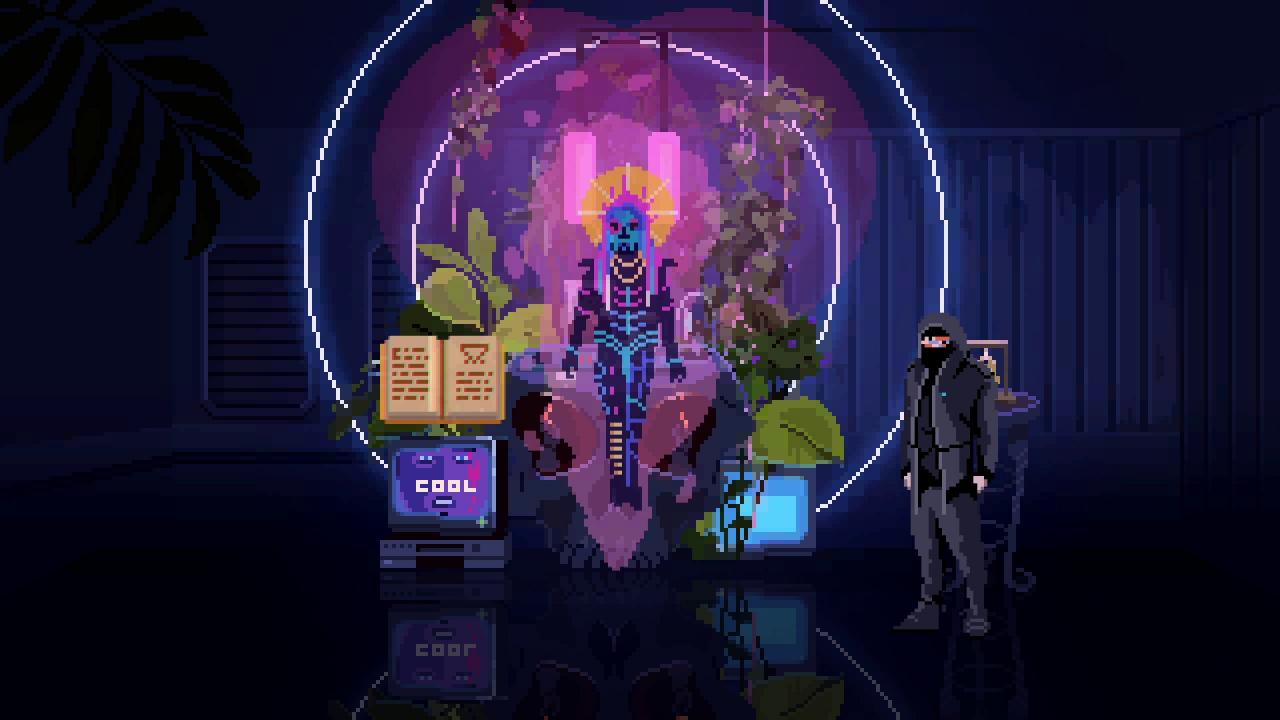
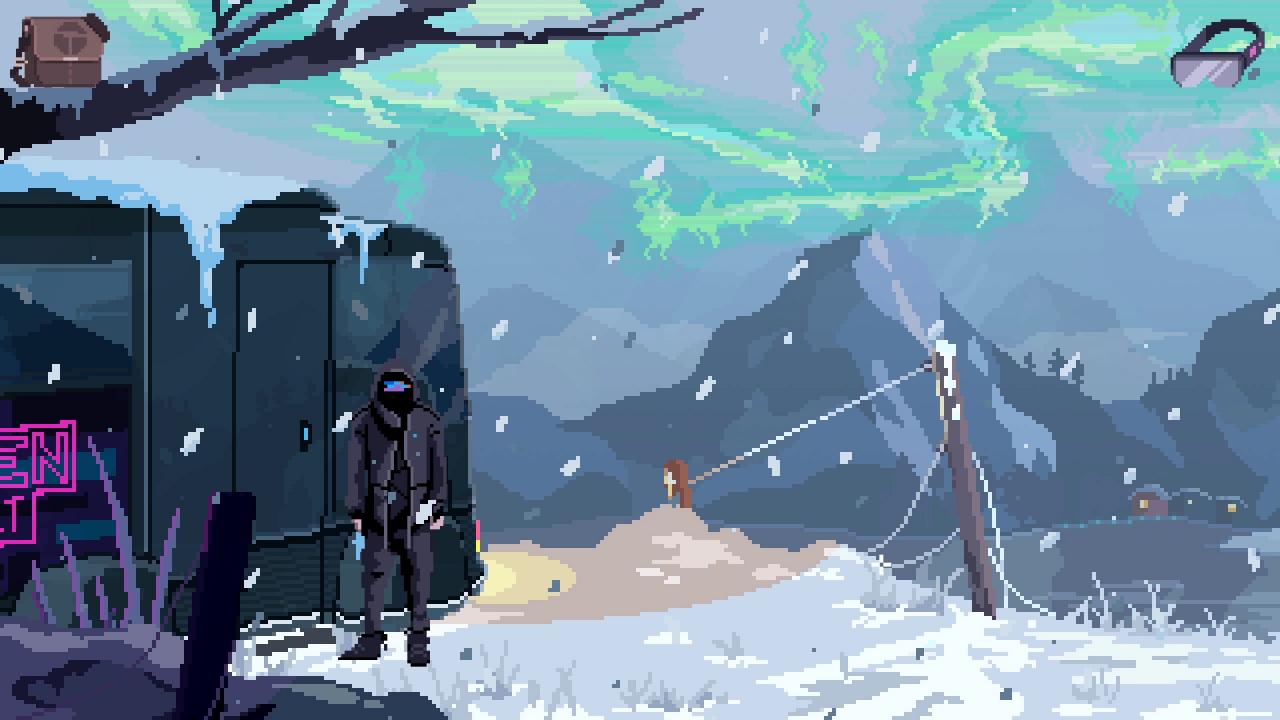
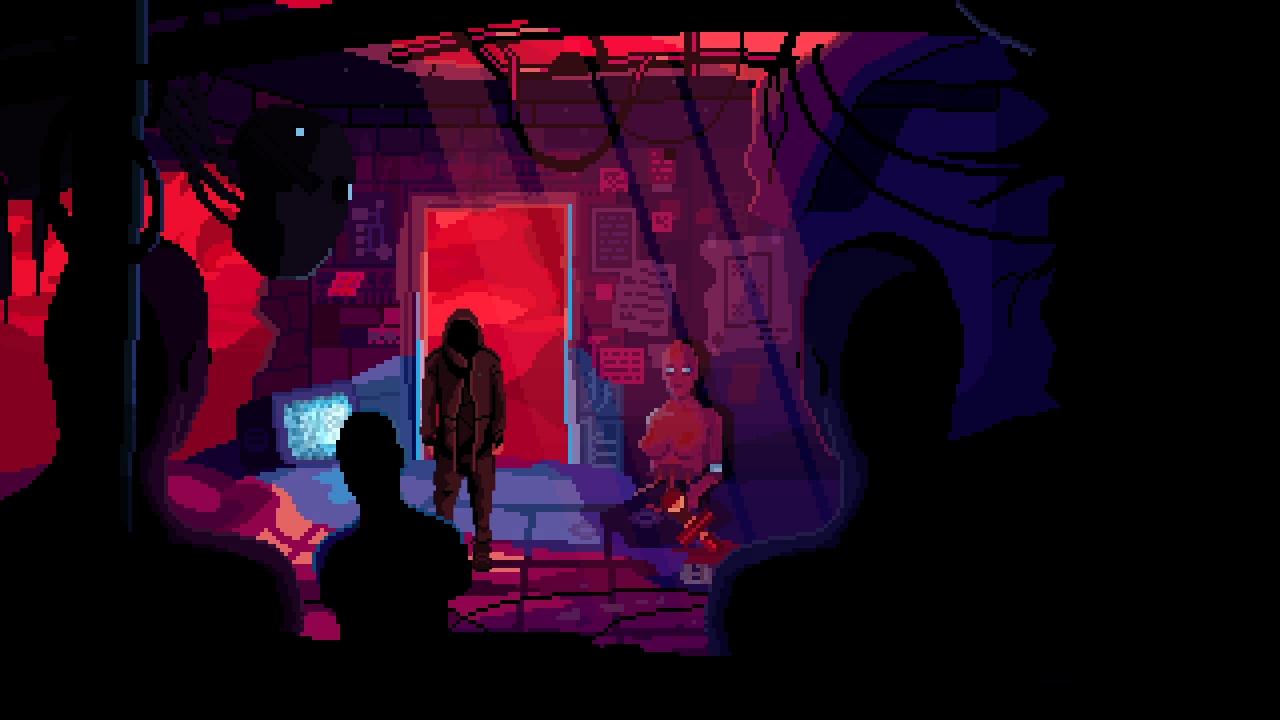
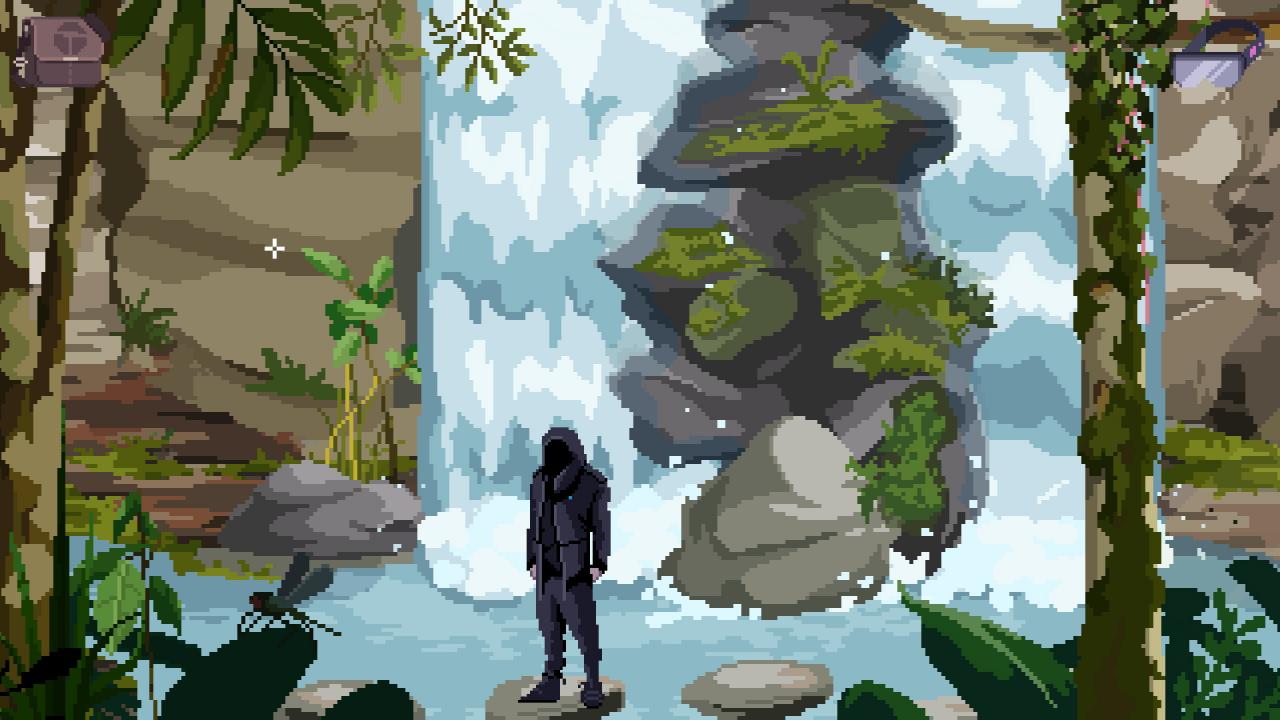
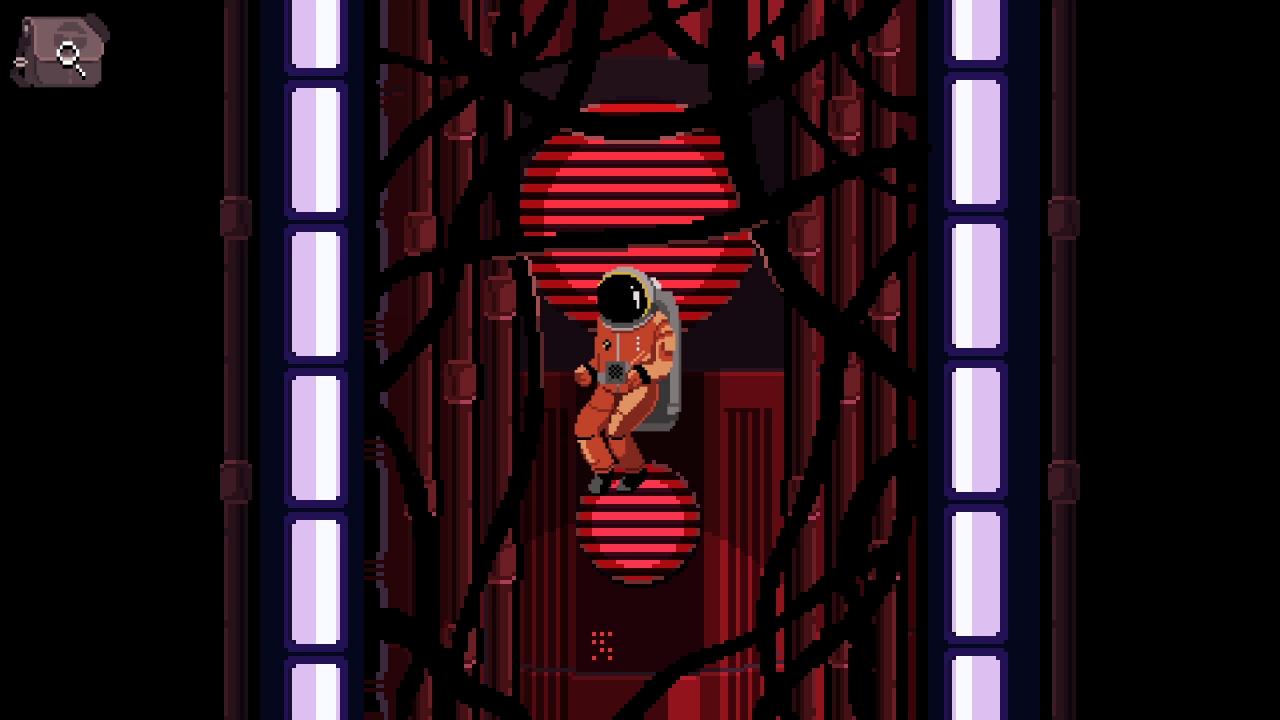
In a future not-so-far-away, one superior intelligence prevails above all other AI. Society is migrating to a permanently-integrated reality connected to a single neural network, continuously optimizing user experience by processing personal data. An outsider, Nathan, makes a living off-the-grid as a smuggler of modded hardware and cracked software. Geared with a custom headset, he is among the few that can switch AVR off and see reality for what it truly is. Nathan shares an apartment with his girlfriend Jay, a talented AVR graffiti artist whose drones bit-spray techno-color all over the city's augmented space. One morning, Nathan wakes to an empty apartment and discovers a cryptic message on the bathroom mirror. Having accidentally broken his headset, Nathan is disconnected but determined to figure out what happened to Jay. He embarks on an unbelievable journey involving hacker groups and guilds of AVR technomancers.Traversing the world, Nathan confronts hardware graveyards, digital archaeology, tribes of cryptoshamans, and virtual reality debauchery.

Go to: http://store.steampowered.com/ and download STEAM client Click "Install Steam" (from the upper right corner) Install and start application, login with your Account name and Password (create one if you don't have). Please follow these instructions to activate a new retail purchase on Steam: Launch Steam and log into your Steam account. Click the Games Menu. Choose Activate a Product on Steam... Follow the onscreen instructions to complete the process. After successful code verification go to the "MY GAMES" tab and start downloading.