
SteamGlobal· Key
Five Keys to Exit
€11.40
+€1.14 cashback eligibility in Relic Coins
Check before you play
- Platform
- Steam
- Region
- Global
- Product type
- Key
- Supplier release date
- 2018-02-01
- Genres
- Indie, Casual
SteamGlobal· Key
€11.40
+€1.14 cashback eligibility in Relic Coins
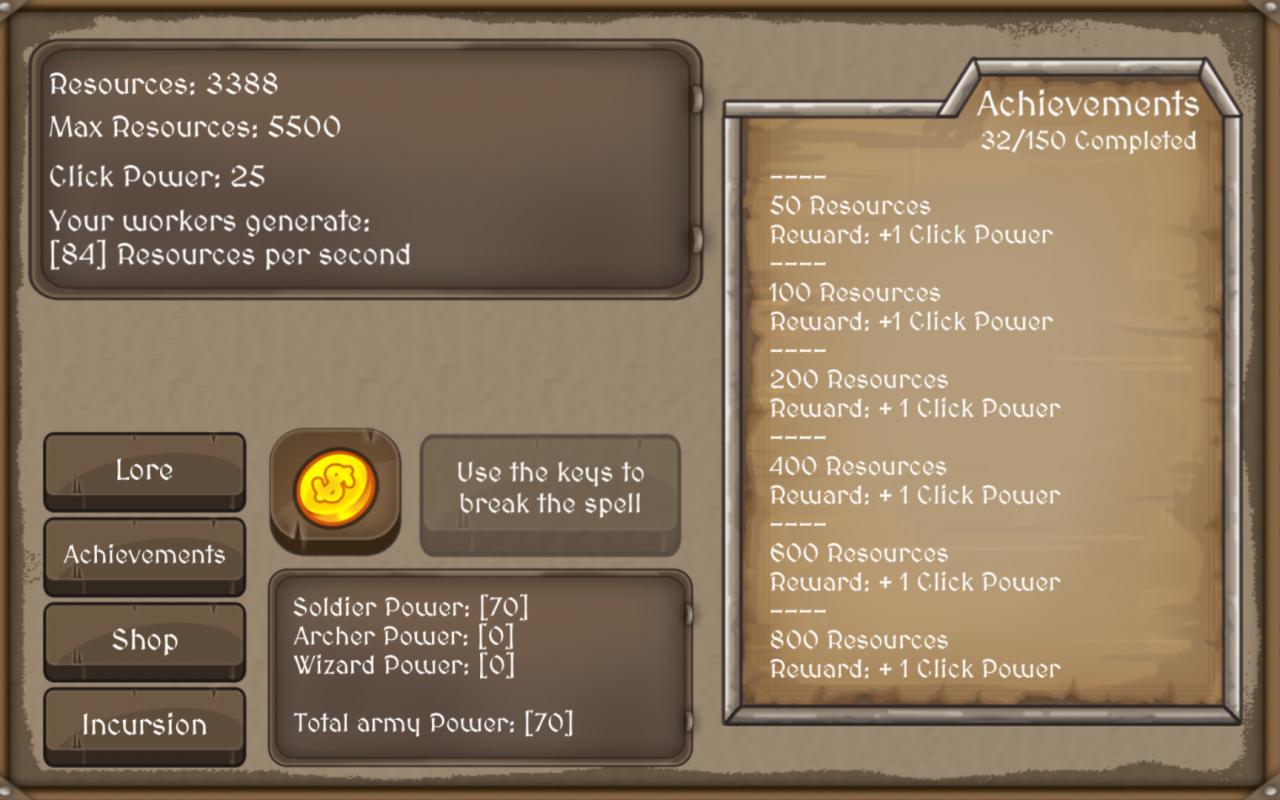
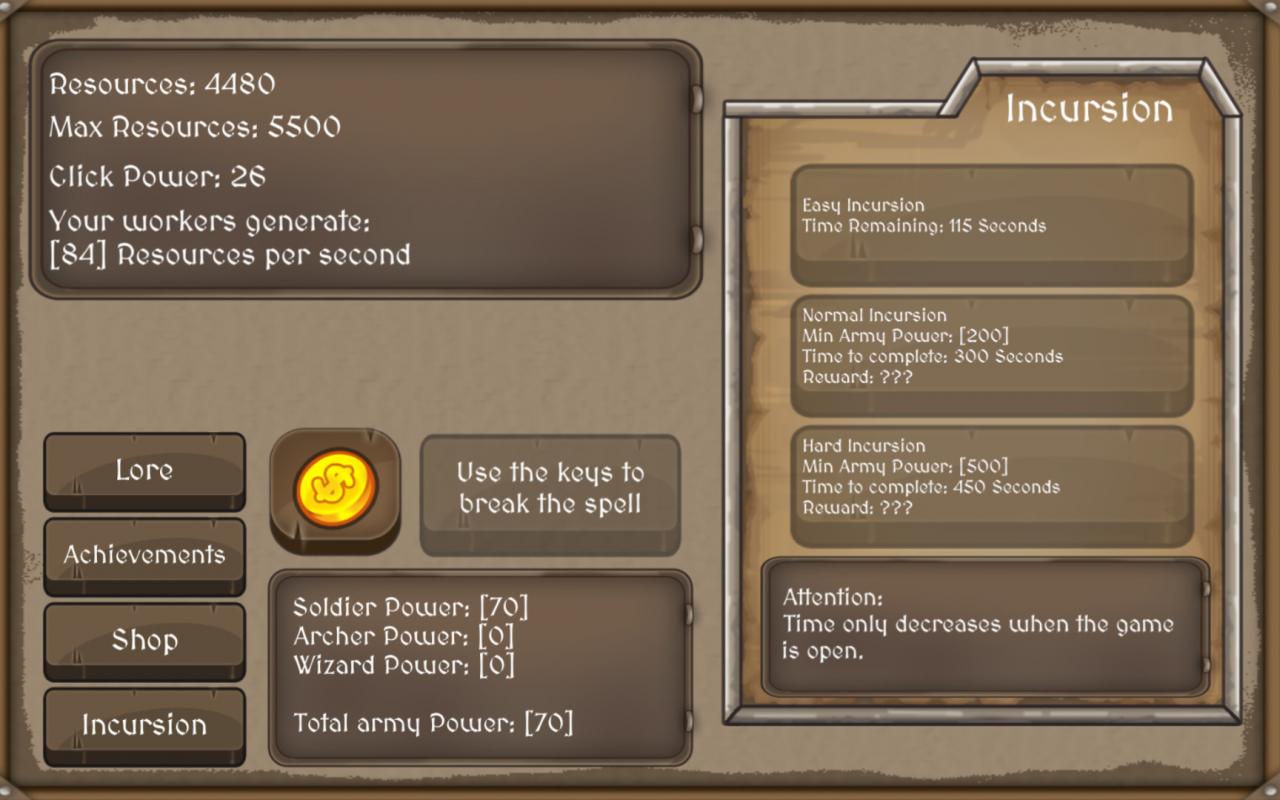
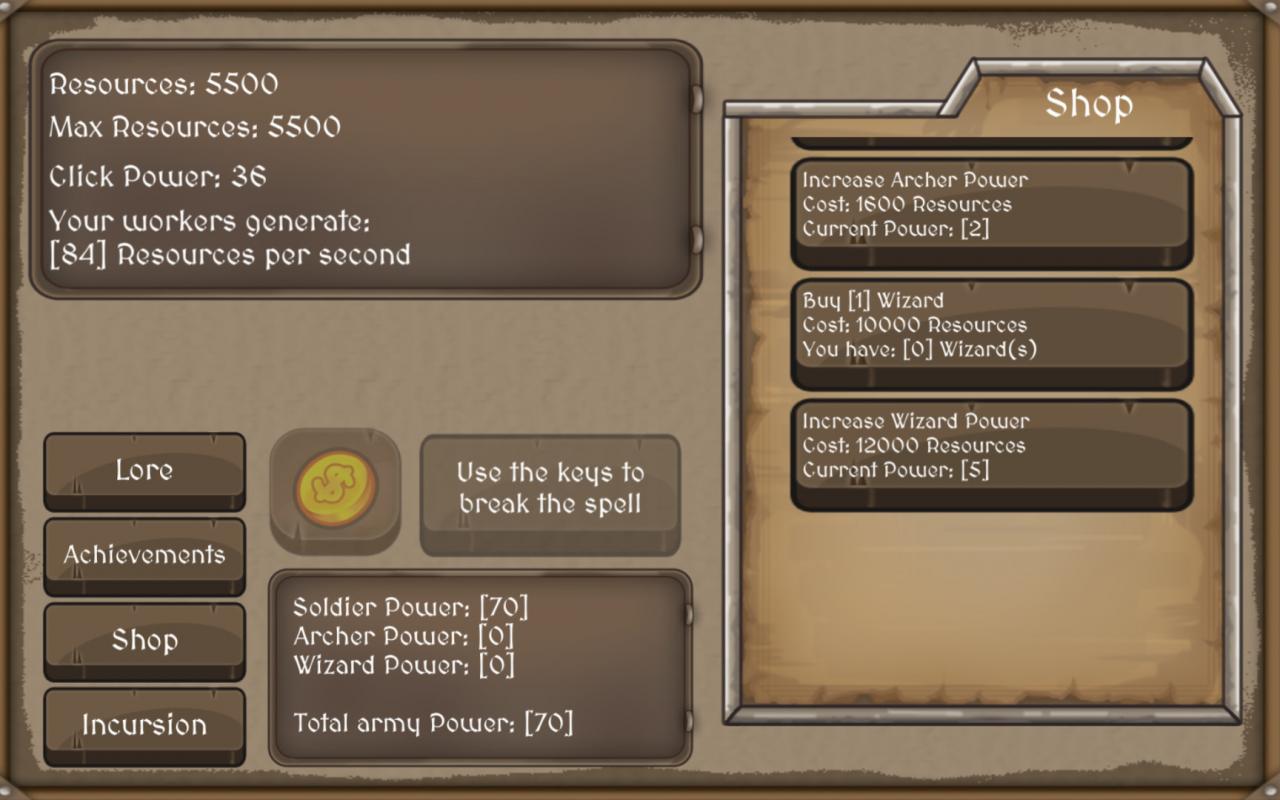
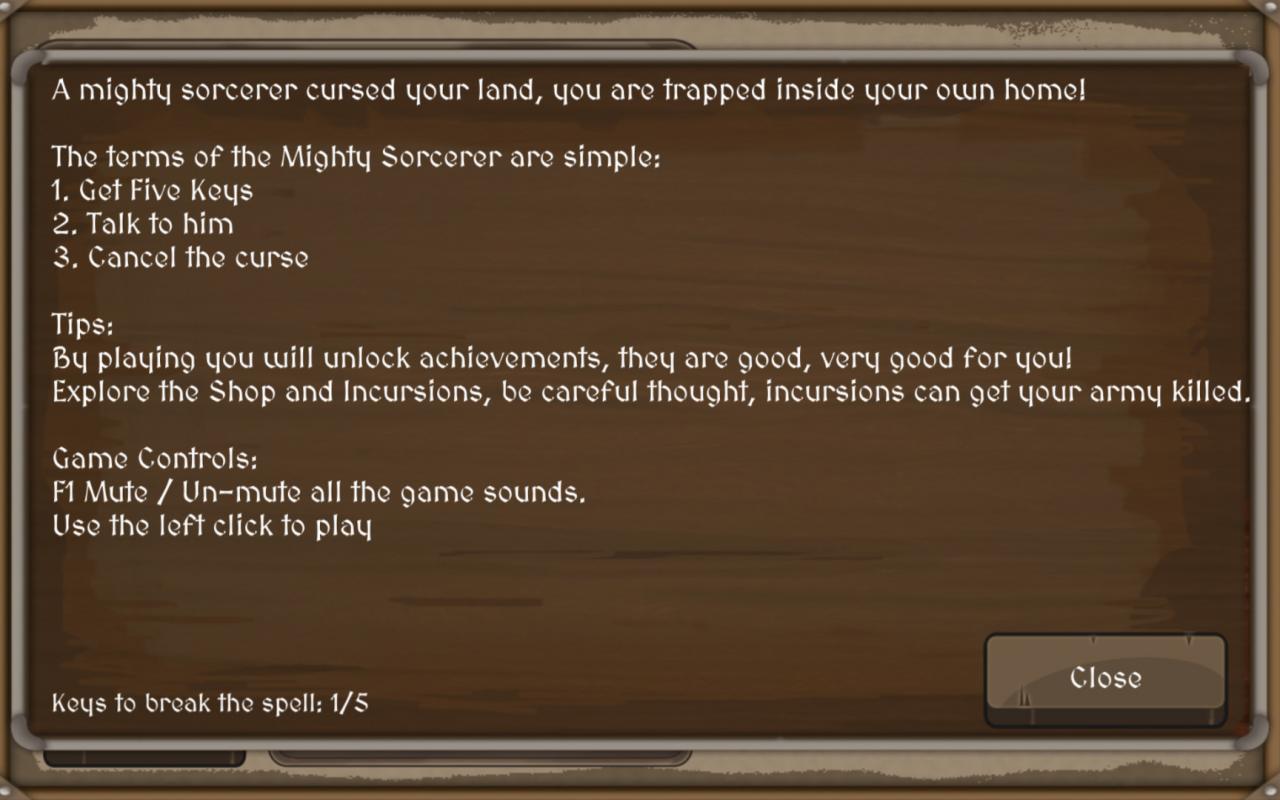
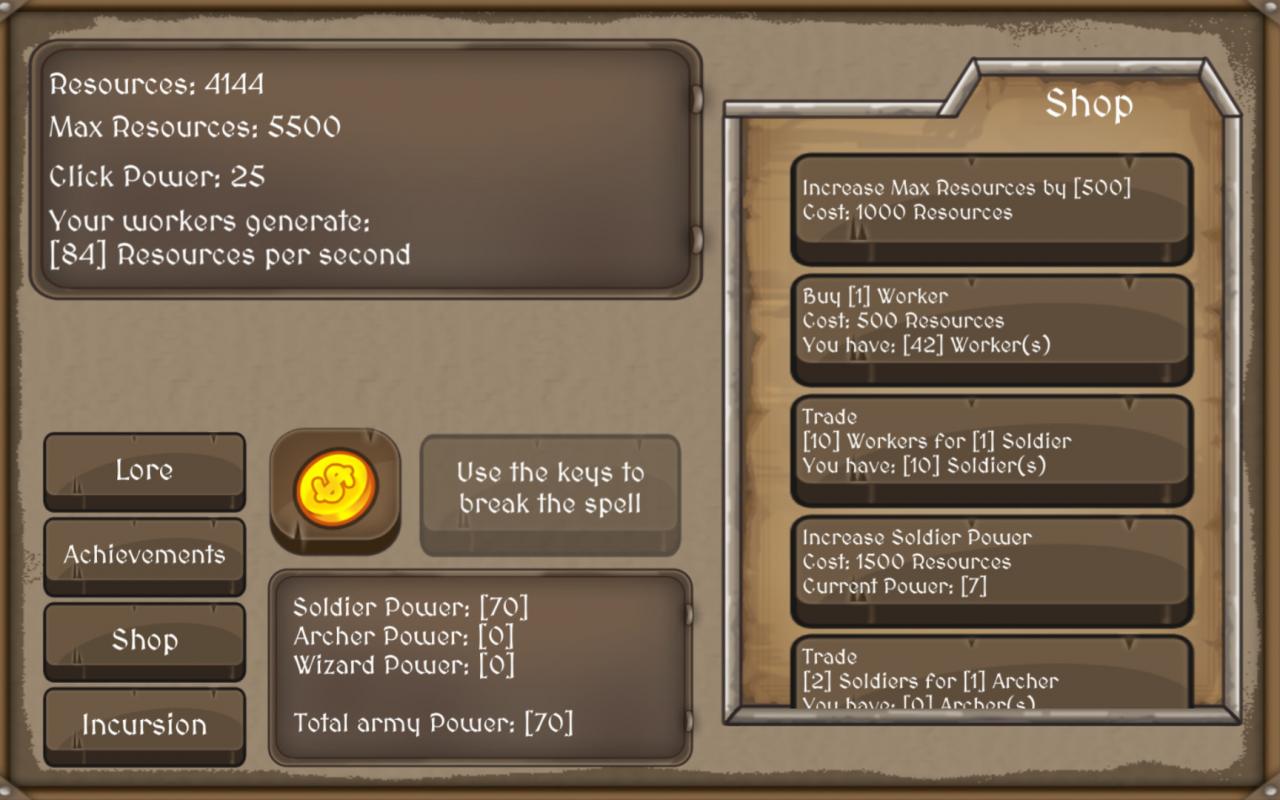
A mighty sorcerer cursed your land, you are trapped inside your own home! The terms of the Mighty Sorcerer are simple: Get Five Keys Talk to him Cancel the curse By playing you will unlock in-game achievements, they are good, very good for you as they give Click Power, Workers, Soldiers, Archers, Wizards.. Features Explore Shop - In the shop you can buy Workers, they generate Resources per second Trade 10 Workers for One Soldier so you can start incursions, trade Soldier for Archer to help your army, buy powerful Wizards and rule all the Incursions. Increase Soldier, Archer, Wizard power by paying a small resource price. With Resources you can spent some to decrease the Incursion time! Incursions - Explore the incursions with your army and get rewards as Resources, Workers, key.. Incursions can get your army killed, but don't worry, it is a good place to explore. The Incursion time only decreases when the game is open. The goal is to complete the achievements, get the keys and talk with the Mighty Sorcerer so you can deliver the keys and he can stop the curse. Game Controls: F1 Mute / Un-mute all the game sounds. Use the left click to play
Go to: http://store.steampowered.com/ and download STEAM client Click "Install Steam" (from the upper right corner) Install and start application, login with your Account name and Password (create one if you don't have). Please follow these instructions to activate a new retail purchase on Steam: Launch Steam and log into your Steam account. Click the Games Menu. Choose Activate a Product on Steam... Follow the onscreen instructions to complete the process. After successful code verification go to the "MY GAMES" tab and start downloading.