Get 10% back in Relic Coins on every order
Absolute Drift Zen Edition cover

SteamGlobal· Key

Absolute Drift Zen Edition

€1.68

+€0.17 cashback eligibility in Relic Coins

Check before you play

Platform
Steam
Region
Global
Product type
Key
Developer
Funselektor Labs
Publisher
Funselektor Labs
Supplier release date
2015-07-29
Genres
Action, Racing, Sport

About this product

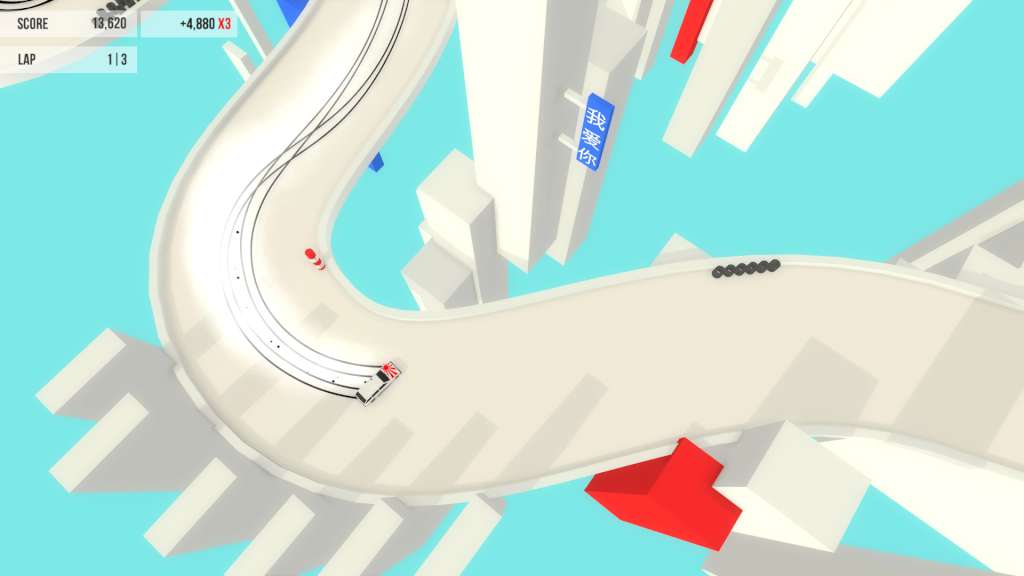
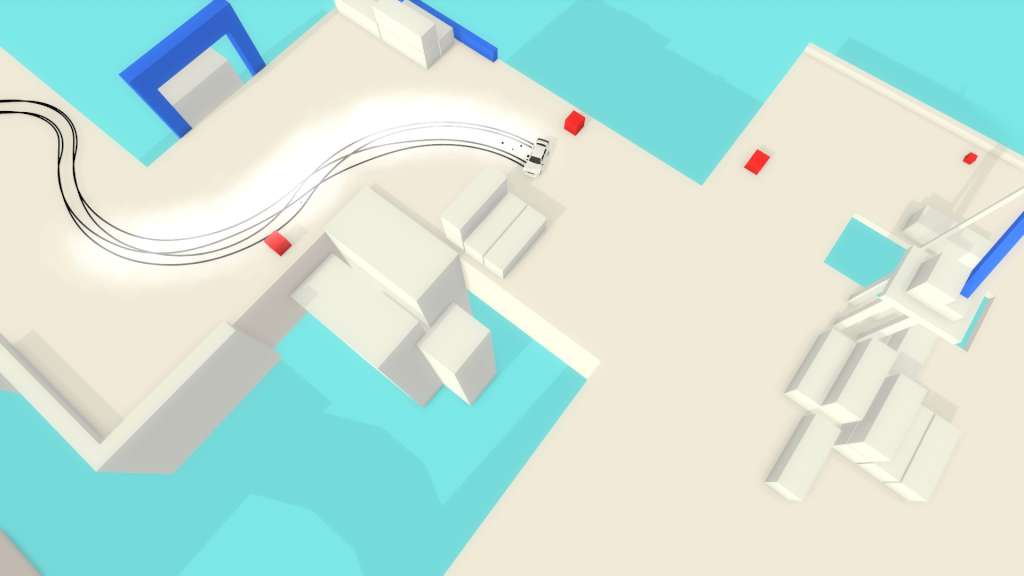
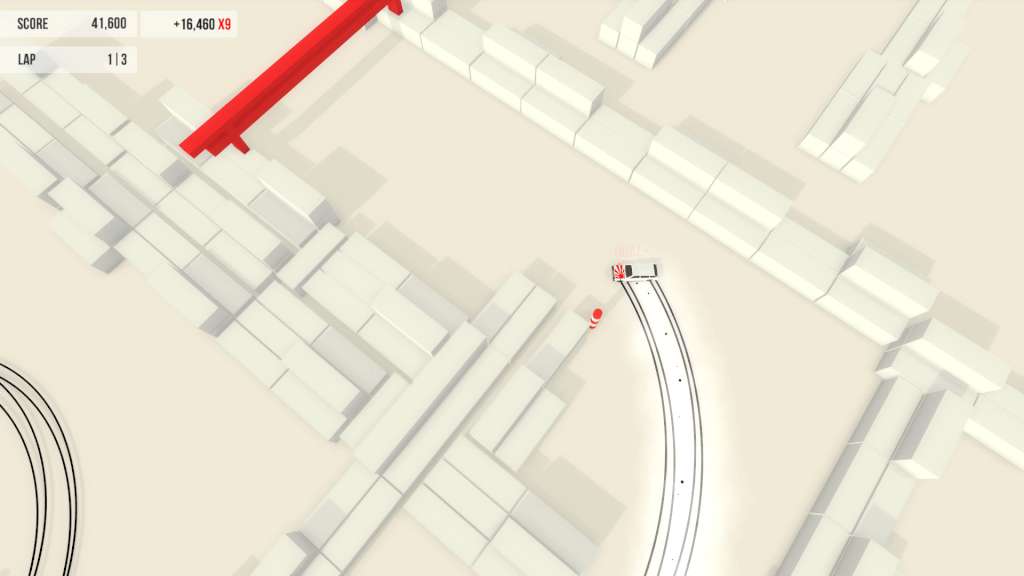
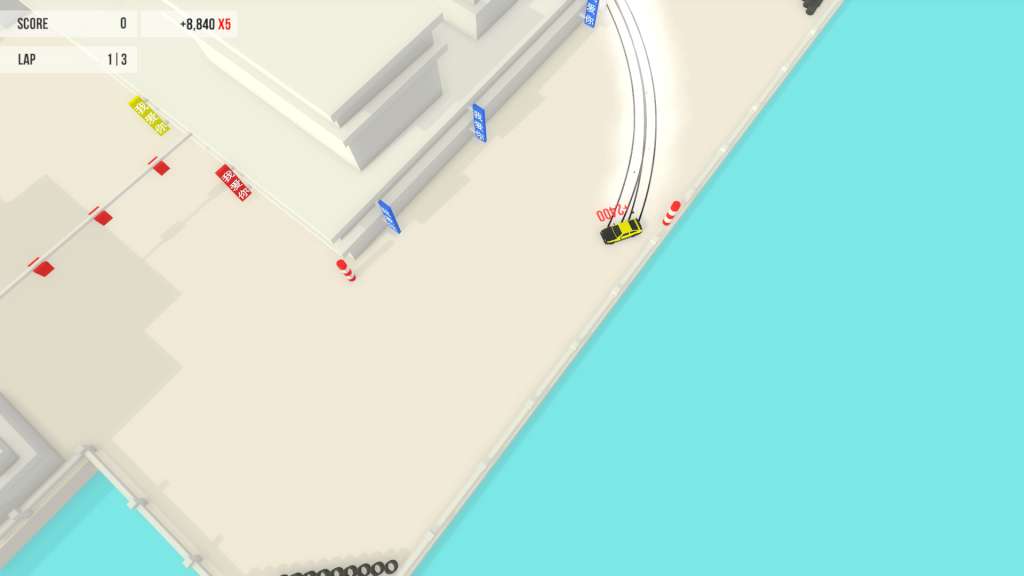
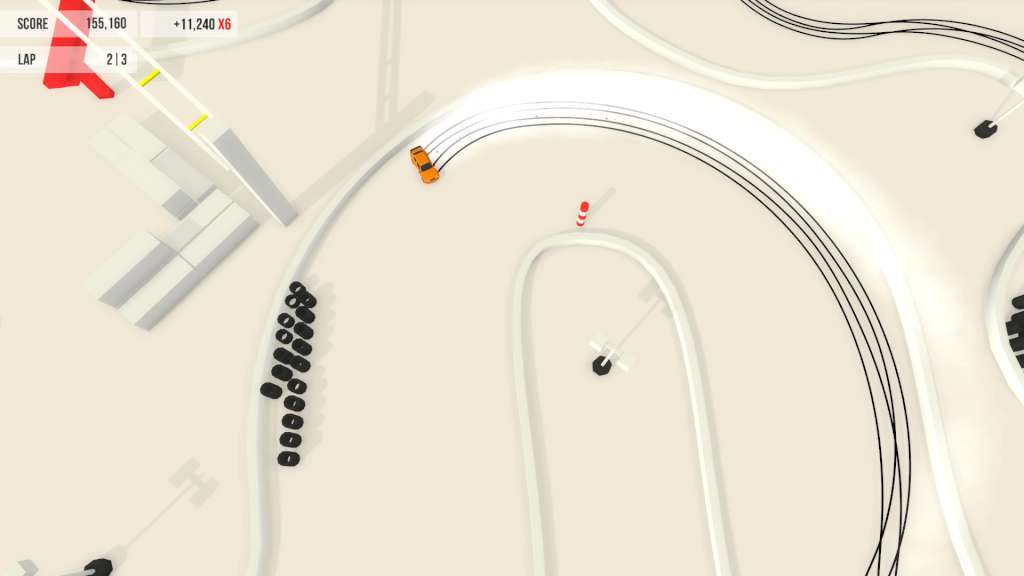
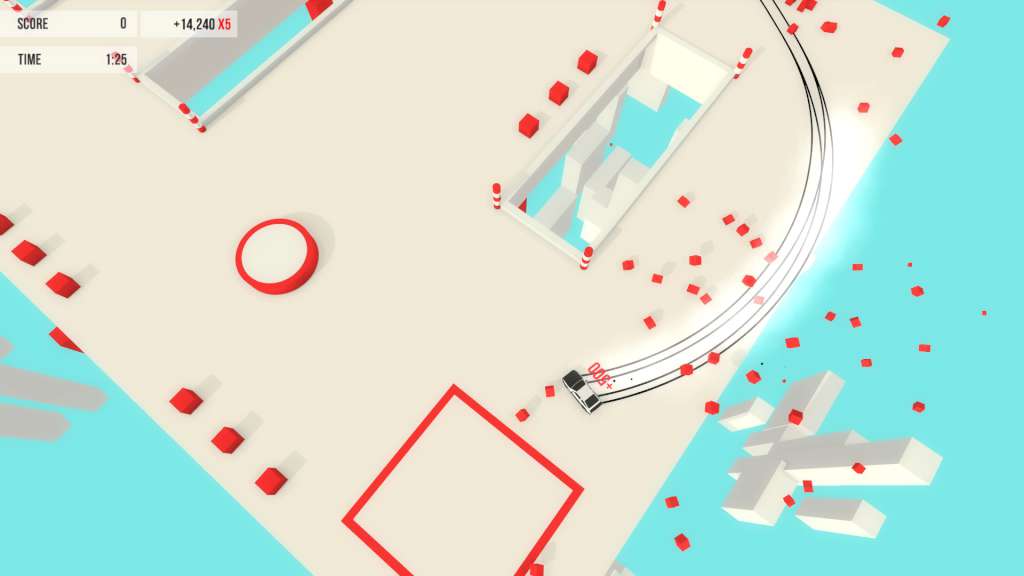
In Absolute Drift, you will master the art of drifting. Practice your skills in Free-Roam and compete in drift events such as Driftkhana and Mountain Drifting. Features Drive and customize up to 6 drift cars 3 Game Modes: Driftkhana, Drifting, & Mountain Drifting with 24+ levels 5 Free-Roaming areas, each with unique levels and themes, from airports and docks to a floating metropolis Online Leaderboards 3+ hours of clean Drum & Bass and Electronic music by C41 and NYTE Full Controller Support Zen Edition features: New “event challenges” that will extend the gameplay in the game’s 34 tracks by challenging players to complete increasingly difficult tasks. Drift Lines: a new challenge in events where you must drift through all the dots. 5 all new “Midnight Events.” These night-themed tracks are designed to challenge even the most experienced players. Replays and ghost cars. View your friends' runs or the best in the world! An all new tutorial and in-game guide to help new players ease into the game’s features and controls. New input system for better controller compatibility.

Absolute Drift Zen Edition screenshotAbsolute Drift Zen Edition screenshotAbsolute Drift Zen Edition screenshotAbsolute Drift Zen Edition screenshotAbsolute Drift Zen Edition screenshotAbsolute Drift Zen Edition screenshot

How to redeem

  1. 1Check your Steam account and the listed region before purchasing.
  2. 2Find your code and supplier activation instructions in your confirmed order.
  3. 3Open the redeem-code section on Steam, enter the code and follow the platform’s prompts.

Supplier instructions

Go to: http://store.steampowered.com/ and download STEAM client Click "Install Steam" (from the upper right corner) Install and start application, login with your Account name and Password (create one if you don't have). Please follow these instructions to activate a new retail purchase on Steam: Launch Steam and log into your Steam account. Click the Games Menu. Choose Activate a Product on Steam... Follow the onscreen instructions to complete the process. After successful code verification go to the "MY GAMES" tab and start downloading.

You might also like