Get 10% back in Relic Coins on every order
Endless Legend - Symbiosis DLC cover

Steam Europe - All Countries· DLC

Endless Legend - Symbiosis DLC

€40.37

+€4.04 cashback eligibility in Relic Coins

Check before you play

Platform
Steam
Region
Europe - All Countries
Product type
DLC

Check the required base game and edition before purchasing this add-on.

Developer
AMPLITUDE Studios
Publisher
SEGA
Supplier release date
2019-01-24
Genres
Strategy, RPG

About this product

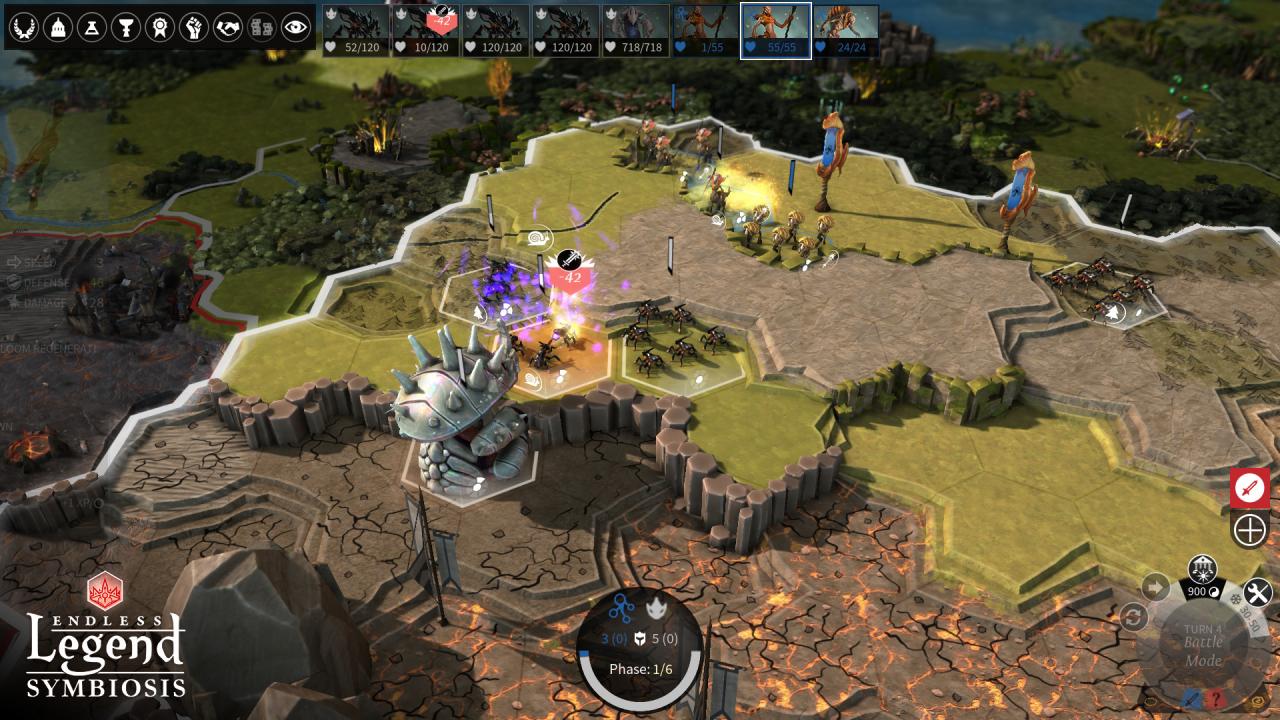
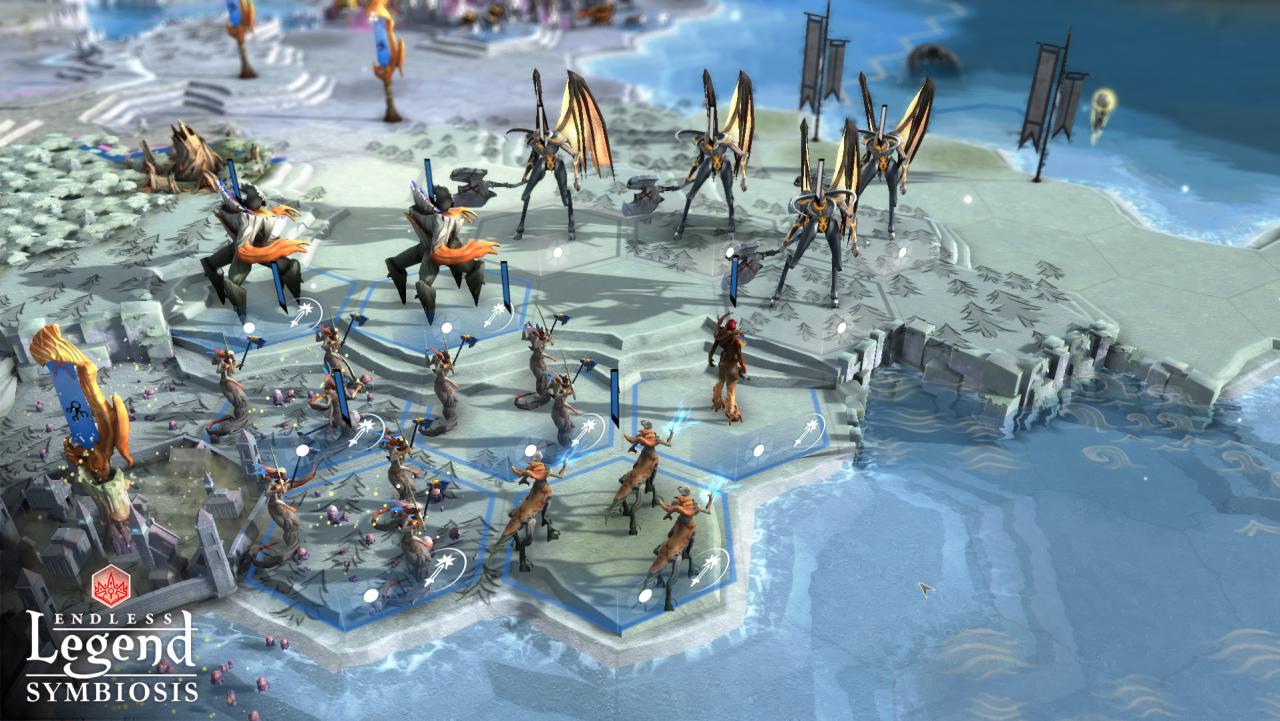
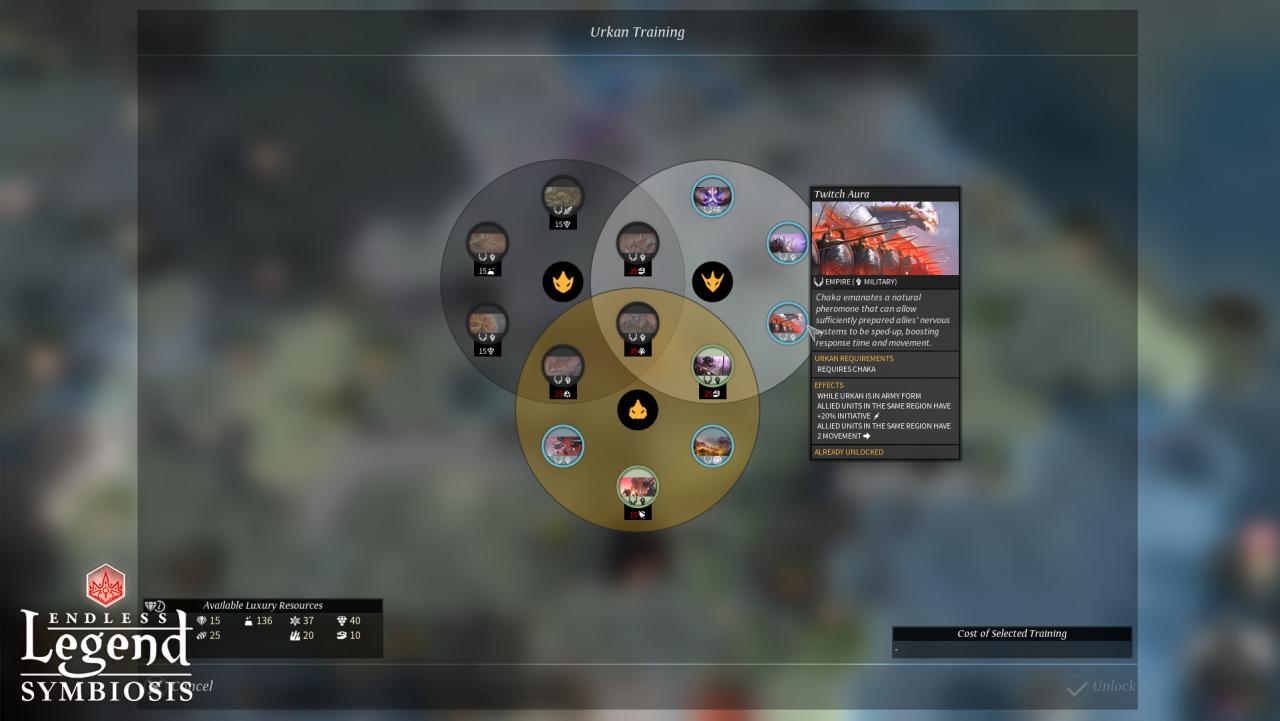
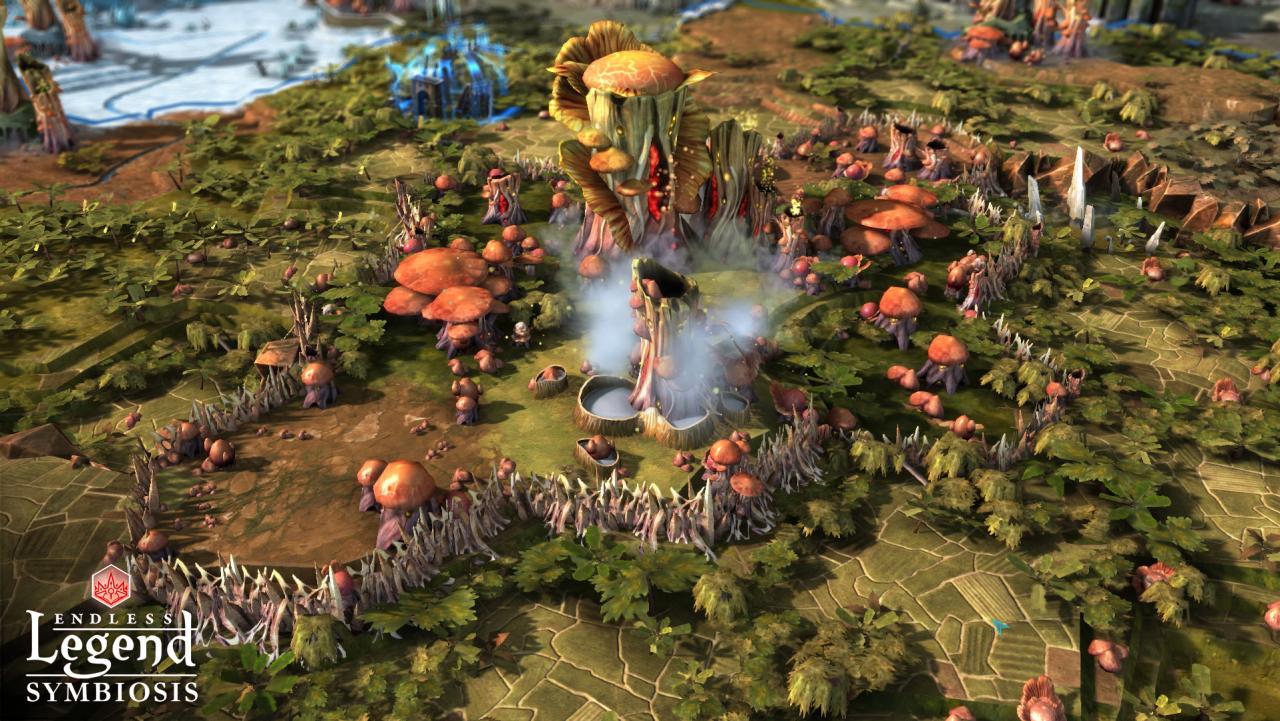
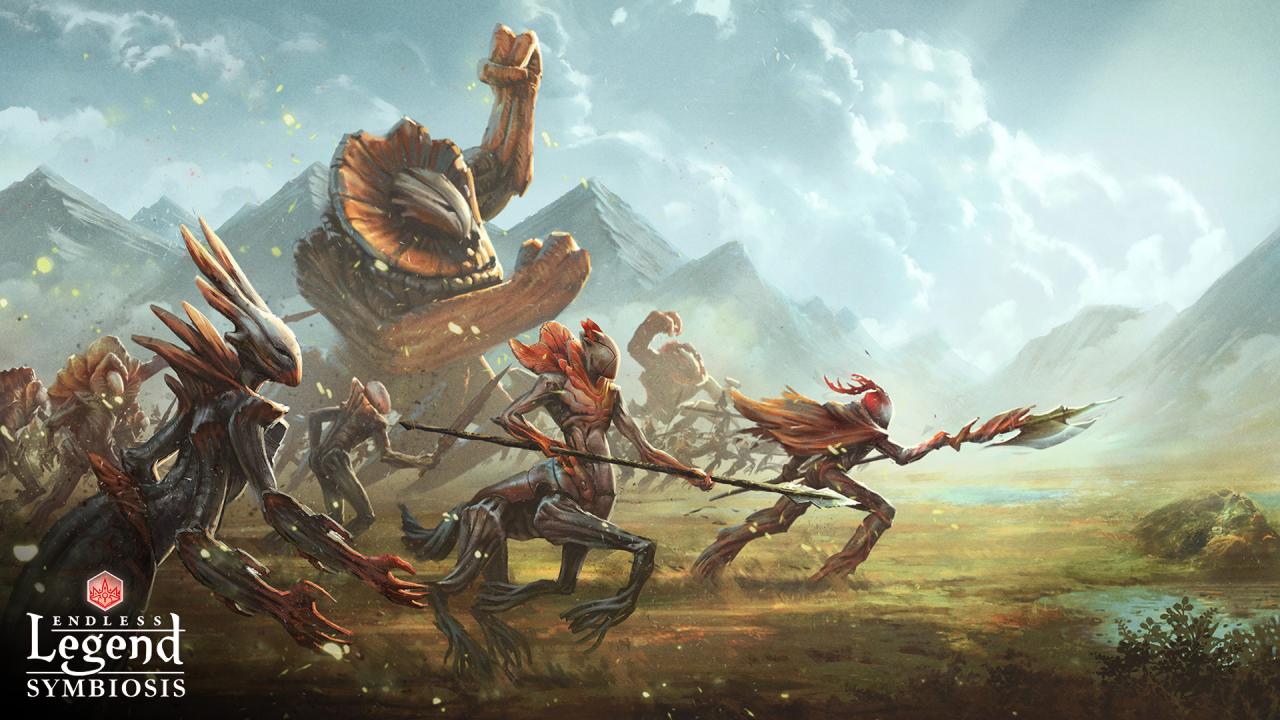
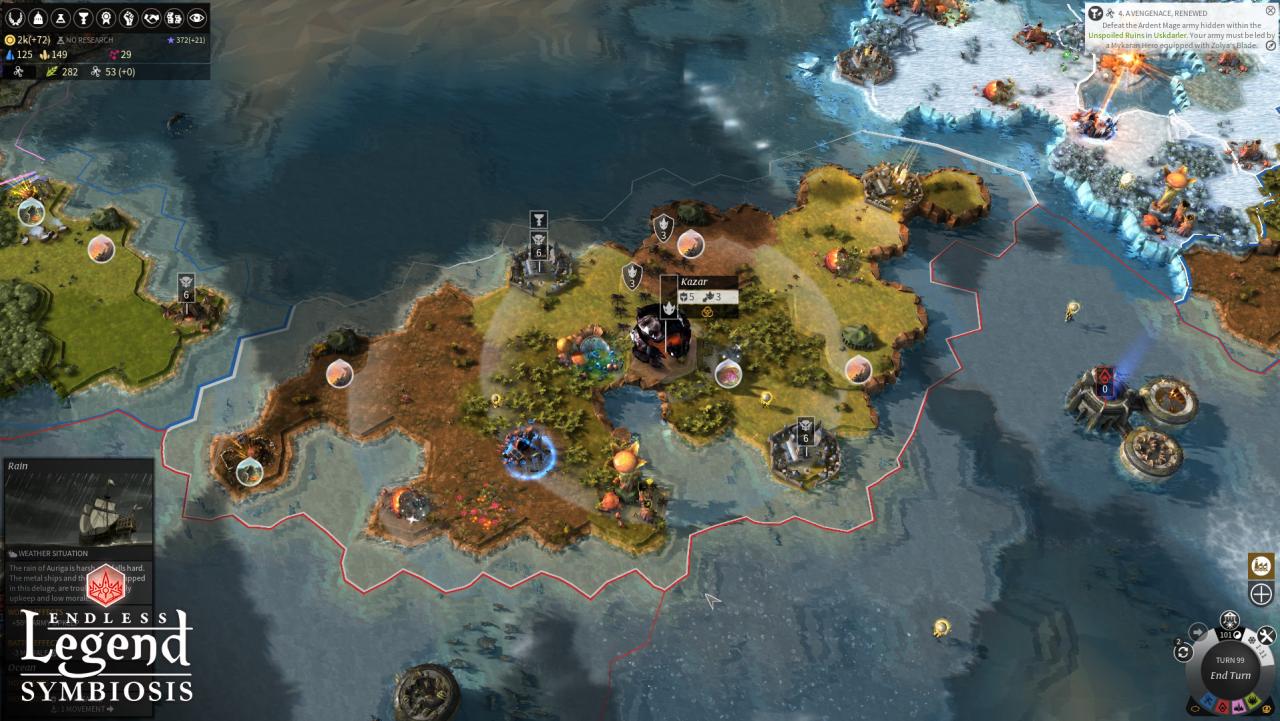
Endless Legend – Symbiosis brings forth new colossal beasts called Urkans as well as a brand-new faction: The Mykara. The MykaraThrough evolution and assimilation, this ancient civilization rose from unicellular beings to full grown warriors. They serve only one purpose, bringing balance back to Auriga. The Mykara originate from a unique stem city and overgrow points of interest to fuel their economy. While they cannot settle new land, they can turn conquered enemy cities into ghost towns from which they get bonus resources. After a few turns, their symbiosis with the conquered town allow them to gain bonus traits… New Gigantic Units: The UrkansUrkans are massive beasts that appear randomly around the map taking control of neutral land. To tame the creature, empires will have to bribe or defeat them in battle alongside their minions. Taming an Urkan unlocks a new set of unique abilities that is suited for both defensive and aggressive playstyles.

Endless Legend - Symbiosis DLC screenshotEndless Legend - Symbiosis DLC screenshotEndless Legend - Symbiosis DLC screenshotEndless Legend - Symbiosis DLC screenshotEndless Legend - Symbiosis DLC screenshotEndless Legend - Symbiosis DLC screenshot

How to redeem

  1. 1Check the required base game, platform and edition before purchasing.
  2. 2Find the code or supplier activation instructions in your confirmed order.
  3. 3Redeem on Steam using the supplied instructions, then install the add-on with the compatible base game.

Supplier instructions

Go to: http://store.steampowered.com/ and download STEAM client Click "Install Steam" (from the upper right corner) Install and start application, login with your Account name and Password (create one if you don't have). Please follow these instructions to activate a new retail purchase on Steam: Launch Steam and log into your Steam account. Click the Games Menu. Choose Activate a Product on Steam... Follow the onscreen instructions to complete the process. After successful code verification go to the "MY GAMES" tab and start downloading.

You might also like