Get 10% back in Relic Coins on every order
Master of Magic EN Language Only cover

SteamGlobal· Key

Master of Magic EN Language Only

€1.39

+€0.14 cashback eligibility in Relic Coins

Check before you play

Platform
Steam
Region
Global
Product type
Key
Developer
MuHa Games
Publisher
Slitherine Ltd.
Supplier release date
1994-01-09
Genres
Strategy, RPG

About this product

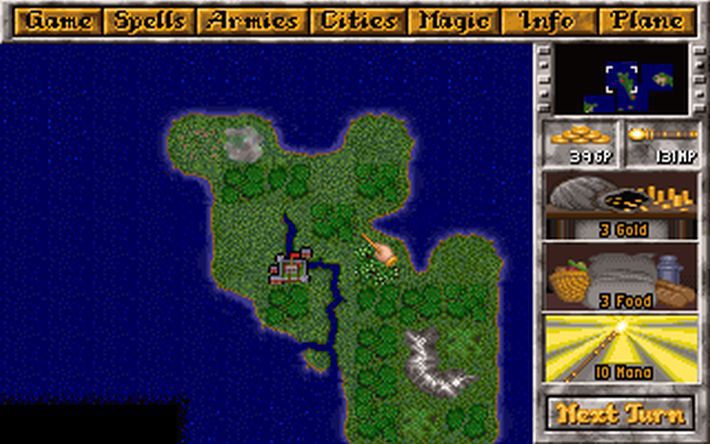
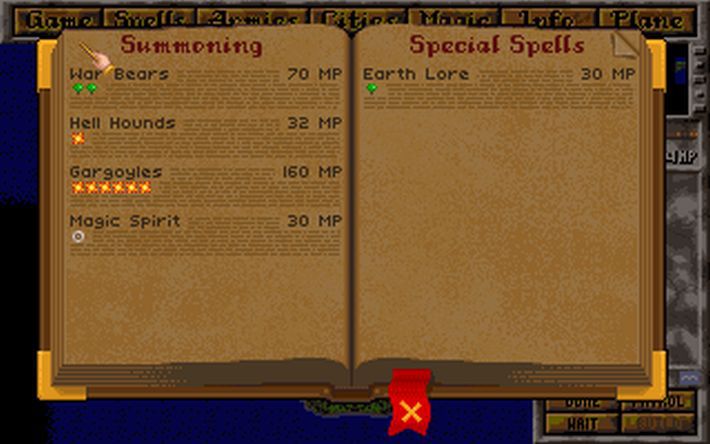
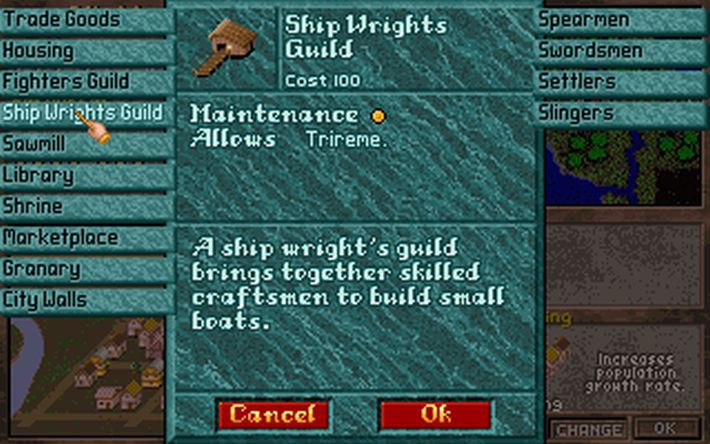
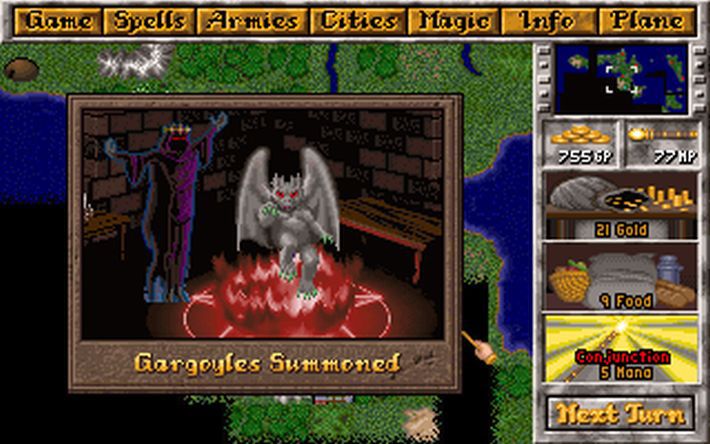
Master of Magic is a classic, one of the most popular strategy games of the 90s. It is a 4X fantasy strategy game that allows you to play as an extremely powerful wizard, leading your troops and overcoming your magical opponents. After over 25 years, the game now receives the first official update with a significantly improved AI and more than 200 spells at your disposal. Dive back into time, relive this epic adventure and conquer Arcanus and Myrror once and for all! Master of Magic is also available with the Community Update, a free optional patch developed by fans for fans and greatly increasing the polish of Master of Magic with countless fixes. Features Combination of strategy and RPG elements Enduring replayability 5 realms of spells and 18 traits to customize your wizard 14 races for you to lead 198 unique types of units 60+ special abilities 200+ spells 250 editable pre-generated magical items Custom item crafting Available to play with the optional Community Update

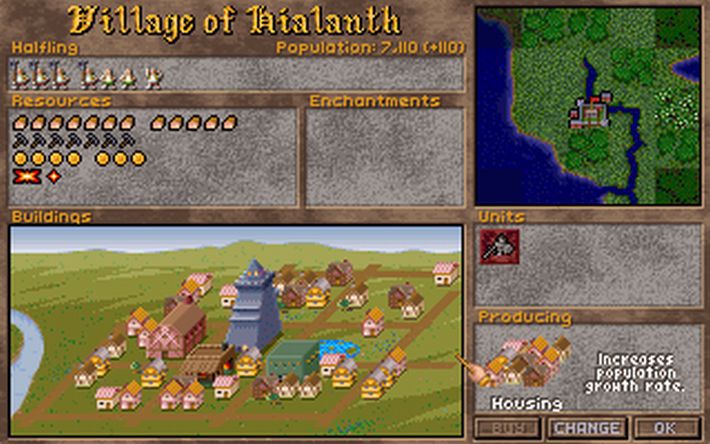
Master of Magic EN Language Only screenshotMaster of Magic EN Language Only screenshotMaster of Magic EN Language Only screenshotMaster of Magic EN Language Only screenshotMaster of Magic EN Language Only screenshotMaster of Magic EN Language Only screenshot

How to redeem

  1. 1Check your Steam account and the listed region before purchasing.
  2. 2Find your code and supplier activation instructions in your confirmed order.
  3. 3Open the redeem-code section on Steam, enter the code and follow the platform’s prompts.

Supplier instructions

Go to: http://store.steampowered.com/ and download STEAM client Click "Install Steam" (from the upper right corner) Install and start application, login with your Account name and Password (create one if you don't have). Please follow these instructions to activate a new retail purchase on Steam: Launch Steam and log into your Steam account. Click the Games Menu. Choose Activate a Product on Steam... Follow the onscreen instructions to complete the process. After successful code verification go to the "MY GAMES" tab and start downloading.

You might also like