

SteamGlobal· Key
Fly'N
€0.66
+€0.07 cashback eligibility in Relic Coins
Check before you play
- Platform
- Steam
- Region
- Global
- Product type
- Key
- Developer
- Ankama
- Publisher
- Ankama Games
- Supplier release date
- 2012-11-09
- Genres
- Indie, Casual
SteamGlobal· Key
€0.66
+€0.07 cashback eligibility in Relic Coins
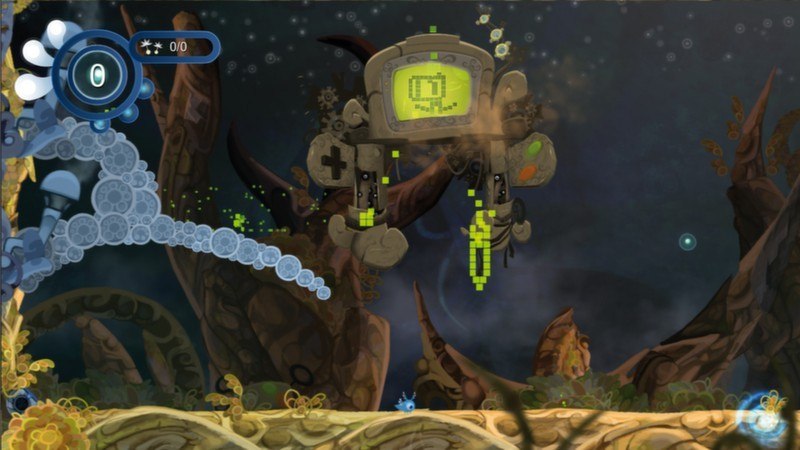
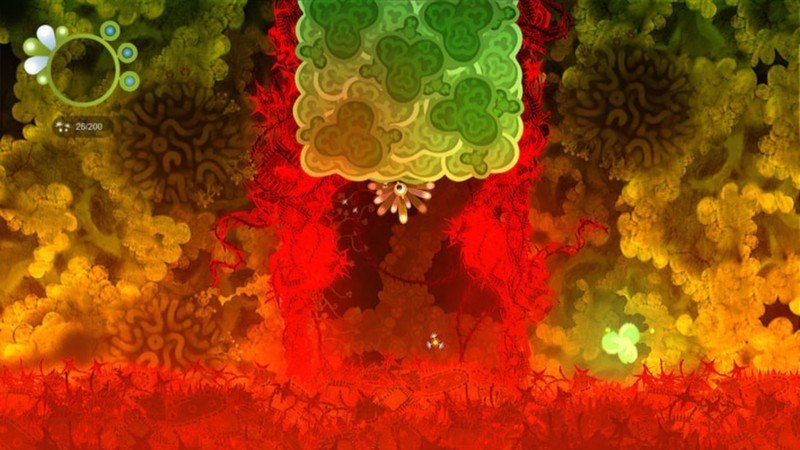
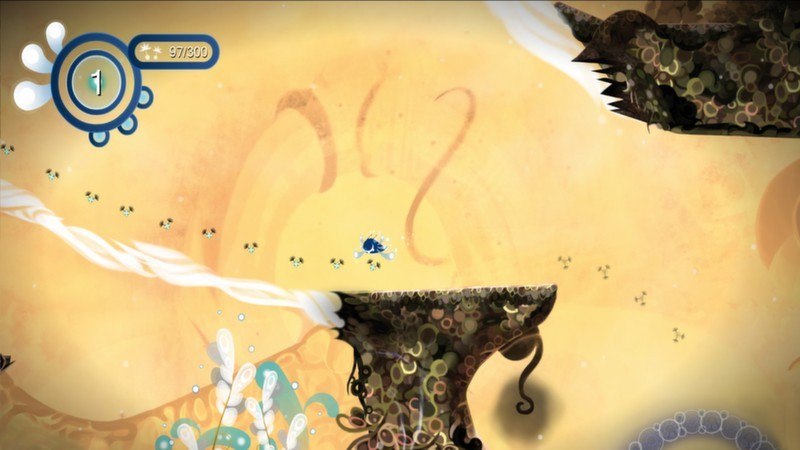
Fly’N is a PC platformer in which players control four original characters with their own complementary abilities. They are the guardians of the World-Trees: the Buds. It’s only by combining and by playing with their powers that the Buds will be able to find the right path when the situation seems impossible… Save the World-Trees from Dyer, the loony hair-dryer who intends to destroy their Helys! It’s up to you to control the four different characters with unique powers, guardians of the World-Trees: the Buds. But watch out – their path will be peppered with pitfalls, each one more hazardous than the rest! When you find yourself in a tricky situation, you’ll have to figure out which combination of actions will save the day… Somewhere between a platformer, a puzzle game and a great big dollop of pure fun, Fly’N is ready to take off! Features Experiment with the four Buds and their individual powers to save the World-Trees Fly'N uses his singing to interact with his environment and keep moving. Lyft can stick to almost any wall. Ywok, once inflated like a balloon, is invincible and bounces everywhere. Nyls propels himself through the air. Switch between Innate and Subtle Visions when to find your way through Redistribute the Helys in order to play with the environment and free the inhabitants of Helicia Challenge your skills through more than forty levels. Reach the top tier of the STEAM leaderboards and compare your scores with your friends and the developers.



Go to: http://store.steampowered.com/ and download STEAM client Click "Install Steam" (from the upper right corner) Install and start application, login with your Account name and Password (create one if you don't have). Please follow these instructions to activate a new retail purchase on Steam: Launch Steam and log into your Steam account. Click the Games Menu. Choose Activate a Product on Steam... Follow the onscreen instructions to complete the process. After successful code verification go to the "MY GAMES" tab and start downloading.