Get 10% back in Relic Coins on every order
Crusader Kings II - Customization Pack DLC cover

SteamGlobal· DLC

Crusader Kings II - Customization Pack DLC

€2.43

+€0.24 cashback eligibility in Relic Coins

Check before you play

Platform
Steam
Region
Global
Product type
DLC

Check the required base game and edition before purchasing this add-on.

Developer
Paradox Development Studio
Publisher
Paradox Interactive
Supplier release date
2012-02-14
Genres
Strategy

About this product

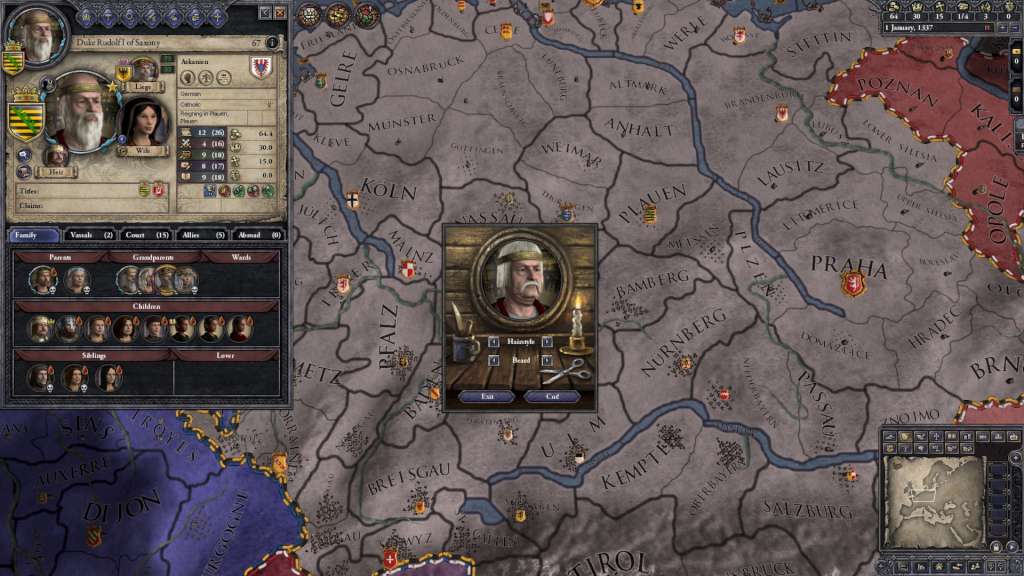
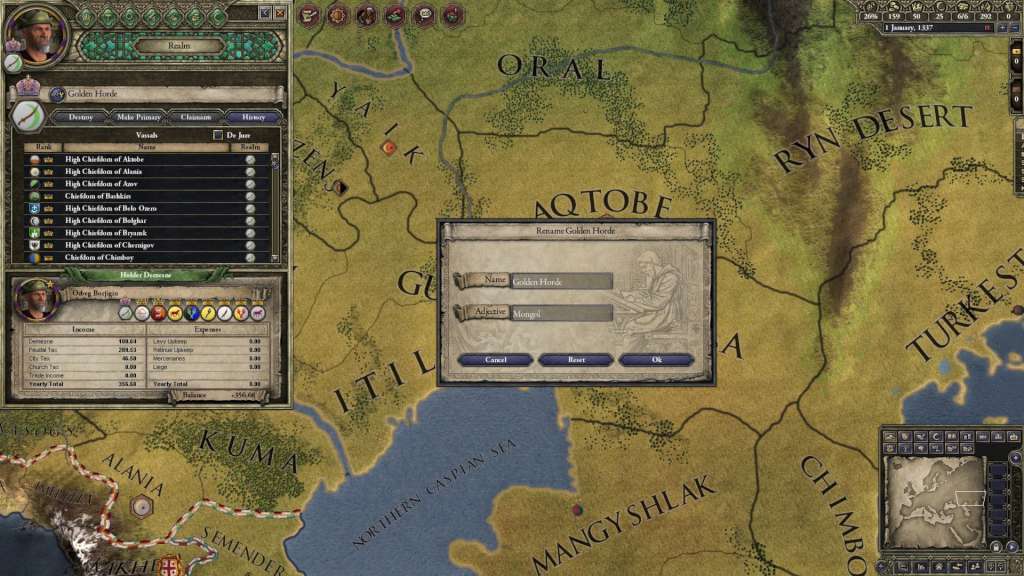
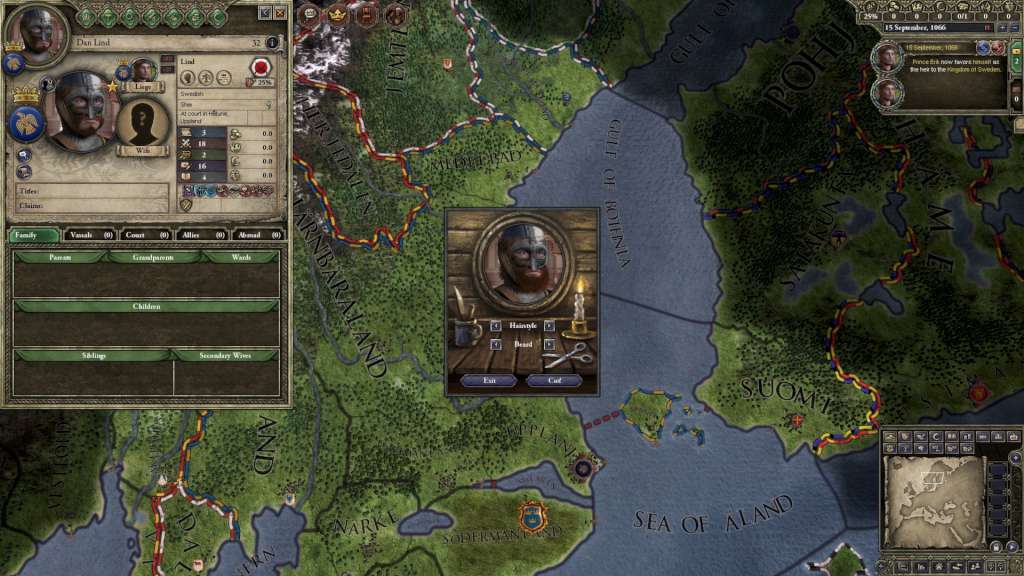
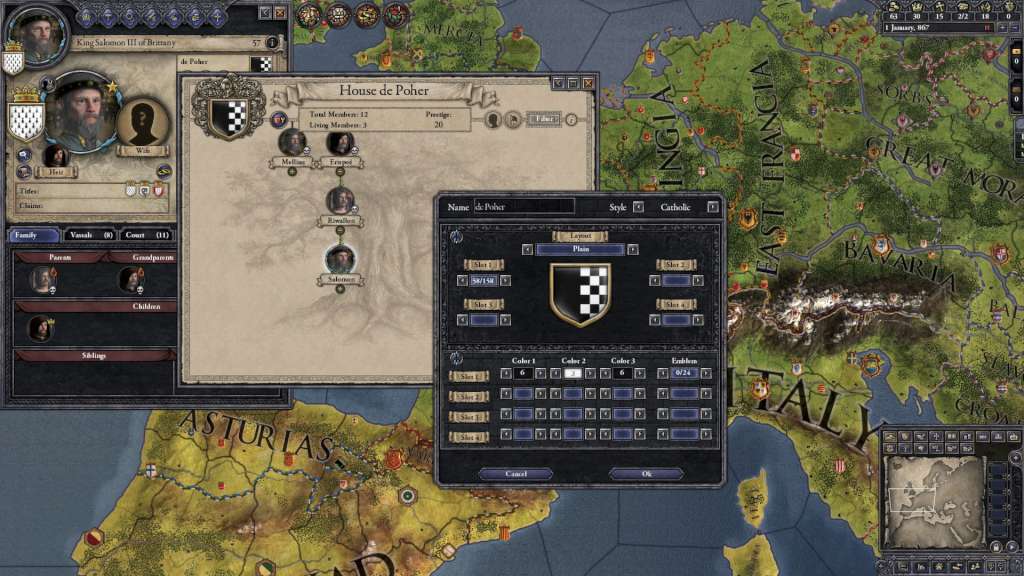
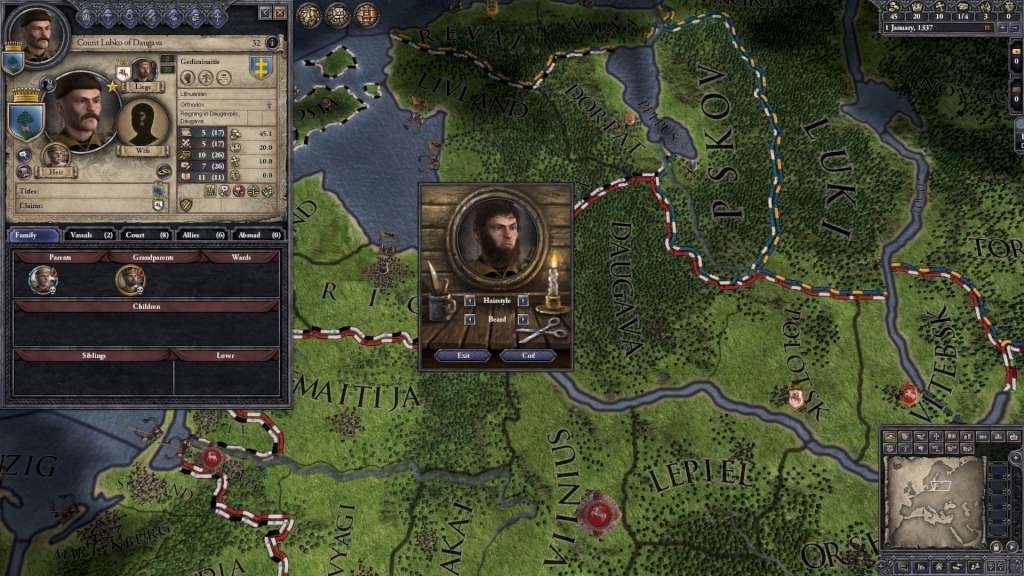
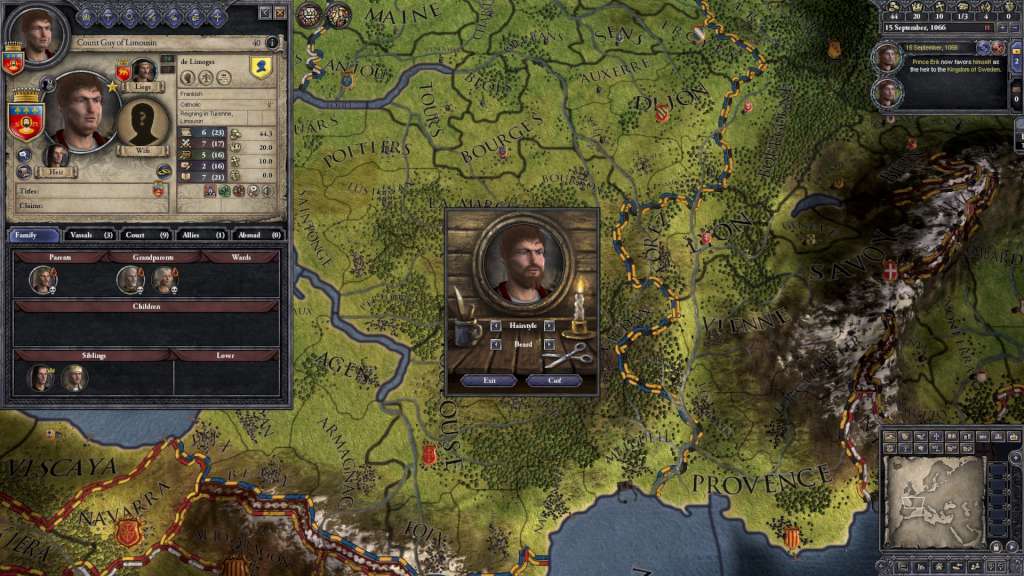
Do you think your character has an ugly beard? Trim it! (And get a haircut while you're at it...) Want to change the name of your kingdom to 'Awesomia'? Do it. Does your faithful vassal have a stupid dynasty name or shield? Customize them! The Customization Pack allows you to alter all of these things in-game. It has no effect on gameplay, but perhaps on your peace of mind.. Features In-game barber shop: customize hair and beard. Rename children born to all your descendants (not just your own children) Name bastard dynasties Rename duchies and above, with adjective form

Crusader Kings II - Customization Pack DLC screenshotCrusader Kings II - Customization Pack DLC screenshotCrusader Kings II - Customization Pack DLC screenshotCrusader Kings II - Customization Pack DLC screenshotCrusader Kings II - Customization Pack DLC screenshotCrusader Kings II - Customization Pack DLC screenshot

How to redeem

  1. 1Check the required base game, platform and edition before purchasing.
  2. 2Find the code or supplier activation instructions in your confirmed order.
  3. 3Redeem on Steam using the supplied instructions, then install the add-on with the compatible base game.

Supplier instructions

Go to: http://store.steampowered.com/ and download STEAM client Click "Install Steam" (from the upper right corner) Install and start application, login with your Account name and Password (create one if you don't have). Please follow these instructions to activate a new retail purchase on Steam: Launch Steam and log into your Steam account. Click the Games Menu. Choose Activate a Product on Steam... Follow the onscreen instructions to complete the process. After successful code verification go to the "MY GAMES" tab and start downloading.

You might also like