Get 10% back in Relic Coins on every order
This War of Mine: Stories - Season Pass cover

Steam Europe - All Countries· Key

This War of Mine: Stories - Season Pass

€1.04

+€0.10 cashback eligibility in Relic Coins

Check before you play

Platform
Steam
Region
Europe - All Countries
Product type
Key
Supplier release date
2016-07-01
Genres
Adventure, Strategy, Simulation, Survival

About this product

Gain access to the full set of three new stories set in the world of ‘This War of Mine’, first of them – ‘Father’s Promise’ - available right away and two more coming later in 2018.This season Pass allows you to save money on content. All the stories can be downloaded in-game when available and require the base This War of Mine game on Steam to be played. First Story: Father's Promise: Father's Promise DLC is an original tale set in the world of This War of Mine. It tells a story of family’s struggle to preserve the last pieces of humanity in times of despair and cruelty. Become Adam - a father trying to save his daughter from the horrors of war and leave the besieged city. Follow their steps and discover a story of love, hate and sacrifice - the emotions we all share in the darkest of days. DLC offers a brand new, distinctive experience with additional game mechanics and several hours of thought-provoking gameplay. It is also the opening of the first season of This War of Mine: Stories. The next episodes will follow in 2018. Features a brand new storyline based on an audio-drama written by the famous Polish author, Łukasz Orbitowski 4 completely new locations 5 reconstructed and remastered locations set of new game mechanics: dialogue and clue searching systems

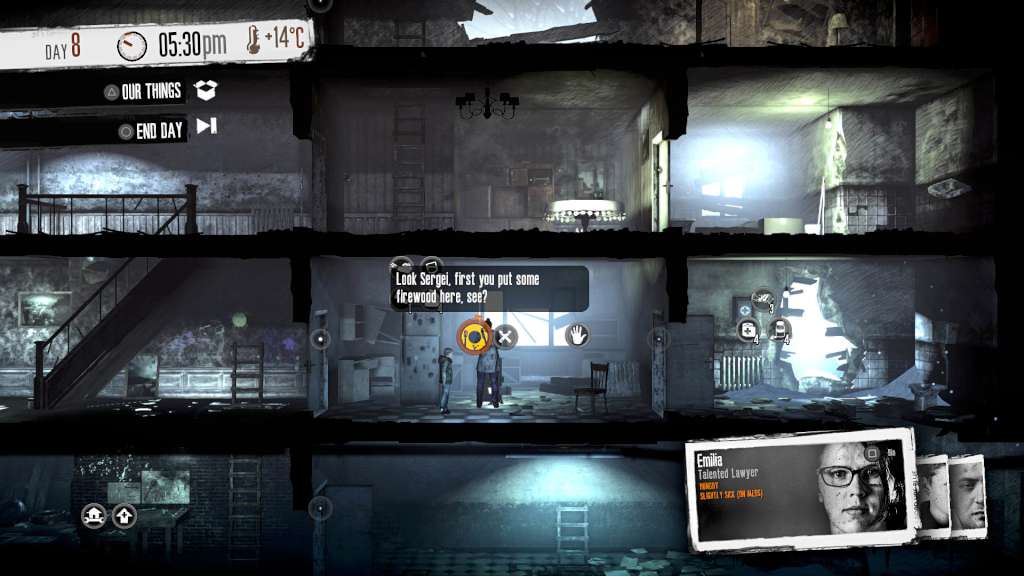
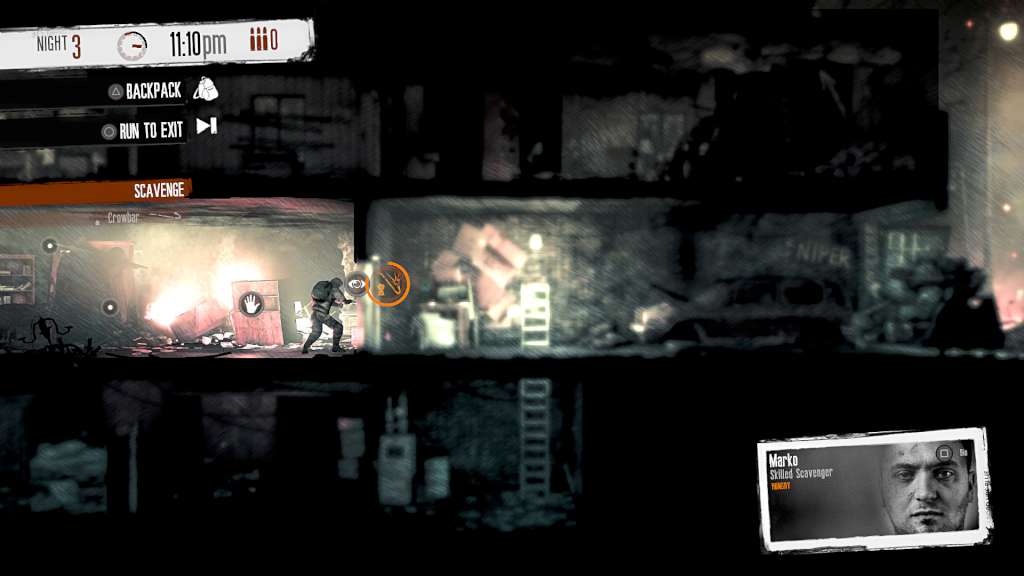
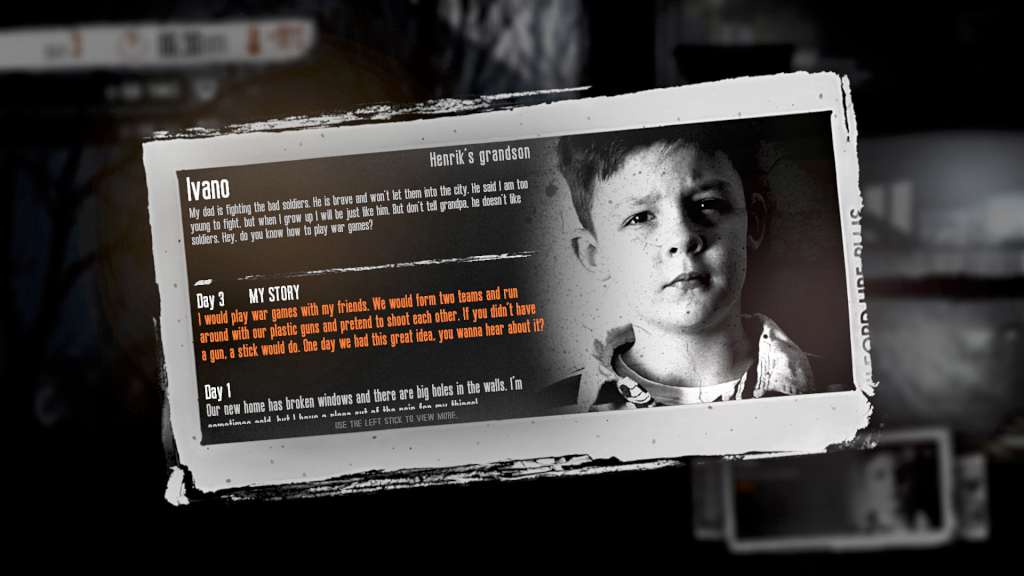
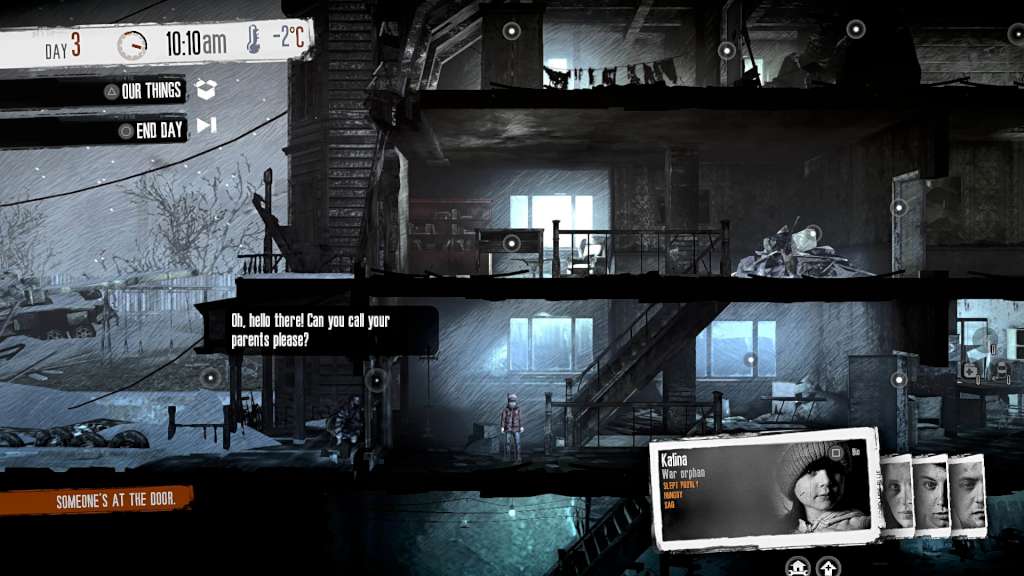
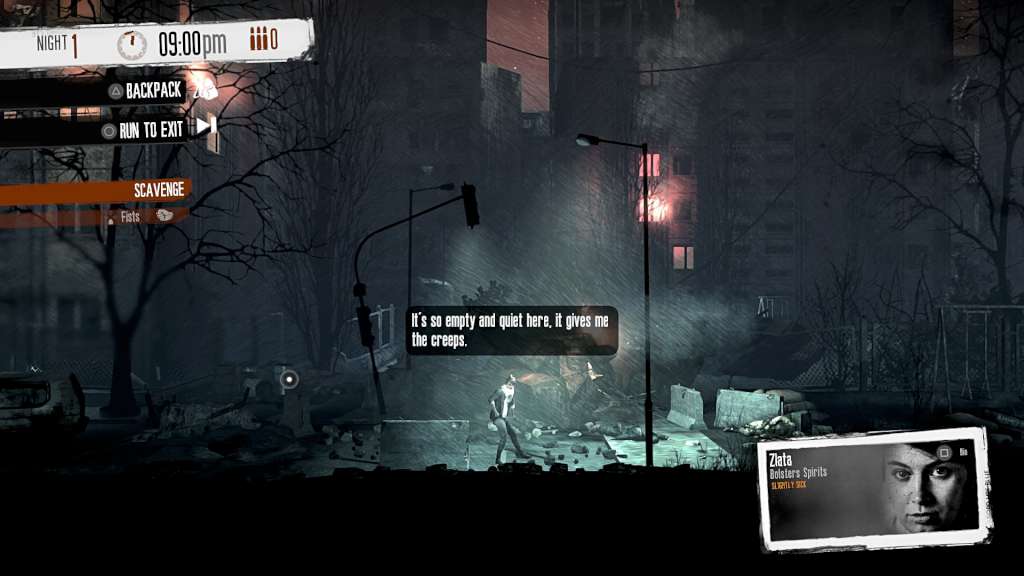
This War of Mine: Stories - Season Pass screenshotThis War of Mine: Stories - Season Pass screenshotThis War of Mine: Stories - Season Pass screenshotThis War of Mine: Stories - Season Pass screenshotThis War of Mine: Stories - Season Pass screenshot

How to redeem

  1. 1Check your Steam account and the listed region before purchasing.
  2. 2Find your code and supplier activation instructions in your confirmed order.
  3. 3Open the redeem-code section on Steam, enter the code and follow the platform’s prompts.

Supplier instructions

Go to: http://store.steampowered.com/ and download STEAM client Click "Install Steam" (from the upper right corner) Install and start application, login with your Account name and Password (create one if you don't have). Please follow these instructions to activate a new retail purchase on Steam: Launch Steam and log into your Steam account. Click the Games Menu. Choose Activate a Product on Steam... Follow the onscreen instructions to complete the process. After successful code verification go to the "MY GAMES" tab and start downloading.

You might also like